
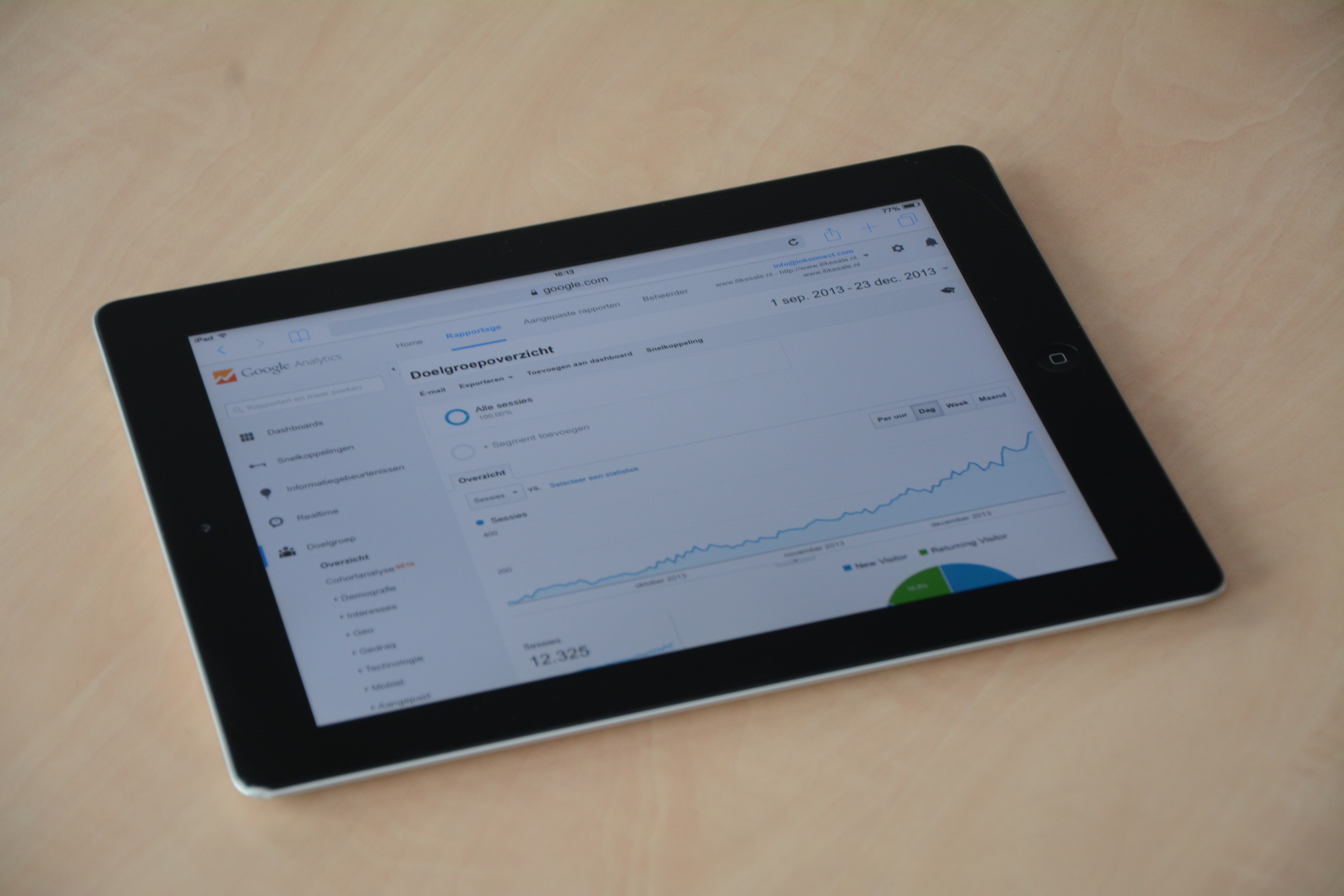
Core Web Vitals and Google Search Console (GSC) remain two of the clearest ways for website owners to understand how search performance and page experience are connected. While neither is a magic ranking switch, both can reveal technical issues, user experience friction and indexing problems that affect organic visibility.
For SEO teams, marketers, developers and site owners, the key message is simple: performance and search data should be reviewed together. When Core Web Vitals, crawl reports and indexing signals are read in isolation, it is easier to miss the wider reasons why pages are not performing as well as expected.
Why Core Web Vitals still matter for search visibility
Core Web Vitals are Google’s user experience metrics for loading, interactivity and visual stability. In practical terms, they help show whether a page feels fast, responsive and stable enough for real users. That matters because search engines are increasingly focused on whether content delivers a useful experience, not just whether it contains the right keywords.
For website owners, the most important point is not chasing perfect scores. It is identifying pages that are slow, jump around during load or react too slowly when someone tries to interact. These issues can make visitors abandon pages more quickly, reduce engagement and weaken the value of otherwise strong content.
Core Web Vitals are especially relevant for ecommerce pages, WordPress sites with heavy themes or plugins, and large content sites with image-heavy layouts. Even small delays can affect how users move through a site, especially on mobile devices.
What Google Search Console can show you
GSC is one of the most useful tools for connecting technical SEO with search performance. It does not tell you everything, but it does give site owners a reliable view of how Google sees the site. The Core Web Vitals report, indexing reports and page experience signals can all point towards issues that need attention.
Search Console is also valuable because it separates assumptions from evidence. If traffic drops, rankings soften or indexed pages change, GSC can help you check whether the cause is crawlability, indexing, mobile usability, structured data issues or page-level performance.
If you want to make GSC part of a wider SEO workflow, it helps to compare its data with server logs, analytics and a technical crawl. Tools such as Google Search Console are most useful when used alongside hands-on site checks rather than on their own.
What website owners should look for in the data
The most useful Core Web Vitals and GSC reviews usually begin with a few simple questions: which templates are underperforming, which device types are affected, and whether the same issues appear across many URLs. This is more helpful than checking one homepage score and assuming the whole site is fine.
Look closely at pages that drive revenue, leads or organic traffic. If those pages are slow or unstable, the issue may have a larger business impact than a sitewide average suggests. For publishers, it is also worth checking article templates, since ad scripts, embeds and third-party widgets often create avoidable delays.
In GSC, watch for:
- Pages flagged as poor or needing improvement in Core Web Vitals reports.
- Sudden changes in indexed page counts.
- Pages discovered but not indexed.
- Mobile usability or usability-adjacent issues on template-heavy sites.
- Structured data warnings that may affect search appearance.
The SEO impact of performance, indexing and content quality
Core Web Vitals should not be treated as a separate technical checkbox. They sit alongside content quality, crawlability and page structure. If a page loads slowly but also has thin copy, weak internal linking or unclear intent, the combined SEO impact is usually greater than any one issue on its own.
This is why many SEO audits now combine performance checks with content reviews. A page may need better image compression, cleaner scripts, stronger heading structure and more relevant information all at once. For local SEO and service businesses, that might mean faster location pages with clear calls to action. For ecommerce, it may mean optimising product templates, filters and checkout-adjacent pages.
Technical SEO teams also need to remember that Google’s rendering and crawling processes are influenced by site quality and efficiency. If pages are expensive to render, or if important content is hidden behind client-side scripts, indexing can become less reliable. A broader technical review, such as a free website SEO audit, can help identify these patterns before they become persistent visibility issues.
AI search, content systems and the experience factor
AI-assisted search experiences have increased the pressure on websites to be clearer, faster and more genuinely useful. Whether a page appears in classic blue links, featured snippets or AI-generated summaries, search engines still need strong signals that the page is trustworthy, understandable and technically accessible.
That makes page experience more important, not less. If content is well written but buried in slow scripts, intrusive pop-ups or confusing layouts, it may underperform in both traditional search and newer search surfaces. Content SEO now depends more heavily on supporting signals such as structured headings, concise answers, accessible pages and stable templates.
Website owners should also think about how their content systems scale. Template bloat, repeated scripts and unnecessary plugins can slow down WordPress sites and make every new page harder to maintain. Clean architecture helps both users and search engines.
Practical next steps for site owners and marketers
Start with the pages that matter most. Review GSC performance alongside Core Web Vitals for top landing pages, product pages, service pages and key articles. If a page has strong content but poor technical signals, it is often the easiest place to make meaningful improvements.
Focus on the basics before chasing advanced fixes. Compress large images, reduce unnecessary JavaScript, remove redundant plugins, improve caching and check whether mobile layouts are stable. For content-heavy sites, review advertising placements, embedded video and third-party elements that may slow rendering.
It also helps to prioritise by template, not just by URL. If one blog post is slow because every article page uses the same heavy components, fixing the template may improve dozens or hundreds of pages at once.
Where link authority and technical quality intersect, broader site trust still matters. That is why some businesses pair performance improvements with stronger internal linking and editorial support from trusted sources such as Backlink Works, while keeping expectations realistic and long-term.
Key takeaways for ongoing SEO monitoring
- Use Core Web Vitals to spot real user experience issues, not just score targets.
- Use GSC to connect performance issues with crawling, indexing and visibility patterns.
- Review templates, not only individual URLs, to find scalable fixes.
- Prioritise important pages first, especially revenue and traffic drivers.
- Keep technical SEO, content quality and page speed connected in one workflow.
Conclusion
Core Web Vitals and Google Search Console are not separate silos. Together, they give website owners a clearer view of how search performance, page experience and technical health interact. For SEO news and updates watchers, the big takeaway is that search visibility increasingly rewards sites that are useful, accessible and efficient across devices.
The most effective approach is steady improvement. Use GSC to find patterns, check the real user experience, and fix the templates that affect the most pages. That way, SEO work supports both search engines and the people who actually use the site.
Frequently Asked Questions
Do Core Web Vitals directly control rankings?
No. They are one of many signals that can influence how well a page performs, but content relevance and usefulness still matter greatly.
What should I check first in Search Console?
Start with the Core Web Vitals report, indexing reports and any page groups that show declining visibility or coverage issues.
Are Core Web Vitals more important for mobile sites?
Yes, mobile performance is especially important because slower or unstable pages can be more noticeable on smaller devices and weaker connections.
Can WordPress plugins affect Core Web Vitals?
Yes. Heavy themes, multiple plugins, large images and third-party scripts can all slow down pages and affect stability.
- Sponsored Ad -





