
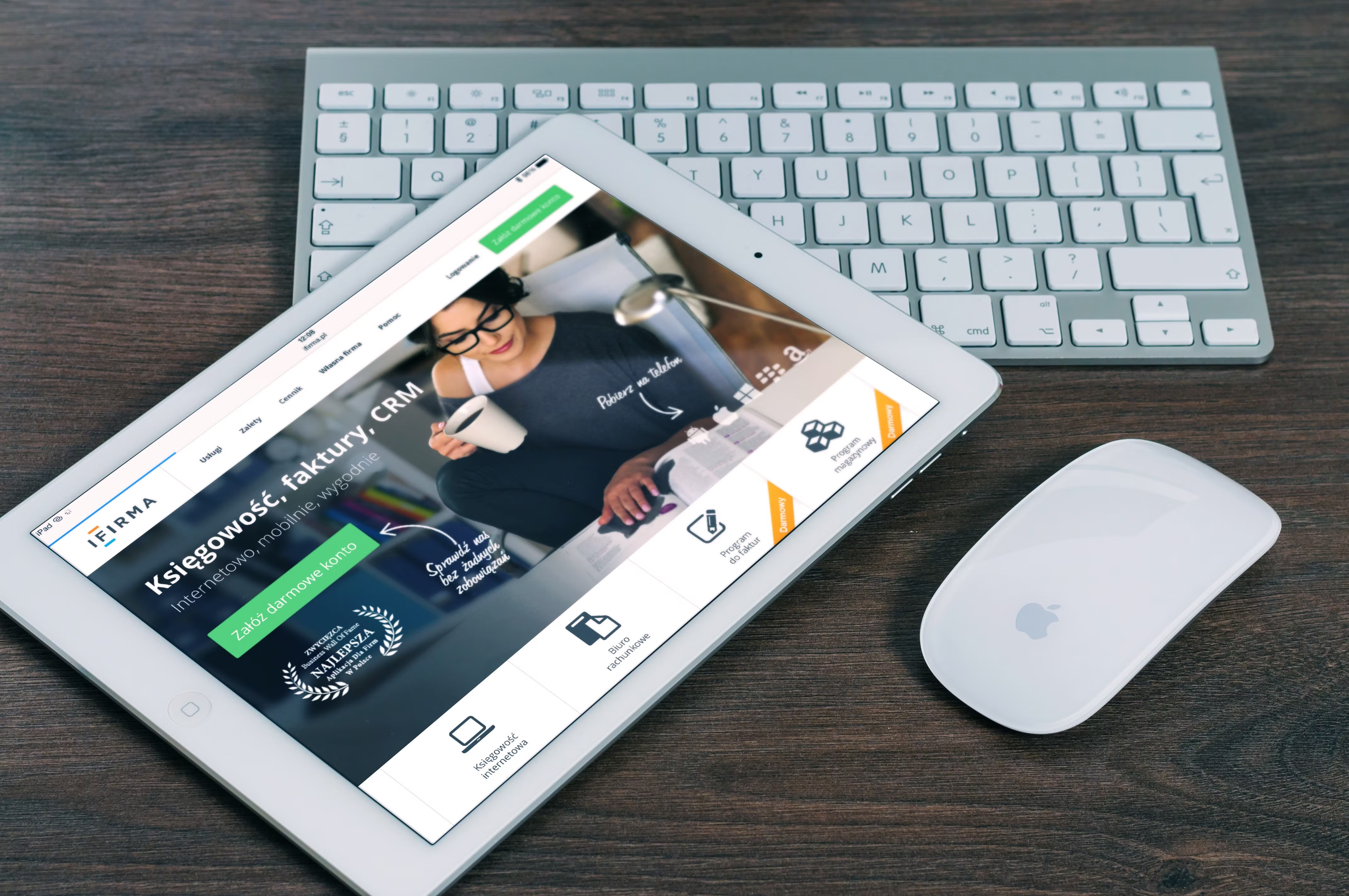
Calls to action play a quiet but important role in website design. A well-designed CTA helps visitors understand what to do next, whether that is requesting a quote, reading a product guide, booking a consultation, or starting a purchase.
For SEO-friendly website pages, CTA design is not just about button colour or placement. It is part of page structure, user experience, accessibility, mobile usability, and conversion-focused design. When CTAs are clear and easy to use, visitors can navigate a page more confidently, and search engines can better interpret how the page is organised and how useful it may be.
What CTA design means in an SEO-friendly website
A CTA, or call to action, is any prompt that encourages a user to take the next step. Common examples include “Contact us”, “Get a quote”, “Add to basket”, “Download the guide”, and “Book a call”. In website design, the goal is to make the CTA easy to find, easy to understand, and relevant to the page content.
For SEO-friendly pages, CTA design should support the page’s purpose. A service page may need a clear contact CTA. A blog post may need a CTA to a related guide, newsletter sign-up, or audit page. An ecommerce product page may need a strong add-to-basket button alongside supporting information. The CTA should fit the user intent rather than interrupt it.
If you are planning broader improvements to your website structure, a free website SEO audit can help you spot weak page layouts, unclear calls to action, and technical issues that may affect usability.
Why CTA design matters for usability and search visibility
Search engines aim to surface pages that are useful, accessible, and easy to use. CTA design contributes to that experience in several ways. It helps visitors move through the site, reduces confusion, and supports clearer page intent.
Good CTA design can also improve engagement signals indirectly. If users can quickly find the next step, they may be more likely to stay on the page, explore related content, or complete a task. That does not guarantee rankings or conversions, but it can support a healthier website experience overall.
For service businesses, clarity is especially important. A page with too many competing buttons, vague labels, or hidden actions can create friction. A page with one main CTA and a few supporting options is often easier to scan, particularly on mobile devices.
Design CTAs around user intent and page type
The best CTA is not always the boldest one. It is the one that matches what the visitor is trying to do at that point in their journey.
Homepage CTA design
Your homepage often serves as a signpost. It should guide visitors to the most important paths, such as services, products, case studies, or contact details. Keep the main CTA clear and avoid overloading the page with too many actions.
Service page CTA design
Service pages should make the next step obvious. A visitor comparing agencies or providers may want a quote, discovery call, or consultation. The CTA should be visible near the top of the page and repeated where it makes sense after key sections such as benefits, process, and testimonials.
Product page CTA design
On ecommerce product pages, the primary CTA usually needs to be highly visible and easy to tap on mobile. Supporting information such as shipping, returns, materials, sizing, or trust signals should sit close to the CTA so users do not need to hunt for reassurance.
Blog and resource page CTA design
Informational content should use softer, relevant CTAs. Examples include linking to a related guide, suggesting an SEO checklist, or inviting the reader to learn more about a specific topic. These CTAs work best when they match the article’s subject and do not distract from the main content.
Use layout, hierarchy, and contrast to guide attention
CTA design is closely tied to visual hierarchy. The most important action on the page should be the easiest to spot. That does not mean making everything oversized or aggressive. It means creating a sensible order of attention through spacing, typography, contrast, and layout.
Place the primary CTA where users naturally look after reading a section. Use white space to separate it from surrounding content. Make sure the button or link stands out without clashing with the rest of the design. A CTA should look interactive and purposeful, not decorative.
It also helps to keep supporting text concise. A short line above or below the CTA can explain the benefit, such as “Get a tailored proposal” or “See plans and pricing”. This kind of microcopy can reduce hesitation without relying on hype.
Make CTAs work well on mobile and across devices
Mobile-first design is essential because many users will experience your CTA on a small screen before they ever see it on desktop. Buttons should be large enough to tap comfortably, with enough space around them to avoid accidental clicks.
Responsive web design should preserve the CTA’s importance on smaller screens. If a page has a strong desktop layout but the CTA drops too far down on mobile, the experience becomes weaker. Test the page on different screen sizes to check whether the call to action remains visible and usable.
On ecommerce sites, sticky add-to-cart bars can be useful when implemented carefully. On service pages, a persistent contact option may work better than repeating the same oversized banner. The best choice depends on the content, audience, and device context.
For mobile usability and performance guidance, Google’s design learning resources are a practical reference for creating clearer, more accessible page experiences.
Support CTA performance with speed, accessibility, and content structure
CTA design should not be separated from website performance. If a page loads slowly, shifts unexpectedly, or becomes hard to use, even a well-placed CTA may underperform. Core Web Vitals, image optimisation, and stable layouts all help create a smoother path to action.
Accessibility matters too. CTAs should have readable text, sufficient colour contrast, clear focus states, and descriptive labels. If a button says “Learn more”, make sure the destination is obvious from the surrounding context. If you use icons, do not rely on them alone to communicate meaning.
Content structure also plays a role. Pages should lead logically from problem to solution to action. Internal links can support that journey by directing users to relevant pages without forcing them to scroll aimlessly. For example, a service page may link to a related case study, while a product page may link to sizing information or delivery details. Well-organised navigation and content layout make CTAs easier to trust and use.
Practical best practices for better CTA design
A simple CTA checklist can help teams review pages more consistently:
Use one primary CTA per key section so the page stays focused.
Write action labels that describe the outcome, not just the click.
Place the CTA near useful content that answers likely user questions.
Keep buttons large enough for mobile users to tap comfortably.
Match the CTA style to the page purpose and overall brand design.
Test variations carefully rather than assuming one version will work best.
Avoid common mistakes such as using too many competing buttons, hiding the main action below the fold without context, or choosing vague wording that does not tell visitors what happens next. A CTA should make decisions easier, not harder.
If you are working on WordPress pages, templates and blocks can make it easier to standardise CTA placement across service pages, landing pages, and blog content. Consistency helps users learn where to look and makes the overall site feel more structured.
Conclusion
CTA design is a small part of a page visually, but it has a big impact on how a website functions. When calls to action are clear, accessible, and aligned with user intent, they improve navigation, support better UX, and help pages feel more purposeful.
For SEO-friendly website pages, the best CTA design is not flashy or manipulative. It is simple, well-placed, mobile-friendly, and connected to the page’s content and business goal. That approach supports usability, trust, and conversion-focused design without sacrificing the quality of the user experience.
For teams at Backlink Works Insights, CTA design sits alongside structure, speed, accessibility, and content clarity as part of a stronger website growth strategy.
Frequently Asked Questions
How many CTAs should a page have?
Usually one main CTA is enough for each key section, with a few supporting links if they genuinely help the user. Too many competing actions can reduce clarity.
Should CTA buttons or text links be used for SEO?
Use both where appropriate. Buttons work well for primary actions, while text links can support navigation between related pages. The main goal is clarity for users.
Does CTA design directly improve rankings?
Not directly on its own. CTA design supports SEO through usability, content structure, mobile friendliness, accessibility, and overall page quality.
What makes a CTA effective on mobile?
It should be easy to see, easy to tap, and close to the content it relates to. Clear wording and good spacing are especially important on smaller screens.
- Sponsored Ad -





