
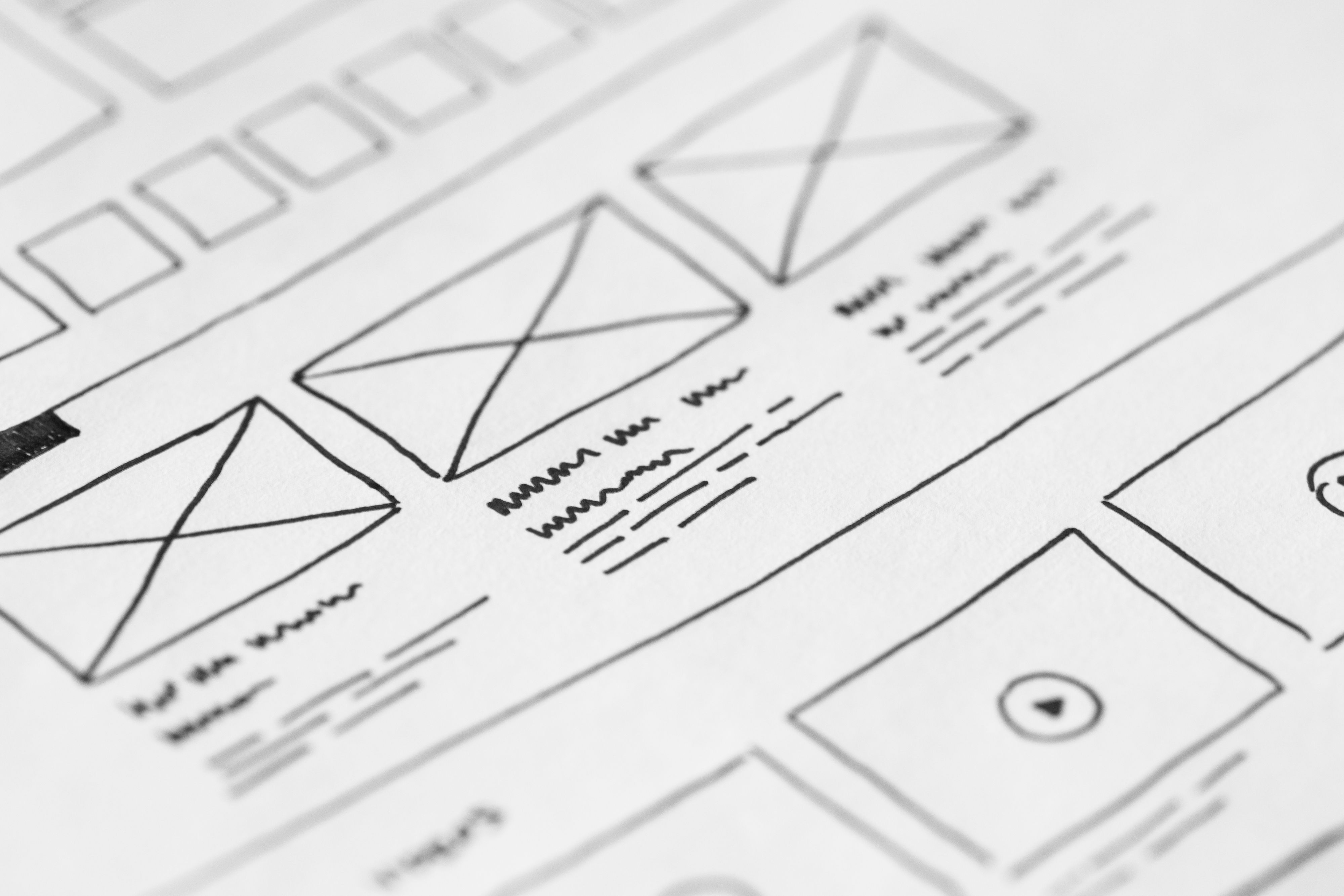
Designing a crawl-friendly website is not just a technical task. It is a practical way to help search engines understand your pages, while also making the site easier for people to use. Good website design supports SEO by improving crawlability, mobile usability, content structure, speed, accessibility and the overall user journey.
For businesses, bloggers, ecommerce brands and service providers, this matters because a website that is easy to navigate and quick to load is usually easier to trust, easier to explore and easier to convert. Crawl-friendly design does not guarantee rankings or sales, but it gives your content and offers a stronger foundation to perform well.
What a crawl-friendly website design means
A crawl-friendly website is built so that search engines can discover pages, move through the site logically and understand what each page is about. That starts with clean structure, clear navigation, sensible internal linking and content that is placed where both users and search bots can find it without difficulty.
In simple terms, if a page is hidden too deeply, blocked by poor structure or cluttered with confusing elements, it can be harder to crawl and less useful to visitors. A well-designed site makes the important pages easy to reach from the homepage, category pages and key landing pages.
This is especially important for WordPress website design, ecommerce website design, business websites and service pages where the site structure often has many moving parts.
Build a clear site structure first
Site structure is one of the most important parts of SEO-friendly website design. A logical structure helps search engines understand relationships between pages and helps users find the information they need faster.
Start with a simple hierarchy: homepage, main category or service pages, then supporting detail pages or blog content. Avoid making users click through too many layers to find an important product page or service page. If a page matters to your business, it should not feel buried.
Navigation should also reflect this structure. Keep menu labels clear and descriptive, such as Services, Products, About, Blog and Contact. Avoid vague labels that force people to guess. For larger sites, use footer navigation and internal links to support discovery without overwhelming the top menu.
If you want to review your structure against SEO basics, Google’s SEO Starter Guide is a useful reference.
Design pages for mobile-first usability
Mobile-first design is essential because many visitors will experience your website on a smaller screen before they ever see it on desktop. A responsive web design approach ensures layouts adapt cleanly across devices, without broken spacing, tiny text or awkward taps.
For crawl-friendly design, mobile usability matters because search engines evaluate how well pages work on phones. Buttons should be easy to tap, text should be readable without zooming and forms should be simple to complete. Product pages, landing pages and service pages all need this level of clarity.
Mobile-first design also affects user experience. If people struggle to read a headline, scan a product feature or open the navigation, they are less likely to stay. Keep layouts compact, use short paragraphs and prioritise the most important content near the top of the page.
For teams working on mobile layout, testing in the browser and on real devices is more useful than assuming a design will scale well automatically.
Use page layout and content hierarchy to guide attention
Good page layout supports both UX and SEO by helping users scan the page and find the right information quickly. Most visitors do not read every word. They scan headings, short sections, images and calls to action. Your design should support that behaviour.
Use one clear topic per page. The heading, introduction, supporting copy and call to action should all point to the same intent. On service pages, that might mean explaining the service, showing trust signals and ending with a simple contact option. On product pages, it might mean product benefits, specifications, delivery details and clear purchase steps.
Whitespace is helpful because it reduces visual noise and improves readability. So are consistent font sizes, clear contrast and simple section breaks. Avoid overcrowding pages with too many competing messages, especially above the fold.
Landing pages should be focused rather than busy. A conversion-focused design works best when the offer is clear, the page loads quickly and the next step is obvious. Results depend on traffic quality, offer relevance, trust signals, copy quality and testing, not just layout alone.
Improve crawlability with internal links and content organisation
Internal linking helps search engines discover pages and understand which ones are important. It also helps visitors move naturally from one page to another. This is one of the simplest ways to support crawl-friendly design without making the site feel forced.
Link related pages together in a way that makes sense to users. For example, a blog post about ecommerce design could link to product pages or category pages, while a service page could link to supporting case studies, FAQs or process pages. Internal links should feel helpful, not promotional.
It is also worth organising content into clear groups. Blog posts should support core service or product pages, not exist in isolation. This kind of structure helps with topical relevance and gives visitors a logical path through your site. If you are reviewing a broader SEO approach, a free website SEO audit can help identify structural issues that affect both crawlability and usability.
Keep anchor text descriptive. Instead of “click here”, use text that explains the destination, such as “view our service pages” or “read the full guide”.
Speed, Core Web Vitals and technical hygiene matter
Website performance is a design issue as much as a technical one. Slow pages create friction, and friction hurts both user experience and search visibility. A crawl-friendly site should be efficient, stable and quick to respond.
Core Web Vitals give a useful framework for thinking about performance. They focus on loading experience, visual stability and interactivity. In practical design terms, that means using optimised images, avoiding excessive scripts, keeping layouts stable and making sure important content loads without delay.
Design choices can slow a site down more than people expect. Heavy sliders, oversized image files, too many plugins, large animation libraries and cluttered page builders can all affect performance. This is relevant for WordPress website design, ecommerce stores and content-heavy business websites alike.
You can review page performance with PageSpeed Insights and use those findings to improve layout, media handling and loading behaviour.
Make accessibility and trust part of the design process
Accessible design supports SEO and UX because it makes content easier to understand for more people and often improves overall usability. Use proper heading structure, meaningful link text, strong colour contrast and alt text where images add important context.
Accessible forms matter too. Keep labels clear, error messages useful and fields grouped logically. This is especially important on contact pages, checkout flows and enquiry forms, where small usability issues can reduce completion.
Trust is also influenced by design. Professional typography, clear contact details, consistent branding and transparent content layout help visitors feel more confident. For service businesses, that might include testimonials, accreditations or a process section. For ecommerce sites, it may include delivery information, returns details and support options.
Good UI does not mean using more visual effects. It means making interactions obvious, predictable and easy to complete.
Best practices for a crawl-friendly website
Before launching or redesigning a site, it helps to check the essentials:
Use a clear homepage path to important pages.
Keep navigation simple and descriptive.
Make the design responsive and mobile-friendly.
Place key content where users can see it quickly.
Use internal links to support discovery.
Optimise images and limit unnecessary scripts.
Keep forms, buttons and calls to action easy to use.
Test page speed, layout stability and mobile usability.
These practices are not just for developers. Designers, marketers, content teams and business owners all influence how crawl-friendly a site becomes. If you work with WordPress, Shopify, Webflow or a custom build, the same principles still apply.
Conclusion
A crawl-friendly website is built for both machines and people. It gives search engines a clear path through your pages and gives visitors a smoother experience across desktop and mobile. When website design supports structure, speed, accessibility and content clarity, SEO and UX tend to work together rather than compete.
The best approach is to design with purpose: keep the site structure simple, make pages easy to scan, improve performance where you can and place the right content in the right order. Over time, those choices can support stronger visibility, better engagement and more effective business growth.
Frequently Asked Questions
What makes a website crawl-friendly?
A crawl-friendly website has clear structure, logical internal links, fast-loading pages and content that search engines can easily access and understand.
Does responsive design help SEO?
Yes. Responsive design improves mobile usability, which supports user experience and helps ensure pages work well across different screen sizes.
How does website speed affect UX?
Faster pages reduce friction, help users reach content sooner and make it easier for them to stay engaged with the site.
Should product and service pages be designed differently?
Yes, but both should stay clear and focused. Product pages often need specifications and purchase details, while service pages usually need benefits, trust signals and a simple enquiry path.
- Sponsored Ad -





