
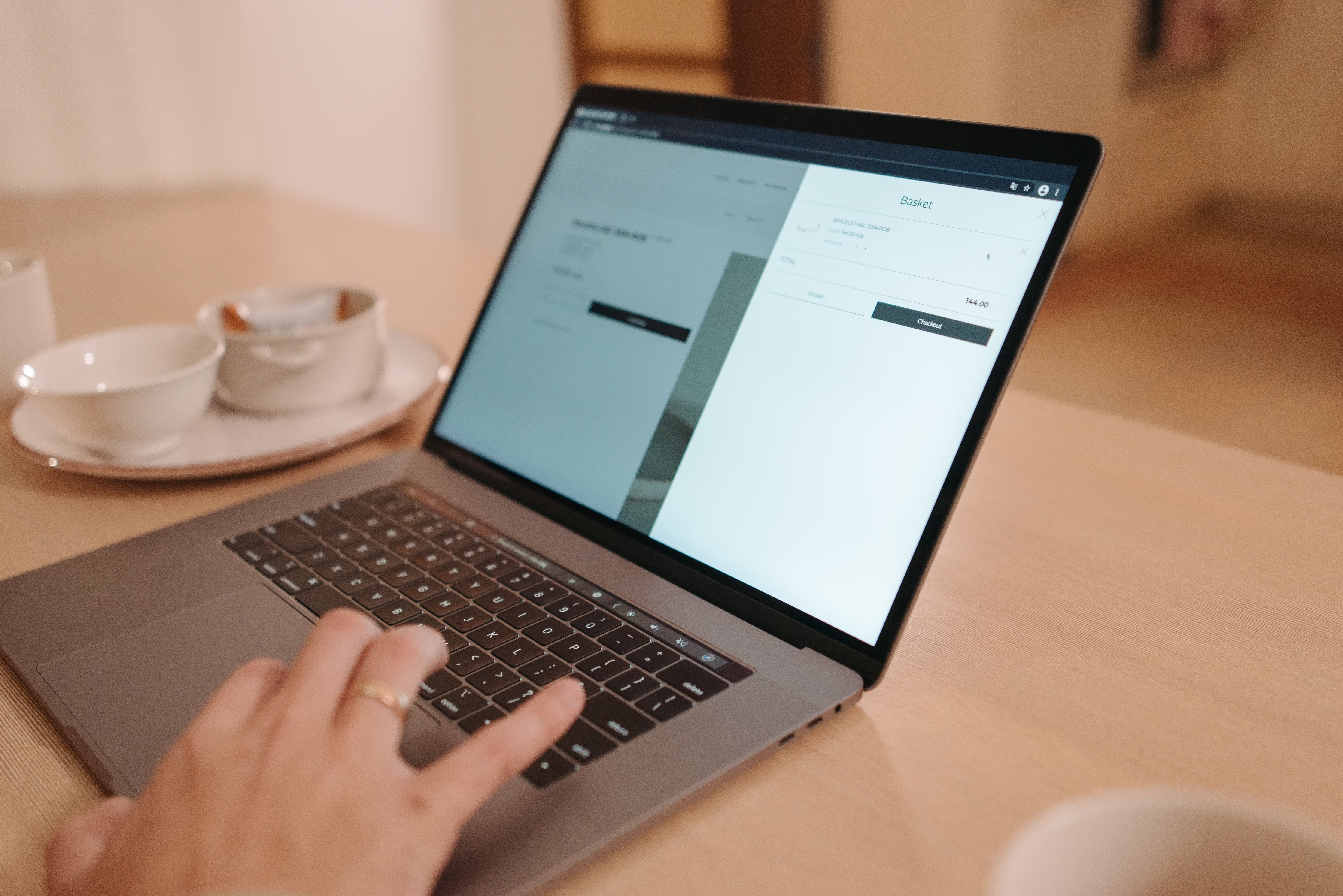
Designing article pages that both rank well and convert readers starts with understanding what search engines and visitors need from the page. SEO-friendly design is not just about layout or aesthetics; it is about making content easy to find, read, trust and act on across devices.
For businesses, bloggers, agencies and ecommerce brands, the best article pages support visibility and performance at the same time. They help search engines crawl the page properly, improve mobile usability, reduce friction, and guide users towards the next useful step without feeling pushy.
What Makes an Article Page SEO-Friendly?
An SEO-friendly article page is structured so that both people and search engines can understand it quickly. That means a clear title, logical headings, accessible text, relevant internal links, and a page layout that keeps the main content easy to scan.
From a website design perspective, the page should also load quickly, work well on phones, and avoid clutter that distracts from the article. If the page is difficult to read or navigate, users are more likely to leave before they engage with the content or explore the site further.
Search engines do not reward decoration. They reward pages that are useful, technically accessible and clearly organised. That is why design decisions such as spacing, typography, content hierarchy and image placement matter to SEO as much as to UX.
Build the Right Page Structure First
Start with a simple structure that supports reading and scanning. A strong article page usually includes a short introduction, a clear main body with subheadings, and a conclusion that guides the reader to the next step.
Keep the most important information near the top. Readers should quickly understand what the article covers and whether it answers their question. For service pages, product pages and business websites, this same principle helps users decide whether to contact you, request a quote or browse further.
A well-planned content layout also supports internal linking. Link to related resources only where they genuinely help the reader. For example, if you are reviewing your on-page structure and technical foundations, a free website SEO audit can help identify design and SEO issues that may be affecting performance.
Use headings to guide both users and crawlers
Headings should reflect the page’s hierarchy, not just its visual style. A clean sequence of sections helps search engines interpret the content and makes it easier for readers to jump to what they need.
On longer article pages, headings also improve usability by reducing cognitive load. Visitors can scan the page, find the most relevant section, and continue reading without feeling overwhelmed.
Design for Mobile-First and Responsive Use
Most article pages are read on mobile devices, so mobile-first design should guide your layout decisions. That means using readable font sizes, enough spacing between elements, and tap targets that are easy to use with a thumb.
Responsive web design ensures the same article works across phones, tablets and desktops without sacrificing clarity. Content should reflow naturally, images should scale properly, and sidebars should never overpower the main reading experience on smaller screens.
Mobile usability affects both engagement and SEO. If users have to pinch, zoom or scroll sideways, they are less likely to stay on the page. A practical test is to open the article on a phone and check whether the text, buttons, forms and navigation feel effortless.
For WordPress websites, this often means choosing a lightweight theme, keeping page builders under control, and checking how article templates behave on different screen sizes. If you publish content regularly, your default article template should do most of the heavy lifting.
Improve Readability, UX and Content Flow
Good UX on an article page means the reader can move through the content without friction. Use short paragraphs, plain language, sufficient line spacing and a sensible width for text blocks. Dense walls of text make even strong content harder to absorb.
Break up complex ideas with examples, lists or brief sub-sections. If your article explains a process, make the steps easy to follow. If it compares options, use clear distinctions rather than long, repetitive explanations. This helps the page feel useful and well designed.
Visual hierarchy also matters. Use typography, spacing and contrast to signal what is important. A strong article page should quietly direct attention rather than compete for it.
If your content team wants a deeper reference on SEO foundations, Google’s SEO Starter Guide is a useful official resource for understanding how search-friendly pages are built and interpreted.
Keep the page focused on one main intent
Each article page should have a clear purpose. If the page tries to answer every possible question at once, users may lose track of the main message. Focus on the primary query, then add supporting links for readers who want to explore further.
This is especially important for landing pages, service pages and product pages, where the design must balance information, trust and action. The clearer the page intent, the easier it is to guide users to the right next step.
Make Speed, Accessibility and Core Web Vitals Part of the Design
Website performance is not separate from design. Large images, too many scripts and heavy layout elements can slow pages down and harm the reading experience. Faster pages are generally easier to use, especially on mobile connections.
Core Web Vitals give site owners a practical way to think about page experience. Rather than chasing numbers for their own sake, focus on how quickly the main content appears, how stable the layout feels and how responsive the page is when users interact with it.
Accessibility is equally important. Use strong colour contrast, descriptive link text, meaningful alt text for images and a layout that works with keyboard navigation. Accessible design supports more users and often improves overall usability for everyone.
For a quick technical review of page speed and layout stability, you can test a page in PageSpeed Insights and then make design decisions based on what affects real user experience.
Design for Conversion Without Hurting Trust
An article page can convert without feeling like a sales page. Conversions may include newsletter sign-ups, contact enquiries, product discovery, quote requests or clicks to a related service page. The key is to make the next step obvious and relevant.
Use trust signals where they belong. This can include author information, clear publishing context, links to supporting resources, and an honest explanation of what the reader can do next. Avoid intrusive pop-ups or misleading calls to action that interrupt the reading flow.
For ecommerce website design, article pages can support product discovery by linking to relevant category pages or product guides. For service businesses, they can connect to consultation pages or case studies. For consultants and agencies, they can lead to portfolio pages or contact forms.
Design matters, but conversion results depend on traffic quality, offer clarity, trust signals, page copy, user intent and testing. A clean article page improves the chance of action, but it does not guarantee it.
Common Mistakes to Avoid
One of the biggest mistakes is designing article pages like print layouts instead of digital experiences. Pages that look elegant but are hard to scan, slow to load or awkward on mobile rarely perform well.
Another common issue is overloading the page with unrelated banners, pop-ups or navigation elements. This weakens focus and can distract readers from the content they came to find.
Avoid hiding important content in tabs or forcing users through unnecessary steps before they can read the article. Also, do not bury key internal links in vague phrases or place them in places where they feel forced. If you are planning broader site improvements, a structured backlink building process can complement strong on-page design by supporting visibility across your site.
Conclusion
SEO-friendly article page design is about alignment: alignment between content, structure, performance, usability and business goals. When the page is easy to crawl, fast to load, simple to read and clear about the next step, it works better for both search engines and users.
Whether you run a blog, a service website, an ecommerce brand or a WordPress site, the same principles apply. Keep the layout focused, make the page mobile-friendly, support accessibility, and design every section with the reader in mind. That is the foundation of article pages that can rank more effectively and convert more naturally over time.
Frequently Asked Questions
What is an SEO-friendly article page?
It is a page designed to help search engines understand the content and help users read it easily, using clear structure, speed, mobile usability and internal links.
How does website design affect SEO?
Design affects crawlability, page speed, mobile usability, accessibility and content clarity, all of which can influence how well a page performs in search.
What should an article page include for better conversions?
It should include a clear purpose, helpful internal links, trust signals, a strong layout and a relevant call to action that matches user intent.
Do article pages need to be different on mobile?
They need to be responsive and easy to use on mobile, with readable text, simple navigation and layouts that adapt cleanly to smaller screens.
- Sponsored Ad -





