
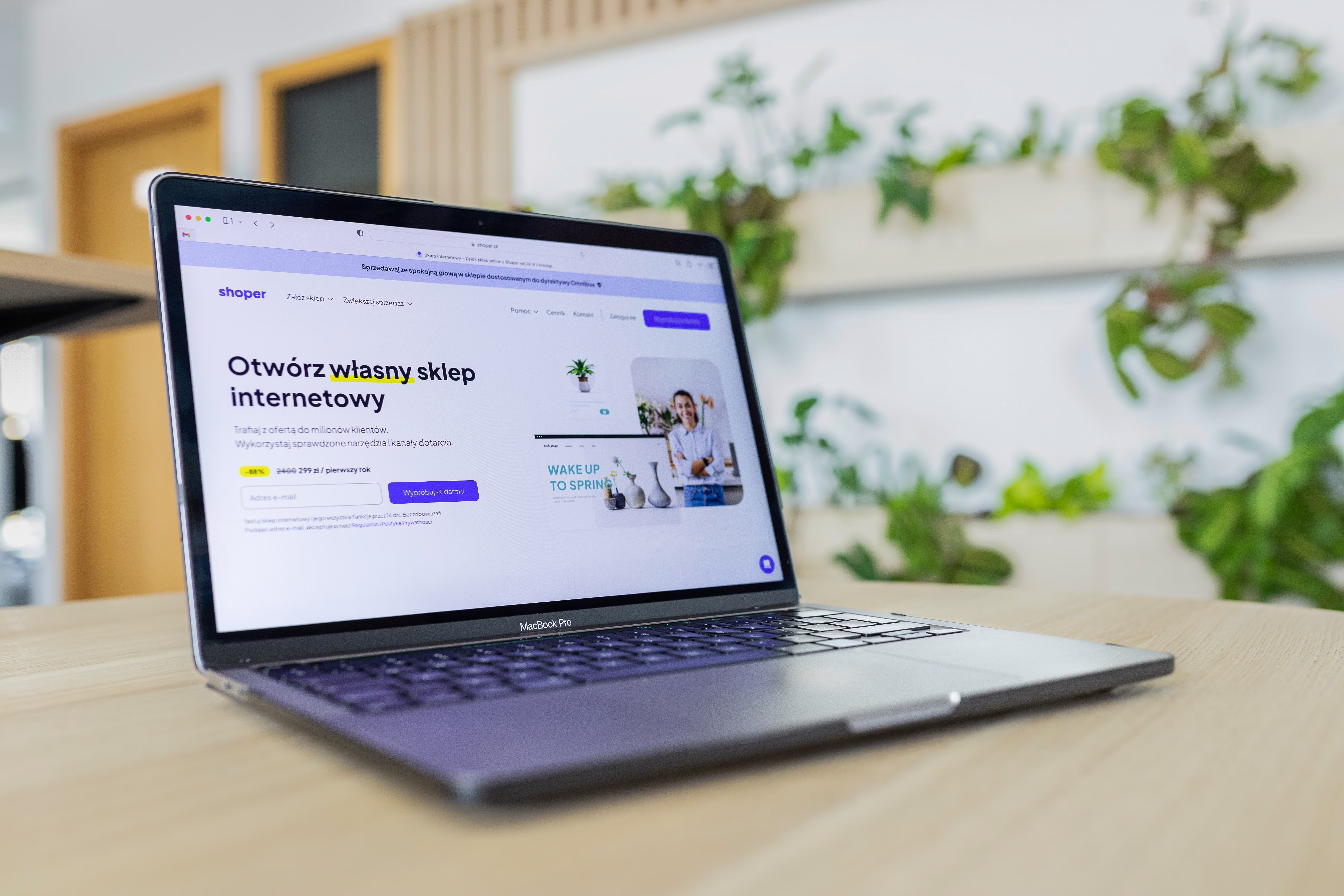
A well-designed website call to action (CTA) section does more than ask people to click a button. It helps visitors understand what to do next, why it matters, and how that next step fits their intent. When a CTA section is clear, well-structured, and easy to use, it can support better engagement and more meaningful conversions.
For website owners, designers, marketers, and developers, CTA design sits at the intersection of UX, UI, page layout, and SEO-friendly website design. It affects mobile usability, accessibility, page speed, content clarity, and how people move through a site. In other words, a CTA section is not just a visual element; it is part of the overall website structure that supports business goals.
What a website CTA section should do
A CTA section guides the visitor towards a specific action, such as requesting a quote, booking a call, downloading a guide, signing up for a demo, or starting a checkout. The best CTA sections are simple, relevant to the page, and aligned with the user’s stage in the journey.
On a business website, a service page CTA may focus on enquiries. On an ecommerce product page, it may focus on adding the item to basket or viewing delivery information. On a blog post, it may invite readers to explore related resources or use an SEO tool. The key is to match the CTA to user intent rather than forcing a hard sell.
A useful CTA section should answer three questions quickly: what is being offered, why should the visitor care, and what happens when they click. If those answers are obvious, the section is more likely to support conversions without creating friction.
Use clear messaging and one primary action
CTA sections work best when the message is focused. Avoid asking users to do too many things at once. A single primary action helps reduce choice overload and makes the page easier to scan, especially on mobile devices.
The headline should explain the value in plain language. For example, instead of a vague phrase like “Get Started”, use more descriptive copy such as “Book a Free Website Review” or “Request a Quote for Your Service”. Supporting text should add context, not repeat the button text.
If you need a secondary option, keep it visually quieter than the main button. For example, a service page might offer “Book a Consultation” as the main CTA and “View Pricing” as a secondary link. This preserves clarity while still supporting different user needs.
Good CTA copy should also reflect trust and intent. Visitors are more likely to act when they understand what will happen next. That is especially important on landing pages, service pages, and WordPress website designs where a clear content hierarchy supports both usability and search performance.
Design the section for mobile-first usability
Many CTA interactions now happen on smaller screens, so mobile-first design should shape the layout from the start. A CTA section should be easy to read, tap, and scroll past without frustration. Buttons need enough spacing, text should remain legible, and key information should not be hidden below unnecessary clutter.
For responsive web design, keep the layout flexible. A CTA that looks polished on desktop can become cramped on mobile if columns collapse badly or images push the button too far down the page. Use a clean vertical stack where the message, button, and trust signal appear in a logical order.
Short forms work better than long ones in CTA sections, especially on mobile. If you need to capture leads, ask only for the essential details. This improves usability and reduces friction, particularly for service businesses and startups that rely on fast enquiries.
Accessibility also matters. Buttons should have clear labels, sufficient contrast, and visible focus states. A CTA should be usable by keyboard and screen reader users as part of a more inclusive website design approach.
Place the CTA in a strong content layout
CTA placement should follow the flow of the page, not interrupt it. Visitors usually need a reason to act, so the CTA section should appear after the key benefits, proof points, or product details that support the decision.
For a service page, that might mean placing the CTA after a clear explanation of the service, the process, and the outcomes the business supports. For an ecommerce page, it often means placing the CTA near product features, delivery information, and returns details. On a blog page, a CTA may work best after the main takeaway rather than too early in the article.
Spacing matters as much as position. Give the CTA section enough room to stand out, but do not isolate it from the surrounding content. A balanced layout makes the section feel like a natural part of the page, not a disruptive add-on.
Strong internal linking also supports the CTA area. Connecting users to related service pages, product categories, or supporting resources helps navigation and can improve discoverability for search engines as well. For a deeper look at broader site visibility, see the free website SEO audit.
Build trust with design, content, and performance
Visitors are more likely to use a CTA when the page feels trustworthy. That trust comes from the combination of content quality, visual clarity, and technical performance. A CTA section should sit within a page that loads quickly, is easy to navigate, and has a clear information structure.
Simple trust signals can help when used honestly. These may include brief references to service areas, response times, secure checkout details, helpful policies, or links to relevant support pages. Avoid adding fake urgency or exaggerated claims. If your business uses testimonials or ratings, make sure they are genuine and accurate.
Website speed and Core Web Vitals also affect how people experience CTA sections. If a page is slow or unstable as it loads, users may leave before they ever reach the button. Tools such as Google PageSpeed Insights can help you review loading performance and visual stability.
On ecommerce website design projects, trust around the CTA is especially important. People often want quick access to delivery costs, returns, stock status, and payment options before they commit. On service websites, they may want to know who they are dealing with and what the next step involves. Design the CTA section to reduce uncertainty, not increase it.
Test, refine, and improve over time
There is no universal CTA formula that works for every audience. The right design depends on the page purpose, traffic source, device mix, and offer. That is why testing matters. Small changes to copy, button size, spacing, contrast, or supporting text can affect how users interact with the section.
Use analytics and behaviour tools to learn how visitors move through the page. If people scroll past the CTA but do not engage, the issue may be timing, message clarity, or page structure rather than the button itself. Heatmaps and session recordings can help identify where attention drops off, while analytics can show whether the page attracts the right traffic.
When improving CTA sections, test one change at a time where possible. This makes it easier to understand what is actually helping. For WordPress website design, updates can often be made through the block editor or page builder without rebuilding the whole page, which is useful for ongoing optimisation.
If you want to connect CTA design with wider site improvement, a site-wide review can help. Backlink Works shares practical SEO and website growth guidance that can support content structure, usability, and online visibility without relying on shortcuts.
Common CTA design mistakes to avoid
One common mistake is hiding the CTA too early in the page before the visitor has enough information to decide. Another is overloading the section with too many buttons, which weakens the main message.
Other issues include weak contrast, generic wording, large blocks of text, and layouts that break on smaller screens. A CTA should never feel disconnected from the rest of the page. If the design, copy, and page layout do not support one another, users may hesitate or leave.
It is also a mistake to treat CTA design as separate from SEO. Search-friendly website design depends on crawlable structure, useful content hierarchy, internal links, mobile usability, and fast performance. A strong CTA section should complement these elements, not compete with them.
Conclusion
Designing a website CTA section that improves conversions is about clarity, relevance, and usability. The best CTA sections match user intent, fit naturally within the page layout, and work well on both desktop and mobile. They support trust, reduce friction, and make the next step obvious.
Whether you are improving a business website, service page, landing page, product page, or ecommerce checkout journey, focus on the whole experience: copy, layout, performance, accessibility, and navigation. When the CTA section is designed as part of a well-structured page, it becomes a useful guide rather than a pushy prompt.
Frequently Asked Questions
What makes a CTA section effective?
An effective CTA section is clear, relevant, easy to scan, and closely matched to the page content and user intent.
Should every page have the same CTA?
No. The CTA should reflect the purpose of the page, such as enquiries, bookings, downloads, or purchases.
How does CTA design affect SEO?
CTA design supports SEO indirectly through better usability, mobile friendliness, page structure, accessibility, and engagement.
What is the biggest mistake to avoid?
The biggest mistake is making the CTA vague or cluttered, which can confuse visitors and reduce the chance of action.
- Sponsored Ad -





