
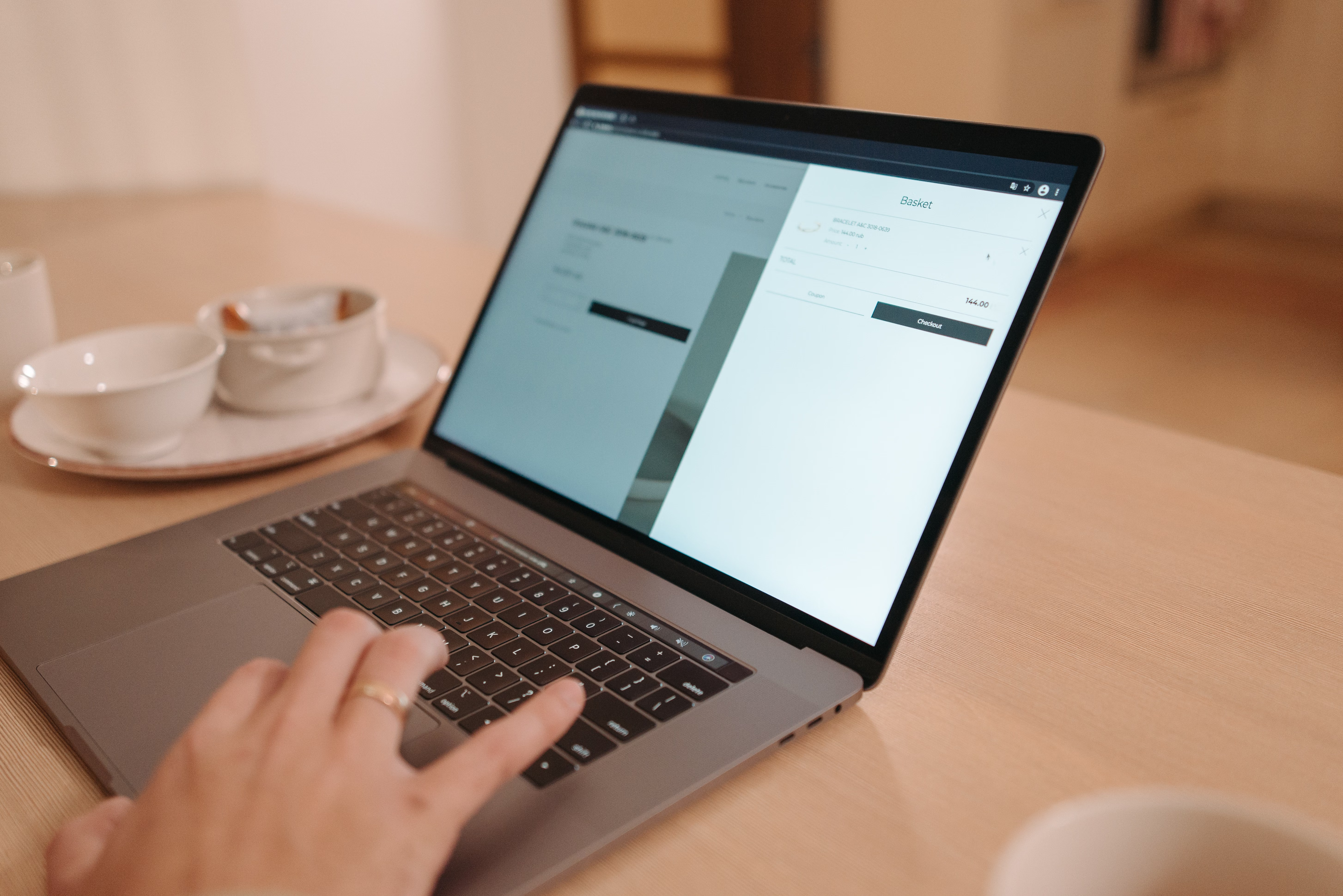
Designing a website well is about more than making it look polished. A strong website design should help search engines understand your pages, make it easy for people to find what they need, and encourage them to take the next step. That means SEO, UX, and conversions need to work together from the start.
Whether you are building a business website, ecommerce store, service site, blog, or WordPress website, the same principle applies: structure, speed, clarity, and usability matter. Good design supports visibility, trust, and performance, while poor design can make even strong content harder to find and use.
What SEO-Friendly Website Design Really Means
SEO-friendly website design is the process of building a site that can be crawled, understood, and accessed easily by both users and search engines. It is not about stuffing keywords into layouts or hiding text in clever ways. It is about making pages logical, fast, and useful.
Search engines look at signals such as page structure, internal linking, mobile usability, loading speed, and accessibility. If your website design supports those areas, your content has a better chance of being discovered and evaluated properly. For a useful starting point, Google’s SEO Starter Guide is a practical reference.
In practice, SEO-friendly design means using clear navigation, descriptive headings, readable text, and a sensible page hierarchy. It also means avoiding designs that bury content in tabs, create confusing duplicate pages, or rely on heavy scripts that slow everything down.
Build the Right Website Structure First
Website structure affects both SEO and user experience. A clear structure helps visitors move through the site naturally and helps search engines understand which pages matter most. Start by organising your pages around the main needs of your audience, not around internal team structure.
For example, a service business might need a homepage, core service pages, location pages, case studies, an about page, and a contact page. An ecommerce site may need category pages, product pages, shipping information, and trust pages such as returns or FAQs. A blog or content site should group topics into logical categories and related articles.
Keep important pages within a few clicks of the homepage. Use internal links to connect related content so users can explore and search engines can discover pages more efficiently. If you are auditing an existing site, a free website SEO audit can help you spot structural issues that may be affecting crawlability and usability.
Design for Mobile First and Responsive Layouts
Mobile-first design means planning the mobile experience before expanding the layout for larger screens. This approach matters because many users browse, compare, and buy on phones. A site that works well on desktop but feels cramped or difficult on mobile can lose visitors quickly.
Responsive web design ensures that pages adapt to different screen sizes without forcing users to zoom, scroll awkwardly, or struggle with broken layouts. Buttons should be easy to tap, text should remain readable, and forms should be simple to complete on smaller screens.
Mobile design also affects SEO through mobile usability and user behaviour. If visitors leave because the site is hard to use, that can limit engagement. Keep menus concise, avoid oversized banners that push content down, and make key actions like contact, add to basket, or request a quote easy to find.
Use Layout and UI to Guide Attention
Good UI design helps users understand what matters on a page. Layout is not just visual styling; it is a decision-making tool. The way you place headlines, supporting text, images, buttons, and trust signals affects whether people continue reading or take action.
For landing pages, keep the message focused. One page should usually have one primary goal, whether that is lead generation, sign-ups, bookings, or purchases. Remove unnecessary distractions and make the page flow from problem to solution to action.
For service pages and product pages, use clear sectioning. Introduce the offer, explain the benefits, answer common questions, and add proof such as testimonials, certifications, or guarantees that are genuinely true. Strong layout also supports skimmability, which is important because many visitors do not read every word.
Improve Speed, Core Web Vitals, and Technical Performance
Website performance is a design issue as much as a technical one. Heavy images, excessive scripts, and overly complex layouts can all slow a site down. Speed matters because users expect pages to load quickly, especially on mobile connections.
Core Web Vitals are useful indicators of how stable, responsive, and visually complete your pages feel. You do not need to obsess over every metric, but you should aim for a smooth experience. Optimise images, reduce unnecessary plugins, avoid cluttered animations, and test how pages behave when they load.
If you want a practical performance check, PageSpeed Insights can highlight common issues and give you a clearer picture of what to improve. This is especially useful for WordPress websites and ecommerce builds, where theme and plugin choices can have a big impact.
Design for Trust and Conversions Without Being Pushy
Conversion-focused design helps people feel confident enough to act. That does not mean using pressure tactics or misleading prompts. It means making the next step obvious, reducing friction, and addressing hesitation with clear information.
Trust signals can include secure checkout details, honest testimonials, contact information, clear pricing, delivery terms, and straightforward returns policies. For service pages, strong evidence, relevant examples, and simple call-to-action buttons often work better than long sales language.
Conversions also depend on traffic quality, intent, copywriting, and offer clarity. A well-designed page cannot fix a weak offer, but it can prevent confusion and improve the user journey. If you are planning internal growth strategies alongside site design, Backlink Works offers broader SEO education and digital marketing resources that can support your planning.
Practical Best Practices for Different Page Types
Different page types need different design choices. A homepage should quickly explain who you are, what you do, and where users should go next. Service pages should focus on outcomes, process, and proof. Product pages should answer purchase questions clearly, with strong visuals and useful details.
For ecommerce website design, prioritise filters, category structure, product imagery, shipping information, and an easy checkout path. For business websites, make contact pathways obvious and keep navigation simple. For blogs, use readable typography, related post links, and content layouts that help visitors scan and stay engaged.
WordPress website design can be especially effective when the theme is lightweight, mobile-friendly, and easy to maintain. Choose plugins carefully, and avoid adding features that create clutter or reduce speed. If you are exploring content architecture, navigation, and website growth in more depth, the Backlink Works site is a helpful reference point for related guidance.
Conclusion
Designing a website for SEO, UX, and conversions is about creating a site that is clear, fast, accessible, and easy to use. The best websites do not rely on visual polish alone. They use thoughtful structure, responsive layouts, strong page flow, and practical trust-building elements to support both visitors and search visibility.
If you are improving an existing site, start with the basics: simplify navigation, review mobile usability, tighten page layouts, improve speed, and check whether every important page has a clear purpose. Small design decisions can make a meaningful difference to how people experience your site and how search engines evaluate it.
Frequently Asked Questions
What is the difference between SEO design and UX design?
SEO design helps search engines understand and access your site, while UX design focuses on how easy and pleasant it is for people to use.
Does website design affect rankings?
Website design can support rankings indirectly by improving crawlability, mobile usability, speed, accessibility, and user experience.
What makes a landing page conversion-focused?
A conversion-focused landing page has one clear goal, a simple layout, relevant proof, strong messaging, and an obvious next step.
Should WordPress websites follow the same design principles?
Yes. WordPress websites still need strong structure, fast performance, mobile-friendly layouts, and clear content hierarchy to work well.
- Sponsored Ad -





