
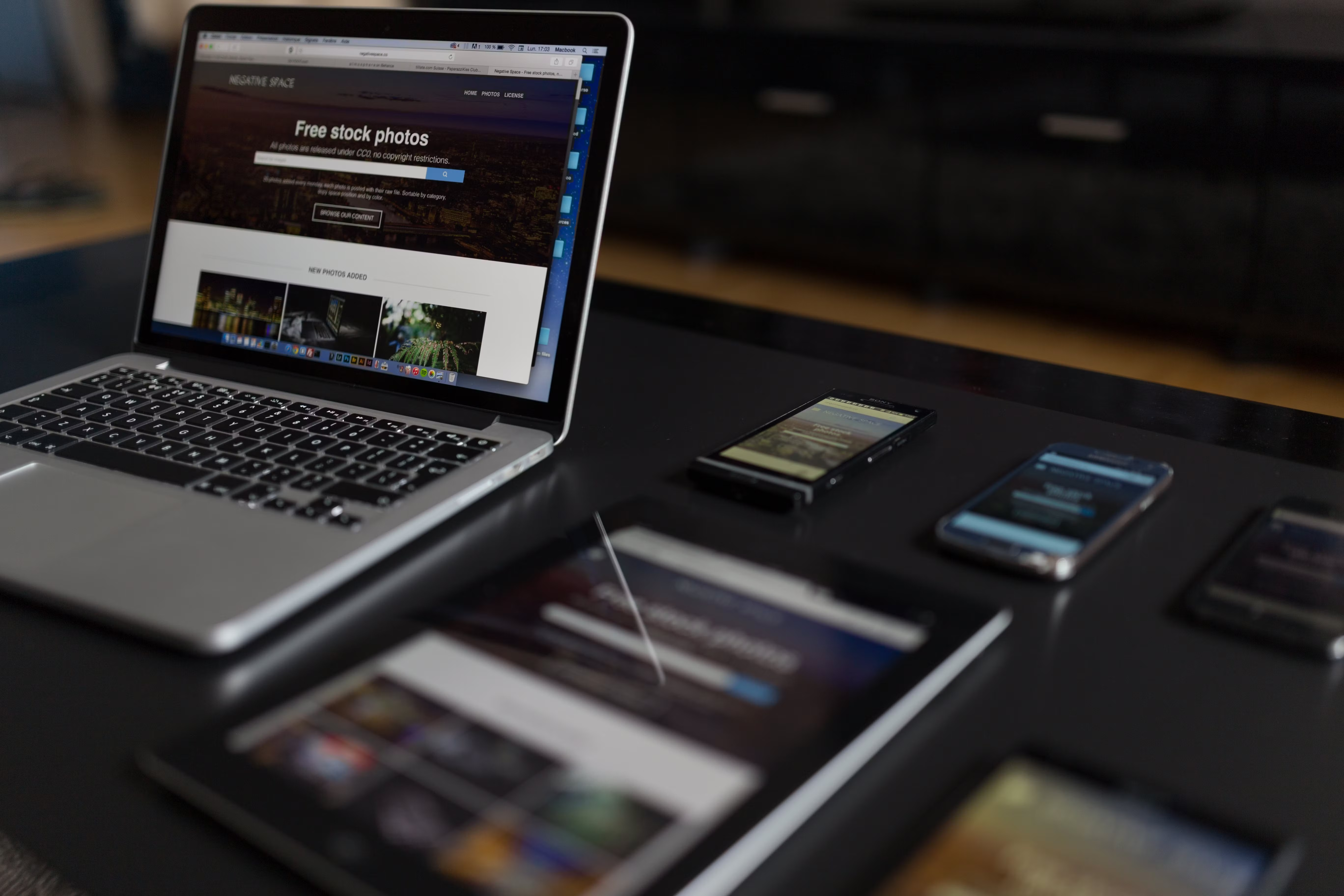
Elementor landing pages can be highly effective when they are built with both search visibility and user experience in mind. A well-designed landing page does more than look polished: it helps visitors understand the offer quickly, navigate with ease, and take the next step without confusion.
For website owners, marketers, and designers, the challenge is balancing clarity, speed, accessibility, and conversion-focused design. In WordPress website design, Elementor gives you flexibility, but the results depend on how you structure the page, present content, and support mobile users.
What Makes an Elementor Landing Page SEO-Friendly?
SEO-friendly design is not about stuffing keywords into a page or adding visual effects everywhere. It is about making the page easy for search engines and users to understand. That means clear headings, useful copy, logical page structure, internal links where relevant, and content that matches search intent.
On a landing page, SEO support usually comes from strong on-page foundations rather than heavy content. Use one clear topic, a focused message, and supporting sections that answer common questions. Search engines need context, and visitors need clarity. When both are present, the page is easier to crawl, easier to read, and easier to trust.
For businesses that want to improve technical and content foundations together, a free website SEO audit can help identify issues with structure, performance, and usability before a landing page goes live.
Structure the Page Around One Clear Goal
Landing pages work best when they have a single purpose. That could be generating enquiries, encouraging a download, promoting a service, or presenting a product. Too many competing actions can reduce clarity and create friction.
Start with a simple information hierarchy. The headline should say what the page is about. The supporting text should explain the value. The next sections should answer practical questions, build trust, and guide the visitor towards the call to action. This approach supports both UX and conversion-focused design.
For example, a service page might include an overview, key benefits, process steps, testimonials, and FAQs. An ecommerce product page might focus on product features, specifications, delivery information, and clear purchase options. In both cases, the layout should help the visitor make a decision without unnecessary distraction.
Design for Mobile-First Behaviour
Mobile-first design is essential because many users will view the page on a phone before they ever see it on a desktop screen. Elementor makes responsive design easier, but every section still needs to be checked carefully across breakpoints.
Keep headings concise, paragraphs short, and buttons large enough to tap easily. Avoid placing too many elements side by side on small screens. Stacked content usually performs better because it is easier to scan and less likely to feel cramped.
Mobile usability also affects SEO indirectly through user satisfaction and page performance. If forms are difficult to complete, text is too small, or buttons are too close together, visitors may leave before engaging. A responsive web design approach helps reduce that risk and creates a more consistent experience across devices.
Improve UX with Clear Content Layout and Navigation
Good UX depends on reducing effort. Visitors should not have to guess where to look, what the page offers, or what to do next. In Elementor, this means using spacing, visual hierarchy, and content grouping carefully.
Break content into short sections with descriptive headings. Use bullets when a list is easier to scan than a paragraph. Place important points near the top of the page, especially if the landing page is promoting a time-sensitive or high-intent offer. Keep the design clean and avoid unnecessary widgets that distract from the main message.
Navigation on a landing page should also be considered carefully. Some pages benefit from a limited header or anchored section links, while others work better with minimal navigation to keep focus on the primary action. The right choice depends on the page goal and user intent. For broader site planning, Backlink Works offers educational resources on SEO, website growth, and online visibility.
Support SEO with Speed, Accessibility, and Core Web Vitals
Website performance matters because slow or unstable pages can frustrate users and weaken engagement. In practical terms, landing page speed affects how quickly visitors can read the message, interact with forms, and trust the page. Core Web Vitals are useful indicators of this experience.
When building in Elementor, avoid unnecessary animations, oversized images, and too many third-party add-ons. Compress images, use appropriate file formats, and remove elements that do not support the page goal. Keep forms simple and only ask for information that is genuinely needed.
Accessibility should also be part of the design process. Use readable contrast, descriptive button text, meaningful alt text for images, and clear focus states for keyboard users. These details improve usability for everyone, not only for visitors using assistive technology. Google’s SEO Starter Guide is a useful reference for understanding how search-friendly structure and page quality work together.
Use Conversion-Focused Design Without Losing Trust
Conversion-focused design should support user intent, not pressure it. A landing page can encourage action through clarity, relevance, and trust signals rather than aggressive tactics. Explain the offer clearly, show what happens next, and make the call to action easy to find.
Trust elements may include clear contact details, relevant case examples, product details, policy links, or brief testimonials where appropriate. Keep these genuine and specific. Avoid fake urgency, misleading buttons, or hidden content, as these can damage trust and create a poor user experience.
For ecommerce website design, the same principles apply to product pages. Clear pricing, delivery information, stock status, and returns details help users feel informed. For business websites and service pages, clarity about scope, process, and next steps is often more persuasive than elaborate visual effects.
Practical Best Practices for Elementor Landing Pages
Before publishing, review the page with a simple checklist. It can help keep design, UX, and SEO aligned:
1. One clear goal and one primary call to action.
2. A headline that matches the page intent.
3. Short sections with descriptive headings.
4. Mobile-friendly spacing and tap targets.
5. Optimised images and lightweight design elements.
6. Accessible colours, labels, and navigation.
7. Useful internal links only where they add context.
It is also worth testing the page with real users or reviewing analytics after launch. Heatmaps, session recordings, and conversion tracking can show where visitors pause, scroll, or leave. That information is more useful than assumptions, and it helps refine the layout over time.
For deeper background on page performance checks, tools such as PageSpeed Insights can help identify speed and Core Web Vitals issues that may affect the user experience.
Conclusion
Elementor landing page design works best when it combines visual clarity with SEO-friendly structure and a smooth user journey. The goal is not to create the most complex page, but the clearest one: a page that loads well, reads well, and makes it easy for visitors to understand the offer.
By focusing on mobile usability, page speed, accessibility, content hierarchy, and trust-building design, you create a stronger foundation for search visibility and business growth. Results still depend on traffic quality, offer relevance, and ongoing testing, but good design makes those efforts more effective.
Frequently Asked Questions
Is Elementor good for SEO-friendly landing pages?
Yes, when the page is built with clean structure, mobile responsiveness, good speed, and useful content. The tool helps, but the design choices matter more.
How much content should a landing page have?
Enough to explain the offer clearly and answer the main objections. Keep it focused and avoid unnecessary sections that do not support the goal.
Do landing pages need navigation?
Not always. Some landing pages work better with minimal navigation, while others benefit from anchored sections or a light menu. The decision should support user intent.
What is the most important UX factor for a landing page?
Clarity. Visitors should quickly understand what the page offers, why it matters, and what to do next.
- Sponsored Ad -





