
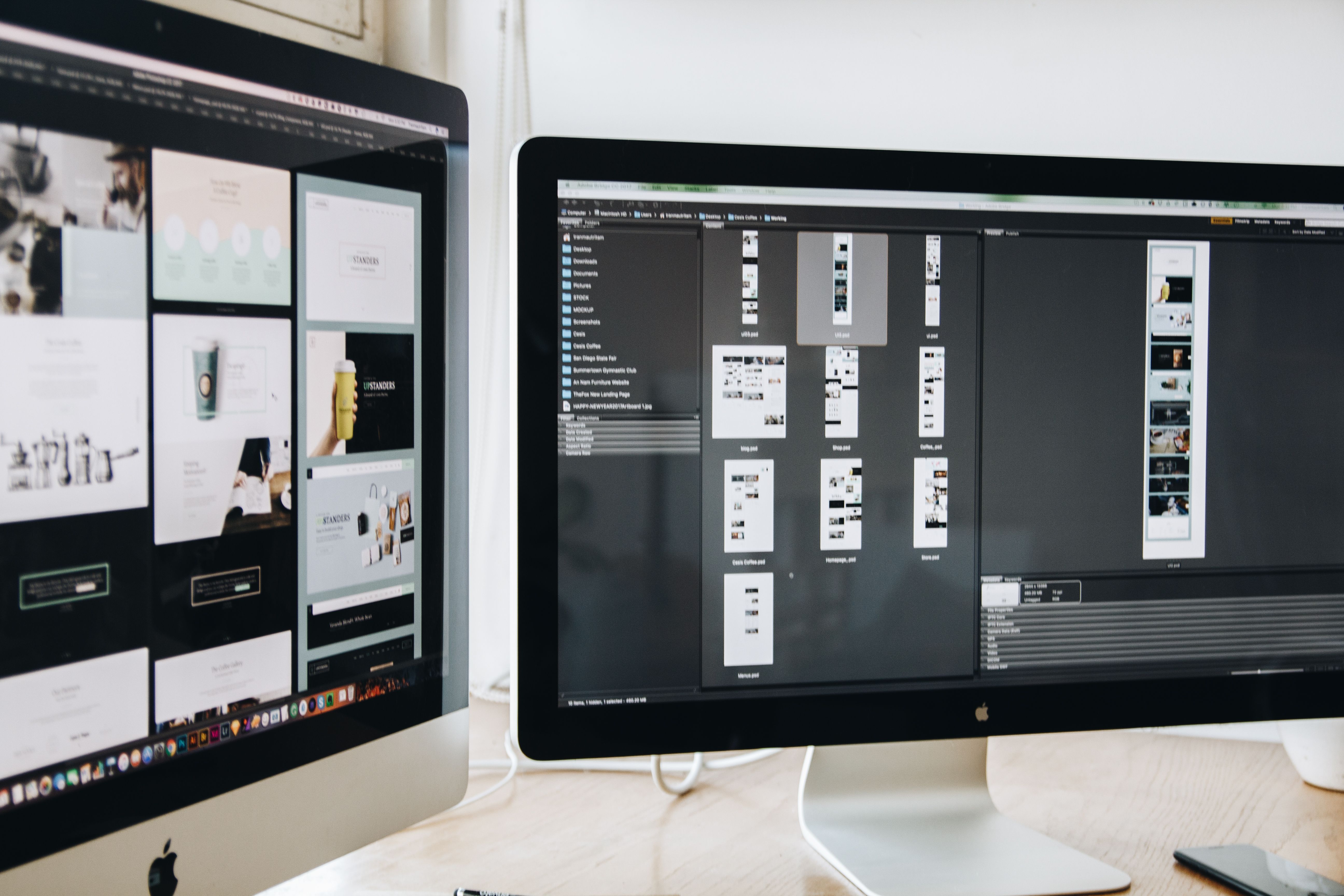
Elementor makes it easier to design WordPress pages visually, but good design is not only about appearance. If a page is meant to rank, attract visitors, and support business goals, it also needs to be easy to crawl, fast to load, clear to read, and simple to use on mobile devices.
That is where SEO-friendly website design comes in. With Elementor, you can build pages that balance layout, content structure, user experience, and performance. The aim is not to “hack” search results, but to create pages that help search engines understand your content and help people move through it with confidence.
What Elementor SEO design actually means
Elementor SEO design is the practice of using the Elementor WordPress page builder to create pages that support search visibility and usability at the same time. It includes page structure, heading hierarchy, content layout, navigation, responsive behaviour, internal linking, and speed considerations.
For example, a service page should not just look polished. It should explain the service clearly, use one main topic per page, include useful sub-sections, and make contact or enquiry actions easy to find. A product page should present key details, trust signals, images, and calls to action without clutter.
In short, design helps SEO when it improves crawlability, readability, mobile usability, accessibility, and user satisfaction.
Build a clear page structure before you design
One of the most common mistakes in WordPress website design is starting with visuals before the structure is planned. A better approach is to define the page purpose first. Ask whether the page is for a service, product, lead generation, blog content, or a landing page.
Once the purpose is clear, build a layout that supports it. Most effective pages use a logical sequence: headline, supporting introduction, main content sections, proof or trust signals, and a clear next step. This helps both users and search engines understand the page.
Use headings properly. The page should have one clear main topic, then supporting
sections for related points. Avoid using headings only for style. In Elementor, design choices should follow content meaning, not the other way round.
For site-wide structure, think about how pages connect. A good navigation menu, clear service categories, and sensible internal links can help users move around the site and help search engines discover related content. If you want a wider SEO review of your site structure, a free website SEO audit can be a useful starting point.
Design for mobile-first and responsive usability
Most website traffic is often mobile, so a page that works well on desktop but feels cramped or slow on a phone is not fully optimised. Elementor gives designers control over responsive layouts, but each breakpoint still needs testing.
Mobile-first design means prioritising readability, tap targets, spacing, and simple content blocks. Use short paragraphs, avoid oversized sections, and make sure buttons are easy to tap. Keep forms short where possible, especially for service pages and landing pages.
On small screens, content layout matters more than decoration. A two-column desktop section may need to become a single-column stack. Large images should be scaled sensibly. Menus should be easy to use without forcing users to pinch, zoom, or scroll unnecessarily.
Responsive design also affects trust. If a page feels difficult to use on a phone, visitors may leave before they read the offer. That affects engagement, and it can also weaken the page’s usefulness for SEO and conversions.
Improve speed and Core Web Vitals without sacrificing design
Website speed is a core part of modern WordPress website design. Heavy layouts, too many widgets, oversized images, and unnecessary animations can make pages slower to load. Slow pages can frustrate visitors and reduce the quality of the overall experience.
Core Web Vitals are not the only performance signals that matter, but they are a helpful reminder that page speed and visual stability are part of good design. Use compressed images, avoid loading too many third-party scripts, and keep effects purposeful rather than decorative.
Elementor pages should also be checked on real devices and with performance tools. A design can look great in the editor but still feel heavy in practice. Google’s own PageSpeed Insights is a practical place to review performance, rendering behaviour, and opportunities for improvement.
Good speed work does not mean stripping a page of personality. It means making smart choices so the layout stays useful, stable, and easy to use.
Use content layout to support SEO and conversions
Content layout affects how well people understand a page. If the most important information is buried below long visual blocks or repeated sections, users may not reach it. Clear layout improves scanning, and scanning is how many visitors decide whether to stay.
For business websites and service pages, include the essentials early: what you offer, who it is for, and why it matters. Then expand with benefits, process details, FAQs, testimonials where genuine, and supporting information. For ecommerce website design, product pages should make specifications, pricing, availability, shipping, and product images easy to compare.
Conversion-focused design should reduce friction, not pressure people. That means placing calls to action where they are expected, making contact details easy to find, and using trust signals such as clear policies, consistent branding, and helpful content. Results still depend on traffic quality, offer clarity, and testing.
For design systems and layout inspiration, Elementor’s official blog can be a useful reference for practical WordPress design ideas.
Accessibility, navigation, and internal linking matter more than many teams expect
Accessible design helps more people use your site and can also support SEO by making content easier to interpret. Use readable contrast, clear link text, descriptive buttons, and logical heading order. Avoid relying on colour alone to convey meaning.
Navigation should be simple and predictable. Visitors should not have to guess where key pages live. A good menu structure often includes core services, about information, contact details, and relevant content categories. On larger sites, breadcrumbs and footer links can further improve usability.
Internal links are also important. They help users find related pages and can support crawlability when they are placed naturally. For example, a blog article about page design might link to a deeper guide on the backlink building process if it helps readers understand wider SEO strategy. When design and content work together, the site becomes easier to explore.
Practical checklist for Elementor SEO-friendly pages
Before publishing, review the page using a simple checklist:
- Is the main purpose of the page obvious within the first screen?
- Does the heading structure follow a clear hierarchy?
- Is the layout easy to scan on mobile and desktop?
- Are images compressed and used with purpose?
- Are buttons and forms easy to use on all devices?
- Do internal links support the user journey naturally?
- Does the page load quickly enough to feel smooth and stable?
If you want more help with site-wide optimisation, Backlink Works shares practical insights on website growth, search visibility, and digital marketing.
Conclusion
Elementor SEO design is about building WordPress pages that look professional and work well for search, users, and business goals. The strongest pages are not necessarily the most complex. They are the clearest, fastest, and easiest to use.
When you focus on structure, responsive behaviour, speed, accessibility, and content layout, you create pages that support SEO in a practical way. That approach is especially valuable for service businesses, startups, ecommerce brands, and content-led sites that want better usability and stronger online visibility over time.
Frequently Asked Questions
Is Elementor good for SEO-friendly WordPress design?
Yes, when it is used with a clear structure, fast-loading assets, mobile-friendly layouts, and proper content hierarchy.
What matters most in an SEO-friendly page layout?
Clarity, heading structure, mobile usability, page speed, and a layout that helps visitors find the right information quickly.
Should Elementor pages be designed mobile-first?
Yes. Mobile-first thinking helps ensure the page is usable on smaller screens, where spacing, readability, and tap targets matter most.
Can design alone improve rankings or conversions?
No. Design supports SEO and conversions, but results also depend on content quality, traffic intent, trust, offer clarity, and ongoing testing.
- Sponsored Ad -





