
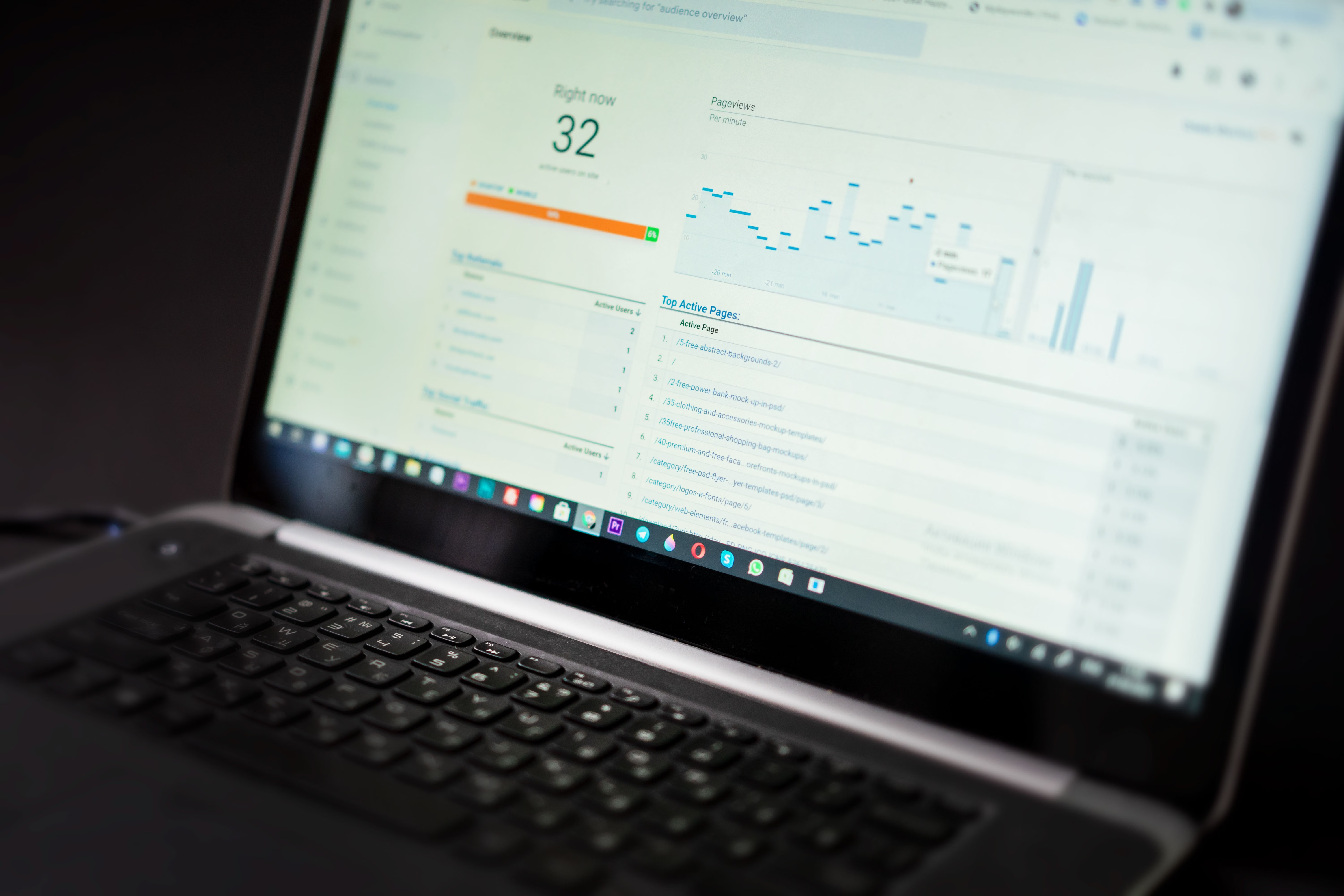
Google Analytics 4 has become a core part of how many teams interpret organic performance, but its reporting model is not identical to older analytics setups. For SEO professionals, that means search reporting needs to be read with more care, especially when comparing traffic trends, landing pages, engagement signals, and conversions across different channels.
What matters most is not just where sessions came from, but how GA4 structures user behaviour, event tracking, attribution, and cross-channel reporting. That affects how website owners understand search visibility, whether a page is attracting qualified organic visits, and how SEO work connects to wider business outcomes.
Why GA4 changes how SEO performance is interpreted
GA4 is built around events rather than the pageview-first model many marketers were used to. For search reporting, this means organic traffic is measured in a more flexible but also less intuitive way. A page may receive strong search visibility, yet appear weaker in GA4 if engagement events are not configured properly or if attribution is split across different sessions and devices.
This is especially important for SEO because search performance is no longer judged only by visits. Website owners need to look at engaged sessions, key events, landing page quality, and conversion paths. A page with fewer sessions may still contribute meaningful organic value if it supports leads, product discovery, or assisted conversions.
For teams checking performance in parallel with Google Search Console, GA4 should be treated as a behaviour and conversion layer, while Search Console remains the strongest source for search impressions, clicks, and query-level visibility.
Practical impact on search reporting
One of the biggest practical changes is that reporting can look different depending on which metric is being reviewed. Organic search traffic in GA4 may not align exactly with rankings or click data, and that is normal. Search visibility is influenced by how Google shows results, how users interact with snippets, and how landing pages load and perform after the click.
For SEO teams, this means that reporting should combine several signals:
- Search Console data for impressions, clicks, average position, and query trends.
- GA4 for sessions, engagement, conversions, and landing page behaviour.
- Website performance tools for speed, usability, and technical issues that affect search experience.
When these signals are reviewed together, it becomes easier to spot whether an organic traffic change is caused by ranking movement, content quality issues, technical problems, or a reporting configuration issue. If you are auditing those patterns, a free website SEO audit can help identify gaps across content, technical SEO, and tracking setup.
What website owners should check in GA4 search reporting
The first check is whether organic traffic is being grouped correctly. If channel definitions, landing page tagging, or cross-domain tracking are not set up cleanly, search data can be harder to trust. This is particularly relevant for ecommerce sites, membership platforms, and multi-step lead funnels.
Next, review which events are marked as key events. If important actions such as form submissions, add-to-cart events, file downloads, or newsletter sign-ups are not tracked, the value of organic search may be underestimated. Search reporting should show whether organic visitors are taking meaningful actions, not just arriving on the site.
It is also worth checking landing page reports. These can highlight pages that attract search traffic but fail to keep users engaged. That may point to thin content, weak internal linking, slow loading, or poor mobile presentation. If the issue is technical rather than editorial, a performance review using tools such as PageSpeed Insights can help reveal whether page experience is affecting search engagement.
SEO signals that now matter more in reporting
GA4 encourages a more outcome-focused view of SEO. Instead of reporting only on traffic growth, teams should look at whether search visits support business goals. That is especially relevant for content SEO, ecommerce SEO, local SEO, and WordPress sites that rely on organic discovery across many page types.
Content SEO and AI search behaviour
Search is changing as AI-generated summaries, richer search features, and shifting result layouts affect how users reach websites. This does not mean organic search is disappearing, but it does mean click patterns can change even when visibility remains stable. GA4 helps show whether the traffic that does arrive is more or less engaged than before.
For publishers and bloggers, that makes content depth, topical relevance, and internal linking more important. Search traffic may be more selective, so pages need to satisfy intent quickly and clearly. That includes answer-led introductions, useful subheadings, and content that supports follow-up actions.
Local SEO and service businesses
Local businesses should pay close attention to location pages, phone clicks, contact forms, and map-related conversions. GA4 can help show whether organic visitors from a local search journey are moving towards real enquiries. If not, the issue may be content clarity, trust signals, or page speed on mobile devices.
Ecommerce and product discovery
For ecommerce sites, organic reporting should focus on product page engagement, category page journeys, and revenue attribution. A page that ranks well but does not convert may need better product copy, stronger structured data, or improved internal links from informational content into commercial pages.
How GA4 fits with technical SEO and site health
Search reporting is only reliable when the website is technically sound. Crawling, indexing, canonicalisation, internal links, schema, and page speed all influence whether search traffic grows in a stable way. GA4 can show the outcome of those issues, but not always the cause.
This is why SEO teams should look at GA4 alongside crawl data and search diagnostics. If organic traffic drops on a group of pages, the issue may be indexation, template errors, broken links, content duplication, or slow loading rather than a pure ranking change. WordPress users should also review plugin changes, theme updates, and cache settings, as these can affect both measurement and search performance.
For site owners who want to understand how search and content changes fit together, Backlink Works provides SEO education and support material, including practical guidance on building a stronger backlink profile and overall search visibility.
What to do next: a simple reporting checklist
Use this as a practical starting point when reviewing search performance in GA4:
- Check that organic traffic is classified correctly.
- Confirm that key events reflect real business goals.
- Compare GA4 engagement with Search Console clicks and impressions.
- Review landing pages for content quality and user intent match.
- Test page speed and mobile usability on important organic pages.
- Track conversions by channel, not just by session volume.
If your organic results look inconsistent, do not assume the problem is rankings alone. Search visibility trends are often shaped by a mix of content quality, technical health, and how analytics is configured. That is why the most useful SEO reporting now combines search data, behaviour data, and site performance checks.
Conclusion
GA4 updates and measurement changes have made search reporting more nuanced, but also more useful for teams that want to understand real SEO impact. The key is to move beyond traffic totals and focus on what organic visitors do after they land on the site.
For SEO professionals, agencies, ecommerce brands, and small businesses, the best approach is to combine GA4 with Search Console and technical tools, then review search performance through the lens of engagement, conversion, and content usefulness. That gives a clearer picture of what search visibility is actually delivering.
Frequently Asked Questions
Why does GA4 organic traffic not always match Search Console clicks?
They measure different things. Search Console records search clicks and impressions, while GA4 records user sessions and behaviour after the click.
What should I look at in GA4 for SEO reporting?
Focus on organic sessions, engaged sessions, landing pages, key events, and conversions. These show whether search traffic is valuable, not just present.
Can GA4 help with local SEO reporting?
Yes. It can show how organic visitors behave on location pages, contact forms, and mobile journeys, which helps measure local search effectiveness.
Does GA4 improve rankings directly?
No. GA4 is a reporting tool, not a ranking factor. It helps you understand user behaviour so you can make better SEO decisions.
- Sponsored Ad -





