
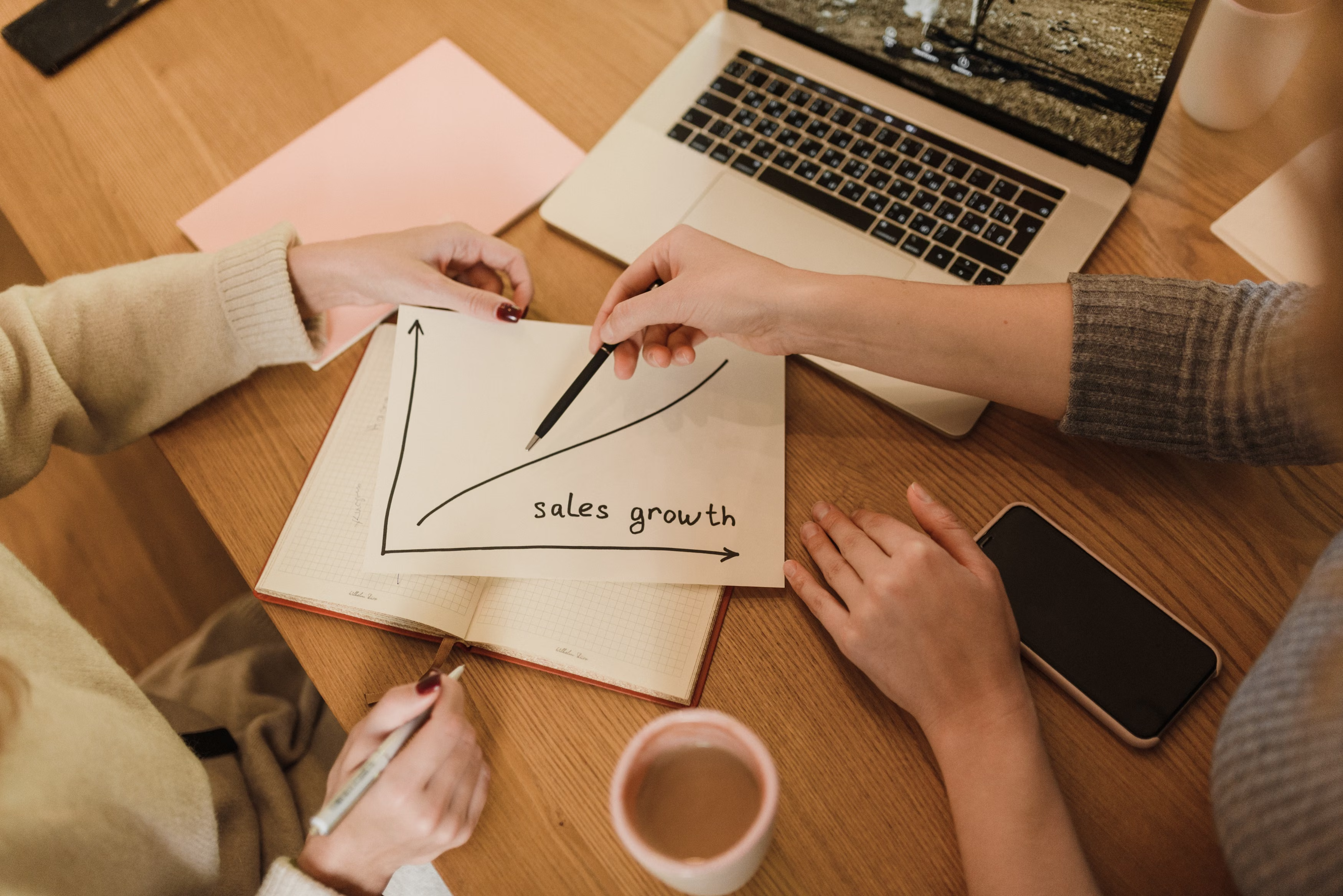
Graphic content marketing is more than making a blog post look attractive. When used well, graphics can help people understand complex ideas faster, stay on a page longer, and remember your brand more easily. For businesses focused on SEO and website growth, that can support stronger engagement and clearer search intent.
It also plays an important role in digital marketing strategy. From social media marketing and email marketing to ecommerce marketing, local business promotion, and lead generation, graphics can improve how your content is discovered, shared, and converted. The key is to make every visual serve a purpose rather than using design simply for decoration.
What Graphic Content Marketing Means
Graphic content marketing is the use of visual assets such as infographics, charts, comparison graphics, branded illustrations, carousel slides, and product visuals to support a broader content marketing strategy. These assets help explain topics, reinforce brand identity, and make website content easier to scan.
In SEO-driven marketing, graphics can strengthen a page when they improve readability, reduce bounce risk, and support the message around the target topic. They are not a shortcut to rankings, but they can contribute to a better user experience, which is valuable for both visitors and search engines.
For example, a service business might use a simple process graphic to explain how enquiries are handled, while an ecommerce brand could use comparison charts to help shoppers choose between products. In both cases, the visual content supports conversion-focused communication.
Why Graphics Matter for SEO and Traffic
Search visibility depends on more than keywords. Google’s systems aim to surface pages that are useful, easy to understand, and relevant to the searcher’s intent. Well-structured graphics can help support those qualities by breaking up dense text and making key information clearer.
Graphics can also improve website traffic growth indirectly. When content is easier to read, more people may spend time on the page, share it on social media, or link to it from their own content. For content marketing teams, that can support broader online marketing strategy and brand visibility.
If you are reviewing content performance, tools such as Google Search Console can help you see how pages are performing in search, which queries are bringing visitors, and where improvements may be needed. Pairing that data with visual content updates can make optimisation more focused.
Best Practices for Creating Graphic Content That Supports SEO
Start with the user’s question. A graphic should help answer something the audience is already trying to understand, compare, or decide. If the visual does not add clarity, it may just add clutter.
Keep the message simple. One graphic should usually cover one idea, such as a checklist, a process, a timeline, or a comparison. This makes the content easier to share across blog posts, landing pages, LinkedIn posts, and email campaigns.
Use descriptive file names and alt text. These do not guarantee ranking improvements, but they help search engines and users understand the image. They are also important for accessibility and good website practice.
Make sure the graphics match your brand and content tone. A consistent style can improve recognition across organic search, PPC landing pages, and social media marketing. For businesses building visibility, that consistency can support trust over time.
If you need a wider SEO review before investing heavily in visuals, a free website SEO audit can help identify content and technical issues that may be limiting performance.
How to Use Graphics Across Channels
Graphic content works best when it is reused thoughtfully across channels rather than created once and forgotten. A single visual can support a blog article, an Instagram post, an email newsletter, a sales page, and a paid ad creative, provided it is adapted to each format.
For social media marketing, graphics can simplify message delivery and encourage saves or shares. For email marketing, a clear visual can draw attention to a key offer, case study point, or educational tip. For Google Ads or PPC campaigns, visuals on landing pages should match the ad message closely, because relevance affects user experience and conversion performance.
In ecommerce marketing, graphics can reduce friction by showing feature differences, use cases, sizing information, or how a product fits into a workflow. For local business marketing, simple visuals can reinforce opening hours, service areas, reviews, and contact options.
Common Mistakes to Avoid
One common mistake is making graphics too complicated. Dense visuals are harder to read on mobile devices and may distract from the main message. Simplicity usually works better than trying to include everything in one image.
Another mistake is treating graphics as decorative only. If the visual does not support the page topic, it is unlikely to improve engagement or conversions. Good design should help move the reader towards understanding or action.
It is also a mistake to ignore performance data. Marketing analytics can show which pages attract traffic, which calls to action get clicks, and where visitors drop off. That information should guide future design decisions.
Finally, avoid using visuals without checking loading speed. Large files can slow pages down and harm user experience. Site speed matters for SEO, especially on mobile, so compress images and choose appropriate formats where possible.
A Practical Workflow for Better Results
Begin with keyword research and topic planning, then decide where a graphic would improve comprehension. This may be at the top of the article, inside a process explanation, or near a conversion point such as a form or product block.
Next, create a design that reflects the search intent. Informational pages may benefit from diagrams or explainers, while commercial pages may need comparison charts, trust signals, or benefit-led visuals. The aim is to support customer acquisition, not just decoration.
After publishing, measure what happens. Look at page engagement, click-throughs, scroll depth, enquiries, and assisted conversions where available. If a graphic improves understanding but not action, adjust the offer, page structure, or call to action.
For brands that want to link content, design, and growth more strategically, Backlink Works offers educational resources on link building and SEO. One useful starting point is the ultimate guide to backlink building, which can sit alongside content planning and visibility work.
Conclusion
Graphic content marketing can support SEO and traffic growth when it is built around clarity, relevance, and user intent. The strongest visuals help people understand a message faster, engage more confidently, and take the next step with less friction.
Rather than treating graphics as an extra, integrate them into your wider online marketing strategy. Combine them with useful content, sound technical SEO, careful analytics, and conversion-focused page design. That approach gives your brand a better chance of building visibility steadily over time.
Frequently Asked Questions
How does graphic content help SEO?
Graphics can improve readability, engagement, and accessibility, which supports a better page experience. They should complement the written content rather than replace it.
What types of graphics work best for content marketing?
Infographics, process diagrams, comparison charts, branded illustrations, and short carousel-style visuals often work well because they explain ideas quickly.
Can graphics improve conversion rates?
They can support conversions by making information clearer and reducing friction, but results depend on the offer, page layout, audience, and tracking.
Should I use graphics on every page?
Not necessarily. Use visuals where they genuinely improve understanding, support trust, or help guide the user towards action.
- Sponsored Ad -





