
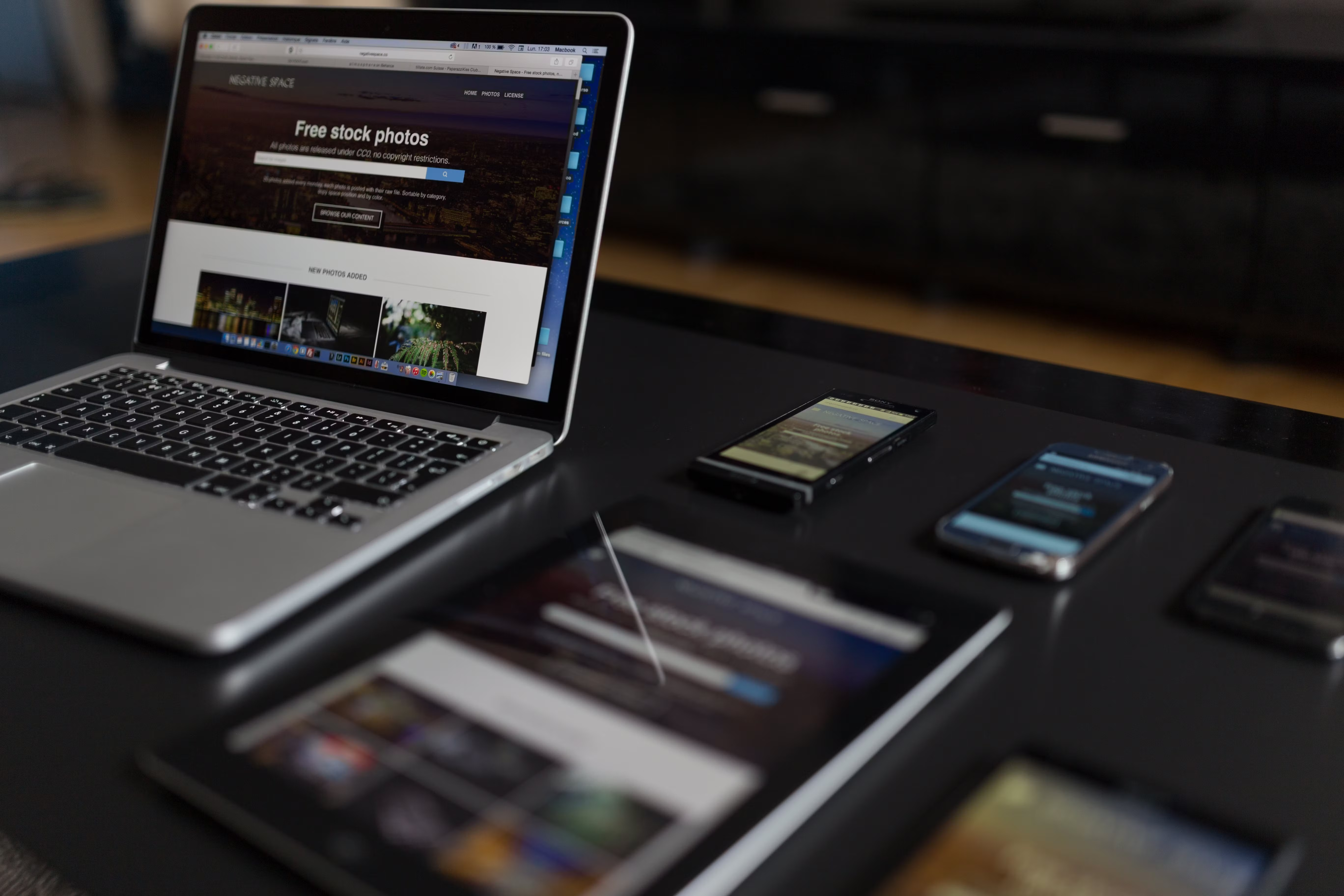
Homepage conversion design is about more than making a website look polished. It focuses on helping visitors understand what a business does, where to go next, and why they should take action. For many brands, the homepage is the most visited page, so its layout, content hierarchy, and usability can strongly affect engagement and lead generation.
Good homepage design also supports SEO. Search engines assess how well a site is structured, how fast it loads, how mobile-friendly it is, and whether visitors can find information easily. A homepage that is clear, responsive, and easy to navigate can improve crawlability, user experience, and trust, while giving people a better path to service pages, product pages, or contact forms.
1. Start with a clear value proposition above the fold
The top section of your homepage should answer three basic questions quickly: who you are, what you offer, and why it matters. This is often called the “above the fold” area, although users will still scroll if the page gives them a reason to do so. Keep the headline focused and the supporting text concise.
For example, a service business might highlight its main service area and key outcome, while an ecommerce brand may emphasise product range, shipping, or trust factors. Avoid vague taglines that sound nice but say little. Clarity helps both users and search engines understand the page purpose.
2. Use a mobile-first, responsive layout
Most people will experience your homepage on a phone first, so mobile-first design should guide the layout from the start. This means readable text, tap-friendly buttons, sensible spacing, and content that works without pinching or zooming. A responsive web design approach makes the same page adapt smoothly across screen sizes.
Navigation should be simple on smaller screens. Limit clutter, avoid overcrowded menus, and make primary actions easy to reach. If your homepage is difficult to use on mobile, visitors are more likely to leave before they explore your services or products. For broader guidance on search-oriented site setup, Google’s SEO Starter Guide is a useful reference.
3. Build a content layout that supports scanning
People rarely read homepages word for word. They scan for headings, short paragraphs, icons, and visual cues that help them decide what matters. A strong content layout uses clear sections, meaningful headings, and enough white space to reduce cognitive load.
Place the most important information early: your offer, primary benefits, trust signals, and next steps. Then support that with short sections for services, industries served, testimonials, case studies, or featured products. This structure helps users move from interest to action without feeling overwhelmed.
Keep the homepage focused on next steps
A conversion-focused homepage should not try to do everything at once. Link to deeper pages for detailed service explanations, product categories, pricing, and contact options. The homepage should act as a guide, not a complete brochure.
4. Make navigation simple and intention-led
Navigation is one of the most important parts of website structure. If visitors cannot find what they need quickly, they may abandon the site. Keep the main menu short and organised around user intent rather than internal jargon.
For a business website, common items might include Services, About, Case Studies, Blog, and Contact. For ecommerce, category labels should be clear and product-led. Internal links on the homepage should also support SEO by helping search engines discover important pages and understand topical relationships. If you are reviewing site-wide authority and content pathways, a free website SEO audit can help identify structural gaps.
5. Design for trust, accessibility, and user confidence
Visitors are more likely to convert when a homepage feels credible and easy to use. Trust signals can include clear contact details, business information, industry accreditations, realistic testimonials, secure checkout cues, and visible policy links. These details are especially important for service pages, ecommerce website design, and WordPress website design where people may be comparing several options.
Accessibility also matters. Use strong colour contrast, legible font sizes, descriptive link text, and alt text for meaningful images. These choices improve usability for everyone and can support SEO by making your content more understandable. A good homepage should be inclusive, not just visually attractive.
A simple homepage trust checklist
- Clear headline and subheading
- Prominent contact or primary action button
- Visible service or product categories
- Real customer proof where appropriate
- Fast-loading images and sensible media use
6. Improve speed and Core Web Vitals
Website performance affects both UX and conversion potential. If a homepage is slow to load or shifts around while loading, users may become frustrated. Core Web Vitals are useful indicators of loading experience, visual stability, and responsiveness, so they are worth monitoring as part of ongoing website performance work.
Practical improvements often include compressing images, reducing unnecessary scripts, limiting heavy sliders, and choosing well-built themes or page builders. This is particularly relevant for WordPress website design, where plugins and media assets can quickly affect speed. You can test real-world page experience using PageSpeed Insights.
7. Match design decisions to conversion goals
Homepage conversion design is not just about adding more buttons. It is about aligning the layout with what users need at each stage of their journey. A homepage for a consultancy may focus on booking a discovery call, while an ecommerce homepage may prioritise category discovery, featured products, and delivery reassurance.
Use one primary call to action and, where helpful, one secondary option. Keep button labels specific, such as “Book a consultation” or “Shop best sellers”, rather than generic labels like “Learn more”. The best results depend on traffic quality, offer clarity, copy, trust signals, and testing, so improvements should be measured with analytics rather than assumed.
Conclusion
A homepage performs best when it is easy to understand, fast to use, and structured around real visitor intent. Strong homepage conversion design supports SEO-friendly website design by improving crawlability, internal linking, mobile usability, content structure, and overall user experience.
Whether you run a business website, ecommerce store, or service brand, the goal is the same: make the next step obvious and friction-free. If you are reviewing site architecture, content flow, and lead generation opportunities, Backlink Works Insights can help you think more strategically about website growth without relying on shortcuts or misleading tactics.
Frequently Asked Questions
What is homepage conversion design?
It is the process of designing a homepage so visitors can quickly understand the offer and take the next step, such as browsing, enquiring, or buying.
Does homepage design affect SEO?
Yes. Design affects crawlability, mobile usability, page speed, accessibility, internal linking, and how easily people find key content.
How many calls to action should a homepage have?
Usually one primary call to action is best, with a secondary option only if it supports the user journey without creating confusion.
What should I test on a homepage?
Test headlines, layouts, button wording, trust signals, navigation, and content placement to learn what helps users engage and convert.
- Sponsored Ad -





