
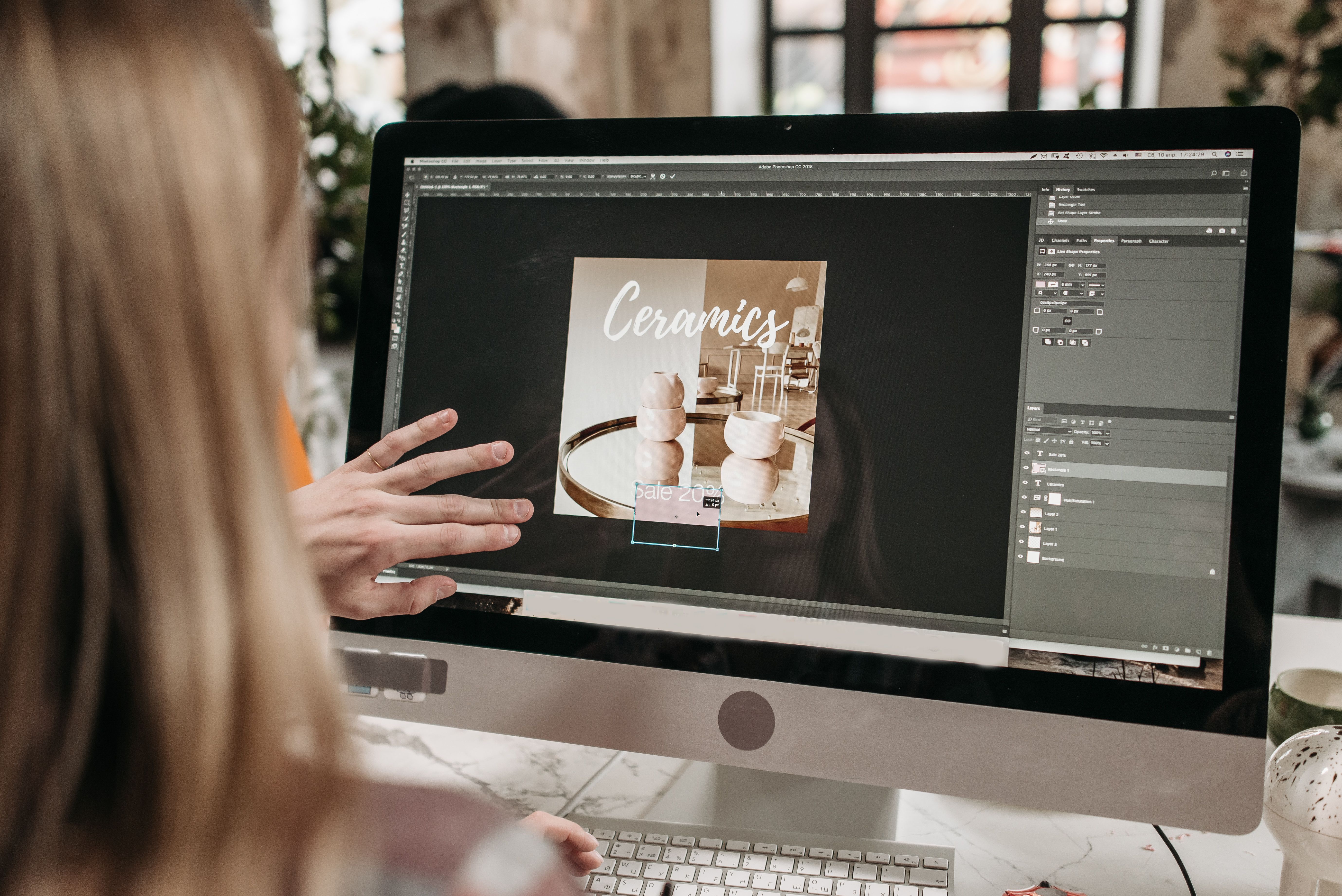
Image optimisation is one of the simplest ways to improve a mobile-first website without changing its core content or brand. When images are sized, compressed, and placed well, pages become easier to use on smaller screens, load faster, and feel more polished.
For SEO-friendly website design, image choices affect more than appearance. They influence page speed, Core Web Vitals, crawlability, accessibility, user experience, and how clearly your content supports business goals such as enquiries, bookings, or sales. Backlink Works Insights often treats image performance as part of wider website growth, not just a technical detail.
Why image optimisation matters in mobile-first design
Mobile-first web design starts with the smallest screen and builds upwards. That means every visual element must earn its place. Large images can slow loading, push important content down the page, and create a frustrating experience for visitors on weaker connections.
From an SEO perspective, image optimisation supports site performance and usability. Search engines aim to surface pages that are helpful, accessible, and efficient on mobile devices. If your images delay the main content, users may leave before they see your message, offer, or call to action.
For business websites, service pages, product pages, and landing pages, this matters because clarity and speed affect trust. A page that loads quickly and presents visuals cleanly is more likely to keep people engaged long enough to read, compare, and act.
Choose the right image format for the job
One of the best starting points is format selection. Not every image should use the same file type.
Use JPEG for photographs
JPEG is often suitable for photos and other complex images with many colours. It usually provides a smaller file size than uncompressed formats, which helps with faster delivery on mobile devices.
Use PNG for graphics that need transparency
PNG can work well for logos, icons, and screenshots where sharp edges or transparency are important. However, it is often larger than JPEG for photographs, so it should be used selectively.
Use modern formats where possible
WebP and AVIF can offer strong compression for many websites. These formats are useful for responsive web design because they can reduce file size without making images look noticeably worse for most users. If your platform supports them, they are worth considering for both WordPress website design and ecommerce website design.
Resize images before uploading them
Many websites slow down because images are uploaded at desktop size and then scaled down in the browser. That wastes bandwidth, especially on mobile. Instead, resize images to the largest display size they will actually need.
For example, if a product image will never display larger than 1200 pixels wide, there is usually no benefit in uploading a 4000 pixel file. The extra data makes the page heavier without improving the user experience.
This is especially important on homepage banners, hero sections, team pages, and service pages where large visuals are common. A cleaner approach is to plan image dimensions during the page layout stage, not after launch.
Compress images without damaging usability
Compression reduces file size and helps pages load more quickly. The goal is not to make images look poor, but to remove unnecessary data while keeping them clear enough for the device and content type.
For mobile-first design, compression is a practical part of performance optimisation. Smaller files can improve perceived speed, reduce layout delays, and support better Core Web Vitals. If image assets are too heavy, even a well-structured page can feel slow.
A good workflow is to test image quality at a few compression levels before publishing. Product photography may need more detail than a blog header image, while a simple icon can often be compressed far more aggressively.
Use responsive images and sensible layout decisions
Responsive design is not only about flexible grids. Images should also adapt to screen size and content context. On mobile, a full-width desktop image may hide key text, interrupt reading flow, or force awkward scrolling.
Use responsive image settings or theme controls where available so different image sizes can load for different devices. In WordPress and ecommerce platforms, this often helps avoid sending oversized files to smaller screens.
Layout matters too. Avoid placing too many large images above the fold if they delay the page message. On landing pages and service pages, the first screen should usually combine a concise heading, a short explanation, and a clear call to action. Images should support that message, not compete with it.
For image-heavy pages, such as galleries or product listings, think carefully about spacing, cropping, and tap targets. A mobile visitor should be able to scan options quickly and move through the page without confusion.
Make images accessible and SEO-friendly
Accessible design helps more users understand your content and can also support search visibility through better structure. Start with descriptive alt text for meaningful images. Alt text should explain the image’s purpose, not stuff keywords into the sentence.
For example, “Wooden kitchen table with four chairs in a bright dining room” is more helpful than a generic file name or a phrase repeated for SEO purposes. Decorative images can use empty alt text so screen readers can skip them.
File names also matter. A clear name such as responsive-web-design-team-photo.jpg is more useful than IMG_4829.jpg. This is a small detail, but it fits into a wider technical SEO approach where structure and clarity help both users and search engines.
Image captions can also improve understanding where appropriate, especially for blogs, portfolios, and educational pages. They should add context, not repeat the obvious.
Keep image placement aligned with content and conversion goals
In conversion-focused design, images should reinforce the page purpose. A service page may need one strong supporting image near the top, followed by trust signals, benefits, and a clear path to contact. An ecommerce product page may need several product views, zoom support, and lifestyle imagery that shows use in context.
The key is balance. Too many large visuals can distract from the main action. Too few can make a page feel flat or untrustworthy. Good content layout uses images to guide attention, break up text, and support decision-making.
Navigation and internal linking also matter here. Images should not replace clear text links for important journeys, such as moving from a blog article to a service page or product category. Search-friendly design depends on visible pathways that users and crawlers can follow.
If you are reviewing broader performance and structure issues, a free website SEO audit can help identify pages where image handling, layout, and internal linking need attention.
Check image performance in real-world testing
After optimising images, test the page in conditions that reflect actual use. Mobile performance can vary depending on device quality, network speed, and browser behaviour. A page that seems fast on a desktop connection may feel very different on a phone.
Useful checks include loading the page on a mobile device, reviewing image sizes in your CMS, and testing how quickly key content appears. Google’s PageSpeed Insights can help highlight image-related opportunities, especially where large files affect loading performance or layout stability.
For ongoing improvement, combine performance data with user behaviour insights. If visitors scroll past a hero image too quickly or abandon a product page early, the issue may be content order, file size, or both. Good website design uses evidence, not assumptions.
Practical checklist:
Resize images to the largest display size they need.
Choose formats that suit the image type.
Compress files before upload.
Use descriptive alt text where needed.
Ensure images support the page message and layout.
Test key pages on mobile devices and slower connections.
Common image optimisation mistakes to avoid
One common mistake is uploading oversized images and relying on browser scaling. Another is using decorative visuals that take up space without adding value. Both can weaken the user experience and make a page feel slower than it should.
It is also a mistake to treat image optimisation as separate from website structure. On a well-designed site, images, headings, navigation, copy, and calls to action work together. If the page hierarchy is unclear, faster images alone will not fix the experience.
Finally, do not overdo compression to the point that product details, interface screenshots, or team photos become blurry. A useful image should remain useful. The aim is better performance, not lower quality at any cost.
Conclusion
Image optimisation is a practical part of mobile-first web design. It supports faster loading, clearer layouts, better accessibility, and a smoother experience for visitors who are comparing options, reading content, or taking action on a small screen.
When you treat images as part of SEO-friendly design, not just decoration, you create pages that are easier to use and easier to maintain. That benefits business websites, ecommerce stores, service pages, and content-led sites alike. Good image choices will not guarantee rankings or conversions, but they can strengthen the foundations that support both.
Frequently Asked Questions
What is image optimisation in mobile-first web design?
It is the process of reducing image file size, choosing the right format, and placing images so they work well on smaller screens without harming usability.
Do images affect SEO?
Yes, indirectly. Optimised images support page speed, accessibility, mobile usability, and content structure, all of which contribute to a better SEO foundation.
Should every image have alt text?
No. Meaningful images should have descriptive alt text, but decorative images can use empty alt text so screen readers can skip them.
What is the best image format for websites?
It depends on the image. JPEG suits photos, PNG suits graphics with transparency, and modern formats like WebP can work well for many web pages.
- Sponsored Ad -





