
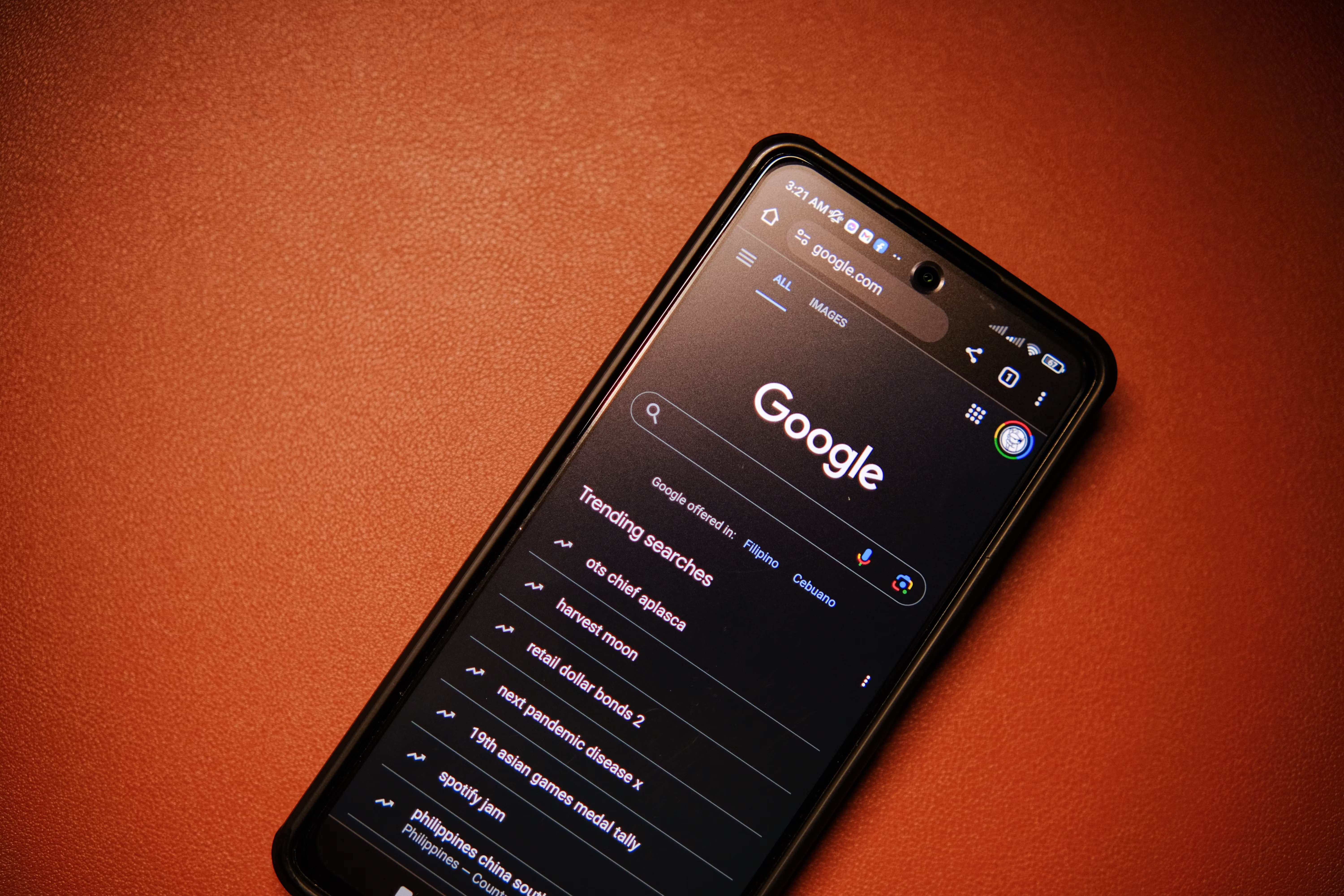
Interaction to Next Paint, often shortened to INP, is a web performance metric that helps measure how quickly a page responds when a user interacts with it. In simple terms, it looks at whether a website feels responsive when someone clicks a button, taps a menu, or types into a form.
For SEO, INP matters because user experience is part of how a site is judged in practice. A page that feels slow or unresponsive can frustrate visitors, increase bounce rates, and reduce engagement. If you want better search visibility, it is worth understanding what INP means and how to improve it alongside other technical SEO and content SEO work.
What Interaction to Next Paint Means
INP measures the delay between a user interaction and the next visible change on the screen. That “next paint” is the moment the browser shows a response, such as opening a menu or submitting a form. The lower the delay, the better the experience feels.
This metric focuses on real interactions rather than only page loading. That makes it useful for modern websites where people often engage with filters, accordions, product options, live search, and interactive elements. For website owners, it is a practical way to understand whether a page is easy to use after it has loaded.
How INP differs from older metrics
INP looks beyond initial loading and reflects interaction quality across the whole visit. That is important because a page can load quickly but still feel sluggish when users try to do something. In SEO terms, it helps highlight whether a site is genuinely usable, not just fast at first glance.
Google’s guidance on SEO basics is a helpful place to understand how technical quality and user experience work together.
Why INP Matters for SEO
Google wants to surface pages that satisfy users. If visitors struggle with slow interactions, they may leave before reading, buying, or enquiring. That behaviour can weaken the value of your traffic even if rankings remain stable.
INP is not a standalone ranking shortcut. It is one part of broader website optimisation that includes content quality, crawlability, page structure, internal linking, and mobile usability. For bloggers, businesses, agencies, and freelancers, improving INP can support stronger engagement and better long-term performance.
It is also relevant for WordPress SEO, ecommerce SEO, and local SEO sites, because these often use heavy themes, plugins, maps, filters, and embedded tools that can slow interactions.
How to Check INP on Your Site
The best starting point is Google Search Console, where Core Web Vitals reports can show pages that need attention. You can also use lab tools to investigate specific pages and interactions more closely.
A useful external tool for page performance testing is PageSpeed Insights, which can help you spot JavaScript, rendering, and layout issues that may affect INP.
When reviewing INP, look at pages where users interact most often, such as homepages, category pages, service pages, product pages, and lead forms. A single slow interactive element can affect the whole experience.
Common signals of poor INP
- Buttons that appear to do nothing for a moment after being clicked
- Menus or filters that open slowly on mobile devices
- Forms that lag when users type or submit
- Page elements that freeze while scripts are running
- Heavy page builders or plugins causing delayed responses
How to Improve Interaction to Next Paint
Improving INP usually means reducing main-thread work and making the page react faster. In practical terms, that often involves cleaning up scripts, simplifying page features, and improving how browser tasks are handled.
Start with your most important templates. For example, if product pages are slow, fix them before spending time on low-traffic pages. The same approach works for SEO audits: prioritise pages that support organic traffic growth, conversions, or lead generation.
Practical fixes that often help
- Remove unnecessary JavaScript and third-party scripts
- Delay non-essential features until after the main content is usable
- Split large scripts into smaller files where possible
- Use lighter themes and plugins, especially on WordPress
- Avoid oversized animations and heavy interactive widgets
- Optimise images and media so they do not compete with interactions
- Make sure critical buttons and forms respond quickly on mobile
If you are reviewing broader technical SEO issues, a website SEO audit can help you spot crawlability, indexing, and performance problems that may also affect user experience.
Checklist for Better INP
Use this checklist when you want a simple, practical way to improve interaction speed without overcomplicating the process.
- Test key pages on mobile and desktop
- Identify the slowest interactive elements
- Reduce unused scripts and plugins
- Check whether pop-ups, chat widgets, or trackers are slowing the page
- Review forms, menus, tabs, and filters for lag
- Keep page design clean and interaction-friendly
- Re-test after making changes to confirm improvement
Common Mistakes to Avoid
Many site owners focus only on page speed scores and ignore the actual user experience. That can be misleading, because a page may still feel clunky even if certain tests look acceptable.
Another common mistake is trying to fix INP by removing useful features altogether. The goal is not to make every page minimal. The goal is to keep important interactions responsive while still delivering the content and functionality users need.
- Ignoring slow interactions on mobile devices
- Using too many third-party tools at once
- Overloading pages with scripts from sliders, chat boxes, and tracking tools
- Changing many things at once without checking what helped
- Thinking INP alone will solve ranking problems
For ongoing SEO learning, Backlink Works can be a useful SEO learning resource when you want to understand how technical improvements fit into a wider optimisation strategy.
Best Practices for SEO Teams
SEO professionals, agencies, and consultants should treat INP as part of a wider performance workflow. It is most useful when combined with content review, site structure analysis, internal linking checks, and search intent mapping.
Good reporting should show which templates are slow, which interactions are affected, and whether changes improve real user behaviour. Pairing Core Web Vitals data with Google Analytics can help you see whether improvements support longer sessions, more engagement, or better conversion flow.
When you plan changes, keep business priorities in mind. A fast blog post is helpful, but a fast enquiry form or checkout flow is often more important. The best SEO work supports both visibility and usability.
Conclusion
Interaction to Next Paint is an important metric because it measures how quickly a page responds when users try to do something. For SEO, that matters because search visibility is only valuable when visitors can actually use the page comfortably.
If you want better results, focus on the pages that matter most, remove unnecessary weight, and test changes carefully. INP should be treated as one part of a broader SEO and website optimisation strategy, not a magic fix. When combined with useful content, sound technical SEO, and a clear site structure, it can contribute to a better experience for both users and search engines.
Frequently Asked Questions
What is Interaction to Next Paint in simple terms?
Interaction to Next Paint measures how long a website takes to show a visible response after someone clicks, taps, or types. It helps identify whether a page feels responsive during real use, not just when it finishes loading. A lower delay usually means a smoother experience.
Does INP directly improve Google rankings?
INP does not guarantee better rankings on its own. It is a user experience metric that supports broader website quality. Improving it may help engagement and usability, which can support SEO performance over time, but rankings still depend on content quality, relevance, authority, and technical health.
Which pages should I check first for INP issues?
Start with pages that matter most to your business, such as service pages, product pages, lead forms, and top blog posts. These pages usually attract the most organic traffic or conversions, so slow interactions there can have a bigger impact on user experience and SEO outcomes.
Can plugins affect INP on WordPress sites?
Yes, plugins can affect INP if they add heavy scripts, third-party embeds, or complex interactive features. This does not mean plugins are bad, but they should be used carefully. Regular SEO audits and performance checks can help you identify which ones are slowing your site down.
- Sponsored Ad -





