
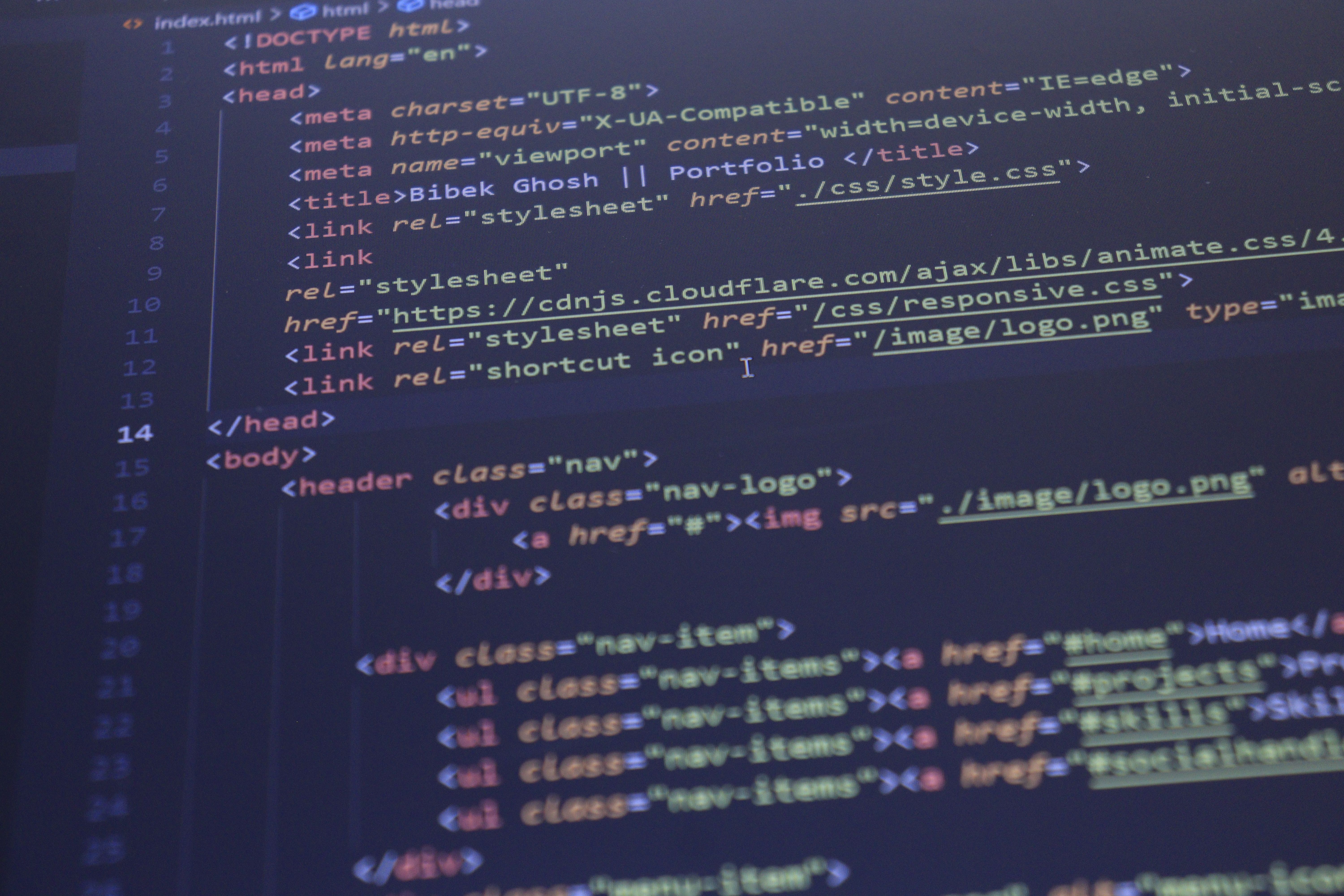
Lightweight CSS is a practical approach to website design that helps pages load quickly, adapt to different screens, and stay easier to maintain. For responsive, mobile-first design, the aim is not to remove everything from the interface, but to keep styles purposeful so the site feels clear, fast, and dependable on phones, tablets, and desktops.
That matters for more than visuals. Search engines reward websites that are easier to crawl, mobile-friendly, accessible, and efficient to use. Good CSS supports those goals by improving layout stability, readability, interaction quality, and overall performance without forcing the page to rely on heavy scripts or unnecessary complexity.
What Lightweight CSS Means in Practice
Lightweight CSS is CSS that does the job without bloating the page. It uses a smaller, more intentional set of rules, avoids duplication, and keeps layout decisions simple. In responsive, mobile-first design, that usually means starting with a clean base for small screens and then adding styles only when the layout needs to grow.
This approach is useful for business websites, service pages, product pages, landing pages, blogs, and ecommerce stores. Whether you are building in WordPress, working with a page builder, or designing a custom site, lighter styles can make content easier to scan and help visitors move through the page with less friction.
Lightweight CSS is not about making a site plain. It is about keeping the interface focused on content, actions, and trust signals. That usually means better hierarchy, more readable text, simpler navigation, and less time spent loading visual rules that do not help the user.
Why It Supports SEO and User Experience
Website design supports SEO through crawlability, mobile usability, speed, content structure, accessibility, internal linking, and user experience. CSS plays a key role in all of these areas because it affects how content is presented and how quickly the browser can render the page.
For mobile users, a lightweight stylesheet can help reduce rendering delays and limit layout shifts. That is important because a page that looks stable and readable is easier to use. It also supports Core Web Vitals by making the interface more predictable and less dependent on unnecessary decoration or repeated patterns.
From an SEO perspective, clean CSS can also help teams maintain a sensible structure. When headings, paragraphs, buttons, forms, and navigation are styled consistently, the page is easier to scan and more likely to support strong content flow. If you want to assess how design choices affect search performance, a free website SEO audit can be a useful starting point.
Mobile-First CSS Strategies That Keep Pages Lean
A mobile-first approach starts with the essentials. Build styles for the smallest screen first, then use media queries to enhance the layout for larger devices. This avoids loading desktop-only effects on every device and encourages clearer design decisions.
Use flexible units such as percentages, rems, and viewport-based values where appropriate. These help content reflow naturally across screen sizes without a large set of device-specific rules. Combine that with simple grid systems and sensible spacing so the layout can expand without becoming fragile.
It also helps to keep visual effects restrained. Heavy animations, large shadows, complex overlays, and multiple background treatments can add weight and make interfaces feel slower. In many cases, a cleaner layout with strong typography and clear spacing performs better for both usability and conversion-focused design.
On mobile, keep the primary action visible and the content order logical. For example, a service page should lead with a clear summary, key benefits, supporting proof, and a visible call to action. The CSS should reinforce that order rather than fight it.
Reducing CSS Weight Without Hurting Design Quality
The goal is not to strip away everything, but to remove what does not serve the page. Start by auditing repeated styles, unused selectors, and overly specific rules. In larger sites, CSS often grows because of redesigns, plugins, and one-off page treatments.
Try to reuse patterns for cards, buttons, forms, and section spacing. Consistent components are easier to maintain and usually lighter than building a new style for every template. This is especially important for ecommerce website design, where product pages, category pages, and checkout flows all need to feel related without using unnecessary CSS on each page.
For WordPress websites, theme choices and plugin styling can have a big impact on performance. A lightweight theme and a careful review of builder-generated styles can reduce clutter. If you are using a page builder, favour reusable sections and avoid stacking multiple style layers for the same element.
When planning broader website structure or redesign work, Backlink Works insights can be helpful for thinking about design and visibility together, rather than treating them as separate tasks.
Layout, Navigation, and Content Clarity
Lightweight CSS is most effective when it supports a clear page layout. That means strong headings, enough white space, readable line lengths, and logical content sections. Users should be able to understand the page quickly, whether they are reading a blog post, comparing products, or checking a service page.
Navigation should be simple and consistent. A compact menu, visible search where needed, and clear links to important pages can improve usability without adding visual noise. The same applies to internal linking within the content. Well-placed links help users move between related pages and can support search engine discovery of important URLs.
For landing pages, keep the design focused on a single outcome. Lightweight CSS helps here by avoiding unnecessary modules that distract from the offer. For ecommerce sites, it supports cleaner product page layouts, easier filtering, and better focus on price, benefits, and calls to action. For business websites, it helps service pages feel professional and easy to navigate.
Best Practices and Common Mistakes
A simple checklist can help teams keep CSS lean and practical:
Use a mobile-first base style.
Keep typography, spacing, and colour systems consistent.
Reuse components instead of creating one-off rules.
Remove unused CSS regularly.
Test layouts on real devices, not only in desktop browsers.
Check that buttons, forms, and menus remain easy to use with touch.
Common mistakes include overusing large framework files, writing highly specific selectors that are difficult to maintain, and relying on visual effects that do not improve the user experience. Another issue is designing for desktop first and then forcing the mobile layout to fit later. That often leads to extra code and a weaker experience on smaller screens.
Performance testing is worth doing after any major design change. Tools such as PageSpeed Insights can help you spot rendering issues, layout shifts, and unnecessary resource weight. Use the results as guidance, not as a one-click fix. Design improvements should always be judged in the context of real users, content needs, and business goals.
Conclusion
Lightweight CSS is a smart foundation for responsive, mobile-first website design. It helps pages feel faster, keeps layouts clearer, and makes it easier for visitors to read, navigate, and take action. It also supports the technical side of SEO by improving mobile usability, speed, and structure.
For website owners, marketers, designers, and developers, the main goal is balance: keep the design polished, but avoid unnecessary weight. When CSS is planned around content, accessibility, and user intent, the result is usually a more effective website that is easier to maintain and more pleasant to use.
Frequently Asked Questions
What is lightweight CSS in website design?
It is a lean approach to styling that keeps the site clear, responsive, and easy to maintain without adding unnecessary code.
Does lightweight CSS help SEO?
Indirectly, yes. It can support mobile usability, speed, accessibility, and content clarity, all of which matter for SEO.
Is lightweight CSS important for WordPress sites?
Yes. WordPress themes and plugins can add extra styles, so keeping CSS lean can improve performance and simplify maintenance.
How do I know if my CSS is too heavy?
If pages load slowly, layouts feel cluttered, or styles are difficult to update, it is worth reviewing unused rules, repeated components, and overly complex design layers.
- Sponsored Ad -





