
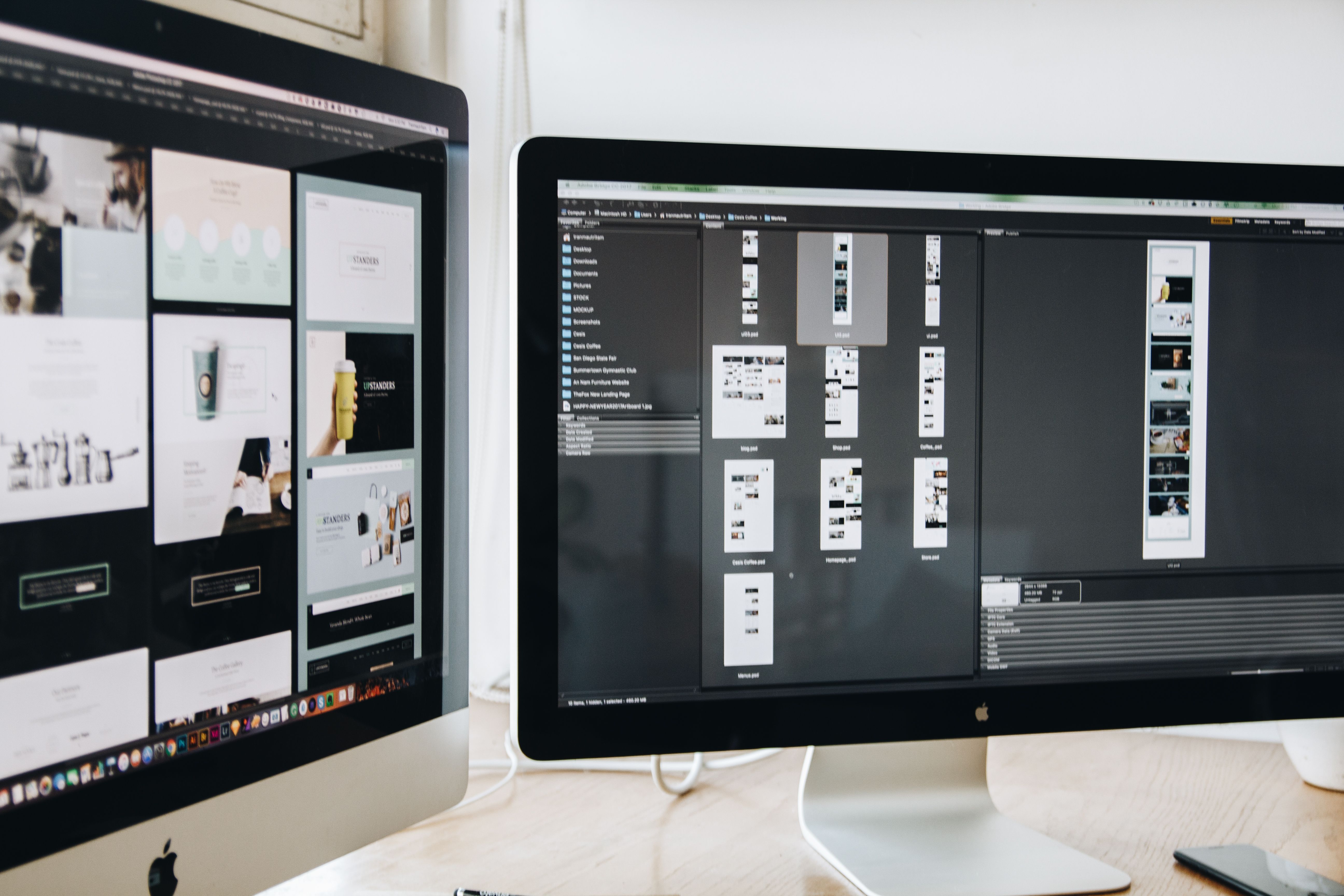
A minimal website design is not about stripping a site down until it feels bare. It is about removing friction, clarifying the message, and making it easier for visitors to find what they need. When done well, a minimal approach can support usability, mobile experience, SEO, and conversions without making the site feel empty or generic.
This checklist is designed for business websites, ecommerce stores, service pages, landing pages, and WordPress sites that need to load quickly, read clearly, and guide users towards the right action. The aim is simple: create a faster, better website that supports search visibility and a stronger user experience.
1. Start with a clear purpose for every page
Before adjusting colours, spacing, or layouts, define what each page is meant to achieve. A homepage may need to introduce the brand, explain the offer, and route visitors to key areas. A service page may need to answer questions and encourage enquiries. A product page may need to help users compare, trust, and buy.
Minimal design works best when each page has one main goal and a small number of supporting actions. If a page tries to do too much, it becomes harder to scan and less effective for both users and search engines. Clear page intent also helps with content structure, internal linking, and conversion-focused design.
For a quick review of how pages are being crawled and interpreted, many teams start with a free website SEO audit and use the findings to simplify structure and improve clarity.
2. Keep the structure simple and easy to scan
Website structure should make sense at a glance. Use a logical menu, clear headings, and predictable sections so visitors can move through the site without effort. If users have to think too hard about where to click next, the design is creating unnecessary friction.
A clean structure also supports SEO-friendly website design. Search engines rely on crawlable pages, internal links, and clear topic organisation to understand content. A well-organised site helps connect the homepage, service pages, product pages, blog posts, and landing pages in a way that is useful for both people and search engines.
Simple structure checklist
- Keep the main navigation focused on key pages.
- Use descriptive labels instead of clever or vague menu names.
- Group related content into sections with clear headings.
- Link to important pages from relevant places within the content.
- Make it easy to return to the homepage or core categories.
3. Design for mobile first, then refine for larger screens
Mobile-first design is essential because many visitors will experience your site on a phone before they ever see it on a desktop. That means buttons must be easy to tap, text must be readable without zooming, and layouts must stack naturally on smaller screens.
Responsive web design is not only about shrinking content. It is about prioritising the right information, reducing clutter, and making interactions smooth across different devices. On mobile, minimal design often performs well because it avoids crowded layouts and keeps the user journey focused.
Pay close attention to spacing, menu behaviour, image sizing, form fields, and the placement of key calls to action. If your content feels cramped on mobile, the page is likely too busy overall.
4. Improve speed and Core Web Vitals without overcomplicating the build
Website speed is a major part of the user experience. Slow pages can make visitors leave before they engage with the content, especially on mobile connections. Minimal design can help by reducing heavy visuals, unnecessary scripts, and oversized page elements.
Core Web Vitals are useful signals to check because they focus on loading performance, visual stability, and responsiveness. Good website performance does not come from design tricks; it comes from sensible decisions such as optimised images, limited script use, efficient layouts, and stable content blocks.
For practical measurement, Google’s PageSpeed Insights tool is a useful place to test page speed and identify common issues.
Speed-focused design choices
- Use compressed, appropriately sized images.
- Avoid autoplay media unless it is genuinely necessary.
- Limit unnecessary animations and sliders.
- Use a small number of well-chosen fonts and weights.
- Keep third-party plugins and scripts under control, especially on WordPress sites.
5. Make the content layout easy to read and act on
Minimal design should support content, not hide it. Good content layout uses whitespace, short paragraphs, helpful subheadings, and clear visual hierarchy so visitors can quickly find the information that matters.
This is especially important for service pages and ecommerce product pages. Users often want fast answers: what the offer is, who it is for, what it includes, how much it costs, and what to do next. If that information is buried in a busy layout, the page becomes harder to use and less likely to persuade.
For landing pages, keep the message tightly aligned with the traffic source. For blog posts, use readable formatting and internal links that guide users towards related resources without distracting from the main content.
6. Build trust through UI, accessibility, and conversion-focused details
A minimal interface still needs to feel complete and trustworthy. UI choices such as consistent buttons, clear contrast, and sensible spacing help users understand what is clickable and what is informational. Accessibility is equally important because clean design should be usable for more people, not fewer.
Good accessibility includes readable text, sufficient contrast, keyboard-friendly navigation, descriptive link text, and clear form labels. These choices benefit all users and can also support SEO through better content clarity and crawlability.
Conversion-focused design should be subtle and honest. Use visible calls to action, trust signals such as contact details or policies, and forms that are short and easy to complete. Results depend on traffic quality, offer strength, copy, design quality, and testing, so avoid assuming that a minimalist layout alone will increase conversions.
Common mistakes to avoid
- Removing so much content that the page loses context.
- Using generic navigation labels that do not explain the destination.
- Hiding important information behind too many clicks.
- Choosing style over clarity on mobile screens.
- Adding too many scripts, widgets, or visual effects.
Conclusion
A minimal website design checklist is really a checklist for clarity, speed, and usability. When the structure is logical, the layout is readable, and the mobile experience is smooth, your site becomes easier to navigate and more useful for visitors. That can support SEO, trust, and conversions, while also making the site easier to maintain over time.
For teams working on broader online visibility, Backlink Works also publishes practical SEO education that can sit alongside design improvements and content planning. The best results usually come when technical SEO, design, and user experience are treated as one connected strategy rather than separate tasks.
Frequently Asked Questions
What is minimal website design?
It is a clean, focused approach that removes unnecessary clutter and helps visitors find what they need quickly.
Does minimal design help SEO?
It can support SEO by improving crawlability, mobile usability, speed, internal linking, and content clarity.
Is minimal design suitable for ecommerce websites?
Yes, as long as product information, filters, trust signals, and checkout steps remain easy to find and use.
Should every website use the same minimal layout?
No. The design should match the audience, the goal of the page, and the amount of information users need.
- Sponsored Ad -





