
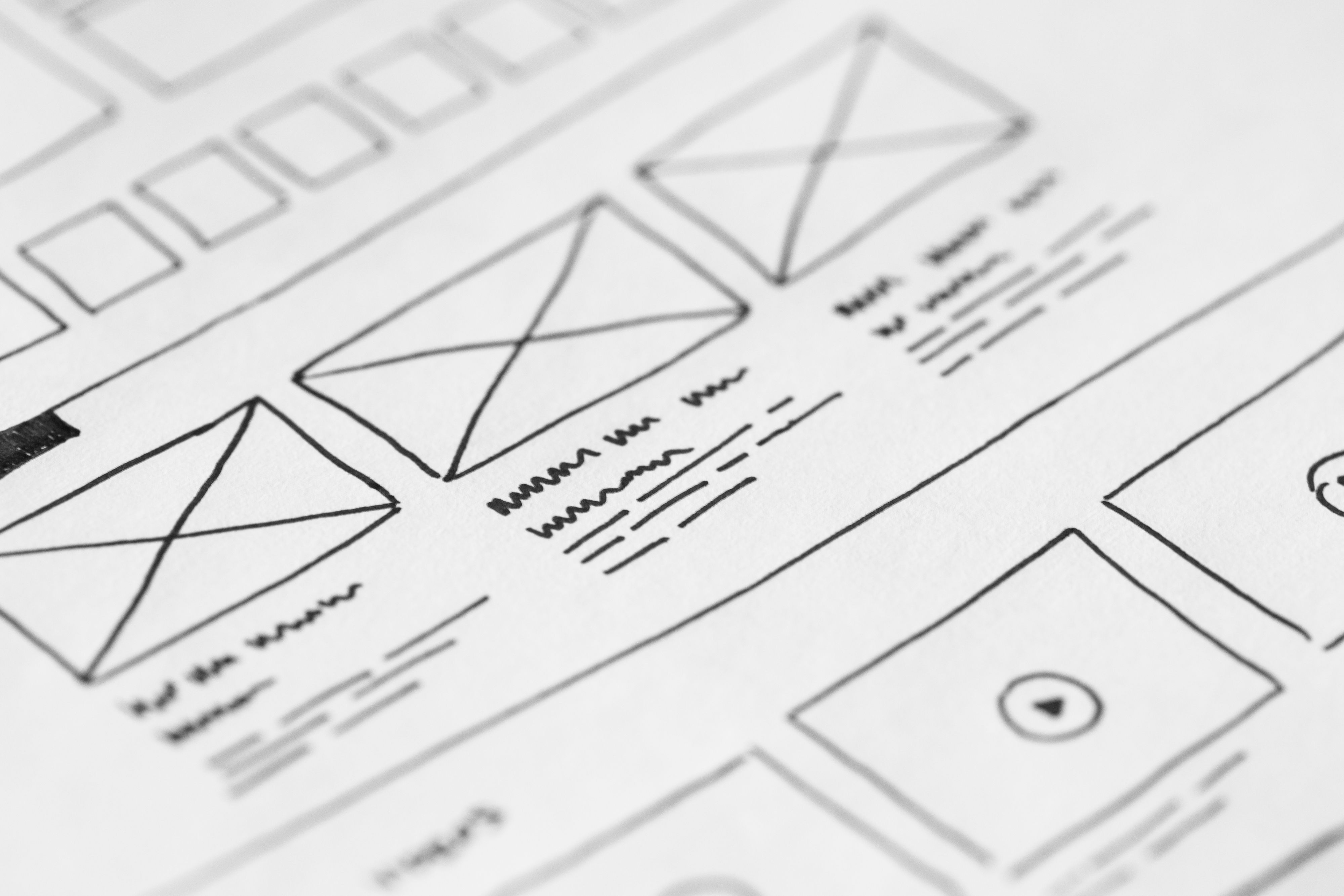
Minimalist website design is often misunderstood as “less content” or “plain visuals”. In practice, it is about using only what helps users understand, navigate and act. A clean interface, clear hierarchy and careful content placement can make a site easier to use on mobile, faster to load and simpler for search engines to interpret.
For business websites, ecommerce stores, service pages and landing pages, minimalist design works best when it supports SEO and conversion goals rather than replacing them. That means building pages with strong structure, readable content, sensible navigation and performance in mind. If you are planning a redesign, a free website SEO audit can help you spot where design and search visibility may be working against each other.
What minimalist website design actually means
Minimalist website design is the practice of removing unnecessary visual noise so the most important information stands out. It does not mean stripping away helpful copy, trust signals or navigation. Instead, it focuses attention on the actions and content that matter most.
Common minimalist choices include generous whitespace, limited colour palettes, simple typography, fewer competing calls to action and clear page structure. When used well, these choices make a site easier to scan and easier to use. That matters for both people and search engines, because clarity supports crawlability, accessibility and engagement.
Why minimalist design supports SEO and usability
SEO-friendly website design is not just about keywords and metadata. The way a page is built affects how easily search engines can understand it and how comfortably people can use it. Minimalist design helps when it improves structure, content clarity and speed.
A page that is easy to navigate and read can reduce friction for visitors. That may help people find product pages, service details or contact information more quickly. It can also support better mobile usability, especially when buttons, menus and content blocks are designed for smaller screens first.
Search engines also reward practical signals that come from good design: mobile responsiveness, fast loading, sensible internal linking, accessible text contrast and pages that match user intent. To align design decisions with search best practice, Google’s SEO Starter Guide is a useful reference.
Build structure before styling
Many websites look polished but feel difficult to use because the underlying structure is weak. Minimalist design works best when the page layout is planned around hierarchy, not decoration. Start with a clear question: what should this page help the visitor do?
For a service page, that might be learning about an offer, reviewing proof points and making an enquiry. For a product page, it could be comparing features, checking delivery details and adding to basket. For a blog post, the goal may be understanding a topic and exploring related pages.
A practical page structure usually includes a strong headline, short supporting introduction, scannable sections, relevant images or visuals, clear calls to action and internal links to related content. This helps users move through the page naturally and gives search engines more context about the page topic.
Design for mobile-first and responsive use
Minimalist websites often perform well on mobile because they avoid overcrowded layouts and unnecessary elements. But a site is not mobile-friendly simply because it looks small on a desktop browser. Responsive web design should adapt spacing, typography, navigation and content blocks to different screen sizes.
Mobile-first design means planning the essential experience first. On a phone, users need readable text, tap-friendly buttons, short forms and menus that are easy to open and close. If the design depends on hover effects, tiny text or complex multi-column layouts, the experience can become frustrating.
This matters for business websites and ecommerce stores alike. A minimal product page still needs clear product images, price information, delivery details and trust signals. A service page still needs a visible next step, such as a booking or enquiry button. Simplicity should support decision-making, not hide it.
Use content layout to guide attention and action
Good minimalist design relies on content layout as much as visuals. The order of information shapes how users read the page. Place the most important message near the top, then follow with supporting details in a logical sequence.
For example, a homepage may introduce the business, explain the core offer, show service categories, include testimonials or certifications, and then present a clear call to action. A landing page may focus on one offer only, with a concise explanation, benefits, proof points and a simple form.
Whitespace is useful here because it gives important content room to breathe. Short paragraphs, clear headings and limited distraction make it easier for visitors to scan. That improves usability and can also encourage users to stay longer and explore more pages.
Keep speed, accessibility and trust in the design process
Minimalist design can help website performance, but only if the implementation is efficient. Large hero images, heavy scripts, too many web fonts and unnecessary animations can quickly undo the benefits. Page speed matters because slow pages frustrate visitors and can weaken the overall experience.
Core Web Vitals are also worth considering during design and development. A layout that shifts unexpectedly, a page that loads slowly or a page that responds sluggishly can create avoidable friction. Tools such as PageSpeed Insights can help you review performance issues and prioritise improvements.
Accessibility should not be an afterthought. Use strong colour contrast, clear labels, sensible heading order and descriptive link text. These basics help people using assistive technologies and also make the interface easier for everyone. Trust signals such as contact details, reviews, shipping information and business credentials should remain visible where relevant, without cluttering the page.
Best practices for minimalist SEO-friendly pages
When designing minimalist pages for SEO and conversion, use this simple checklist:
- Start with one clear page goal.
- Keep navigation simple and predictable.
- Use one main call to action per page.
- Write scannable copy with useful headings.
- Place key information above the fold where appropriate.
- Compress images and avoid unnecessary scripts.
- Use internal links to support related content and services.
- Test the page on mobile devices before launch.
If you are working in WordPress, theme choice matters. A lightweight theme with flexible templates often makes it easier to build a clean structure without sacrificing speed or usability. WordPress also works well for blogs, business sites and service pages when the layout is kept focused and content is planned carefully.
For broader site growth planning, Backlink Works also publishes guidance on website growth and online visibility, which can be useful when design changes need to support search and user goals together.
Common mistakes to avoid
Minimalist design can fail when it becomes too minimal. Removing too much context can make pages feel vague, empty or unhelpful. Visitors still need enough information to understand the offer and make a decision.
Avoid hiding important content behind vague icons, using poor contrast, or forcing users to hunt for contact details and pricing. Do not rely on trendy layouts if they make navigation harder. Simplicity should reduce effort, not create uncertainty.
Also avoid treating conversion as a design trick. Results depend on traffic quality, offer relevance, trust signals, page clarity, copy, testing and user intent. A well-designed page can support conversions, but it cannot guarantee them.
Conclusion
Minimalist website design is most effective when it supports usability, SEO and business goals at the same time. A clean interface, logical structure, responsive layout and fast performance can help visitors find information quickly and take action with less friction.
If you are refreshing an existing site or building one from scratch, focus on clarity first. Design the page around what users need, keep the layout simple, and make sure the site works well on mobile. That approach is usually more valuable than adding extra visual elements that do not help the visitor.
Frequently Asked Questions
Is minimalist website design good for SEO?
Yes, when it improves crawlability, mobile usability, speed, accessibility and content structure. Minimalism alone does not rank a site, but good design can support SEO.
Can a minimalist site still convert well?
Yes. A minimalist site can convert well if the page has clear messaging, strong trust signals, a simple layout and a relevant call to action.
What pages benefit most from minimalist design?
Homepages, service pages, landing pages and product pages often benefit because users can focus on the key information without distraction.
How do I keep a minimalist design from feeling empty?
Use concise but useful copy, logical headings, enough spacing, relevant imagery and clear navigation. Minimal should still feel complete and helpful.
- Sponsored Ad -





