
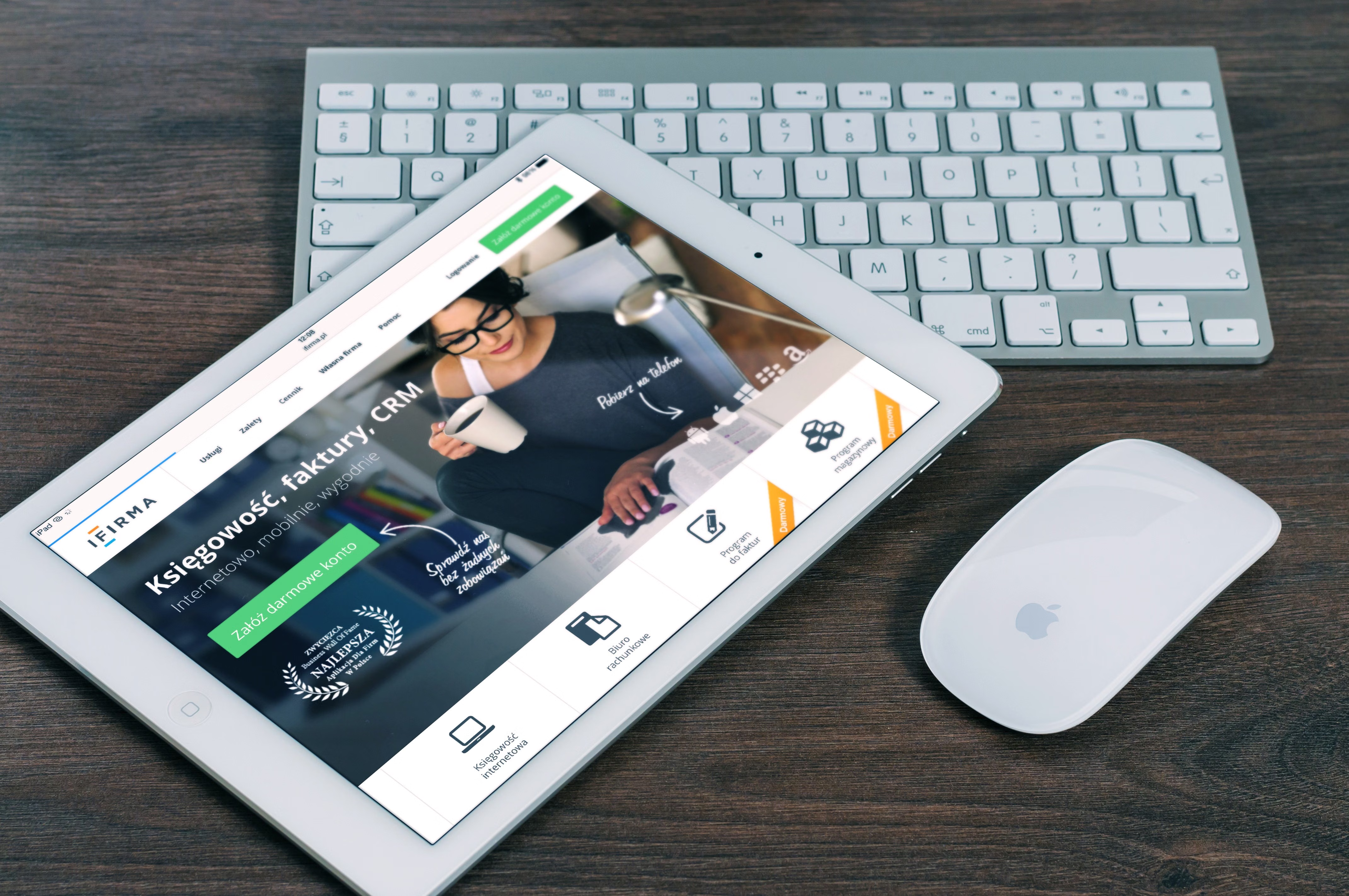
Mobile-first ecommerce website design is no longer just a design preference. It is a practical way to build online stores that are easier to use, quicker to load, and better aligned with how people browse and buy on phones and tablets.
For SEO, mobile-first design matters because search engines evaluate how well a page works on smaller screens, how fast it loads, how clearly content is structured, and how easy it is to navigate. For ecommerce, those same factors influence product discovery, trust, and whether visitors complete a purchase.
What Mobile-First Ecommerce Design Means
Mobile-first design means planning the experience for the smallest screen first, then expanding it for larger devices. In practice, this affects page layout, menu design, content hierarchy, button sizing, product imagery, and checkout flow.
This approach is especially useful for ecommerce websites, where customers often arrive on product pages from search, social media, email, or ads. If the mobile experience is cluttered or difficult to use, visitors may leave before they read product details or view related items.
It also supports SEO-friendly website design because a mobile-first build usually encourages clearer structure, shorter content blocks, and better internal linking. These are all helpful for crawlability, accessibility, and user experience.
Why Mobile-First Design Supports SEO and Conversions
Search visibility and conversion performance are closely connected to how a website behaves on mobile. If pages are hard to read, slow to load, or awkward to tap through, users are less likely to continue exploring. Search engines also prefer pages that are usable and performant.
That does not mean design alone will improve rankings or sales. Results still depend on traffic quality, the offer, page copy, trust signals, and testing. But good design gives your content and product pages a stronger foundation.
A mobile-friendly ecommerce site can support SEO in several ways:
- It improves crawlability through clearer website structure.
- It helps content remain readable without zooming or horizontal scrolling.
- It supports faster page speed and better Core Web Vitals.
- It makes internal links, filters, and calls to action easier to use.
- It reduces friction in product discovery and checkout.
Build a Clear Mobile Page Layout
On mobile, page layout should prioritise what users need first. That usually means the product title, main image, price, key benefits, reviews or trust signals, and a clear add-to-basket button. Secondary content can follow lower down the page.
For business websites and service pages, the same principle applies. Put the main value proposition, service summary, proof points, and next step near the top. Keep forms short and avoid overwhelming visitors with too many choices at once.
Good content layout also helps SEO because it gives each page a logical structure. Use headings to separate sections, keep paragraphs concise, and break up long text with lists, FAQs, or supporting details. This makes it easier for both users and search engines to understand the page.
For example, a product page might use this order: overview, features, benefits, delivery and returns, reviews, related products, and FAQ. A service page might use: summary, services included, process, pricing guidance, proof, and enquiry form.
Focus on Navigation, Search, and Internal Linking
Mobile navigation should be simple, predictable, and easy to tap. Many ecommerce sites benefit from a compact menu, visible search bar, and well-organised categories. Too many nested menus can make it harder to move between product ranges.
Internal linking is also important. It helps users move from category pages to products, from products to related items, and from content pages to transactional pages. It can also help search engines understand relationships between pages and the structure of your site.
For broader site planning, it can help to review your overall website structure and page types before redesigning. If you are planning a WordPress store or a service-based site, a structured site map and sensible page hierarchy will usually make future SEO work easier. A useful starting point is a free website SEO audit to identify structure, speed, and usability issues that may affect performance.
When navigation is well designed, users can find products faster, browse with less friction, and reach checkout with fewer steps. That supports both user satisfaction and commercial goals.
Design for Speed, Core Web Vitals, and Accessibility
Website speed is a major part of mobile-first ecommerce design. Large images, heavy scripts, and unnecessary animations can slow the site down and make it harder to use on mobile connections. Fast pages are generally easier to browse, and they support a better experience across the whole funnel.
Core Web Vitals are useful measures to keep in mind because they reflect loading performance, interactivity, and visual stability. You do not need to optimise for a score alone, but you should aim for pages that feel quick and stable when users scroll, tap, and add items to the basket.
Accessibility matters too. Buttons should be large enough to tap comfortably. Text should have enough contrast. Forms should have clear labels. Product images need useful alt text where appropriate. These details improve usability for everyone, not just people using assistive technology.
If you want a practical performance check, Google’s PageSpeed Insights tool can help highlight common speed and usability issues on specific pages.
Apply Mobile-First Thinking to Ecommerce, WordPress, and Landing Pages
Mobile-first design is relevant to many site types, not only online shops. For WordPress business websites, it can improve service pages, contact pages, and blog layouts. For ecommerce sites, it affects product pages, category pages, cart design, and checkout flow. For landing pages, it helps keep the offer clear and the call to action visible.
In WordPress website design, choose a theme and page builder that support responsive layouts without unnecessary bloat. Keep product and service pages focused on the information users need to make a decision. Avoid overcrowding the top of the page with banners, pop-ups, or too many competing messages.
For conversion-focused design, test which elements genuinely support action. A clear delivery policy, trust badge, or short FAQ may help. But results depend on the audience, the product, and the page content. A clean layout is more effective when the copy, imagery, and checkout experience also work well together.
Best Practices and Common Mistakes
A practical mobile-first checklist can keep design decisions grounded:
- Start with mobile page structure before adding desktop extras.
- Keep navigation short and easy to tap.
- Use clear headings and concise copy blocks.
- Optimise images without sacrificing product detail.
- Place primary calls to action where users can find them easily.
- Reduce distractions on product, service, and landing pages.
- Test pages on real devices, not just in a desktop browser.
Common mistakes include hiding important content behind tabs that are difficult to use, making buttons too close together, using oversized banners, and overloading mobile pages with unnecessary scripts. Another common issue is designing for appearance first and then trying to fit SEO into the page later.
If you are mapping out a redesign or planning content changes, it can also be useful to understand how technical and content decisions support wider link and authority work. Backlink Works covers related SEO education across site growth and visibility, which can be helpful when mobile design is part of a broader optimisation plan.
Conclusion
Mobile-first ecommerce website design is about more than making a site look good on a phone. It is a practical approach to SEO-friendly website design that improves structure, usability, page speed, accessibility, and content clarity.
When your mobile pages are easy to navigate, easy to read, and quick to use, visitors are more likely to continue their journey. That can support search visibility and commercial performance, but the outcome will always depend on the full experience: design quality, content, trust, offer, and testing.
For website owners, the most effective next step is to review key pages one by one: home, category, product, service, and landing pages. Focus on what users need first, remove friction, and keep the layout aligned with real mobile behaviour.
Frequently Asked Questions
What is mobile-first ecommerce website design?
It is a design approach that starts with the mobile experience first, then adapts the layout for larger screens. It helps keep pages clearer and easier to use on smaller devices.
Why does mobile-first design matter for SEO?
It supports mobile usability, content clarity, crawlability, speed, and accessibility. These are all important parts of a search-friendly website.
Should product pages and service pages be designed differently?
Yes. Product pages should focus on images, price, features, reviews, and purchase actions, while service pages should prioritise the offer, process, proof, and enquiry options.
What should I check first on a mobile ecommerce page?
Check whether the page loads quickly, the main message is clear, navigation is simple, buttons are easy to tap, and the user can find key information without excessive scrolling.
- Sponsored Ad -





