
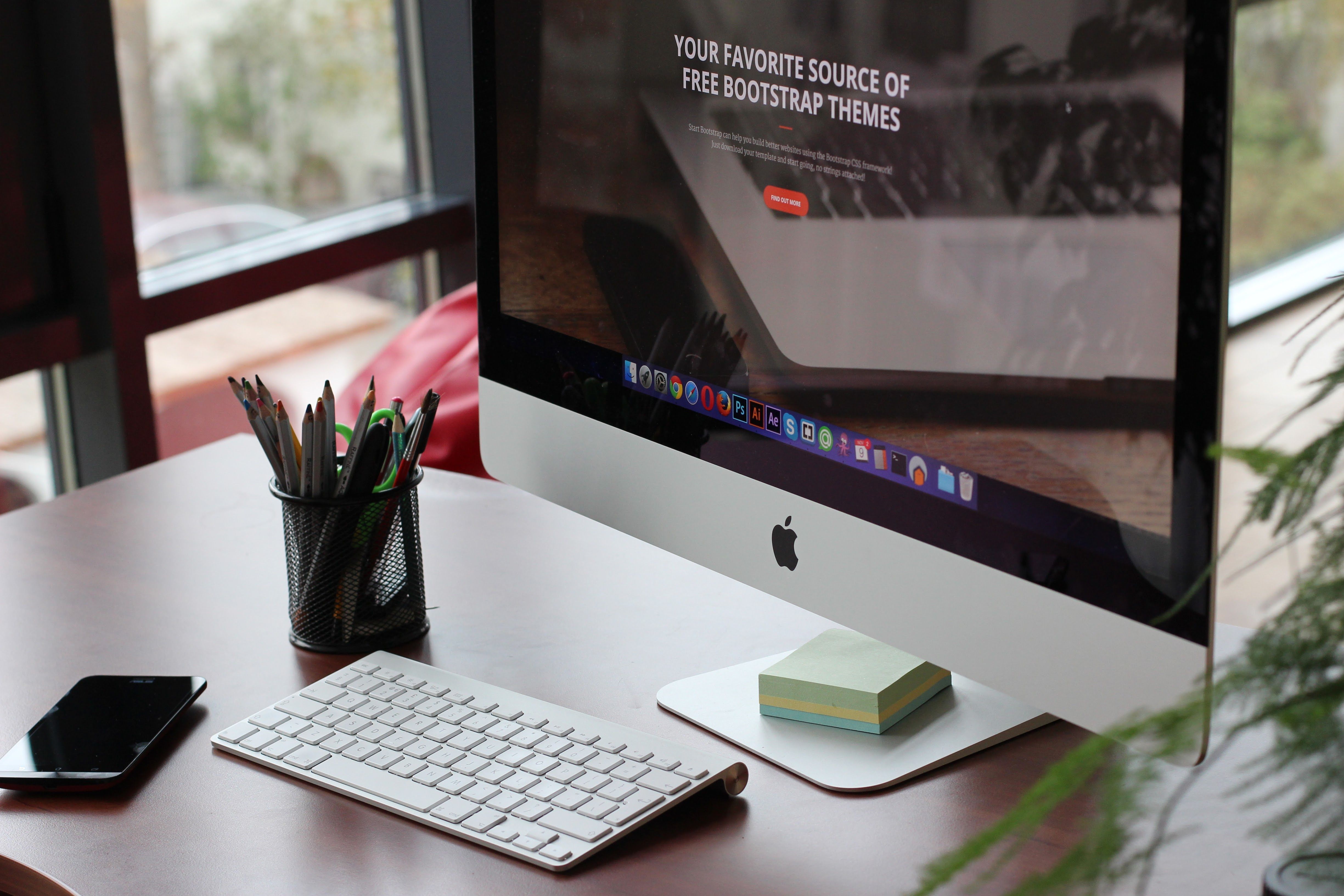
Mobile-first web design is now a practical standard for websites that want to perform well on smaller screens and remain easy to use on larger ones. It means designing the mobile experience first, then scaling the layout, content and interface up for tablets and desktops in a way that keeps the site fast, clear and usable.
For SEO, mobile-first design matters because search engines evaluate how well a page works for mobile users, not just how it looks on a desktop monitor. For UX, it helps keep navigation simple, content readable, and key actions easy to complete. For businesses, that can support better engagement, stronger trust and more opportunities for enquiries or sales, depending on the quality of the traffic and the clarity of the offer.
What mobile-first web design actually means
Mobile-first design starts with the smallest screen in mind. Instead of shrinking a desktop layout to fit a phone, the website is planned for touchscreens, limited space and quick scanning. The result is usually a cleaner structure, more focused content and fewer distractions.
This approach affects more than the visual layout. It influences how pages are ordered, how menus work, where calls to action appear, and how content is grouped. A mobile-first website often feels simpler because it removes unnecessary clutter and makes the most important information easier to find.
That does not mean mobile and desktop should look identical. It means the experience should stay consistent, functional and intuitive across devices, with each screen size serving the same user goal in a sensible way.
Why mobile-first design supports SEO and UX
Website design supports SEO when it improves crawlability, mobile usability, speed, content structure, accessibility and internal linking. Mobile-first planning brings many of these elements together early in the design process rather than treating them as afterthoughts.
Search engines need pages that can be understood and rendered properly. Users need pages that load quickly, read clearly and make navigation effortless. When those needs align, the website usually becomes easier to maintain as well.
From a UX perspective, mobile-first design reduces friction. Visitors can spot the main message, scan the page hierarchy and take action without zooming, pinching or hunting through a crowded layout. That can support conversions, but results still depend on traffic quality, the offer, trust signals, page clarity and testing.
For guidance on search fundamentals, Google’s SEO Starter Guide is a useful reference point alongside design best practice.
Build pages around content hierarchy and user intent
Strong mobile-first design begins with content hierarchy. Decide what matters most on each page, then place that information near the top. On a homepage, that might mean a clear value proposition, a short supporting summary and one primary call to action. On a service page, it might mean the service name, benefits, proof points and a contact option.
Keep paragraphs short and split complex ideas into smaller sections. On mobile, large blocks of text are harder to scan, especially when users are comparing services, products or providers. Use headings, bullet lists where appropriate, and concise copy that answers common questions quickly.
Landing pages should stay tightly focused. If a visitor arrives from search or an advert, the page should match their intent without forcing them to dig. For ecommerce, that means product pages need clear images, pricing, specifications, stock status and a straightforward path to purchase. For service businesses, the page should explain the offer, the process and the next step.
Website structure also matters. Logical internal links help users move between related pages and help search engines understand the site. Backlink Works publishes SEO education and website growth resources that can be useful when planning a wider content and linking strategy, including a free website SEO audit.
Design navigation, layout and UI for small screens first
Navigation should be simple, visible and predictable. On mobile, menus need to be easy to tap and limited to the most important sections. Avoid stacking too many options into the top navigation, and use clear labels rather than clever wording.
UI choices should support quick decisions. Buttons must be large enough for touch, spacing should prevent accidental taps, and forms should ask only for the information needed at that stage. If a contact form is too long, many users will abandon it before finishing.
Content layout also affects performance and usability. Keep one primary action per section where possible, and avoid crowding the screen with competing offers. A business website might prioritise “Request a quote”, while an ecommerce page may focus on “Add to basket” and product details. The important point is clarity.
For WordPress websites, this often means choosing a theme and page builder that support responsive layouts without adding unnecessary complexity. For ecommerce platforms, it means checking how category pages, filters and product cards behave on mobile before launch.
Optimise speed and Core Web Vitals early
Website speed is part of design, not just development. Heavy images, unnecessary animations, bloated scripts and poorly arranged content can make mobile pages slower and harder to use. Because mobile users often rely on variable connections, speed has an even bigger impact on perceived quality.
Core Web Vitals are useful indicators of page experience, but they should be treated as part of a broader usability approach. A page that loads quickly yet feels confusing is still not a good experience. Likewise, a beautiful layout that loads slowly can harm engagement before the visitor sees the content.
Practical steps include compressing images, loading only what is needed, avoiding oversized files, and keeping the above-the-fold area lightweight. If you are reviewing page performance, tools such as PageSpeed Insights can help identify opportunities without guessing.
Best practices for responsive websites and conversion-focused design
Responsive web design should do more than resize elements. It should adapt the experience to the context of use. That means keeping typography readable, preserving visual hierarchy, and ensuring forms, buttons and product details remain easy to interact with on every screen size.
When designing for conversions, think about trust and friction. Visitors are more likely to take action when they can quickly understand what you do, why it matters and what happens next. That applies to service pages, product pages, pricing pages and lead generation landing pages.
Useful best practices include:
- Prioritise one main goal per page.
- Use clear, descriptive headings.
- Keep navigation concise.
- Place key calls to action where they are easy to find.
- Use readable fonts and strong contrast.
- Compress media and remove unnecessary clutter.
- Check forms, buttons and menus on real mobile devices.
Accessibility should also be part of the process. Good contrast, keyboard-friendly interactions and clear labels improve usability for more people and often support a stronger overall design. That is one reason mobile-first thinking is useful for long-term website performance, not just launch day.
Conclusion
Mobile-first web design is one of the most practical ways to improve both SEO and user experience. It encourages better structure, faster pages, clearer content and more usable interfaces, all of which help visitors move through a site with less effort.
For website owners, designers and marketers, the goal is not to create a stripped-back site for the sake of it. The goal is to build a website that works well on mobile first, then expands naturally across devices. When design, content and performance are aligned, the website is better placed to support visibility, trust and business growth.
Frequently Asked Questions
What is mobile-first web design?
It is a design approach that starts with the mobile experience first, then adapts the layout and content for larger screens.
Does mobile-first design help SEO?
Yes, because it supports mobile usability, speed, clear structure, accessibility and easier crawling, all of which can help search performance.
Is mobile-first design only for ecommerce websites?
No, it is useful for business websites, service pages, blogs, landing pages and portfolios as well.
What should I check first on a mobile website?
Start with page speed, navigation, heading structure, tap targets, form usability and whether the main message is immediately clear.
- Sponsored Ad -





