
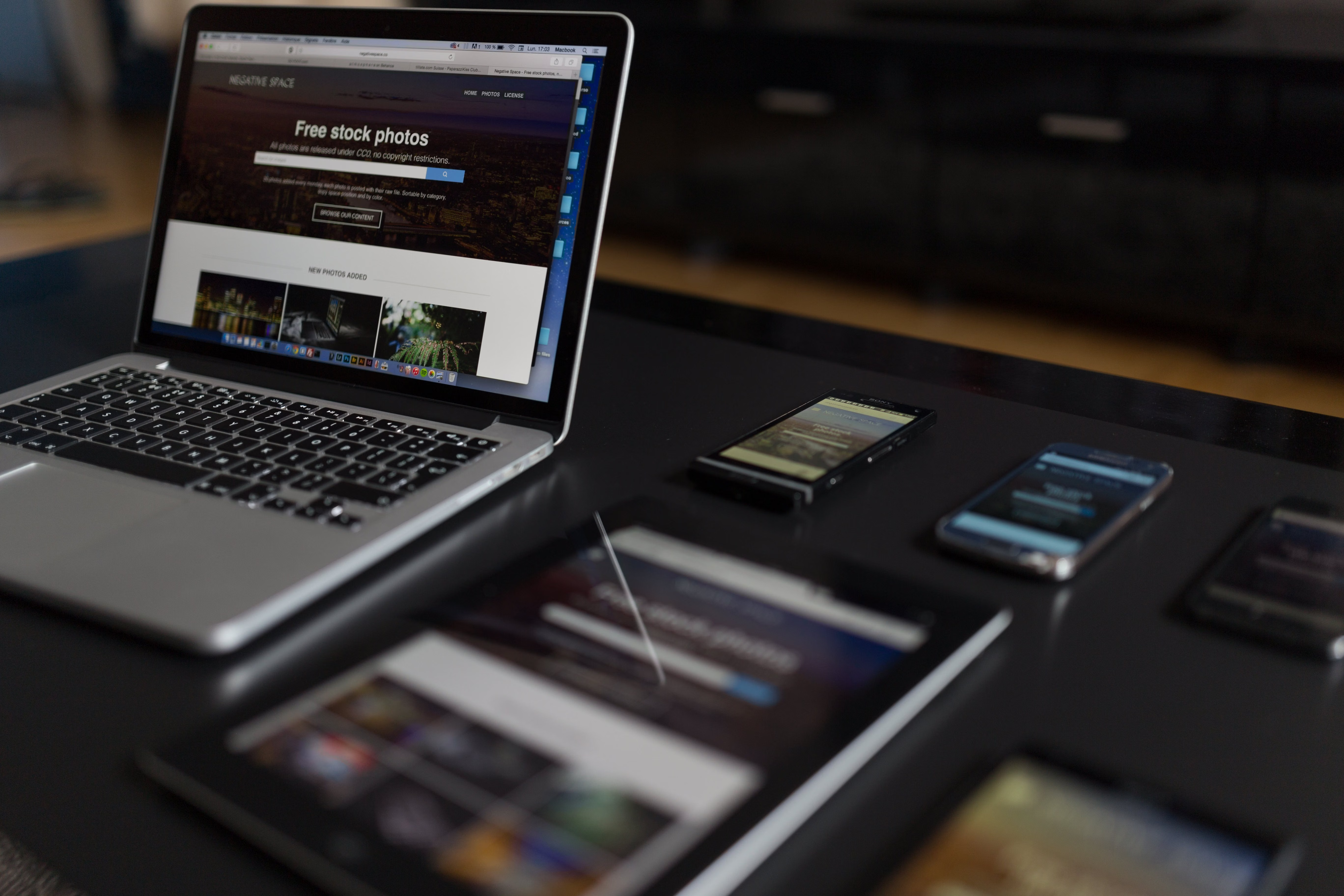
Mobile-first web design is no longer just a trend for large brands with complex websites. For small businesses, it is a practical way to create websites that work well on the devices customers use most often: phones and tablets.
A mobile-first approach means designing the smallest, most important experience first, then expanding it for larger screens. Done well, it can improve usability, page speed, accessibility, and content clarity while supporting SEO-friendly website design and better conversion-focused decisions.
What Mobile-First Web Design Means
Mobile-first design starts with the essentials. Instead of shrinking a desktop layout down to fit a phone, the design is planned around mobile screens, touch interaction, and limited space. That usually leads to cleaner page layouts, simpler navigation, and more focused content.
For small businesses, this is especially useful because many visitors arrive from search, social media, maps, or direct links on a mobile device. A site that is easy to scan and use on a small screen can reduce friction and help users find the next step more quickly.
It also fits naturally with responsive web design. Responsive design adapts the layout to different screen sizes, while mobile-first design ensures the mobile experience is the starting point, not an afterthought.
Why It Matters for SEO and User Experience
Search engines want to surface pages that are useful, accessible, and easy to use on mobile devices. Website design supports SEO through crawlability, mobile usability, speed, content structure, accessibility, internal linking, and user experience. In other words, design choices affect how both users and search engines understand your site.
Good mobile UX can make pages easier to read, easier to navigate, and less frustrating to use. That matters for service businesses, ecommerce stores, consultants, and local companies alike. A clear mobile experience can help people compare services, browse products, or contact your business without unnecessary effort.
For a technical overview of search best practices, Google’s SEO Starter Guide is a useful reference alongside your design and content decisions.
Plan the Website Structure Before the Layout
Strong mobile-first design begins with website structure. Before choosing colours or features, decide what the site needs to help visitors do: book a consultation, request a quote, buy a product, read service details, or find contact information.
For small business websites, a simple structure usually works best:
- Homepage with a clear value proposition
- Service pages or product pages with focused information
- About page with trust-building details
- Contact page with obvious next steps
- Supporting content such as FAQs, case studies, or blog posts
Each page should have one clear purpose. For example, a service page should not try to do everything. It should explain the offer, who it is for, what problem it solves, and what the user should do next.
Internal linking helps users move between relevant pages and helps search engines understand relationships between content. If you are reviewing your wider site structure, a free website SEO audit can help identify content and navigation issues that affect mobile performance and discoverability.
Design Pages for Mobile Behaviour
People use mobile websites differently from desktop sites. They scan quickly, tap with their thumbs, and often want immediate answers. That means page layout matters.
Use short paragraphs, descriptive headings, and content blocks that are easy to scan. Put the most important information near the top. For a service page, that may include the service summary, key benefits, proof points, and a clear call to action. For an ecommerce product page, it may include the product name, price, core features, images, delivery details, and purchase button.
Navigation should also be simple. Keep menu items focused, avoid clutter, and make important pages easy to reach in one or two taps. If you use dropdowns, make sure they are easy to interact with on touch screens.
Buttons should be large enough to tap comfortably. Forms should ask only for necessary information and use mobile-friendly fields, such as the right keyboard type for phone numbers or email addresses.
Improve Speed and Core Web Vitals
Website speed is a key part of mobile-first design. Slow pages create friction, especially on mobile connections. Better performance can support engagement and search visibility, but it should be treated as a quality improvement rather than a shortcut to results.
Core Web Vitals are useful indicators of how people experience a page. They focus on loading, interactivity, and visual stability. You do not need to be a developer to care about them. Small businesses can improve these areas by using compressed images, reducing unnecessary scripts, choosing lightweight themes, and avoiding oversized page elements.
If your site runs on WordPress, theme choice, plugin quality, and image handling all influence performance. A clean build with sensible templates often performs better than a site packed with heavy visual effects. Tools such as PageSpeed Insights can help you review mobile performance and see practical suggestions for improvement.
Use UI and Content Layout to Support Conversions
Mobile-first UI design is not just about appearance. It is about helping people complete a task with minimal effort. The best conversion-focused design makes the next action obvious, whether that is calling, booking, requesting a quote, or adding an item to basket.
Trust signals matter too. On small screens, users need reassurance quickly. That can include service details, delivery information, testimonials from real customers, business location, secure checkout messaging, or contact options. Keep these elements honest, visible, and relevant.
For landing pages, avoid overcrowding the screen with too many offers or competing messages. One clear goal usually works better than several weak ones. The same applies to ecommerce product pages: better photos, concise descriptions, and practical product details usually support a smoother buying journey than long blocks of promotional text.
Conversion outcomes depend on traffic quality, offer clarity, trust signals, design quality, copy, testing, and user intent. Good design helps, but it does not guarantee sales or leads.
Best Practices for Small Business Websites
If you are updating a business website, service site, or ecommerce build, these practical checks can help:
- Design the mobile version first, then scale up for tablet and desktop
- Keep navigation clear and task-focused
- Use short, scannable content with meaningful headings
- Place calls to action where users naturally need them
- Compress images and remove unnecessary scripts
- Check forms, buttons, and menus on real mobile devices
- Review accessibility, including contrast, font size, and tap targets
- Test key pages such as the homepage, service pages, product pages, and contact page
If you use WordPress website design, choose themes and plugins carefully. A well-built theme should support responsive layouts, fast loading, and straightforward content editing. If you need structure before design, Backlink Works can also be a useful reference point for broader website growth and visibility planning.
Common Mistakes to Avoid
One common mistake is treating mobile as a reduced desktop experience. That usually leads to cramped layouts, hidden content, and awkward navigation. Another is using too many images, sliders, or animations that slow down the page without improving usability.
It is also easy to overload mobile pages with text. Clear writing is important, but every section should earn its place. Focus on the questions users are likely to ask, then organise the page so the answers are easy to find.
Finally, avoid design choices that make it hard to act, such as tiny buttons, confusing menus, or forms with too many fields. Small fixes here can make a noticeable difference to user experience.
Conclusion
Mobile-first web design gives small businesses a practical framework for building websites that are easier to use, easier to understand, and more supportive of SEO and conversions. It encourages better structure, clearer content, faster pages, and more thoughtful UX decisions.
If you are planning a new site or improving an existing one, start with the mobile experience. Review your pages for clarity, speed, accessibility, and task completion. Over time, that approach can support stronger online visibility and a more reliable website experience for real users.
Frequently Asked Questions
Is mobile-first design the same as responsive design?
No. Responsive design adapts to different screen sizes, while mobile-first design starts with the mobile experience and builds outward from there.
Does mobile-first design help SEO?
It can support SEO by improving mobile usability, speed, crawlability, content structure, and user experience.
What pages matter most on a mobile-first small business site?
The homepage, service pages, product pages, contact page, and key landing pages usually matter most because they support the main business actions.
Do I need a redesign to improve mobile usability?
Not always. Sometimes smaller changes, such as better spacing, faster images, clearer navigation, and stronger page hierarchy, can improve the experience without a full redesign.
- Sponsored Ad -





