
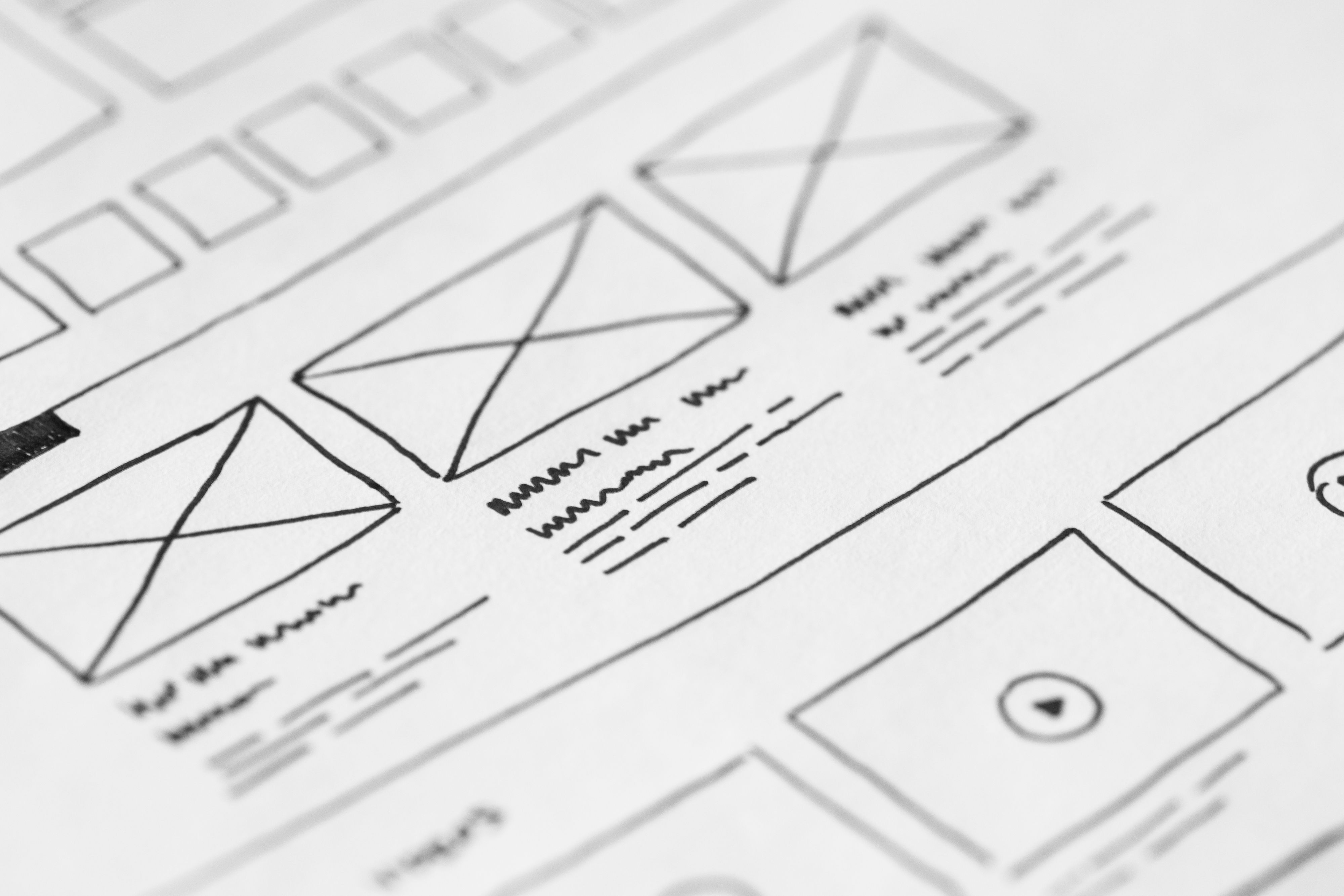
Mobile-first website design is no longer a niche approach. For many websites, it is the most practical way to create a better user experience, improve accessibility, and support SEO-friendly website design from the start.
When a site is designed for smaller screens first, it usually forces clearer content, simpler navigation, faster loading pages, and a more focused layout. That can help visitors find what they need quickly, whether they are reading a blog post, browsing a service page, comparing products, or completing a checkout.
What Mobile-First Website Design Means
Mobile-first design means planning the mobile version of a website before expanding the layout for larger screens. Instead of shrinking a desktop site down, the design starts with the most limited screen size and then adds more space, detail, and functionality as screen sizes increase.
This approach is closely tied to responsive web design, but the emphasis is different. Responsive design adapts a layout to different devices. Mobile-first design makes mobile the starting point, which often leads to better content prioritisation and cleaner page structure.
For SEO, this matters because search engines evaluate how usable and accessible a page is on mobile devices. A design that works well on phones tends to support crawlability, content clarity, internal linking, and overall user experience.
Why Mobile-First Design Matters for SEO and UX
A mobile-friendly site helps visitors interact with your content without friction. Buttons need to be easy to tap, text should be readable without zooming, and key information should appear early on the page. These details may seem small, but they shape how users move through a website.
Search visibility is also influenced by the quality of the mobile experience. If pages are slow, cluttered, or difficult to use on mobile, visitors may leave before engaging with the content. That can weaken the page’s ability to support business goals, even if the content itself is strong.
Mobile-first design supports SEO through page structure, accessibility, fast loading times, and better content organisation. It also gives designers and developers a clearer framework for conversion-focused design, because the most important actions can be prioritised early in the layout.
For practical guidance on search-friendly site structure and usability, Google’s SEO Starter Guide is a useful reference.
Build a Clear Page Structure and Content Layout
Good mobile-first design begins with strong information hierarchy. The most important content should appear first, followed by supporting details and secondary actions. This is especially important for business websites, service pages, landing pages, and product pages.
Use headings, short paragraphs, and spacing to break up content. On a small screen, long blocks of text are harder to scan. A clear content layout helps users understand the page quickly and reduces the chance that they miss key messages or calls to action.
For ecommerce website design, that may mean placing product title, price, key benefits, and purchase options near the top. For service businesses, it may mean showing the core offer, trust signals, and contact path before longer explanations. For bloggers and consultants, it may mean making the article outline and supporting links easy to follow.
Navigation should also stay simple. A mobile menu should be easy to open, easy to close, and organised around the most important site sections. Too many menu items can make it harder for users to decide where to go next.
Prioritise Speed, Core Web Vitals, and Performance
Website speed is a major part of mobile-first design. Mobile users often rely on slower connections and smaller devices, so heavy scripts, oversized images, and unnecessary effects can quickly damage the experience.
Core Web Vitals provide a helpful performance lens because they focus on loading, responsiveness, and visual stability. A page that loads quickly, responds smoothly, and avoids layout shifts is usually easier to use and more likely to keep visitors engaged.
Practical improvements include compressing images, reducing unnecessary plugins, limiting large third-party scripts, and choosing lightweight themes or frameworks. This is especially relevant for WordPress website design, where plugin choices can have a direct impact on speed and stability.
Tools such as PageSpeed Insights can help you spot common issues and identify areas for improvement, but performance should always be tested in context. A fast score is useful, yet the real goal is a smoother experience for visitors.
Design for Conversion Without Sacrificing Usability
Mobile-first design should support conversion-focused design, but not in a pushy way. The goal is to make the next step obvious and easy, whether that is booking a call, filling in a form, adding a product to the basket, or downloading a resource.
On small screens, fewer distractions often work better. Keep the primary call to action visible, avoid competing buttons, and make forms short and simple. If a form is necessary, ask only for essential information at first. The more effort required, the more likely users are to abandon the process.
Trust signals also matter. Clear contact details, service descriptions, policies, reviews, and secure checkout cues can all help users feel more confident. However, these should be honest and easy to verify. Good design supports trust; it does not fake it.
Results will always depend on traffic quality, offer clarity, copy, design quality, and testing. Mobile-first design can improve the conditions for conversion, but it does not guarantee outcomes.
Apply Mobile-First Thinking Across Different Website Types
Different website types need slightly different priorities, but the same principles apply. Business websites should focus on clarity, trust, and fast access to core services. Service pages should answer key questions quickly and guide users towards enquiry. Product pages should support comparison, confidence, and easy purchase actions.
Ecommerce website design benefits from concise product content, strong imagery, and straightforward filtering. Blog layouts should support readability and internal linking without overwhelming the article. Consultants and agencies often need landing pages that explain value clearly and keep the lead path visible.
WordPress websites can use mobile-first principles at the theme, page builder, and content level. Choose templates that are responsive by default, but also review spacing, typography, button size, and component behaviour on actual devices. Design choices should be tested in the real browsing environment, not only in desktop previews.
If you are reviewing broader site health alongside design improvements, a free website SEO audit can help you spot technical and structural issues that may affect mobile usability, content flow, and visibility.
Common Mobile-First Mistakes to Avoid
One common mistake is designing a desktop layout first and then trying to compress it for mobile. This often leads to crowded pages, tiny text, and awkward navigation.
Another mistake is hiding too much information. Mobile users still need context, proof, and details. Simplifying the layout is helpful, but removing key content can weaken both usability and SEO.
It is also easy to overload mobile pages with pop-ups, large banners, or unnecessary animations. These can slow the page down and distract users from the main task. A better approach is to keep the interface clean and make important actions easy to find.
Finally, avoid treating mobile design as purely visual. Good mobile-first website design is about structure, content hierarchy, performance, accessibility, and how people actually use the page.
Practical Mobile-First Checklist
Before publishing or redesigning a page, check the following:
- Is the main message visible early in the page?
- Are buttons large enough to tap easily?
- Is the navigation simple and understandable?
- Do images load efficiently without slowing the page?
- Is the text easy to read on a small screen?
- Do forms only ask for essential information?
- Do internal links guide users to useful next steps?
- Does the page feel stable and responsive during loading?
If you want to build on these improvements with content and authority work, Backlink Works also covers broader SEO topics across site structure and visibility. You can explore the Backlink Works website for related guidance.
Conclusion
Mobile-first website design is about more than fitting content onto a small screen. It is a practical way to improve UX, support SEO-friendly website design, strengthen page layout, and make websites easier to use across devices.
When you prioritise clear structure, responsive layouts, fast performance, accessibility, and user intent, you create a better foundation for business growth. Whether you run a WordPress site, an ecommerce store, or a service-based website, mobile-first thinking can help your pages feel more focused and useful.
Frequently Asked Questions
Is mobile-first design the same as responsive design?
Not exactly. Responsive design adapts to different screen sizes, while mobile-first design starts with the mobile experience and builds outward from there.
How does mobile-first design support SEO?
It helps with mobile usability, speed, content structure, accessibility, and crawlable page layouts, all of which can support search performance.
What should be prioritised on a mobile homepage?
Focus on your main message, primary navigation, important trust signals, and the clearest next action for the visitor.
Does mobile-first design improve conversions automatically?
No. It can support conversions by improving usability and clarity, but results still depend on traffic, offer quality, copy, trust, and testing.
- Sponsored Ad -





