
Mobile search has become the default for many users, which means your site needs to work well on a small screen, on a slower connection, and across a wide range of devices. A practical mobile SEO checklist focuses on Core Web Vitals, schema markup, and speed, but it should also consider crawling, indexing, content quality, and reporting.
The right SEO tools can help you spot issues faster and make better decisions. They do not replace strategy or good implementation, but they can show where your site is struggling and where small improvements may support better visibility over time.
Why mobile SEO tools matter
Mobile SEO is not just about responsive design. It also involves how quickly pages load, whether content is easy to use on a phone, and whether search engines can understand page structure correctly. Tools help turn those areas into something measurable.
For example, a free website SEO audit can highlight obvious technical problems before you move into deeper checks. That makes it easier for beginners, small businesses, and agencies to prioritise work rather than guessing where the biggest issues are.
A good mobile SEO workflow usually combines free SEO tools with a few specialist options, such as Google Search Console, Google Analytics 4, PageSpeed Insights, schema generators, and crawler tools. The aim is not to use every tool available, but to choose the ones that fit your site size, CMS, and reporting needs.
Core Web Vitals: what to check first
Core Web Vitals are useful because they focus on real user experience signals such as loading performance, interactivity, and visual stability. On mobile, these issues can be more noticeable because devices and connections vary so much.
Start with Google Search Console to see whether mobile pages are being grouped into good, needs improvement, or poor states. Then use PageSpeed Insights to inspect specific URLs and identify the likely causes of delay. The tool is useful for prioritising work, but it should be read as guidance rather than a final verdict.
For deeper debugging, tools such as GTmetrix or WebPageTest can help compare page behaviour under different test conditions. These are especially useful for larger sites, ecommerce pages, and WordPress sites with many plugins, where scripts and images often slow pages down.
What to look for in speed tools
- Mobile performance data, not just desktop data
- Clear diagnostics for render-blocking resources, images, and scripts
- Page-by-page testing rather than only site-wide summaries
- Information that helps developers act, not just surface scores
If your site uses WordPress, it is often worth comparing what your SEO plugin reports with what search and speed tools show. Plugins such as Yoast or Rank Math can support on-page optimisation, but they should not be treated as performance tools on their own.
Schema markup tools and rich result checks
Schema markup helps search engines better understand page content, which can support eligible rich result features. It does not guarantee enhanced listings, but it can make structured data easier to manage across product pages, articles, FAQs, local business pages, and review sections.
For implementation, schema generators can reduce manual errors. A tool such as the official Rich Results Test is helpful for validating whether Google can read the structured data you added. Schema.org is also a useful reference when you need to confirm property names and supported types.
When choosing schema tools, check whether they support the page types you actually use. Ecommerce stores may need product and review markup, while local businesses may need organisation and location details. Blog publishers may need article and FAQ schema, but only where the content genuinely fits.
A common mistake is adding schema everywhere without matching it to page intent. Another is assuming markup alone will improve rankings. In practice, schema works best alongside strong content, clean internal linking, and accurate page templates.
Google Search Console and GA4 for mobile SEO decisions
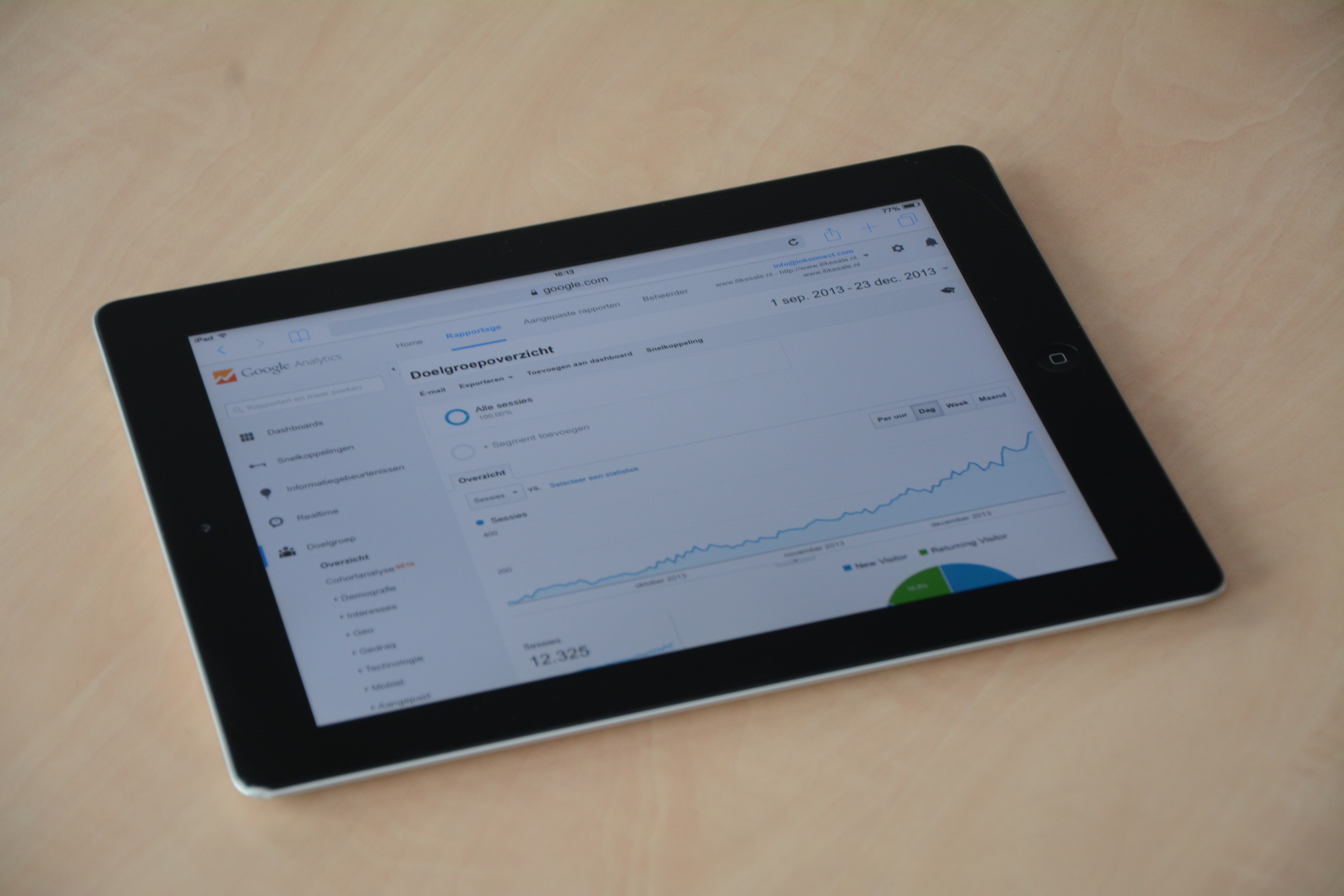
Google Search Console and Google Analytics 4 are two of the most important free SEO tools for mobile optimisation. Search Console shows how Google sees your pages, including indexing issues, search queries, mobile usability problems, and performance trends. GA4 helps you understand what users do after they arrive.
Together, they can answer practical questions such as: Are mobile pages being indexed correctly? Which pages have high impressions but weak click-through rates? Do mobile visitors leave quickly on certain templates? Are product or category pages getting traffic but failing to engage users?
These tools are especially useful when paired with Google Analytics 4 for behaviour tracking and simple reporting. If you work in an agency or manage multiple sites, Looker Studio can help build mobile SEO dashboards that combine data from several sources.
Useful checks include:
- Index coverage and page discovery issues
- Search queries by device type
- Landing pages with poor mobile engagement
- CTR differences between mobile and desktop
Keyword research, content optimisation, and search intent
Mobile SEO is not only technical. The content itself must match what people want on smaller screens. Keyword research tools help you find the language users actually search for, while content optimisation tools help you shape pages around those terms without stuffing keywords in awkwardly.
Tools such as Ahrefs keyword generator, Google Trends, Microsoft Keyword Planner, and similar free SEO tools can help you compare topics, search demand, and seasonality. For broader planning, competitor analysis tools can show which pages are earning visibility for similar queries, though they should be used as inputs, not copy-and-paste templates.
For mobile pages, focus on clarity. Shorter intros, scannable headings, concise product descriptions, and direct answers often perform better than long blocks of text. Content tools can help identify missing terms, but human editing is still needed to make pages useful.
Local SEO tools are also relevant here. A location page for a dentist, cafe, or service business should be fast, easy to read, and supported by consistent business details. Search visibility improves when technical SEO and local intent are aligned.
Technical SEO, crawling, and reporting tools
A mobile SEO checklist should include technical audits. Website crawler tools such as Screaming Frog can help find broken links, duplicate titles, missing metadata, thin pages, redirect chains, and crawl depth issues. That matters because mobile pages often sit in large templates where one technical issue can affect many URLs.
Backlink Works also publishes practical SEO education that can support your wider audit process, including guidance on link building and website growth, but the main point remains the same: tools are most useful when they support a clear workflow. If you need a broader starting point, Backlink Works Insights is a useful place to explore SEO learning resources.
Reporting tools matter too. Rank tracking tools can show whether mobile search terms are moving over time, while SEO reporting tools help you explain progress to clients or stakeholders. The best reports are simple, accurate, and tied to actions taken, not vanity metrics.
A practical mobile SEO tool checklist
- Google Search Console for indexing, search queries, and mobile issues
- GA4 for engagement and conversion behaviour
- PageSpeed Insights plus one deeper speed tool for diagnosis
- A schema validator or rich results tester
- A crawler for technical audits
- A keyword tool for intent and content planning
Common mistakes to avoid
One common mistake is chasing scores instead of fixing the underlying user experience. A page can look acceptable in a tool and still feel slow on a real phone. Another mistake is relying on a single platform for everything, when a mix of free SEO tools and specialist tools usually gives a more reliable picture.
It is also worth avoiding tools that promise instant visibility, automated spam links, or unrealistic shortcut results. Good mobile SEO depends on clean implementation, useful content, and ongoing review. Tools support that process, but they cannot replace it.
Conclusion
A mobile SEO tool checklist works best when it connects speed, schema, content, and technical health in one process. Start with free essentials such as Search Console and GA4, add a speed tool and a crawler where needed, then use schema and keyword tools to improve clarity and relevance.
Choose tools based on your site type, budget, and workflow rather than popularity alone. For a small business, free tools may be enough at first. For a larger ecommerce store or agency, paid tools may be worth considering if they improve data quality, reporting, or scale. The goal is steady, informed optimisation that supports better search visibility over time.
Frequently Asked Questions
What is the most important mobile SEO tool to start with?
Google Search Console is usually the best starting point because it shows indexing, search performance, and mobile-related issues directly from Google.
Do Core Web Vitals tools improve rankings on their own?
No. They help you identify speed and usability issues, but rankings depend on many factors, including content quality, relevance, and technical implementation.
Are free SEO tools enough for mobile SEO?
They can be enough for smaller sites or early audits, but larger sites often benefit from paid tools that offer deeper crawling, reporting, or competitive analysis.
Should every page have schema markup?
No. Use schema where it genuinely matches the page type and content. Relevant, accurate markup is more useful than adding it everywhere.
- Sponsored Ad -





