
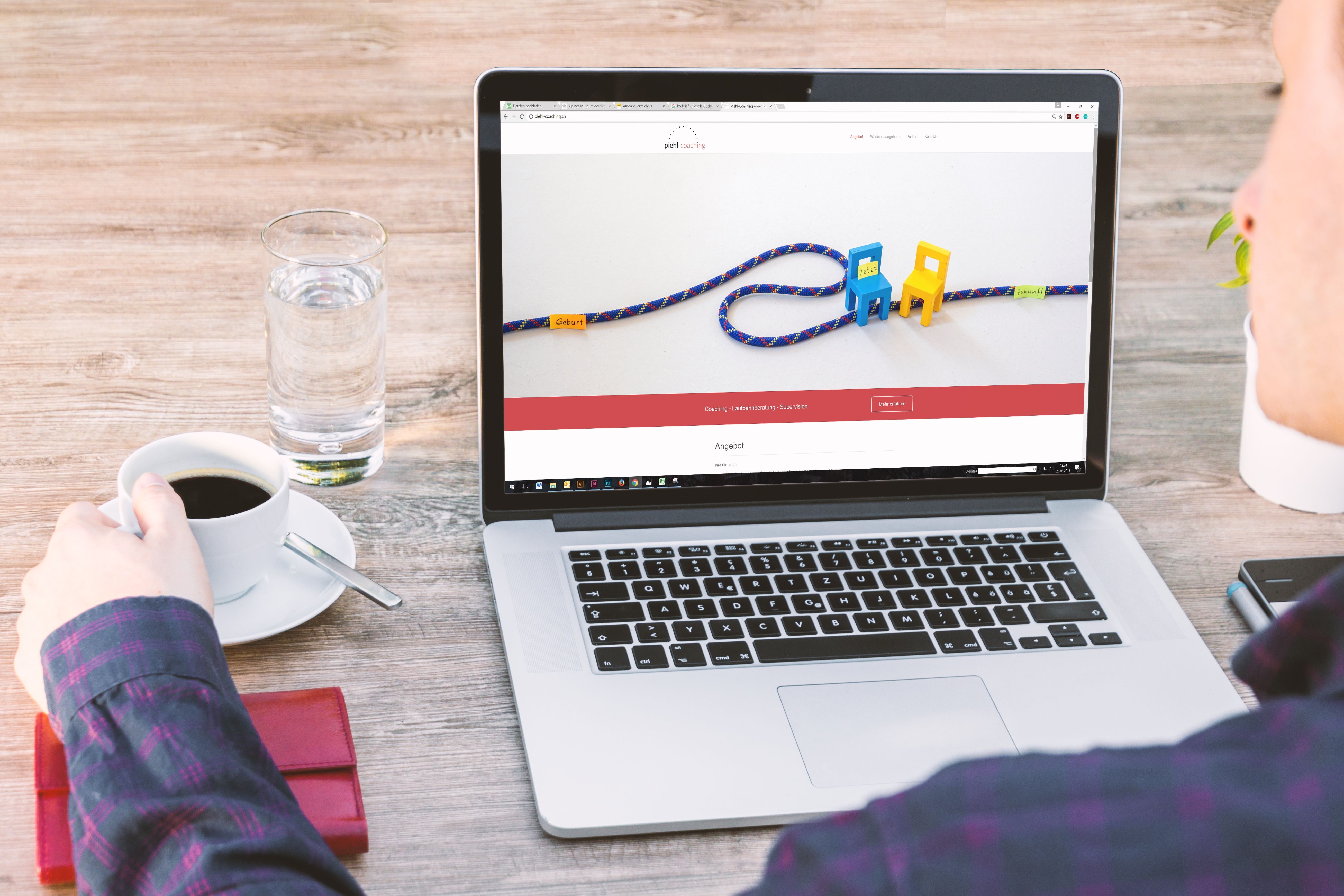
Mobile users now make up a large share of website visits, which means mobile UX is no longer a separate design consideration. It is central to how people discover, understand and use your website. For SEO-friendly websites, good mobile UX helps search engines and users reach the same conclusion: the site is easy to access, easy to navigate and useful on smaller screens.
That does not mean designing for mobile in isolation. Strong mobile UX connects with responsive web design, content structure, website speed, accessibility, internal linking and conversion-focused layout. When these elements work together, they support search visibility, better user engagement and clearer paths to enquiries, purchases or other business goals.
What mobile UX design means for SEO-friendly websites
Mobile UX design is the practice of shaping pages so they work well on phones and tablets as well as desktops. In an SEO context, this includes readable text, tap-friendly navigation, fast-loading pages, clear page hierarchy, and content that is easy to scan without zooming or endless scrolling.
Search engines look beyond keywords. They evaluate whether a page is usable, accessible and technically sound. If mobile visitors struggle with layout, slow loading or awkward navigation, that can weaken user experience signals and make the site harder to maintain as a high-quality resource. Good design does not guarantee rankings, but it supports the technical and behavioural foundations SEO depends on.
If you are reviewing a site from the ground up, a free website SEO audit can help identify mobile issues in structure, speed and usability before you redesign anything major.
Build the page for small screens first
Mobile-first design does not mean ignoring desktop users. It means starting with the smallest practical screen and making sure the most important content and actions are clear. This approach helps teams prioritise what really matters on a page, rather than trying to squeeze a desktop layout into mobile view.
Start with the main user task. For a service page, that may be finding pricing, services, proof of expertise and contact details. For an ecommerce product page, it may be product benefits, images, price, stock, delivery details and add-to-cart actions. For a blog post, it may be the answer, the supporting detail and the next step.
Use simple content blocks, clear spacing and obvious calls to action. Avoid cramming too many options into one screen. Mobile users often want quick clarity, not a full desktop-style layout compressed into a narrow column.
Keep navigation clear and easy to tap
Navigation should help people move through the site without confusion. On mobile, that usually means a short primary menu, visible search where needed, and a clear route to key pages such as services, products, about, contact and support. A cluttered menu can slow people down and reduce the chance they reach the right page.
Use concise labels that reflect how people actually search and browse. For example, a business website might use “Services”, “Case Studies” and “Contact” rather than vague terms. Ecommerce sites should make categories, product filters and basket access easy to find.
Internal links also matter. They help users explore related content and help search engines understand site structure. A practical resource such as the ultimate guide to backlink building can support broader SEO learning, while your own site should link between related service pages, product pages and supporting articles where relevant.
Design content layouts that are easy to scan
Mobile screens demand tighter editing and better hierarchy. Put the most important information near the top, then break supporting details into clear sections with descriptive headings. Short paragraphs, bullet lists and simple language improve readability and reduce friction.
For service pages, this usually means explaining the service, who it is for, how it works, what makes it different and what the next step is. For product pages, focus on benefits, specifications, delivery information, returns and trust signals. For landing pages, remove unnecessary distractions and make the offer, value proposition and action clear.
A good content layout supports SEO because it helps search engines interpret the page topic and helps users stay oriented. It also supports conversions, because people are more likely to act when the page is easy to understand.
Improve speed and Core Web Vitals on mobile
Website speed is a design issue as much as a technical one. Heavy images, oversized scripts, excessive pop-ups and poorly structured templates can all damage mobile performance. Since mobile users may be on slower connections, every extra delay can make the experience worse.
Design choices should protect performance. Use compressed images, sensible font loading, minimal animation and only the features each page really needs. On WordPress sites, this often means choosing a lightweight theme, reducing plugin bloat and checking that page builders are not creating unnecessary weight.
Core Web Vitals are useful indicators of how the page feels to real users. Google’s own PageSpeed Insights tool is a practical place to review mobile performance and identify bottlenecks without guesswork.
Make conversion paths visible without harming the experience
Mobile UX should support business goals, but not at the expense of usability. Clear design often converts better than aggressive design because it feels trustworthy and easy to use. The best mobile pages guide the visitor to one main action at a time, such as contacting the business, requesting a quote, booking a call or adding a product to basket.
Use visible buttons, brief forms and reassuring trust signals such as clear contact details, delivery information, payment methods or service credentials. Keep form fields to a minimum on mobile, and place labels above fields so they remain readable on small screens.
Results depend on traffic quality, offer clarity, copy, trust, design quality and testing. A conversion-focused layout helps, but it works best when the message matches user intent and the page feels genuinely useful.
Accessibility and responsive design are part of SEO
Accessible mobile UX benefits more people and helps search engines understand your site better. Ensure text is large enough to read, interactive elements have enough spacing, colour contrast is strong, and content can be used with keyboard and assistive technologies where relevant.
Responsive web design should adapt the layout to the screen, not hide key information behind poor interactions. Avoid designs that rely on hover-only content, tiny links, fixed-width sections or horizontal scrolling. These are frustrating on mobile and can undermine usability across devices.
For teams building or updating sites in WordPress, ecommerce platforms or custom frameworks, the goal is the same: keep the experience stable, readable and predictable. If you are improving a site structure or rebuilding a product range, planning around mobile behaviour from the start usually leads to cleaner page architecture and a better content flow.
Common mobile UX mistakes to avoid
Many mobile problems are caused by trying to fit too much onto one screen. Common issues include oversized hero banners, dense text blocks, confusing menus, auto-playing media, hard-to-tap buttons and forms that are difficult to complete.
Another common mistake is designing pages that look polished but do not help the visitor move forward. A beautiful page that hides key information below the fold, buries contact details or makes the next step unclear can still perform poorly from a user experience point of view.
If you are reviewing a redesign, check that each page answers a real question quickly. Can users understand the offer, navigate to related content and take action without unnecessary effort? If not, simplify the layout before adding more visual elements.
Conclusion
Mobile UX design is one of the most practical ways to improve an SEO-friendly website. It supports crawlability, page speed, accessibility, content clarity, internal linking and the overall user journey. Whether you manage a business site, service pages, a WordPress build or an ecommerce store, the aim is the same: make the mobile experience fast, clear and easy to use.
If you treat mobile design as part of your SEO and conversion strategy rather than a final visual touch, you create a stronger foundation for long-term growth, better engagement and a more trustworthy website experience.
Frequently Asked Questions
Why is mobile UX important for SEO?
Mobile UX affects how easily users can access, read and use your site. Good mobile usability supports technical SEO, accessibility and better content engagement.
What should a mobile-friendly page include?
It should include clear headings, readable text, tap-friendly buttons, simple navigation, fast loading and a layout that prioritises the main task.
Does mobile UX help conversions?
Yes, but results depend on the offer, traffic quality, trust signals, copy and page clarity. Good UX removes friction and makes the next step easier.
How do I check whether my site is mobile-friendly?
Test it on real devices, review navigation and form usability, and use tools such as PageSpeed Insights to identify speed and layout issues.
- Sponsored Ad -





