
Optimising WordPress pages for on-page SEO basics starts with making each page clear, useful, and easy for search engines to understand. That means improving the content, title tag, meta description, headings, URLs, images, and internal links, while also checking the technical setup that helps crawlers discover and interpret the page.
WordPress gives you many building blocks, but it does not automatically make a page search-friendly. Your results depend on content quality, site structure, crawlability, indexing, page speed, mobile usability, and ongoing maintenance. A careful setup is usually more effective than adding more plugins or chasing a plugin score.
Start with a solid WordPress SEO setup
Before you edit a page, check the foundations. WordPress core, your theme, and any SEO plugin all affect how metadata, canonical URLs, sitemaps, and archives are handled. If a theme or plugin changes the page source in a way you did not expect, that can affect how search engines read the page.
A single primary SEO plugin is usually enough for most websites. Popular options such as Yoast SEO, Rank Math, All in One SEO, and SEOPress can help you manage titles, descriptions, sitemaps, and some structured data, but features and interfaces change over time. Choose based on your workflow, budget, and technical needs, not because one setup promises better rankings.
For WordPress basics and safe configuration changes, the official WordPress documentation is a useful reference point. If you are changing plugin settings, update one area at a time and keep a backup so you can reverse mistakes quickly.
Write pages around search intent, not just keywords
Keyword research helps you understand what people want from a page, but the goal is to match search intent. A product page, service page, guide, or local landing page should each have a clear purpose. Avoid making several pages that cover the same topic in almost the same way, because that can create duplication and weaken clarity.
Use the main keyword naturally in the page title, opening copy, and one or two headings where it genuinely fits. Do not force it into every paragraph. A useful page answers real questions, explains the topic clearly, and gives visitors a reason to stay. That is more helpful than repeating terms for their own sake.
When you plan content, think about what a visitor needs next. For example, a page about services may need pricing context, FAQs, trust signals, and a contact path, while a WooCommerce product page may need specifications, images, delivery information, and related products. The page should reflect that intent rather than copying a generic template.
Optimise titles, meta descriptions, permalinks, and headings
The title tag is one of the most important on-page elements. It should accurately describe the page and reflect the search intent, while staying readable for people. Meta descriptions do not guarantee better rankings, but they can improve how your page is presented in search results when they are specific and concise.
Keep permalinks descriptive and stable. Short, readable URLs are easier to understand than long strings of words or numbers. If you change a URL, use a relevant redirect from the old address to the closest new page. Avoid sending every removed page to the homepage, as that can confuse users and search engines.
Headings help structure content for readers and crawlers. Use one clear main heading in the content area and logical subheadings underneath. Headings should describe the section accurately, not act as repeated keyword labels.
Search engines may use title and snippet signals differently over time, so it is sensible to review how pages appear in search using the available tools in Google Search Console. The URL Inspection tool and performance reports can help you spot issues, but they do not guarantee indexing or rankings.
Handle crawlability, indexing, canonicals, and sitemaps carefully
Crawling means search engines can access a page. Indexing means they choose to store and potentially show it in results. A page can be crawlable but still not indexed, especially if it is thin, duplicated, blocked, noindexed, or seen as low value.
Check your XML sitemap so it includes useful canonical URLs that you actually want search engines to discover. WordPress core or an SEO plugin may generate a sitemap, but it should not contain redirecting pages, staging URLs, or other low-value duplicates without a clear reason. A sitemap helps discovery; it does not force inclusion.
Robots.txt controls crawler access, but it is not a general removal tool for indexed pages. If you block a page before crawlers can see its noindex directive or canonical tag, you may make diagnosis harder. Canonical tags are signals that suggest a preferred version among similar URLs, but they do not always override other signals. Check the rendered source rather than relying only on plugin settings.
For duplicate URLs, parameterised pages, or archive variants, use canonicals and internal linking thoughtfully. If you need to consolidate pages after a redesign or migration, map old URLs to the most relevant replacement and monitor the effect afterwards.
Improve internal linking, images, and page experience
Internal links help visitors move through your site and help crawlers discover related content. Use descriptive anchor text that explains where the link leads. A few strong contextual links are more useful than dozens of repetitive ones. Menus, breadcrumbs, category archives, and related-post sections can also support navigation, but they should not replace meaningful links in the body content.
Image SEO matters for accessibility and performance as well as discovery. Use descriptive filenames, relevant alternative text, sensible dimensions, and compression where appropriate. Alternative text should describe the image for people using screen readers, not stuff extra keywords into the page. Decorative images may not need detailed alt text.
Website speed and Core Web Vitals affect how comfortable a page feels to use. Core Web Vitals include Largest Contentful Paint, Interaction to Next Paint, and Cumulative Layout Shift. These are useful indicators of real user experience, but they are not the only SEO consideration. Hosting, caching, scripts, fonts, page builders, and large media files can all affect performance. Test changes on staging where possible, especially before making major theme or plugin updates.
Consider special cases: WooCommerce, local SEO, multilingual sites, and security
WooCommerce pages need optimisation that fits ecommerce behaviour. Product pages and category pages serve different search intent, so they should not be treated the same. Be careful with filters, variants, and other parameterised URLs, because faceted navigation can create many crawlable combinations. Product schema, useful descriptions, reviews, images, and mobile-friendly layouts all support usability, but you should avoid duplicating manufacturer copy across every product.
For local SEO, keep business details consistent across your site. Service pages and location pages should contain genuine local information, not thin pages that only swap the place name. If you operate in more than one language, use quality translations, sensible URL structure, and hreflang where appropriate so the right version can be shown to the right audience. Automated translation should be reviewed carefully.
Security also affects SEO indirectly. Malware, spam injections, hacked redirects, and downtime can damage trust and make pages harder to crawl. Keep WordPress, themes, and plugins updated, use strong passwords, and back up the site before major changes. If you are planning a migration, redesign, or permalink change, preserve important content and metadata, test redirects, and monitor indexing afterwards. For broader site growth and link strategy support, Backlink Works also shares a free website SEO audit resource that can help you spot technical and on-page issues before they become harder to fix.
Practical on-page SEO checklist for WordPress pages
Before publishing or updating a page, check that it has a clear purpose, a descriptive title tag, a useful meta description, logical headings, a readable permalink, and enough unique content to satisfy the search intent. Then review internal links, image alt text, canonical handling, sitemap inclusion, and whether the page should be indexable.
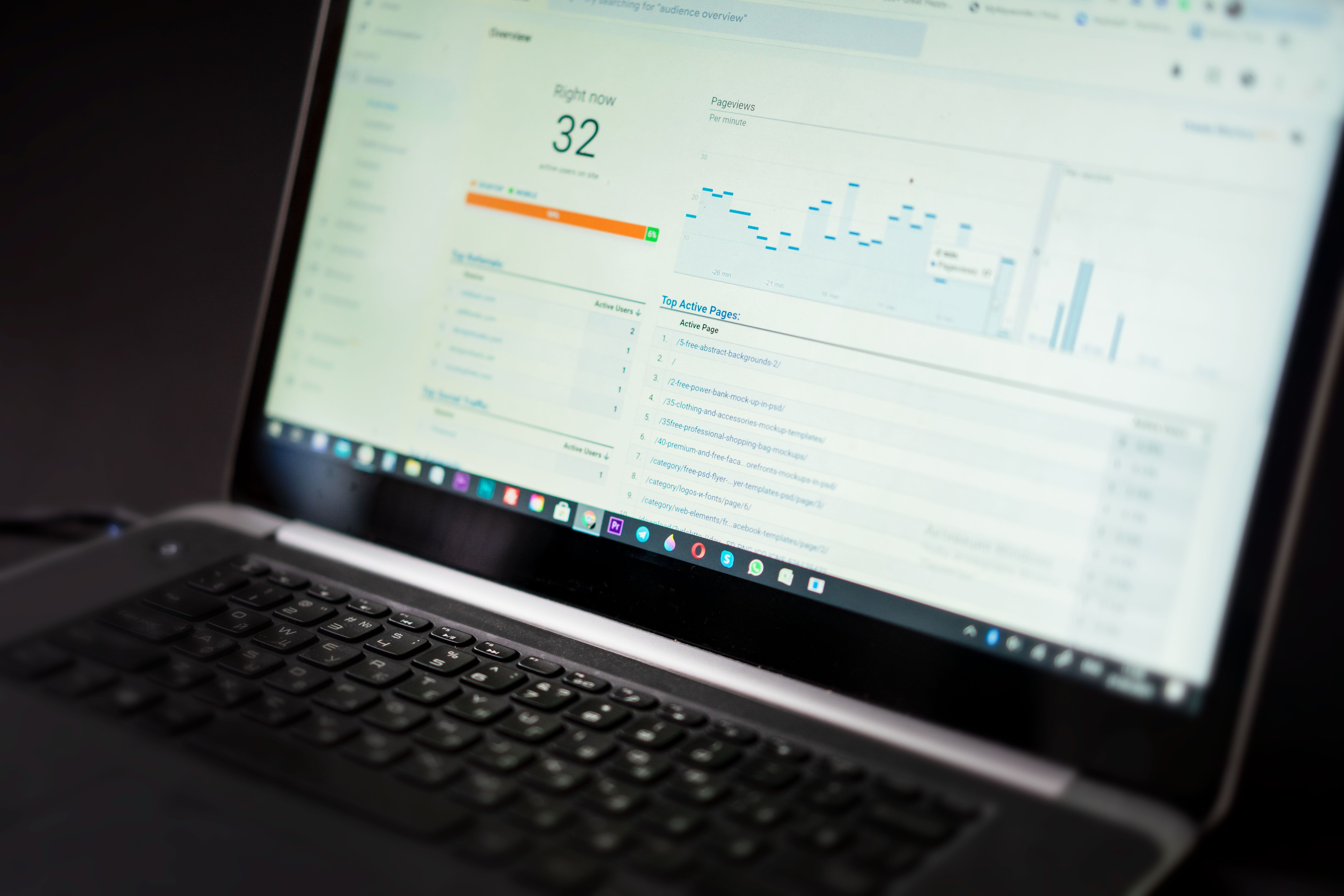
After the page goes live, look at Search Console and analytics over time rather than expecting instant results. Google Analytics 4 measures user activity, while Search Console shows search performance and indexing-related signals; they are not interchangeable. If something is not working, inspect the page source, test redirects, check for duplicate SEO plugins, and review whether a theme or custom code is affecting the output.
A sensible WordPress SEO audit looks at content quality, technical setup, crawlability, indexing, internal linking, page speed, and maintenance. If you need a more strategic view, the guide to backlink building can complement on-page work by helping you think about authority, discovery, and content promotion without relying on manipulative tactics.
Conclusion
Optimising WordPress pages for on-page SEO basics is really about building clear, useful pages that search engines can crawl and people can use with ease. The strongest results usually come from a balanced approach: accurate titles, well-structured content, clean URLs, careful technical settings, sensible internal links, and regular maintenance.
WordPress can support good SEO, but only when the theme, plugins, hosting, and content strategy work together. Focus on making each page genuinely helpful, then review technical details such as indexing, canonicals, sitemaps, and redirects so your site stays easy to maintain as it grows.
Frequently Asked Questions
Do I need a WordPress SEO plugin for on-page SEO?
Not always, but a primary SEO plugin can make it easier to manage titles, meta descriptions, sitemaps, and some technical settings. Just avoid installing several plugins that do the same job.
Will changing my title tag improve rankings?
A better title tag can improve clarity and relevance, but it does not guarantee ranking changes. It should match the page content and search intent rather than try to force keywords in.
Should every WordPress page be indexed?
No. Some pages, such as thank-you pages, internal search results, or certain archives, may not need to be indexed. The right choice depends on the page’s purpose and value to users.
How often should I audit WordPress SEO?
There is no fixed schedule for every website, but a regular review after major updates, redesigns, migrations, or content changes is sensible. Ongoing checks help you catch broken links, redirect issues, and indexing problems early.
- Sponsored Ad -





