
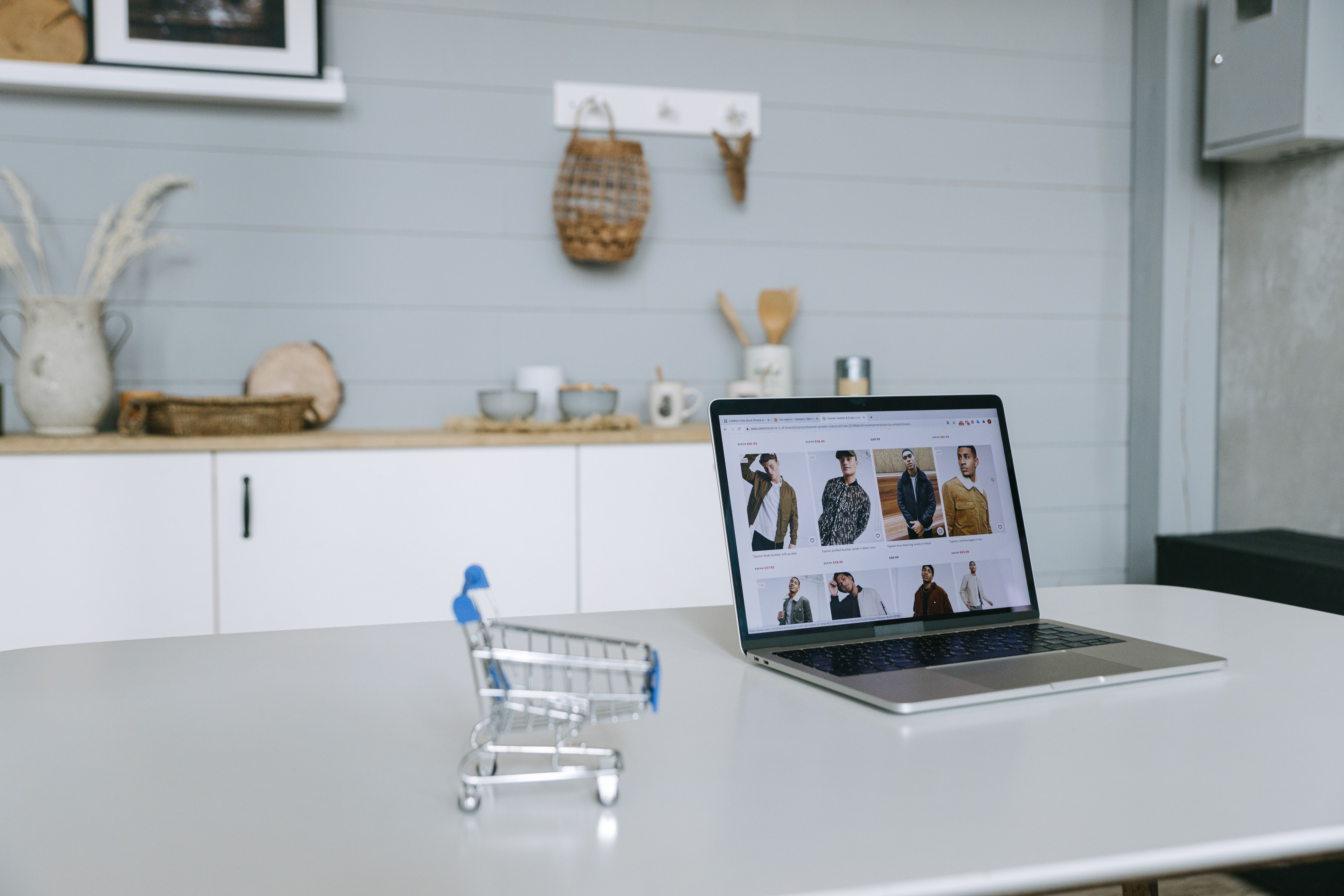
For Shopify stores, images do more than make product pages look polished. They help shoppers understand products, support mobile browsing, and can contribute to organic visibility when search engines can crawl and interpret them properly. An image sitemap is one part of that technical setup, especially for stores with large catalogues, variant images, or image-heavy collections.
Optimising an ecommerce image sitemap will not guarantee rankings, but it can improve how efficiently search engines discover your product visuals. For online retailers, that matters because product page SEO, category page SEO, and overall crawlability all affect how easily important pages and assets can be indexed.
What an ecommerce image sitemap does
An image sitemap gives search engines structured information about the images on your store. For Shopify sites, this can be useful when product photos are central to the buying decision, such as fashion, homeware, beauty, electronics, or printed products. It helps search engines connect images with the relevant product or collection pages.
This is especially relevant for ecommerce technical SEO because Shopify stores often rely on theme-generated image URLs, variant images, and collection thumbnails. A sitemap can support discovery when images are loaded dynamically, buried in JavaScript, or not clearly linked from crawlable HTML.
Google’s SEO Starter Guide is a useful reference if you want to understand how search engines discover and interpret site content.
Why image sitemap optimisation matters for Shopify SEO
Shopify SEO is often discussed in terms of titles, metadata, internal linking, and product descriptions, but image optimisation is part of the same system. A well-structured image sitemap can support:
product discovery for image-led searches, better indexing of product photos, stronger context around variants and collections, and cleaner signals for search engines when site architecture is complex.
That matters because ecommerce keyword research is not only about text-based queries. Many shoppers discover products visually, then move to the product page to compare details, price, and trust signals. If the image and page are properly connected, search engines have a clearer understanding of relevance.
For stores with many similar products, image sitemaps can also help reduce ambiguity caused by duplicate product content or repetitive catalogue layouts. They do not replace unique descriptions, schema markup, or strong category pages, but they add another layer of clarity.
How to structure an image sitemap for Shopify stores
Shopify generally generates a sitemap automatically, but store owners should still review whether image references are present and whether the pages being prioritised are the right ones. The goal is to help search engines focus on valuable product, collection, and editorial URLs.
Include the pages that matter most
Image sitemaps should point to canonical product pages and important category pages rather than every low-value URL. If a product is out of stock temporarily, keep the page live where appropriate and ensure the sitemap still reflects the preferred canonical URL, provided the product page remains useful to shoppers.
Use descriptive image filenames and alt text
Before images reach the sitemap, they should already be well named and described. A file name such as “linen-bedding-duvet-set-white.jpg” is more useful than “IMG_2048.jpg”. Alt text should describe the image naturally and help accessibility, not stuff keywords. This supports mobile ecommerce SEO and improves understanding for both users and crawlers.
Match images to page intent
The image shown in the sitemap should align with the product page SEO intent. For example, if a category page targets “women’s waterproof boots”, the hero image and supporting thumbnails should reinforce that category theme. Consistency between page copy, image context, and internal linking helps search engines and shoppers alike.
Technical checks for crawlability and indexing
An image sitemap is only useful if search engines can crawl the underlying pages and assets. Check that your robots.txt file is not blocking important image folders, and make sure product images are not hidden behind scripts that prevent discovery. If you use apps or custom themes, test whether lazy loading still exposes images correctly to search engines.
It is also sensible to review Search Console data to see whether key product and collection pages are being indexed as expected. If a page is canonicalised elsewhere, blocked, or noindexed, its images may be less useful for organic visibility.
For a simple testing workflow, the Google Search Console interface can help you monitor indexing, coverage, and page-level issues without relying on assumptions.
Improve image SEO alongside content and site performance
Image sitemap optimisation works best when combined with broader ecommerce SEO improvements. Strong product descriptions, helpful category copy, clear filters, and internal linking all help search engines understand the site’s commercial intent. That is particularly important for stores with faceted navigation, where filters can create many near-duplicate URLs.
Image files should also be compressed where possible so they do not slow the site down. Website speed affects user experience, Core Web Vitals, and conversion potential, especially on mobile. A fast-loading image strategy supports browsing, product comparison, and checkout progress.
It can be helpful to review your performance using a tool such as PageSpeed Insights, particularly if large product images are affecting load times on key landing pages.
Internal linking should guide users from collections to products and from supporting content to commercial pages. For example, buying guides, size guides, and comparison content can link naturally to relevant category or product pages, reinforcing topical relevance and helping distribute authority across the store.
Best practices and common mistakes
Keep the sitemap focused on useful, indexable pages. Do not include low-value filtered URLs, duplicated variants without purpose, or pages that are blocked from indexing. Avoid using generic image names across the whole catalogue, and do not rely on images alone to describe products. Search engines and shoppers both need text context.
Also avoid treating the image sitemap as a shortcut. It cannot fix weak category page SEO, thin product descriptions, poor mobile usability, or a confusing checkout journey. Organic traffic growth for online stores usually depends on the combined quality of content, technical SEO, product demand, and site experience.
If you need support reviewing wider site structure, a free website SEO audit can be a useful starting point for identifying technical and content issues that may affect crawlability and visibility.
Conclusion
For Shopify stores, an image sitemap is a practical technical SEO asset rather than a standalone growth tactic. When it is aligned with strong product page SEO, category optimisation, mobile usability, and fast-loading images, it can help search engines discover and understand your ecommerce content more effectively.
The best approach is to treat image sitemaps as part of a wider optimisation process. Keep product information clear, avoid duplicate content, maintain crawlable architecture, and monitor how your pages perform over time. Results will depend on competition, site quality, technical setup, and consistent optimisation, but these steps give your store a stronger foundation for sustainable organic visibility.
Frequently Asked Questions
Do Shopify stores need a separate image sitemap?
Not always, but it can be helpful for image-heavy catalogues or stores where visuals play a major role in product discovery.
Will an image sitemap improve rankings on its own?
No. It supports crawling and discovery, but rankings depend on broader SEO factors such as content quality, page relevance, authority, and user experience.
Should I include every product image in the sitemap?
Only if the images belong to useful, indexable pages. Focus on canonical product and collection URLs rather than low-value or duplicate pages.
How does an image sitemap support ecommerce conversions?
By helping search engines understand product visuals and page context, it can support better discovery. Conversions still depend on traffic quality, pricing, trust signals, speed, and checkout experience.
- Sponsored Ad -





