
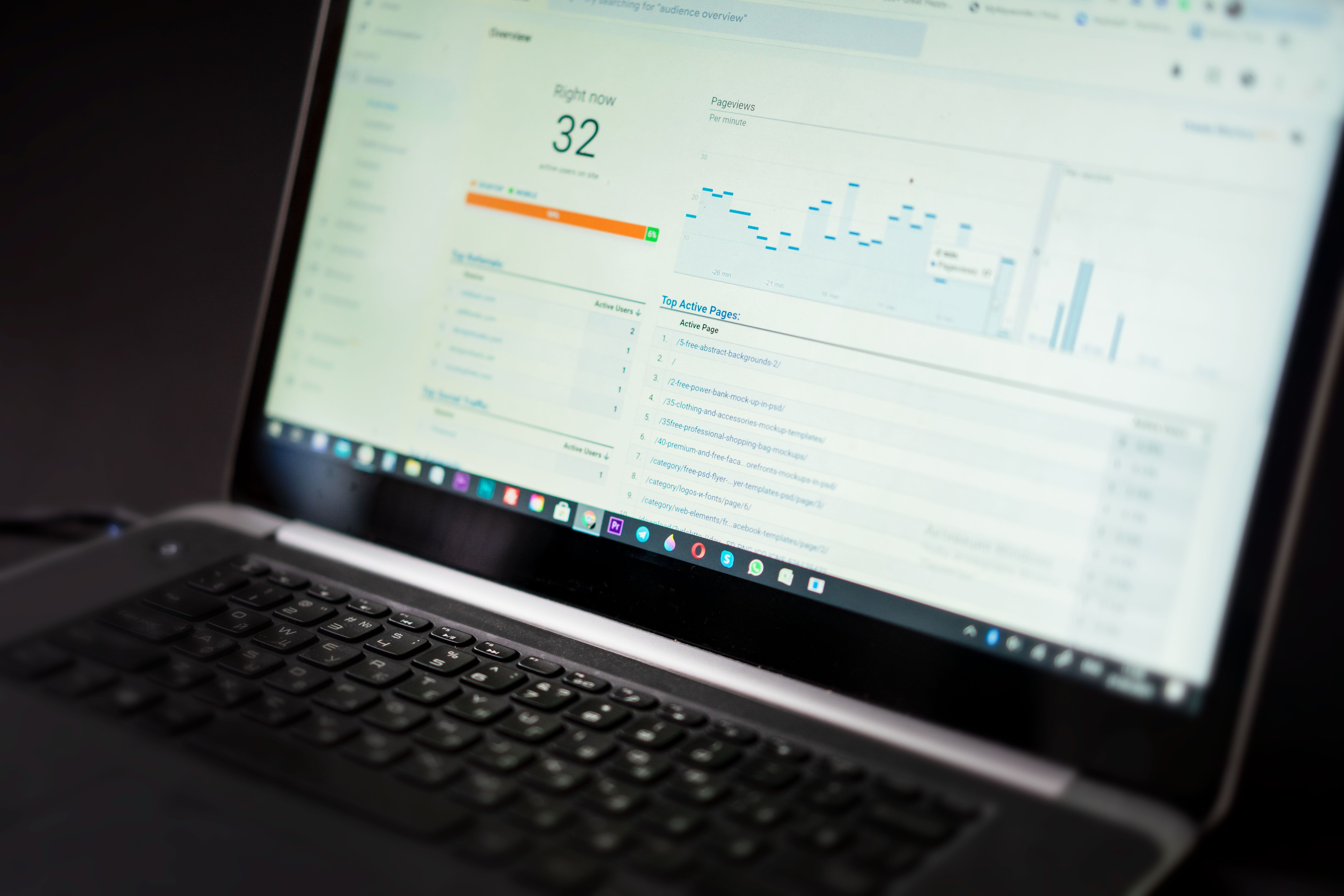
PageSpeed Insights is one of the most widely used tools for checking website performance, but its updates do not work like a direct ranking switch. For SEO, the important point is how changes in the tool reflect Google’s broader focus on user experience, page speed, and technical quality.
For website owners, marketers, and SEO teams, updates to PageSpeed Insights are worth paying attention to because they can influence how performance is measured, reported, and prioritised. That can affect technical SEO decisions, development roadmaps, and ultimately how search visibility is approached across content, ecommerce, local, and WordPress sites.
What PageSpeed Insights Updates Usually Change
PageSpeed Insights is built on a mix of field data and lab data. When the tool changes, it may alter how performance issues are surfaced, how scores are calculated, or which recommendations are shown first. These changes do not automatically change rankings, but they can change how teams understand site performance.
In practice, updates often affect what gets measured most clearly. That may include Core Web Vitals signals, render-blocking resources, image handling, JavaScript execution, caching, and server response times. A change in reporting can make an issue look more important, even if the underlying website has not changed.
Why Page Speed Still Matters for Search Visibility
Google has long treated page experience as part of search quality, and performance remains relevant because it affects usability, crawling efficiency, and engagement. A slow site can make it harder for users to explore content, complete a purchase, or interact with local business information.
That does not mean speed alone determines rankings. Instead, it works alongside content relevance, internal linking, topical authority, mobile usability, and trust signals. A strong article can still perform well if the site is not perfect, but a poor user experience can hold back visibility across many pages.
For a practical reference point, Google’s SEO Starter Guide remains useful for understanding how technical and content improvements fit together.
How Updates Can Affect Rankings Indirectly
When PageSpeed Insights changes its emphasis, website teams often change priorities. That can lead to improvements in performance, which may support better crawling, better engagement, and stronger conversion behaviour. In other words, the tool itself does not rank pages, but the actions it encourages can help.
For example, if a report highlights excessive JavaScript or poor image delivery, developers may reduce blocking scripts, compress media, or improve lazy loading. Those improvements can make pages faster for users and easier for search engines to process, especially on larger sites with frequent updates.
It is also worth noting that performance reports sometimes shift because the measurement method changes, not because the site got worse. That is why SEO professionals should compare trends over time rather than reacting to a single score change.
What Website Owners Should Check First
The best response to a PageSpeed Insights update is to review what has changed and whether it affects real user experience. Start with the main performance indicators, then move into the page elements causing delays. Focus on templates that drive traffic, revenue, or leads rather than trying to fix every page in the same way.
Common areas to review include image compression, unused scripts, caching, font loading, third-party code, and server performance. For ecommerce sites, product pages and category templates often need the most attention because they carry commercial intent and can be affected by heavy media or tracking tags.
WordPress sites should also check theme quality, plugin overhead, and hosting performance. A lightweight theme with fewer scripts can often make a bigger difference than small front-end tweaks. If you are starting a wider technical review, a free website SEO audit can help identify performance and indexing issues together.
How SEO Teams Can Use PageSpeed Insights with Other Tools
PageSpeed Insights is useful, but it should not be the only source of truth. Combine it with Search Console, analytics, server logs, and other speed tools to understand whether a performance issue is affecting impressions, clicks, crawling, or conversions.
If a page has good speed scores but weak visibility, the problem may be content quality, search intent alignment, or internal linking. If a page has strong content but poor engagement, slow loading or layout instability may be part of the reason. That is why performance should be reviewed in context, not in isolation.
For teams comparing different speed reports, Google’s own PageSpeed Insights tool is the clearest place to test pages and see what recommendations are being highlighted.
Search Trends That Make Performance More Important
Several wider SEO trends make performance work more valuable. AI search experiences and richer search results place more emphasis on clear structure, fast loading, and dependable page rendering. If content is hard to load or poorly formatted on mobile, users may move on quickly, which weakens overall visibility signals.
Local SEO also depends on user trust and quick access to practical information. A slow local landing page can make it harder for people to find contact details, opening times, directions, or service pages. Ecommerce sites face the same issue at scale, especially when filters, media-heavy pages, and scripts slow the browsing experience.
Search quality is increasingly tied to the overall page experience. That means performance updates should be treated as part of broader technical SEO, alongside structured data, crawlability, content freshness, and internal site architecture.
Practical Next Steps for Better Visibility
Website owners should treat PageSpeed Insights updates as a prompt to review priorities, not as an alarm. Focus on the pages that matter most, fix the most visible bottlenecks, and then measure whether users and search metrics improve over time.
Useful next steps include reducing oversized images, limiting unnecessary scripts, checking mobile rendering, improving caching, and reviewing how third-party tools affect load time. If you publish on WordPress, test plugins carefully and remove any that add weight without clear value.
It can also help to review backlink and technical SEO work together. Strong authority can support discovery and trust, but page experience still affects how users interact with what they find. Backlink Works often recommends balancing technical fixes with content and link quality, rather than treating performance as a standalone task.
Conclusion
PageSpeed Insights updates matter because they shape how performance is understood and prioritised, not because they directly rewrite search rankings. The real SEO value comes from using the tool to uncover friction points that affect crawling, indexing, usability, and conversion.
For SEO news tracking, the key is to watch how reporting changes influence your optimisation decisions. Sites that combine strong content, efficient technical delivery, and a smooth user experience are better placed to maintain visibility as search systems continue to emphasise quality and usability.
Frequently Asked Questions
Do PageSpeed Insights updates directly change Google rankings?
No. The tool itself does not change rankings, but it can highlight performance issues that may affect user experience and SEO outcomes.
Should I ignore a score drop if my site has not changed?
Not necessarily. A score drop may come from a reporting change, a third-party script, or a shift in measured conditions, so check the underlying issues before acting.
Which pages should I improve first?
Start with high-traffic, high-value pages such as landing pages, product pages, category pages, and important blog articles.
Is PageSpeed Insights enough for technical SEO?
No. It is a valuable tool, but it works best alongside Search Console, analytics, crawl data, and server-side testing.
- Sponsored Ad -





