
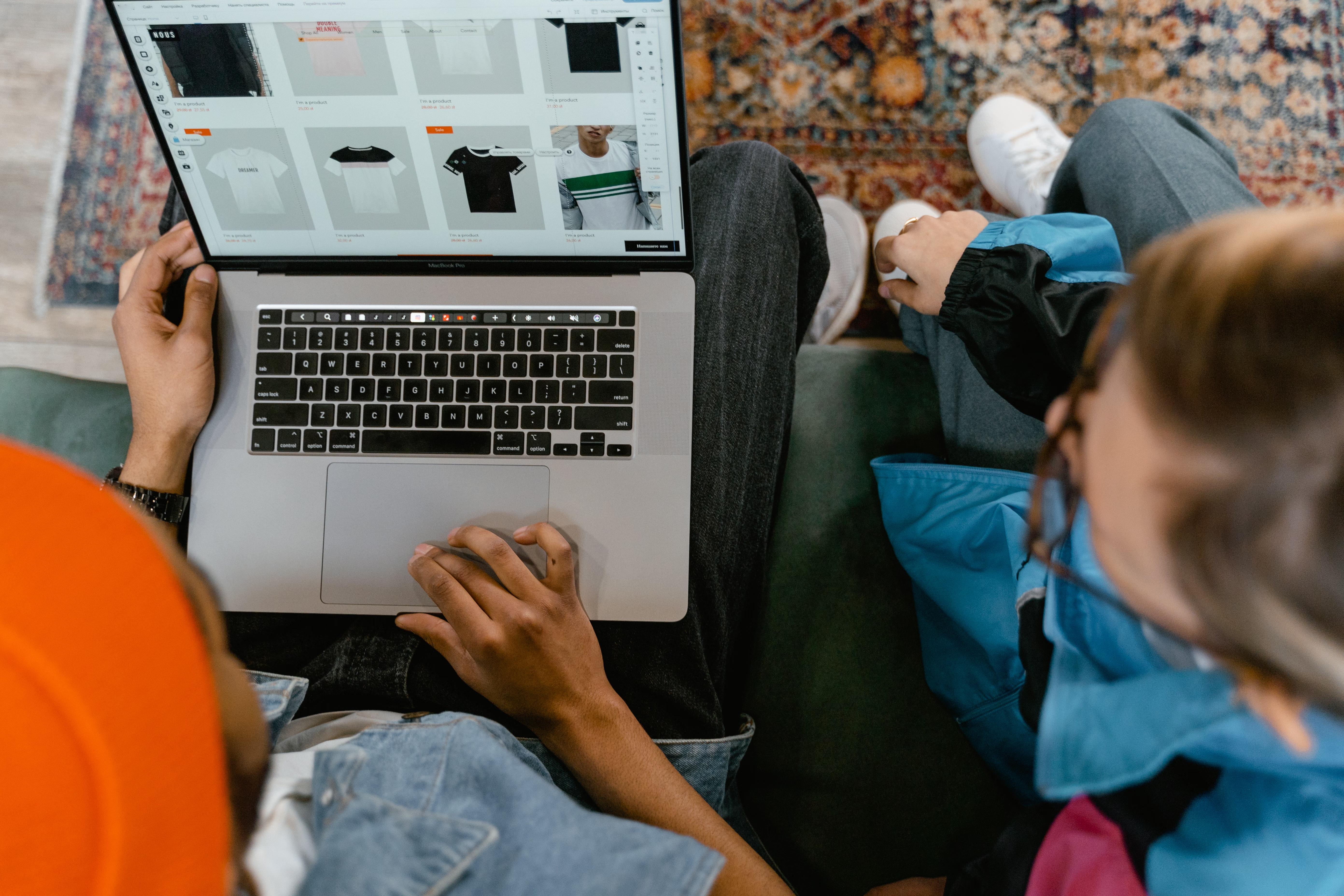
Product images do more than make an online store look appealing. In ecommerce SEO, they help search engines understand products, support richer listings, and give shoppers the confidence to click, explore, and buy. When images are managed well, they can improve both discoverability and user experience across product pages and category pages.
The impact depends on the quality of the site, the strength of the product demand, competition, technical setup, and how well images fit into the wider content strategy. For store owners using Shopify or WooCommerce, product images should be treated as part of SEO, not just design. They influence page relevance, load speed, mobile usability, schema markup, and conversions.
Why product images matter for ecommerce SEO
Search engines cannot “see” images in the same way people do, so they rely on supporting signals. File names, alt text, surrounding copy, structured data, and page context all help explain what the image shows and how it relates to the product. That makes product images part of product page SEO rather than a separate design detail.
Strong product images also improve engagement. If shoppers can quickly inspect colour, shape, texture, size, and use case, they are more likely to stay on the page and continue browsing. Those behaviour signals do not guarantee rankings, but they can support a better overall page experience, which is important for organic traffic growth.
For a useful overview of how Google approaches helpful content and crawlable pages, see the SEO Starter Guide from Google Search Central.
How images support product page relevance
Product pages work best when every element reinforces the same topic. Images should match the product name, description, attributes, and schema markup. If a page sells a leather crossbody bag, the images should show the item from the front, side, back, and in use. That gives search engines and shoppers a clearer understanding of the page.
Good image support is especially important when product descriptions are short. Many ecommerce sites rely too heavily on manufacturer copy, which can create duplicate product content across the web. Original images, custom captions, and detailed alt text help distinguish your page from competitors and improve content quality.
Useful image practices include:
- Using descriptive file names instead of generic names like IMG_1234.jpg.
- Writing concise alt text that describes the product and image purpose.
- Adding lifestyle shots, close-ups, and size reference images.
- Keeping captions consistent with product details and category intent.
Image optimisation and technical ecommerce SEO
Images can help SEO, but they can also hurt performance if they are too large or poorly implemented. Website speed is part of ecommerce technical SEO, and heavy product galleries can slow down pages, especially on mobile. That can affect Core Web Vitals, user satisfaction, and conversion rates.
Compressing images, using modern file formats where appropriate, and serving responsive image sizes can reduce load times without harming quality. Lazy loading is useful for long product pages, but it should be implemented carefully so important images still load promptly. For stores with many products, this is particularly relevant because even small speed issues can scale across the catalogue.
Image optimisation also matters on mobile ecommerce SEO. Shoppers often browse on slower connections and smaller screens, so pages need to be fast, clear, and easy to scan. Product images should load cleanly, remain readable, and support tap-friendly galleries. You can check page performance with tools such as PageSpeed Insights.
Using images to improve product page conversions
Conversion-focused ecommerce SEO is not only about traffic. It is about helping the right visitors understand the offer and feel comfortable buying. Product images are one of the strongest trust signals on a page, especially when shoppers cannot touch or try the item in person.
Clear images reduce uncertainty. Multiple angles, zoom functionality, and photos that show scale or real-life use can answer common questions before a shopper leaves the page. This is especially useful for higher-consideration products, fashion, homeware, electronics, and premium D2C products where clarity affects purchase intent.
Images should also support the rest of the page elements. A strong product description, clear pricing, delivery information, returns policy, reviews, and visible trust signals all work together. Product images do not create conversions on their own; they support them by making the product easier to assess.
Category pages, internal linking, and image-led discovery
Images also matter beyond individual product pages. Category page SEO depends on helping users compare products quickly, and thumbnail images are a major part of that experience. Well-optimised category images can encourage browsing, improve click-through within the store, and help search engines understand collection structure.
Internal linking is another important factor. A good ecommerce site uses images and related content to connect products, categories, and supporting guides. For example, a product image gallery can link to a size guide, matching accessories, or a related category. That helps users move through the site naturally and can support crawlability and indexing.
Faceted navigation also needs care. Filters for size, colour, material, and price are useful, but they can create duplicate URLs and thin pages if handled badly. Product image content should sit within a clear site architecture so search engines can focus on the main category and product URLs instead of cluttered filter combinations.
Best practices for Shopify and WooCommerce stores
Whether you use Shopify SEO or WooCommerce SEO, the principles are similar: keep product image sets consistent, relevant, and fast. Each platform gives you different technical controls, but both benefit from disciplined image management and page structure.
For Shopify stores, ensure collection pages use strong thumbnails, descriptive alt text, and consistent naming conventions. For WooCommerce stores, pay attention to theme performance, image compression, and plugin conflicts that can slow galleries or break responsive behaviour. In both cases, test on mobile and check whether zoom, lightbox, and gallery features load smoothly.
It is also sensible to review out-of-stock product SEO. If a product is temporarily unavailable, keep the page live when it still has search value, but update the imagery, message, and links to alternatives where relevant. This helps preserve visibility and reduces wasted user journeys.
If you want a wider SEO baseline for your store, Backlink Works offers practical education and audits that can help you spot technical issues before they affect product discovery. A good place to begin is a free website SEO audit.
Checklist: image-related SEO mistakes to avoid
Small image issues can quietly limit organic performance and conversions. Before scaling a catalogue, review these common mistakes:
- Uploading oversized images that slow down product pages.
- Using generic file names and empty alt text.
- Relying on the same supplier image set as every competitor.
- Hiding key product details inside the image instead of in text.
- Letting image-heavy pages harm Core Web Vitals on mobile.
- Creating duplicate or thin filtered pages through faceted navigation.
These issues are fixable, but results depend on your site quality, product range, competition, and how consistently you maintain the catalogue. Good image SEO supports visibility, yet it works best alongside product descriptions, schema markup, and a strong category structure.
Conclusion
Product images are a practical part of ecommerce SEO and conversion optimisation. They help search engines understand pages, make product listings more useful, and give shoppers the clarity they need to take the next step. When combined with fast loading, strong product copy, internal linking, and structured data, images can support better organic visibility and a smoother buying journey.
For store owners, the priority is not to add more images for the sake of it, but to use them strategically. Choose images that answer questions, load quickly, and fit the page intent. Over time, that approach can support stronger product page SEO, healthier user experience, and more consistent organic growth for online stores.
Frequently Asked Questions
Do product images affect product page SEO directly?
Yes, indirectly and sometimes directly through supporting signals such as alt text, file names, page relevance, and image search visibility. They also affect engagement, which can support overall page performance.
How many images should a product page have?
There is no fixed number. Use enough images to help shoppers understand the product clearly, usually including multiple angles and at least one lifestyle or context image where relevant.
Should product images be the same on every page?
No. Repeating the same supplier images across many pages can weaken uniqueness. Where possible, use original images and add page-specific context to improve differentiation.
What is the biggest image mistake ecommerce sites make?
Oversized, uncompressed images are one of the most common issues because they slow page speed and can harm mobile usability, which affects both SEO and conversions.
- Sponsored Ad -





