
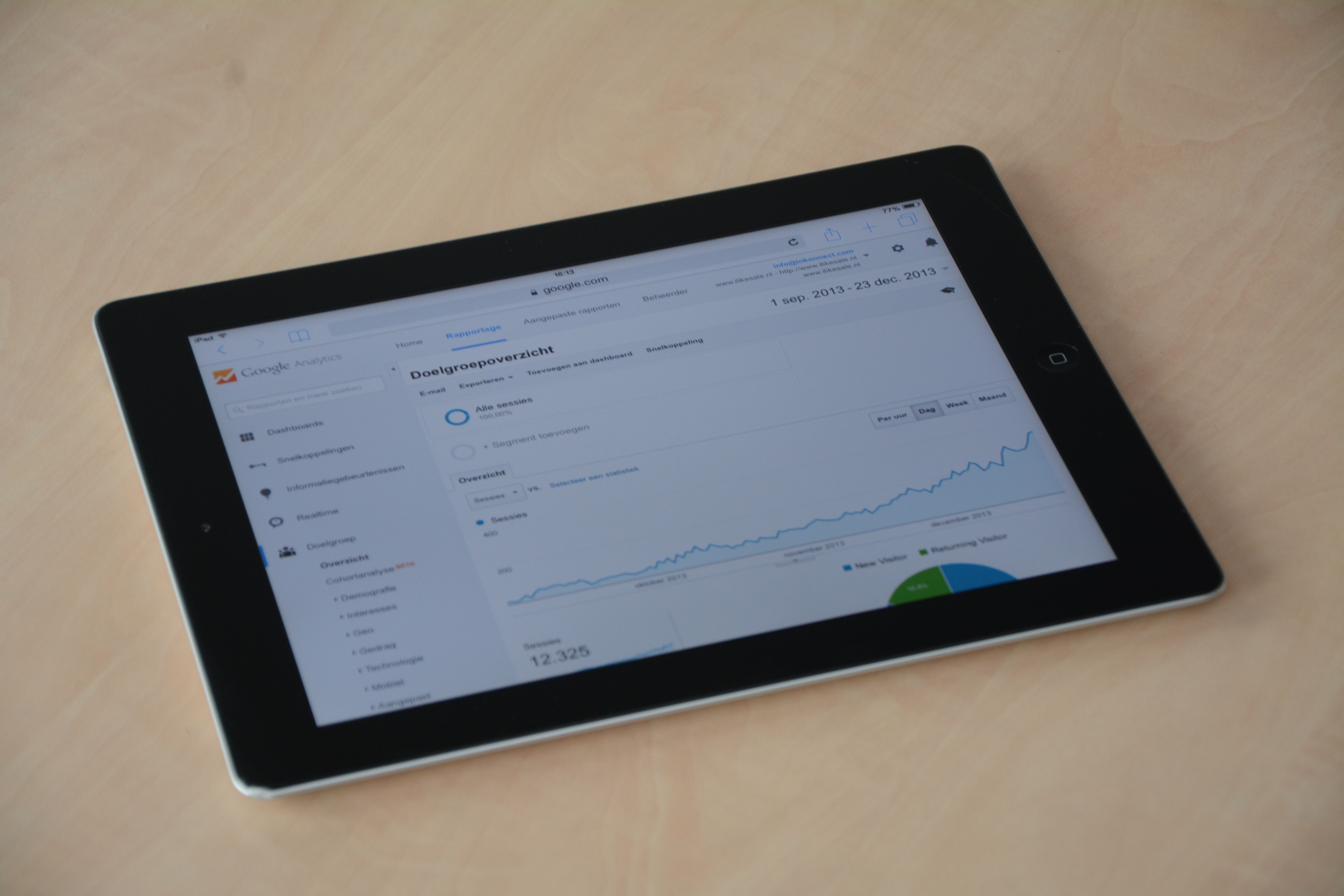
SEO audit tools help website owners understand what is working, what needs attention, and where search visibility may be held back. For small businesses, the value is not just in collecting data, but in turning that data into practical next steps for content, technical SEO, and user experience.
The challenge is that no single tool covers everything well. A sensible SEO toolkit usually combines free Google tools, crawler software, keyword research platforms, rank trackers, and reporting tools. The right mix depends on your website size, budget, platform, and how hands-on you want to be.
What SEO audit tools actually do
SEO audit tools collect and organise information about your site so you can make better optimisation decisions. Some check crawlability and indexability, others look at page speed, metadata, internal links, backlinks, or structured data. A few also help with competitor analysis and reporting.
For most website owners, the goal is not to chase every metric. It is to identify issues that could affect search visibility, such as broken pages, slow templates, missing titles, poor content coverage, weak internal linking, or pages that are difficult for search engines to understand.
Good audit tools support strategy, but they do not replace it. You still need useful content, clean implementation, and consistent improvement over time.
Start with free tools from Google
If you are beginning an SEO audit, the most important free tools are Google Search Console, Google Analytics 4, and PageSpeed Insights. These are especially useful because they reflect how Google sees your site and how visitors behave once they arrive.
Search Console helps you review indexing, search queries, page performance, mobile usability, and core technical warnings. GA4 adds behaviour and engagement data, which can help you understand which pages are attracting interest and where users drop off. PageSpeed Insights is helpful for checking performance and Core Web Vitals, especially on mobile.
For a straightforward starting point, it can also help to run a free website SEO audit before moving into deeper technical work.
What to check first in a free audit
Look at indexed pages, pages with low clicks but strong impressions, slow templates, missing metadata, duplicate titles, broken internal links, and mobile usability issues. These are common problems that can affect search performance without needing expensive software to spot them.
Choose the right technical SEO and crawler tools
Technical SEO tools are useful when you need a broader crawl of your site. Website crawler tools can surface broken links, redirect chains, missing tags, duplicate content patterns, and indexation issues across many pages at once. They are especially helpful for larger sites, ecommerce stores, and WordPress websites with many templates.
Popular options in this category include Screaming Frog, which is widely used for technical audits, and other crawl-based platforms that help identify site structure issues. The best choice depends on how many URLs you need to scan, how detailed the reporting should be, and whether you need exports for an in-house team or agency workflow.
If your site uses plugins, themes, or custom templates, WordPress SEO tools such as Yoast, Rank Math, All in One SEO, or The SEO Framework can help with metadata, schema basics, and on-page controls. For ecommerce SEO, look for tools that can handle large catalogues, faceted navigation, canonical issues, and product page consistency.
Use keyword, content, and competitor tools together
Keyword research tools are not only for finding new topics. They also help you understand search intent, compare keyword variations, and spot content gaps. That matters during audits because pages often underperform not due to weak design, but because they do not match what users are actually searching for.
Useful tools here include Google Trends, Ahrefs Keyword Generator, Microsoft Keyword Planner, and platforms such as Semrush, Mangools, or SE Ranking. If you are optimising blog content, content optimisation tools and SERP preview tools can help you check whether titles and descriptions are likely to be clear and compelling in search results.
For practical analysis, compare your pages with competitors that rank well for the same topic. Competitor analysis tools can show which content angles, page types, and link profiles may be influencing visibility. That does not mean copying them; it means understanding the search landscape before making changes.
Content and keyword tools are most useful when combined
Search data alone rarely tells the full story. A page may have good keyword potential but still need stronger headings, clearer intent alignment, or a better internal linking structure. Tools can highlight the opportunity, but the page still needs to be genuinely useful.
Check performance, structured data, and local visibility
Website speed and structured data are common audit priorities because they affect how users and search engines experience a page. PageSpeed Insights, GTmetrix, and WebPageTest can help you understand loading problems, while Core Web Vitals tools give a clearer view of real-page performance signals.
Schema markup tools are useful when you want to validate or generate structured data for products, articles, FAQs, organisations, and local business pages. Rich result testing can help spot markup mistakes before they cause problems in search features. For official guidance, the Google Search Central resources are a reliable reference.
Local SEO tools matter for businesses with a physical location or service area. They can support review monitoring, local ranking checks, and citation consistency. If you manage a local brand, make sure your audit includes NAP consistency, location pages, map visibility, and local landing page quality.
Track rankings, backlinks, and reporting without overcomplicating things
Rank tracking tools help you monitor movement for priority queries over time, but they should be used as trend indicators rather than day-to-day performance guarantees. Backlink checker tools are useful for reviewing link quality, anchor text patterns, and lost or newly acquired links, though they should be interpreted carefully and alongside content and technical data.
SEO reporting tools can combine data from Search Console, GA4, rank trackers, and crawlers into one view. Looker Studio is a practical option for smaller teams because it can be adapted to different reporting needs. Reporting is most valuable when it highlights decisions, not just raw numbers.
AI SEO tools can also help by speeding up summaries, content briefs, or issue clustering. Use them as support tools rather than replacements for human review, especially when accuracy, brand tone, and intent matter.
For businesses wanting a broader growth workflow, Backlink Works can sit alongside your audit process as part of a wider SEO and content improvement plan, but the key is still careful analysis and steady implementation.
Best practices for choosing and using SEO audit tools
Before buying or subscribing, check whether a tool fits your website size, reporting needs, and team skill level. A small blog may only need free tools plus a basic crawler, while an ecommerce site or agency may need deeper automation and more flexible exports.
Useful priorities include data reliability, ease of use, export options, support, and how well the tool fits your workflow. Avoid tools that promise shortcuts, spammy automation, or unrealistic results. SEO works best when tools support clean, repeatable decisions.
A simple audit workflow is often the most effective:
- Start with Google Search Console and GA4.
- Crawl the site for technical issues.
- Review speed, mobile usability, and structured data.
- Check rankings, backlinks, and competitors.
- Fix the highest-impact issues first.
- Recheck changes and track progress over time.
If you are budgeting for link and content support as part of a wider strategy, it can help to review Backlink Works pricing information alongside the tools you already use, so you can match spend to your current SEO priorities.
Conclusion
The best SEO audit tools for website owners and small businesses are the ones that help you make better decisions. Free Google tools are a strong starting point, crawler tools reveal technical problems, keyword and content tools improve relevance, and reporting tools keep the work organised.
There is no universal best option for every site. A smart toolkit is usually a mix of free and paid resources chosen for your goals, budget, and workflow. If you focus on technical health, useful content, and regular review, your tools will be more valuable than any single feature or dashboard.
Frequently Asked Questions
What is the most important SEO audit tool for beginners?
Google Search Console is usually the best starting point because it shows indexing, search performance, and technical warnings directly from Google.
Are free SEO tools enough for a small business?
They can be, especially at the start. Free tools are useful for basic audits, but paid tools may save time if your site is larger or needs deeper reporting.
Do SEO audit tools improve rankings on their own?
No. They help identify issues and opportunities, but rankings depend on content quality, technical fixes, user experience, and ongoing optimisation.
Which tools are most useful for ecommerce SEO audits?
Crawlers, Search Console, page speed tools, schema checkers, and rank trackers are especially useful for product pages, categories, and large site structures.
- Sponsored Ad -





