
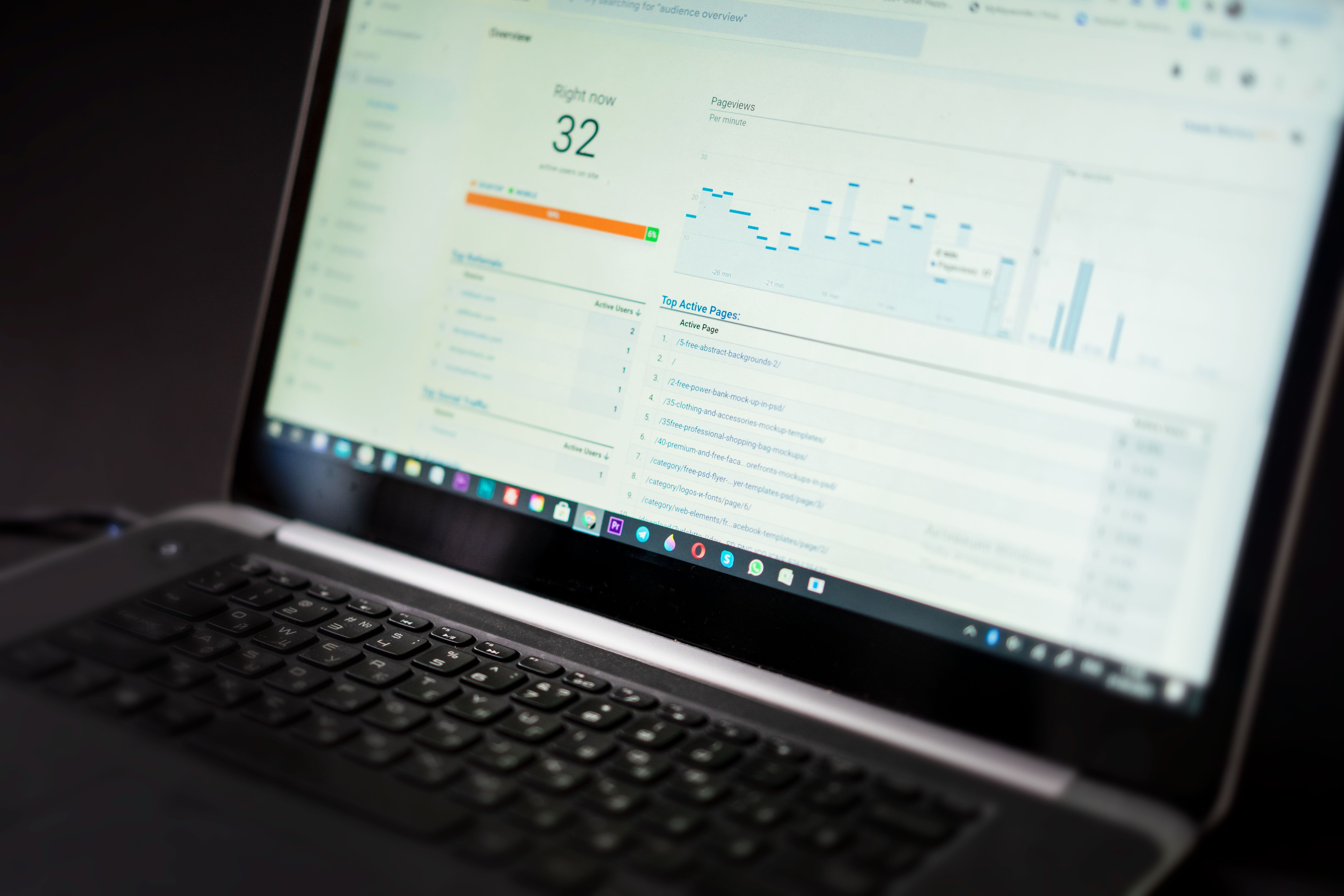
SEO dashboard tools help you bring audits, reporting, and tracking into one place. Instead of checking rankings, traffic, crawl issues, and page speed in separate tabs, a dashboard gives you a clearer view of what is happening across a website.
For website owners, marketers, and SEO professionals, the value is not just convenience. The right dashboard helps you spot technical issues sooner, compare performance over time, and make better decisions about content, links, and site structure. It does not replace strategy or quality work, but it does make SEO easier to manage.
What an SEO dashboard tool should do
An SEO dashboard is a reporting layer that collects data from different sources and presents it in a readable format. It may combine information from Google Search Console, Google Analytics 4, keyword trackers, crawl tools, backlink checkers, and speed reports.
For practical SEO work, a good dashboard should help you answer questions such as: Which pages are losing visibility? Are search impressions rising while clicks stay flat? Are crawl errors increasing? Is mobile performance affecting key landing pages? If a dashboard cannot support those decisions, it is probably too limited for your needs.
When choosing a tool, look at the quality of the data sources it connects to, how often it updates, and whether it suits your reporting workflow. A simple setup can be enough for a small business, while agencies often need multi-site reporting, white-labelling, and scheduled exports.
Core tools that belong in most SEO dashboards
Most useful dashboards draw from a small set of trusted sources. Google Search Console is essential for search performance data, indexing insights, and coverage issues. Google Analytics 4 shows user behaviour, engagement, and conversions. PageSpeed Insights is valuable for Core Web Vitals and performance checks.
For technical audits, crawler tools such as Screaming Frog can reveal redirect chains, broken links, duplicate titles, missing metadata, and indexability issues. For structured data, schema markup testing tools help confirm whether rich results markup is valid before you publish.
Keyword research tools and rank tracking tools are also important. Keyword tools help you find search demand and content ideas, while rank trackers show how pages perform for target terms over time. Backlink checker tools and competitor analysis tools can show where authority and link gaps may exist, but they should be used to inform decisions rather than chase vanity metrics.
If you want a free starting point, Google’s own tools are often enough to build a basic dashboard. You can also link to Google Search Console to review performance directly before connecting other reporting tools.
Free SEO tools versus paid dashboard platforms
Free SEO tools are useful for beginners, freelancers, and small websites. They can cover essentials such as indexing checks, basic keyword research, page testing, and simple reports. The limitation is that they often show only a sample of data, offer fewer integrations, or require more manual work.
Paid tools are worth considering when you manage multiple websites, need stronger reporting, or want deeper analysis across technical SEO, content optimisation, and competitor monitoring. The right choice depends on data quality, ease of use, and whether the platform fits your workflow. Expensive tools are not automatically better if you only need a few core reports.
For many teams, a practical mix works best: free Google tools for source data, plus one paid platform for tracking and presentation. That approach keeps the dashboard useful without making it overly complex.
How dashboard tools support audits, content, and technical SEO
An SEO dashboard is most helpful when it supports real action. During audits, it can highlight pages with declining clicks, indexing problems, broken internal links, or thin content. For content optimisation, it can show pages with high impressions but low click-through rates, which may suggest titles or meta descriptions need improvement.
Technical SEO teams can use dashboards to monitor Core Web Vitals, mobile issues, structured data errors, and crawl anomalies. Ecommerce teams may focus on category pages, faceted navigation, duplicate content, and product page performance. WordPress users often benefit from combining dashboard reporting with plugins such as Yoast or Rank Math to keep on-page SEO and technical basics aligned.
Local SEO dashboards are useful for businesses that rely on map visibility or location pages. They can track branded queries, location-specific performance, and changes in engagement across local landing pages. AI SEO tools may also help with content ideas or summaries, but they should be checked carefully against search intent and real data before anything is published.
Reporting and tracking: what to measure
A dashboard should not try to measure everything. Focus on metrics that connect to search visibility and site health. Common choices include clicks, impressions, average position, indexed pages, crawl errors, organic sessions, conversions, page speed scores, and top landing pages.
It also helps to track trends rather than isolated numbers. For example, a drop in traffic may matter less if impressions are rising and a page has recently been updated. Similarly, a ranking improvement is only useful if the page attracts the right visitors and supports a clear business goal.
If you are building reports for clients or stakeholders, keep the layout simple. Start with overall visibility, then move to technical issues, keyword movement, and page-level performance. A clean dashboard is usually more valuable than one packed with charts no one uses.
For teams that want a flexible reporting layer, Looker Studio is often used to combine data from Google and other sources into custom SEO reports.
Best practices for choosing and using SEO dashboard tools
A useful dashboard should save time, not create more work. Before you commit to a platform, check whether it can connect to the data sources you already use, whether the reports are easy to understand, and whether the outputs can be shared with clients, colleagues, or store owners.
It is also worth checking how often the data refreshes and whether you can filter by device, country, folder, or page type. Those filters matter when you are comparing blog content, product pages, or local landing pages.
Common mistakes include relying on one tool only, ignoring manual checks, and treating scores as the goal rather than the outcome. A dashboard is a guide. It works best when combined with page review, technical fixes, better content, and consistent optimisation.
Conclusion
The best SEO dashboard tools are the ones that fit your goals, not the ones with the longest feature list. Free tools can cover the essentials, while paid platforms can add scale, automation, and better reporting for larger or more complex websites.
Whether you are auditing a WordPress site, tracking ecommerce visibility, reviewing local SEO performance, or monitoring technical issues, the key is to build a dashboard around useful data and practical action. If you need a place to start, a free website SEO audit can help you identify the areas worth tracking first.
For site owners who want to understand how authority and links fit into a wider search strategy, Backlink Works offers SEO education and resources that can sit alongside your dashboard workflow without replacing the need for careful analysis and sound implementation.
Frequently Asked Questions
What is the main purpose of an SEO dashboard?
It brings key SEO data into one view so you can monitor audits, rankings, traffic, technical issues, and content performance more easily.
Are free SEO tools enough for a small website?
Often, yes. Free tools can cover the basics, but they may have limits in data depth, automation, and reporting flexibility.
Which tools are most important for SEO tracking?
Google Search Console and Google Analytics 4 are the core starting points. Many teams also add crawling, speed, keyword, and backlink tools.
Do SEO dashboards improve rankings by themselves?
No. They help you make better decisions, but rankings depend on content quality, technical fixes, links, user experience, and ongoing optimisation.
- Sponsored Ad -





