
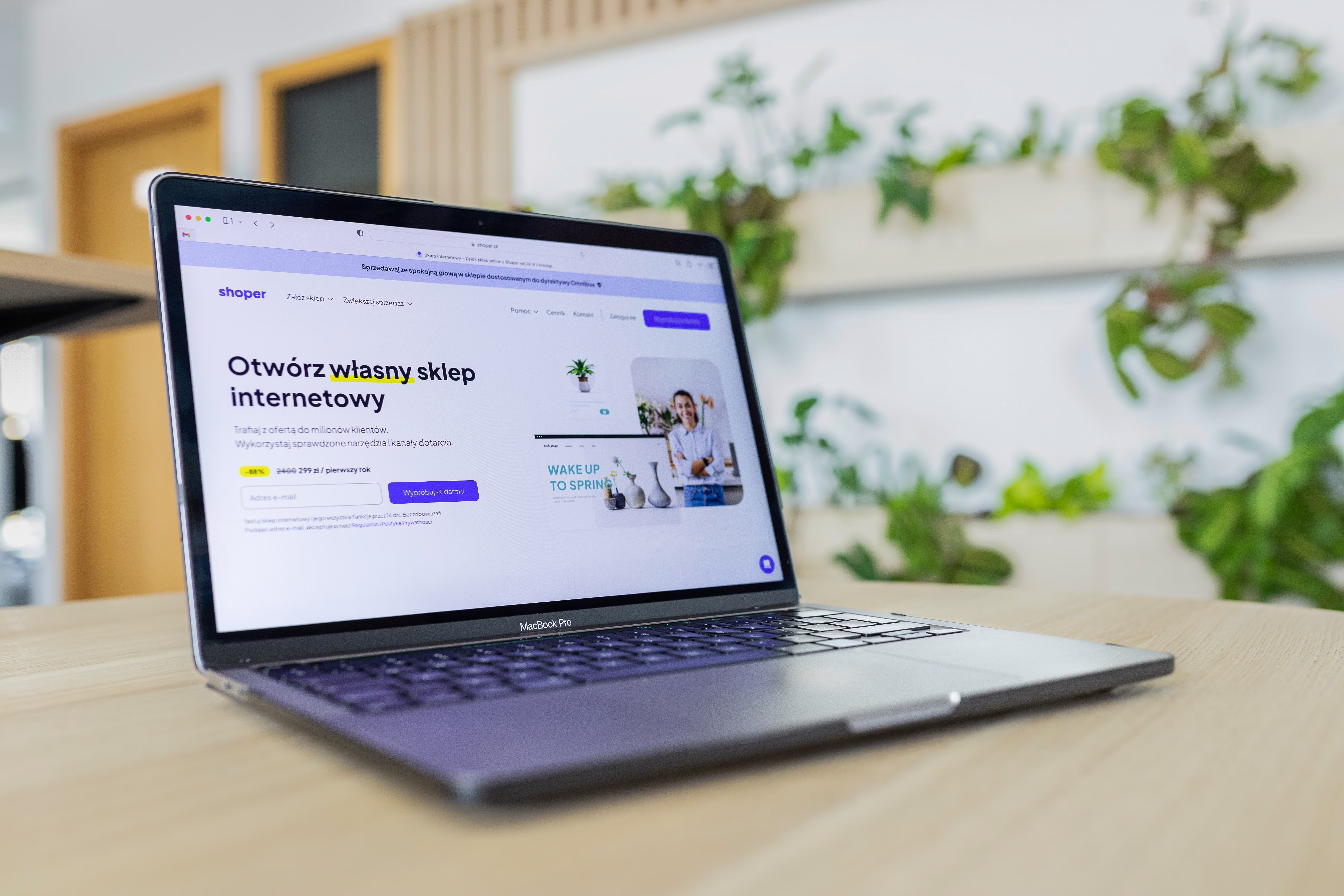
SEO-friendly website design is about creating a site that is easy for people to use and easy for search engines to understand. When design, structure, content layout, and performance work together, your website is better placed to support visibility, enquiries, and sales opportunities.
For businesses, that means thinking beyond colours and visuals. Good website design should help visitors find information quickly, understand your offer, and move towards a sensible next step. It should also support crawlability, mobile usability, page speed, accessibility, and clear internal linking.
What SEO-Friendly Website Design Really Means
SEO-friendly website design combines user experience and search performance. In practical terms, it helps search engines crawl your pages properly and helps visitors complete tasks without confusion. That includes clear navigation, logical headings, readable content, fast-loading pages, and layouts that guide attention.
This matters for business websites, service pages, ecommerce stores, blogs, and landing pages alike. A well-designed page can make it easier for a visitor to compare services, read product details, or submit an enquiry. It can also help search engines interpret the purpose of the page through structure and context.
Design does not replace SEO, and SEO does not replace design. They work best together.
Build Around Mobile-First and Responsive Design
Most websites are now visited on smaller screens at least some of the time, so mobile-first thinking is essential. That means designing for the smallest practical screen first, then enhancing the experience for larger screens. Responsive web design ensures that layouts, text, images, and buttons adapt neatly across devices.
On mobile, users need large enough tap targets, short and clear menus, readable font sizes, and content that does not require constant zooming or horizontal scrolling. If your site feels awkward on a phone, visitors are more likely to leave before they reach a key page.
Responsive design also supports SEO because search engines evaluate mobile usability as part of overall page quality. If you want a practical way to check speed and performance issues across devices, Google’s PageSpeed Insights tool is a useful starting point.
Structure Pages So People and Search Engines Can Follow Them
Website structure affects how quickly users understand your content and how clearly search engines can interpret it. A good structure starts with a sensible hierarchy: homepage, main service or category pages, supporting detail pages, and relevant blog content where needed.
Use headings to break content into meaningful sections. Keep paragraphs short. Place the most important information near the top of the page, especially on service pages and landing pages. For ecommerce website design, product pages should clearly show pricing, key features, availability, delivery details, and supporting trust signals without forcing visitors to hunt for them.
Internal linking is also important. Link from related pages where it helps users move naturally through the site. For example, a service page can link to a relevant case study, FAQ, or contact page. If you want an example of how a site can support broader SEO work, see the free website SEO audit offered by Backlink Works.
Focus on UX, UI, and Conversion-Focused Layout
User experience (UX) is about how easily someone can complete a task. User interface (UI) is about how the site looks and how interactive elements behave. In practice, the best website design combines both. It should feel clear, consistent, and trustworthy.
Conversion-focused design does not mean using pressure tactics. It means making the next step obvious and low-friction. For a business website, that might be a contact form, booking button, call link, or consultation request. For an ecommerce site, it may be a basket, checkout, or product comparison feature. The result depends on traffic quality, offer clarity, trust signals, copy, and testing.
Useful design choices include:
- Clear calls to action placed where they make sense
- Enough white space to keep the page readable
- Consistent button styles and labels
- Trust signals such as contact details, reviews, policies, and certifications where relevant
- Simple forms that only ask for necessary information
Improve Website Speed and Core Web Vitals
Website performance affects both user experience and SEO. Slow pages can frustrate visitors, especially on mobile networks. Core Web Vitals focus on loading speed, interactivity, and visual stability, which are all influenced by design and development decisions.
Common speed issues include oversized images, too many scripts, heavy page builders, and cluttered layouts. Design can help by keeping pages lean, using compressed images, avoiding unnecessary animation, and reducing visual complexity. WordPress website design often benefits from a careful theme choice and only the plugins that are genuinely needed.
If you are designing or redesigning a site, test performance early rather than waiting until launch. Performance problems are easier to prevent than to untangle later.
Design Better Service Pages, Product Pages, and Landing Pages
Different page types need different structures. Service pages should explain who the service is for, what is included, how the process works, and what happens next. They should answer common questions clearly and make it easy to enquire.
Product pages need persuasive but factual detail. Good ecommerce product pages normally include product images, key specifications, shipping or returns information, and a clear purchase path. Avoid cluttering them with unnecessary content that distracts from the buying decision.
Landing pages should stay focused on one goal. That might be an enquiry, download, booking, or sign-up. Keep the page relevant to the traffic source and avoid sending visitors through unrelated navigation options unless they are genuinely helpful. If your aim is to strengthen the wider site architecture, linking content and pages thoughtfully matters as much as visual polish.
Best Practices and Common Mistakes
A strong SEO-friendly design process usually starts with planning, not decoration. Map your site structure first, decide the purpose of each page, and then design the layout around that purpose. This approach works well for startups, agencies, consultants, and businesses that need their website to support lead generation or product discovery.
Common mistakes include:
- Using vague navigation labels that hide useful information
- Placing important content too low on the page
- Designing only for desktop and ignoring mobile users
- Using heavy visuals that slow the site down
- Hiding key contact or purchase actions
- Writing content that is difficult to scan
If you are building a new site or reviewing an existing one, a good next step is to compare the experience on desktop and mobile, then check whether each page makes its purpose obvious. Clear structure and performance improvements often produce more value than a visual refresh alone.
Conclusion
SEO-friendly website design is not about chasing shortcuts. It is about building a site that is clear, fast, accessible, and easy to navigate. When your page layout, content structure, mobile experience, and performance all support the user journey, your website is better positioned to help search visibility and business growth.
Whether you are working on a WordPress site, an ecommerce store, or a simple business website, focus on clarity first. Make the path from landing page to enquiry, product view, or next action as straightforward as possible. Over time, careful design choices can support stronger user experience, better engagement, and more meaningful results.
Frequently Asked Questions
What makes a website design SEO-friendly?
It is a design that helps search engines crawl pages easily and helps visitors find information quickly, especially on mobile.
Does website design affect conversions?
Yes. Clear layout, trust signals, fast loading, and simple navigation can all influence whether visitors take the next step.
Is mobile-first design still important?
Yes. Mobile-first design helps ensure the site works well on smaller screens, which supports usability and search performance.
How can I improve my website structure?
Group related pages logically, use clear headings, add helpful internal links, and make sure each page has a defined purpose.
- Sponsored Ad -





