
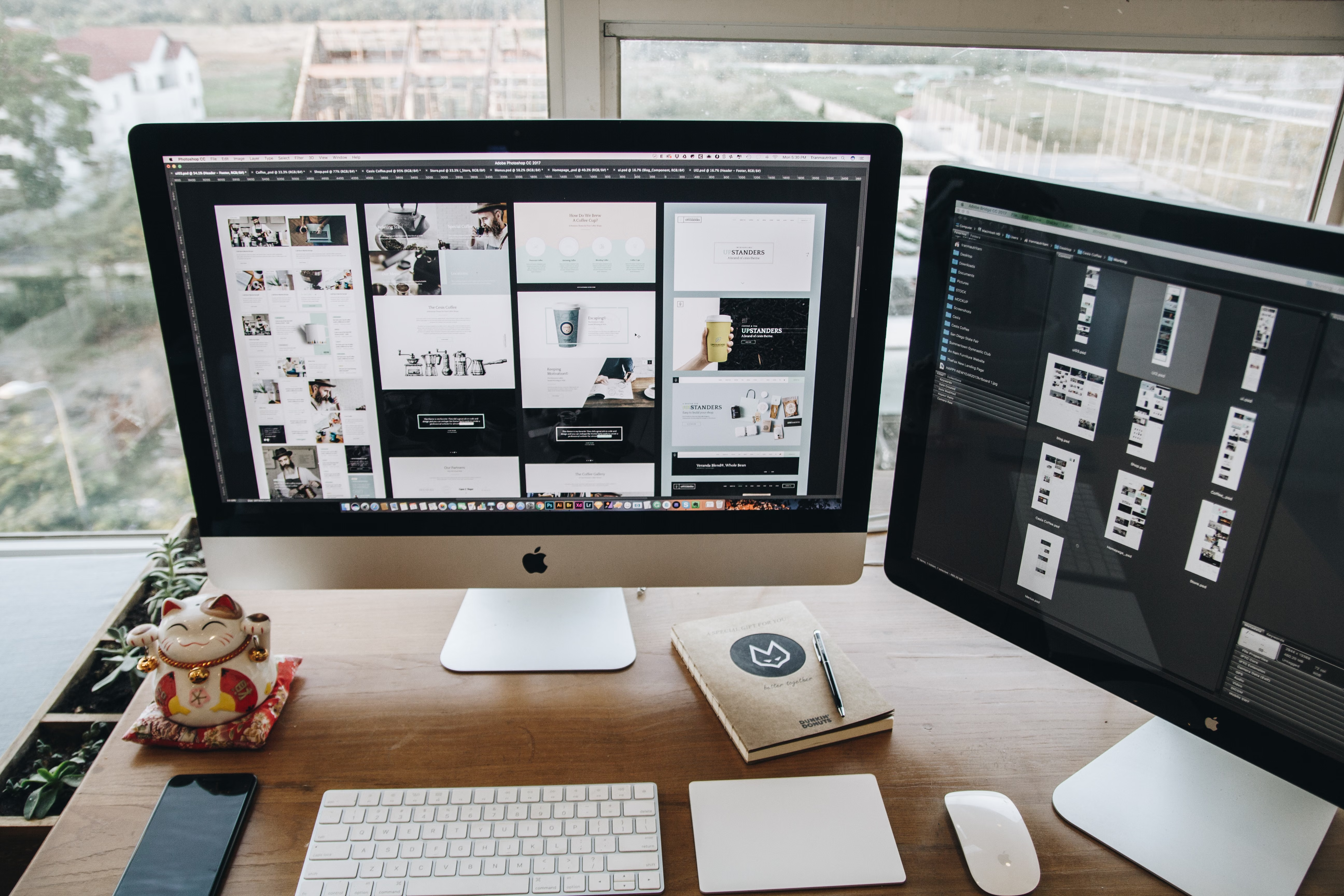
For startups, website design is rarely just about looking polished. It is also about making the site easy to use, easy to understand, and easy for search engines to crawl. A well-planned website can support visibility, trust, and conversions, but it should do so through structure, speed, accessibility, and clear content rather than gimmicks.
This practical guide explains how SEO-friendly website design works in real terms. Whether you are building a business website, service site, ecommerce store, or WordPress site, the aim is the same: create a website that helps users find what they need quickly and gives search engines the signals they need to understand your pages.
What SEO-Friendly Website Design Actually Means
SEO-friendly website design is the practice of building a site so it supports both users and search engines. It covers more than visuals. It includes page layout, site architecture, mobile usability, navigation, internal linking, content placement, and technical performance.
For startups, this matters because your website often has to do several jobs at once: explain the offer, build trust, capture enquiries, and help people move through the buying journey. Good design makes those tasks simpler. Poor design creates friction, which can reduce engagement and make content harder to find.
Search engines also rely on design-related signals. If pages are slow, confusing on mobile, or difficult to navigate, it becomes harder for crawlers and users to get a clear picture of what the site offers.
Start With Mobile-First and Responsive Design
Most startup websites are visited on mobile devices at some point in the journey, even when the final purchase or enquiry happens later on desktop. That is why mobile-first design is a smart starting point. It means designing for smaller screens first, then expanding the experience for larger screens.
Responsive web design ensures your layout adapts to different screen sizes. Menus, buttons, forms, product grids, and service sections should remain easy to tap and read. Avoid crammed layouts, tiny text, or wide tables that force users to pinch and zoom.
A practical test is simple: can someone understand the offer, navigate to the next step, and complete a key action using only a phone? If not, the design probably needs refinement.
Useful mobile design checks
Keep key buttons visible, space elements clearly, and make forms short. Prioritise the most important content at the top of the page. If you use accordions or tabs, ensure the information is still accessible and easy to scan.
Build a Clear Website Structure and Navigation
Website structure affects both user experience and SEO. A startup site should organise information in a logical way so visitors can understand what the business does without clicking through too many pages.
For a service business, this often means a simple structure such as Home, About, Services, individual service pages, case studies or testimonials, Blog, and Contact. For ecommerce websites, the structure usually needs clear categories, subcategories, product pages, and supporting content such as shipping or returns information.
Navigation should be concise and predictable. Use labels that match user intent rather than internal jargon. For example, “Website Design Services” is clearer than a vague label like “Solutions”.
Internal links also matter. They help people move between related pages and help search engines understand which pages are most important. If you are still shaping your wider SEO strategy, a free website SEO audit can help identify structural issues that may be affecting crawlability or usability.
Design Pages Around User Intent and Conversion Paths
Good design supports the next step a visitor wants to take. That might be booking a call, requesting a quote, reading product details, or signing up for an email list. The page layout should guide that action without being pushy.
Landing pages work best when they are focused. A startup landing page should usually include a clear headline, a short explanation of the offer, trust signals, a visible call to action, and supporting details in a scannable format. Avoid distracting menus or too many competing messages if the page has one main objective.
Service pages and product pages need slightly different approaches. Service pages should explain outcomes, process, and who the service is for. Product pages should make price, features, images, and key benefits easy to compare. In both cases, clarity is more effective than clutter.
Conversions depend on more than design alone. They are influenced by traffic quality, offer strength, copy, trust signals, user intent, and how easy it is for someone to act. A clean design helps, but it cannot replace a relevant offer or strong messaging.
Improve Speed, Core Web Vitals, and Technical Performance
Website speed is a major part of the user experience. If pages take too long to load, visitors may leave before they have seen the value of your site. Search engines also use performance-related signals when assessing page experience.
Core Web Vitals are useful indicators here. They help measure how quickly content appears, how stable the layout is during loading, and how responsive the page feels when someone interacts with it. You do not need to obsess over every metric, but you should use them as practical guidance.
Design choices often affect speed. Large images, too many fonts, excessive animation, and bloated plugins can slow things down. This is especially relevant for WordPress website design, where theme and plugin choices can have a noticeable effect on performance.
If you want an easy reference point, Google’s PageSpeed Insights is a useful tool for checking real page performance and identifying common issues.
Best practices for faster pages
Compress images, use modern image formats where appropriate, limit unnecessary scripts, and keep layouts simple. Load only what each page needs. A faster site is usually easier to use and easier to maintain.
Use Content Layout, UI, and Accessibility to Support SEO
UI and UX are often discussed together, but they serve different roles. UI is the interface: buttons, forms, typography, spacing, and visual hierarchy. UX is the overall experience a user has when interacting with the site. Good website design needs both.
Content layout is part of that experience. Break text into short paragraphs, use headings to guide scanning, and place key information where users expect it. Avoid hiding essential details in long blocks of text or forcing people to search for basic answers.
Accessibility should also be part of startup website planning. Clear colour contrast, readable type sizes, descriptive link text, and keyboard-friendly interactions make a site easier for more people to use. This supports usability and can improve how search engines interpret the page structure.
When planning design and content together, it helps to think about what the page must answer first. What does the business do? Who is it for? Why should someone trust it? What action should they take next? Pages that answer those questions quickly often perform better from a user standpoint.
For startups using WordPress or another flexible platform, design systems and reusable page sections can help keep content consistent across service pages, blog posts, and product pages. Consistency makes the site easier to navigate and simpler to grow over time.
Common Startup Website Design Mistakes to Avoid
Some of the most common problems are easy to prevent. Avoid launching with a homepage that tries to say everything at once. Avoid vague navigation labels, oversized hero sections that push important content too far down, and forms that ask for too much information too soon.
Be careful with design trends that look modern but reduce usability. Overly animated pages, tiny text, hidden menus, and distracting pop-ups can frustrate users. Deceptive patterns such as fake urgency or misleading buttons should be avoided completely.
It is also wise not to overbuild too early. A startup site does not need every feature on day one. It needs the right pages, clear messaging, a solid structure, and room to improve based on real user behaviour.
For teams comparing different growth priorities, Backlink Works offers educational resources that can support broader website and SEO planning without replacing the need for strong design fundamentals.
Conclusion
SEO-friendly website design is not about adding keywords to pretty pages. It is about making a startup website easy to use, easy to navigate, and easy to understand. When design, structure, speed, and content work together, the site has a stronger foundation for visibility and engagement.
Start with mobile-first layouts, keep the structure simple, design for user intent, and pay attention to speed and accessibility. Then review performance regularly and improve the pages that matter most: your homepage, service pages, landing pages, and product pages.
If your startup site feels unclear or underperforming, the best next step is usually not a complete redesign. It is a structured review of what users need, what search engines can access, and where the design is creating friction.
Frequently Asked Questions
What makes a website design SEO-friendly?
An SEO-friendly design supports crawlability, mobile usability, page speed, content structure, internal linking, and accessibility. It helps users and search engines understand the site more easily.
Is mobile-first design important for startups?
Yes. Mobile-first design helps ensure the site works well on smaller screens first, which improves usability and often leads to a better overall design process.
How does website design affect conversions?
Design affects how clearly visitors understand the offer and how easily they can act. Good layout, trust signals, clear calls to action, and simple navigation can support conversions, but results depend on many factors.
Should startups use WordPress for SEO-friendly website design?
WordPress can be a practical choice because it offers flexibility for content, page templates, and plugins. However, the result depends on theme quality, plugin choices, and how well the site is built and maintained.
- Sponsored Ad -





