
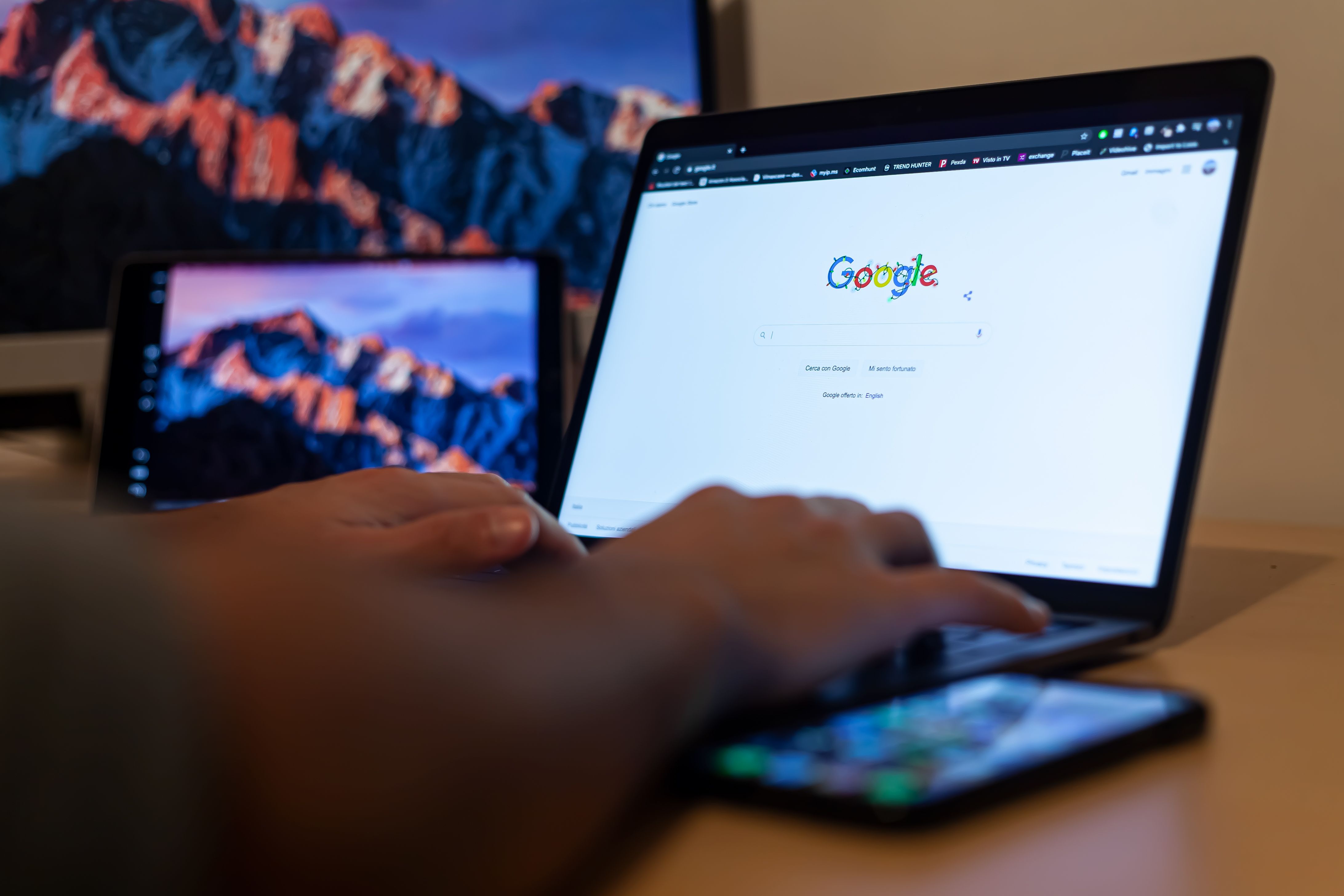
SEO can feel full of jargon when you are just getting started. Terms like indexing, crawlability, meta descriptions, and Core Web Vitals are common in guides, reports, and conversations about search visibility, but they are much easier to understand once they are grouped properly.
This beginner-friendly glossary explains the main parts of on-page SEO, technical SEO, and content SEO in plain UK English. It is designed for website owners, bloggers, marketers, freelancers, agencies, and consultants who want a practical understanding of how search engines read pages, how content earns visibility, and how to improve organic traffic without relying on shortcuts.
What SEO means in practice
Search engine optimisation is the process of making a website easier for search engines and people to understand. In simple terms, SEO helps Google discover your pages, work out what they are about, and decide when they may be relevant to a search.
For beginners, it helps to think of SEO in three layers. On-page SEO covers the elements you can see on a page, such as headings and internal links. Technical SEO deals with how the website works behind the scenes. Content SEO focuses on the quality, relevance, and usefulness of the information itself.
On-page SEO glossary
On-page SEO refers to the page-level signals that help search engines understand a page’s topic and purpose. These are usually the easiest improvements to make because they sit directly on your website.
Title tag
The title tag is the clickable page title that often appears in search results. It should describe the page clearly and include the main topic naturally. A strong title tag helps users understand what to expect before they click.
Meta description
The meta description is a short summary that may appear under the title in search results. It does not directly guarantee rankings, but it can influence whether people choose your page. It should be accurate, concise, and written for searchers.
Headings
Headings break content into clear sections. H1 usually identifies the main page topic, while H2 and H3 structure the rest of the content. Good headings help readers scan a page and help search engines understand the hierarchy of the information.
Internal linking
Internal links point from one page on your site to another. They help users discover related content and help search engines find important pages. For example, if you are improving a blog post, a free website SEO audit can help you spot broken links, weak page titles, or pages that need better internal linking.
Alt text
Alt text is a short written description of an image. It supports accessibility and gives search engines more context about the image content. It should describe the image naturally, rather than stuffing keywords into every picture.
Technical SEO glossary
Technical SEO focuses on how well search engines can access, crawl, render, and index your website. You do not need to be a developer to understand the basics, but knowing the key terms makes it much easier to diagnose problems.
Crawlability
Crawlability is the ability of search engines to move through your site and discover pages. If important pages are hard to crawl, they may be overlooked or discovered more slowly. Clear navigation, logical site structure, and internal links all support crawlability.
Indexing
Indexing means a search engine has stored a page in its database so it can appear in relevant search results. A page must usually be indexed before it can rank. If pages are not being indexed as expected, tools such as Google Search Console are helpful for checking coverage and discovery issues.
Robots.txt
Robots.txt is a file that gives search engine crawlers instructions about which parts of a site they can or cannot access. It is useful for controlling crawl behaviour, but it must be used carefully so you do not block important pages by mistake.
XML sitemap
An XML sitemap is a file that lists important pages on your site. It helps search engines discover content more efficiently, especially on larger websites or sites with complex structures. It is not a ranking factor on its own, but it supports discovery and indexing.
Canonical tag
A canonical tag tells search engines which version of a page should be treated as the main one when similar or duplicate pages exist. This is especially useful for ecommerce sites, category filters, and content that may appear in more than one place.
Core Web Vitals
Core Web Vitals are page experience signals related to loading, interactivity, and visual stability. They do not replace good content, but they can affect usability. A page that loads slowly or shifts as it loads can create a poor experience for visitors.
Mobile SEO
Mobile SEO is the practice of making pages work well on phones and tablets. Because many people browse on mobile devices, pages should be easy to read, tap, and navigate on smaller screens. Responsive design and fast loading are especially important.
If you are reviewing technical performance, a PageSpeed Insights check can help you identify page speed and user experience issues that may need attention.
Content SEO glossary
Content SEO is about creating pages that satisfy search intent and answer questions better than weak or generic alternatives. Good content is not just long; it is useful, clear, and structured around what the searcher actually wants.
Keyword research
Keyword research is the process of finding the words and phrases people use when searching. It helps you choose topics, understand demand, and avoid writing content that no one is looking for. Beginners should focus on relevance and intent, not just search volume.
Search intent
Search intent is the reason behind a search. A user may want information, a comparison, a product, a local service, or a direct answer. Matching content to intent is one of the most practical ways to improve usefulness and search visibility.
Topic clustering
Topic clustering means grouping related content around a main subject. For example, a core guide about SEO glossary terms can link to supporting articles on audits, titles, or structured data. This helps readers explore a topic in depth and supports clearer site structure.
Duplicate content
Duplicate content is similar or identical content appearing in multiple places. It can confuse search engines and weaken clarity, especially on larger websites. The goal is not to panic over every overlap, but to keep each page distinct and purposeful.
Schema markup
Schema markup is structured data that helps search engines better understand the meaning of a page. It can support enhanced search features in some cases, but it should be used accurately. If you want to test markup, the Rich Results Test is a useful official tool.
Helpful content
Helpful content is content written for people first. It answers the query directly, avoids filler, and gives readers something practical they can use. This is a good principle for blogs, service pages, ecommerce content, and local business pages alike.
Practical checklist
- Check that each important page has a clear title tag and matching search intent.
- Use headings to organise content so readers can scan it easily.
- Add internal links to related pages where they genuinely help the reader.
- Make sure pages are indexable and not blocked by robots.txt or accidental noindex tags.
- Review page speed, mobile usability, and layout stability on key templates.
- Write content that answers the query clearly rather than repeating keywords.
- Use Google Search Console and analytics to understand which pages get impressions, clicks, and engagement.
Common mistakes to avoid
- Writing titles and meta descriptions for search engines only, not for people.
- Publishing content without checking whether the page is actually indexable.
- Using too many keywords in headings, alt text, or body copy.
- Ignoring internal links and leaving important pages buried too deeply.
- Confusing good content length with good content quality.
- Overlooking mobile layout problems that make pages frustrating to use.
- Assuming one SEO change will transform rankings on its own.
Best practices
Start with the basics: make sure your pages are useful, easy to understand, and technically accessible. Then build a simple routine for reviewing content, checking indexing, and improving internal links. Consistency matters more than doing everything at once.
If you are learning the wider SEO process, Backlink Works can be a useful SEO learning resource for understanding how different optimisation tasks fit together. It is still wise to combine learning with your own site audits and data.
For WordPress sites, use SEO plugins carefully. Tools such as Yoast SEO or Rank Math can help you manage titles, descriptions, schema, and sitemaps, but they do not replace sound content decisions. Use them to support your workflow, not to automate judgment.
Conclusion
SEO becomes much easier when the jargon is broken into clear parts. On-page SEO helps search engines and readers understand each page. Technical SEO makes sure your site can be crawled and indexed. Content SEO ensures that your pages genuinely answer what people are searching for.
If you are a beginner, focus on clarity, accessibility, and usefulness first. If you are a professional, these terms still matter because they shape audits, reporting, and improvement plans. Good SEO is rarely about one trick; it is about making the whole website more helpful, discoverable, and trustworthy over time.
Frequently Asked Questions
What is the difference between on-page SEO and technical SEO?
On-page SEO refers to the content and elements visible on a page, such as headings, titles, and internal links. Technical SEO covers behind-the-scenes factors like crawlability, indexing, structured data, and page speed. Both are important because they support each other.
Do I need SEO tools to understand these terms?
You do not need every tool to learn the basics, but a few can make diagnosis easier. Google Search Console, PageSpeed Insights, and a crawling tool can show how search engines see your site. Use tools to guide decisions, not to replace them.
How often should I review SEO basics on my website?
It is sensible to review core SEO elements regularly, especially after publishing new content, changing templates, or updating site structure. Many website owners check key pages monthly or during scheduled audits. The goal is steady improvement, not constant overhauls.
Can good content alone improve organic traffic growth?
Good content is essential, but it works best alongside solid on-page and technical SEO. Search engines still need to crawl, understand, and index the page properly. A strong article with poor site structure or access issues may underperform, even if the writing is excellent.
- Sponsored Ad -





