
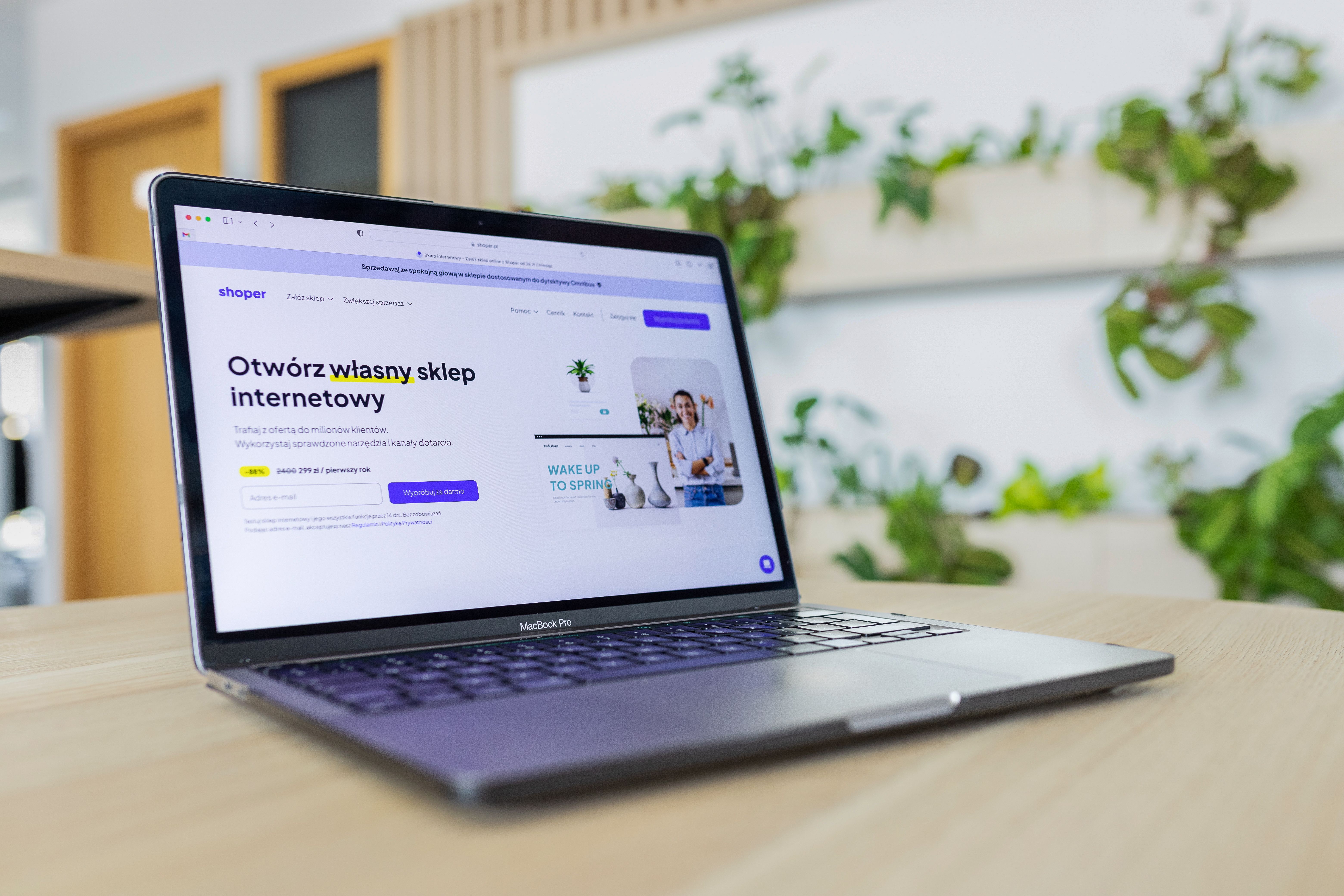
Shopify website design plays a major role in how easily customers can find, understand, and trust an online store. A well-designed Shopify site does more than look polished: it supports SEO by improving crawlability, mobile usability, page speed, content structure, and user experience.
For ecommerce brands, service businesses, and startups alike, the goal is to build a store that is simple to navigate, quick to load, and clear enough for both visitors and search engines. Good design can support better visibility and stronger engagement, but results still depend on many factors, including content quality, technical setup, offer clarity, and audience intent.
What SEO-Friendly Shopify Design Really Means
SEO-friendly website design is not about adding keywords to every page or packing the homepage with text. It means creating a structure that helps search engines understand the site and helps people move through it without friction.
On Shopify, that includes clear navigation, logical collections, descriptive product pages, sensible internal linking, and layouts that make important content easy to see. Search engines need pages to be accessible and well organised, while users need a site that feels trustworthy and easy to use.
If you are also working on broader digital visibility, a free website SEO audit can help identify structural and content issues that may affect how your store performs.
Build a Strong Site Structure Before You Focus on Visual Style
One of the most important Shopify website design best practices is planning the structure first. A store should be grouped around clear categories, product types, and business priorities rather than around visual trends alone.
For ecommerce websites, this often means:
- Keeping the main navigation simple and descriptive
- Using collection pages to group related products
- Creating clear paths from homepage to category to product page
- Adding internal links between related items and content pages
- Making service pages and business information easy to find
A clean structure helps visitors find products faster, and it helps search engines crawl the site more efficiently. It is also useful for WordPress website design, business websites, and service pages, where the same principle applies: important pages should never be buried too deeply.
Design for Mobile First and Responsive Behaviour
Most Shopify stores are visited on mobile devices, so mobile-first thinking is essential. Responsive web design ensures your layout adapts to different screen sizes without breaking the experience.
Mobile-first design means starting with the smallest screen and making sure the key actions are obvious. That usually includes readable text, clear buttons, short forms, and product images that remain useful on smaller displays. It also means avoiding clutter, oversized banners, and elements that push the main content too far down the page.
Search engines assess mobile usability as part of the overall page experience, so mobile design affects both usability and SEO. A mobile-friendly layout can also support conversions by making it easier for users to browse, compare, and purchase without frustration.
When reviewing templates or custom builds, it is useful to test the design across common devices and screen widths. Resources such as Google’s design learning guidance can help teams align UX choices with modern web standards.
Use Page Layouts That Support Content, Trust, and Action
Good UI and content layout make a Shopify store easier to scan. Visitors should understand what the page offers within a few seconds, without having to hunt for key details.
For homepage design, focus on a clear value proposition, featured collections, trust signals, and easy routes to popular categories. For product pages, make the description, price, delivery information, variants, and call to action easy to find. For service pages, present the offer, process, benefits, and next step in a straightforward order.
Landing pages should also stay focused. Each page should have one primary goal, whether that is making a purchase, booking a consultation, or joining a mailing list. Too many competing actions can dilute the user journey and reduce clarity.
Conversion-focused design works best when it supports user intent. That means using clear copy, useful visuals, and trust signals such as policies, contact details, and transparent shipping information. It does not mean forcing urgency or hiding information.
Improve Speed and Core Web Vitals Without Sacrificing Design
Website speed is a major part of SEO-friendly design, especially for ecommerce stores where large images and apps can slow things down. Faster pages usually create a smoother user experience, but speed should be improved carefully rather than at the expense of clarity or brand quality.
Shopify store owners can usually improve performance by choosing lighter themes, compressing images, reducing unnecessary apps, and limiting heavy scripts. It also helps to keep homepage sections purposeful and avoid overloading the layout with large sliders, autoplay media, or excess animation.
Core Web Vitals are useful indicators of how a page behaves in the real world. They are not the only measure of quality, but they do reflect how quickly users can interact with the page and how stable it feels as it loads. If you want to review technical performance alongside design, PageSpeed Insights is a practical place to start.
Design Product, Collection, and Service Pages for Clarity
Product pages should answer the buyer’s main questions quickly. That includes what the product is, who it is for, what it costs, how it works, and what happens after purchase. Strong product page design reduces uncertainty and supports better decision-making.
Collection pages should do more than display a grid of items. Good collection design includes clear filters, helpful category names, and short supporting copy where needed. This can improve both usability and search relevance by giving context to the page.
Service pages and business websites need a similar approach. Explain the service, outline the process, show who it is for, and make the next step obvious. A strong service page layout can support trust and lead quality, but results still depend on the offer, audience fit, and the strength of the surrounding content.
For stores and brands that want to strengthen authority around their site structure and supporting content, Backlink Works offers resources on digital visibility and link strategy, but the foundation still begins with a well-built website.
Checklist of Practical Shopify Design Best Practices
- Keep the navigation short, clear, and consistent across the site
- Use responsive layouts that work well on mobile, tablet, and desktop
- Make headings, product details, and calls to action easy to scan
- Compress images and avoid unnecessary visual clutter
- Use descriptive collection and product names
- Place trust signals where users need them most
- Link related products and supporting content naturally
- Check accessibility basics such as contrast, text size, and keyboard use
- Test key templates for performance before launching major changes
Conclusion
Shopify website design best practices are about more than appearance. A well-designed store helps search engines understand the site, helps mobile users browse with ease, and helps visitors move towards the right action without confusion.
The most effective stores combine responsive design, clear structure, fast loading pages, accessible content, and a layout that supports both SEO and conversion goals. Whether you run an ecommerce brand, a service business, or a content-led website, the same principle applies: design should make the experience clearer, faster, and more useful for real people.
Frequently Asked Questions
What makes a Shopify store SEO-friendly?
An SEO-friendly Shopify store has clear site structure, mobile usability, fast loading pages, accessible content, and useful internal linking.
Should Shopify stores use a mobile-first design approach?
Yes. Mobile-first design helps ensure the store works well on smaller screens, where many visitors will browse and buy.
How does website speed affect Shopify design?
Speed affects user experience, engagement, and technical performance. A slower store can make browsing harder and reduce the quality of the page experience.
Do better-designed pages always improve conversions?
Not always. Conversions depend on traffic quality, offer clarity, trust signals, copy, testing, and user intent as well as design quality.
- Sponsored Ad -





