
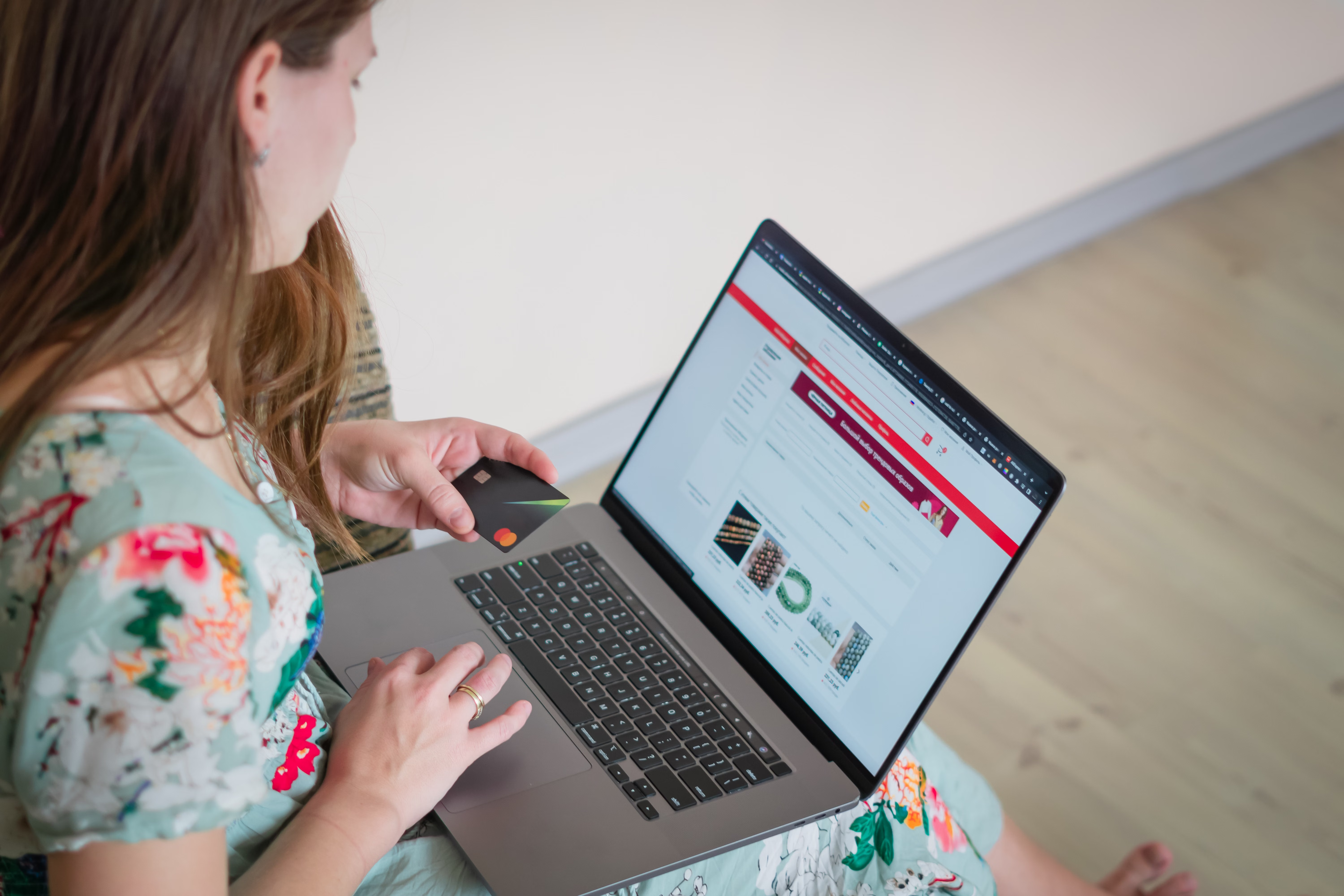
Category pages are often the quiet workhorses of ecommerce SEO. They help search engines understand your store structure, and they help shoppers move from broad intent to the products they actually want. For Shopify and WooCommerce stores, well-optimised category pages can improve discoverability, support internal linking, and create a better path to conversion.
The challenge is that category pages need to do more than list products. They should target the right search intent, avoid duplicate content issues, stay fast on mobile, and guide visitors clearly. Results depend on your site quality, competition, content depth, technical setup, and the strength of your overall ecommerce SEO strategy.
Why category pages matter in ecommerce SEO
Category pages sit between your homepage and individual product pages. They often target broader keywords such as “men’s running shoes”, “wireless headphones”, or “storage baskets”, which can attract shoppers earlier in the buying journey. When these pages are structured well, they can rank for commercial intent terms and send qualified traffic to the right product ranges.
For online stores, category page SEO also supports site architecture. Search engines use internal links to discover and assess pages, so clear categories help crawlability and indexing. From a user perspective, category pages also reduce friction by grouping similar products, improving browsing, and making it easier to compare options.
Build category pages around keyword intent and structure
Good ecommerce keyword research starts with understanding how people search for collections, not just products. A category page should usually target one main topic and a small cluster of closely related terms. Avoid trying to rank one page for every related keyword if the search intent is too broad or too mixed.
On Shopify, this often means planning collections carefully and naming them in a way that reflects search behaviour. On WooCommerce, product categories should follow a logical hierarchy that matches how customers browse. In both platforms, keep the category structure simple and consistent. If a page is meant for “women’s boots”, do not overload it with unrelated items like sandals or shoe-care accessories.
A practical approach is to map one primary keyword and a few secondary terms to each category page. Then support that page with a clear intro, relevant subcategory links where useful, and product listings that match the intent. If you need support with broader SEO foundations, Backlink Works has a free website SEO audit that can help identify common technical and content issues.
Write useful category copy without overdoing it
Category pages should not read like long sales copy, but they do need enough context for search engines and users. A short introduction near the top of the page can explain what the collection contains, who it is for, and what makes it different. This helps with relevance and reduces the risk of thin content.
Keep the copy specific. Mention product types, materials, use cases, sizes, or styles when relevant. For example, a category for “organic skincare” can briefly mention facial cleansers, moisturisers, and serums, while a “laptop bags” category can refer to slim sleeves, backpacks, and business cases. This gives the page topical depth without forcing keyword stuffing.
Product descriptions also matter across the store. If your category pages lead to weak or duplicated product descriptions, the overall site quality can suffer. Make sure each product page explains features, benefits, and key details in unique language that helps both search engines and shoppers.
Handle Shopify and WooCommerce technical SEO carefully
Category page performance depends on technical SEO as much as content. In Shopify, collection pages should use clean URLs, sensible hierarchy, and indexable content blocks where possible. In WooCommerce, category templates should be lightweight and avoid unnecessary plugin clutter that slows rendering or creates duplicate paths.
Faceted navigation is a common issue in ecommerce. Filters for size, colour, price, or brand can be useful for users, but they can also create many URL variations. If these combinations are indexable without control, they may dilute crawl budget and create duplicate product content problems. Use canonical tags, noindex rules where appropriate, and careful parameter handling to manage this.
Out-of-stock product SEO is another technical consideration. If a category contains unavailable items, keep the page live when there is a good chance of restock, but clearly show availability and suggest alternatives. If a product is permanently unavailable, redirect or replace it thoughtfully rather than leaving broken paths behind.
For technical validation, Google’s SEO Starter Guide remains a useful reference point for crawlability, indexability, and helpful site structure.
Improve Core Web Vitals and mobile ecommerce SEO
Category pages often carry a large number of images, filters, and scripts, so website speed can suffer. Slow pages harm user experience and may reduce engagement, especially on mobile where ecommerce traffic is often more sensitive to delays. Keep image files efficient, limit unnecessary apps or scripts, and test how filters and sorting tools affect load time.
Core Web Vitals should be considered as part of ecommerce UX, not just a technical checklist. Pages need to load quickly, stay stable as content appears, and respond smoothly when shoppers tap or scroll. Mobile ecommerce SEO is particularly important because category pages are often the first step in a browsing journey on smaller screens.
Use tools such as PageSpeed Insights to review page speed and user experience signals, then prioritise fixes that help real shoppers. Faster pages do not guarantee better rankings or conversions, but they can support better engagement and a cleaner path to purchase.
Use schema markup and internal linking to strengthen visibility
Structured data helps search engines better interpret your ecommerce pages. While category pages are not always the primary place for rich results, using consistent schema markup across the store supports clarity and can complement product page SEO. Product, Offer, and Review schema are especially relevant for product detail pages, while category pages benefit from a strong contextual relationship to those products.
Internal linking is equally important. Link category pages from the main navigation, homepage where relevant, related category sections, and blog content that answers buyer questions. This helps spread authority and guides crawlers toward your most important commercial pages. It also helps shoppers move from educational content to product ranges more naturally.
When planning your ecommerce content strategy, think about how category pages, buying guides, and product pages support one another. A guide about choosing the right type of product can link to the main category, while the category page can link to bestsellers or subcategories. That structure supports both SEO and conversion journeys.
Best practices checklist for category pages
Use this short checklist to review Shopify or WooCommerce category pages:
- Target one clear search intent per category page.
- Write concise, useful category copy with relevant terms.
- Keep the hierarchy logical and easy to browse.
- Control filters and parameters to avoid duplicate URLs.
- Optimise images, scripts, and layouts for mobile speed.
- Use internal links to connect categories, guides, and products.
- Review out-of-stock items and redirect permanently removed products where needed.
- Test page experience regularly and refine based on analytics and user behaviour.
If you are working with an agency or internal team, it can also help to review broader link and authority signals. Backlink Works explains its backlink building process in a way that may be useful when aligning content, technical SEO, and off-page strategy.
Conclusion
Shopify and WooCommerce category pages can do a great deal for online store SEO when they are built around search intent, technical clarity, and real user needs. The best category pages are easy to crawl, easy to browse, and helpful enough to support both product discovery and conversions.
Focus on structure, unique content, speed, and internal linking first. Then monitor how category pages perform in search console, analytics, and user behaviour tools, and improve them steadily. Ecommerce SEO rarely depends on one change alone; it works best as a consistent process across content, technical setup, and experience.
Frequently Asked Questions
How much content should a category page have?
Enough to explain the collection clearly without distracting from the products. A short, helpful introduction is usually better than long filler text.
Should Shopify and WooCommerce category pages use the same SEO approach?
The core principles are the same, but the implementation differs. Shopify collections and WooCommerce categories each need platform-specific handling for templates, filters, and indexing.
What is the biggest SEO mistake on category pages?
Common mistakes include thin content, duplicate URLs from filters, poor internal linking, and categories that do not match search intent.
Can category pages help conversions as well as rankings?
Yes, if they are clear, fast, and easy to browse. Better traffic quality, product clarity, trust signals, and UX can all influence conversion performance, but results vary by store and offer.
- Sponsored Ad -





