
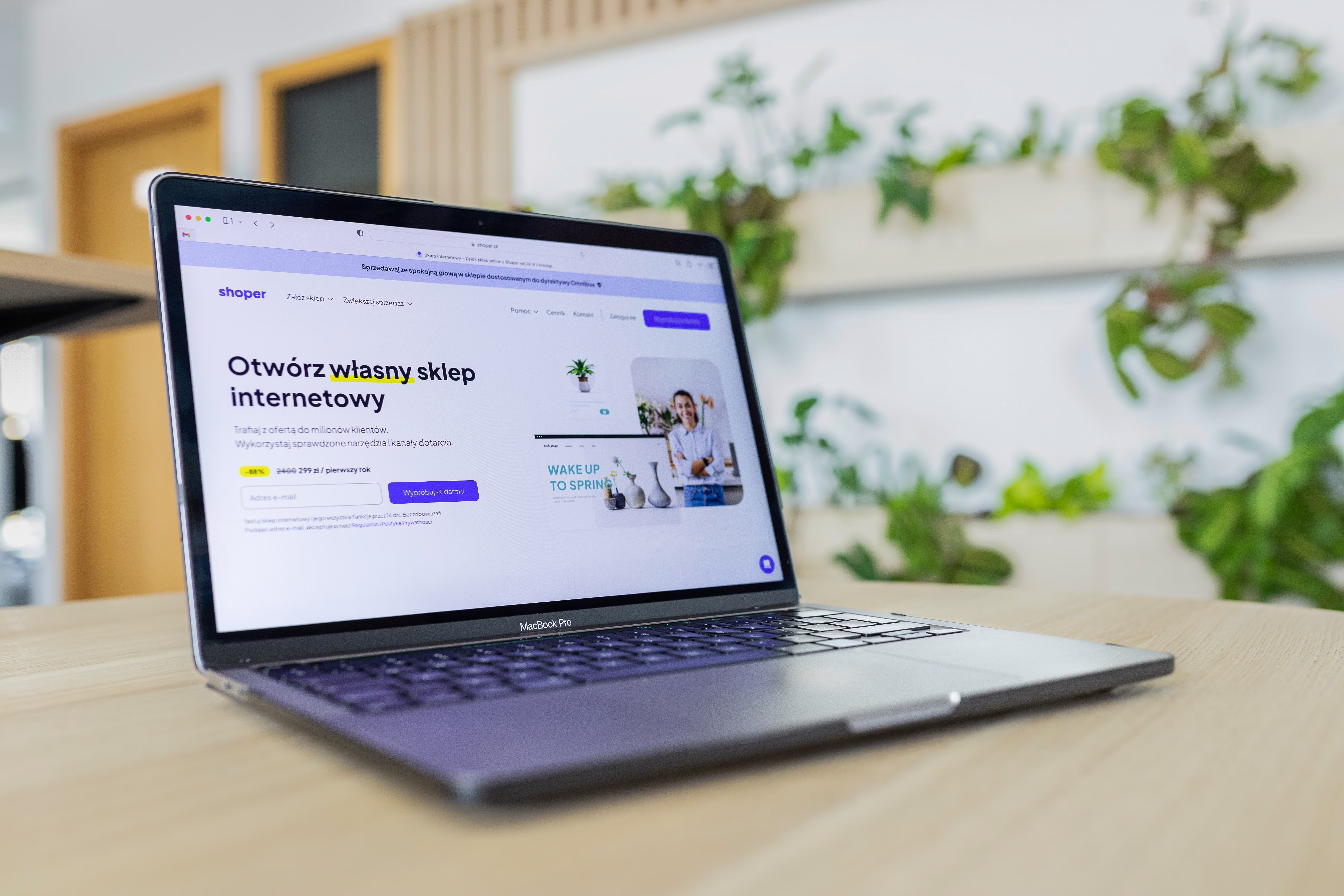
Typography is one of the most important but often overlooked parts of SEO-friendly website design. The way text looks, flows, and behaves on different devices affects readability, navigation, trust, and how easily people can find and understand your content.
For website owners, designers, developers, and marketers, good typography is not just about style. It supports mobile usability, page structure, accessibility, and conversion-focused layouts. When text is clear and easy to scan, visitors are more likely to stay, engage, and take the next step.
Why Typography Matters for SEO-Friendly Website Layouts
Search engines do not rank pages because of pretty fonts alone, but typography shapes the user experience that search engines try to reward. If visitors struggle to read a page, they may leave quickly, skip important content, or fail to interact with key pages such as service pages, landing pages, and product pages.
Typography also affects content structure. Headings, subheadings, spacing, and line length help users understand what a page is about. That supports crawlability and content clarity, which are important parts of SEO-friendly website design.
For more guidance on broader website visibility work, Backlink Works offers a free website SEO audit that can help identify layout and performance issues that may affect usability.
Choose Fonts That Support Readability and Brand Consistency
The best font for SEO-friendly web design is one that is easy to read across desktop and mobile devices. A clean sans serif font often works well for body text, while headings can use a more distinctive style if it remains legible.
Avoid using too many typefaces. Two font families are usually enough for most business websites, ecommerce stores, and blogs. Too many fonts can make a site feel disorganised and may slow down page loading if web font files are heavy.
Brand identity matters, but it should not come at the expense of usability. Typography should feel consistent with the company’s tone while still helping users scan content quickly.
Practical font tips
Use sufficient font size for body copy, especially on mobile. Keep paragraph text readable without zooming. Reserve decorative fonts for limited use, such as logos, short headings, or accent text.
If you are building or updating a WordPress site, choosing well-optimised themes and font settings can make a noticeable difference to layout quality and performance.
Design for Mobile-First Reading Behaviour
Mobile-first design is essential because many users will first see your pages on a small screen. Typography that looks polished on desktop can fail on mobile if line length, spacing, or font size is not adjusted properly.
On smaller screens, text needs room to breathe. Long blocks of copy, tight line spacing, and narrow margins make pages feel crowded. Good mobile typography improves scanning, reduces friction, and helps visitors move through a page more confidently.
Mobile typography should also work well with responsive web design. Text should resize naturally, headings should remain clearly separated, and buttons or calls to action should sit close enough to the relevant copy without feeling cramped.
Google’s official guidance on web best practices can be useful here, especially when reviewing mobile usability and performance: Google Search documentation.
Use Hierarchy to Guide Users Through the Page
Typography is one of the main tools for visual hierarchy. A clear hierarchy tells users what to read first, what matters most, and where to go next. This is important for homepages, service pages, product pages, blog posts, and landing pages.
Headings should break content into logical sections. Subheadings should make it easy to scan. Body text should stay consistent enough that readers can focus on the message instead of decoding the layout.
Good hierarchy also supports conversion-focused design. For example, a strong page may use a clear headline, a short supporting paragraph, a benefit list, and a visually distinct call to action. Typography helps each of these elements stand out in the right way.
Simple hierarchy checklist
Use one clear heading style for each level. Keep body text uniform. Make calls to action visually distinct without making them look deceptive or aggressive. Leave enough spacing between sections so the page feels organised and calm.
Improve Accessibility and Scannability
Accessible typography helps more people use your website effectively, including visitors with visual impairments, reading difficulties, or temporary device limitations. It is also good for overall usability and content performance.
Use strong contrast between text and background. Avoid placing important copy over busy images unless the contrast is carefully managed. Ensure line spacing is comfortable and paragraph lengths are not too dense. These small choices improve reading comfort for everyone.
Accessibility also means not relying on colour alone to communicate meaning. If a heading, status, or link is important, typography should help distinguish it clearly. This supports better navigation and clearer content structure.
For design teams, standards from the W3C accessibility initiative are a useful reference when reviewing readable layouts and inclusive text treatment.
Balance Typography with Speed and Core Web Vitals
Typography can affect website performance in subtle ways. Heavy web fonts, too many font variants, or poor loading behaviour can slow rendering and affect perceived speed. That matters because page speed and Core Web Vitals are closely linked to user experience.
To keep layouts efficient, use only the font weights you need. Consider system fonts where they fit the brand. If you use custom fonts, make sure they are optimised and do not delay text from appearing.
Text should remain visible and stable as the page loads. Sudden shifts in headings, menus, or paragraph blocks can frustrate users and weaken the overall experience. Design choices that support fast, stable rendering help both usability and SEO.
Common typography mistakes to avoid
Do not use tiny body text on mobile. Avoid overly long line lengths that make reading difficult. Do not overuse capital letters, which can reduce readability. Skip excessive font effects that distract from the content.
It is also wise to avoid placing too much text inside images, as that content is harder to scale, translate, and read on smaller screens.
Apply Typography to Key Website Pages
Different page types need different typography priorities. A homepage should quickly explain the brand and direct users to important areas. A service page should present clear benefits, proof, and next steps. A product page should balance detail, scannability, and trust signals. A blog post should be easy to skim and comfortable to read for longer periods.
On ecommerce website design projects, typography should support product comparisons, pricing clarity, descriptions, reviews, and checkout confidence. On business websites and consultant sites, typography should make expertise easy to understand and keep contact paths obvious.
Good page layout uses typography to connect content blocks with navigation and internal links. This helps users move logically through the site, which can improve engagement and reduce confusion.
If your layout or content structure needs a broader review, a focused backlink building process overview may also be useful for understanding how content and authority work together in a wider SEO strategy.
Conclusion
Typography design is a practical part of SEO-friendly website layout, not just a visual choice. It affects readability, accessibility, mobile usability, page speed, content structure, and the way users interact with your pages.
When typography is planned properly, it supports clearer navigation, better content scanning, and a more confident user experience. That can help websites feel more trustworthy and easier to use, which is valuable for growth, whether you run a blog, service business, startup, or online store.
The best approach is simple: choose readable fonts, create strong hierarchy, design for mobile first, keep pages fast, and test the layout with real users and performance tools. Typography should help people understand your site quickly and move through it without friction.
Frequently Asked Questions
How does typography affect SEO?
Typography affects readability, accessibility, mobile usability, and user engagement. Those factors support SEO by helping visitors understand and use the page more easily.
What font size is best for website body text?
There is no single perfect size, but body text should be comfortable to read on both desktop and mobile without zooming. Test the design on real devices.
Should I use custom fonts on my website?
Yes, if they support your brand and do not harm performance. Keep font choices limited and make sure they load efficiently.
What is the biggest typography mistake on mobile sites?
One of the biggest mistakes is using text that is too small or too tightly spaced. This makes content hard to read and weakens the user experience.
- Sponsored Ad -





