
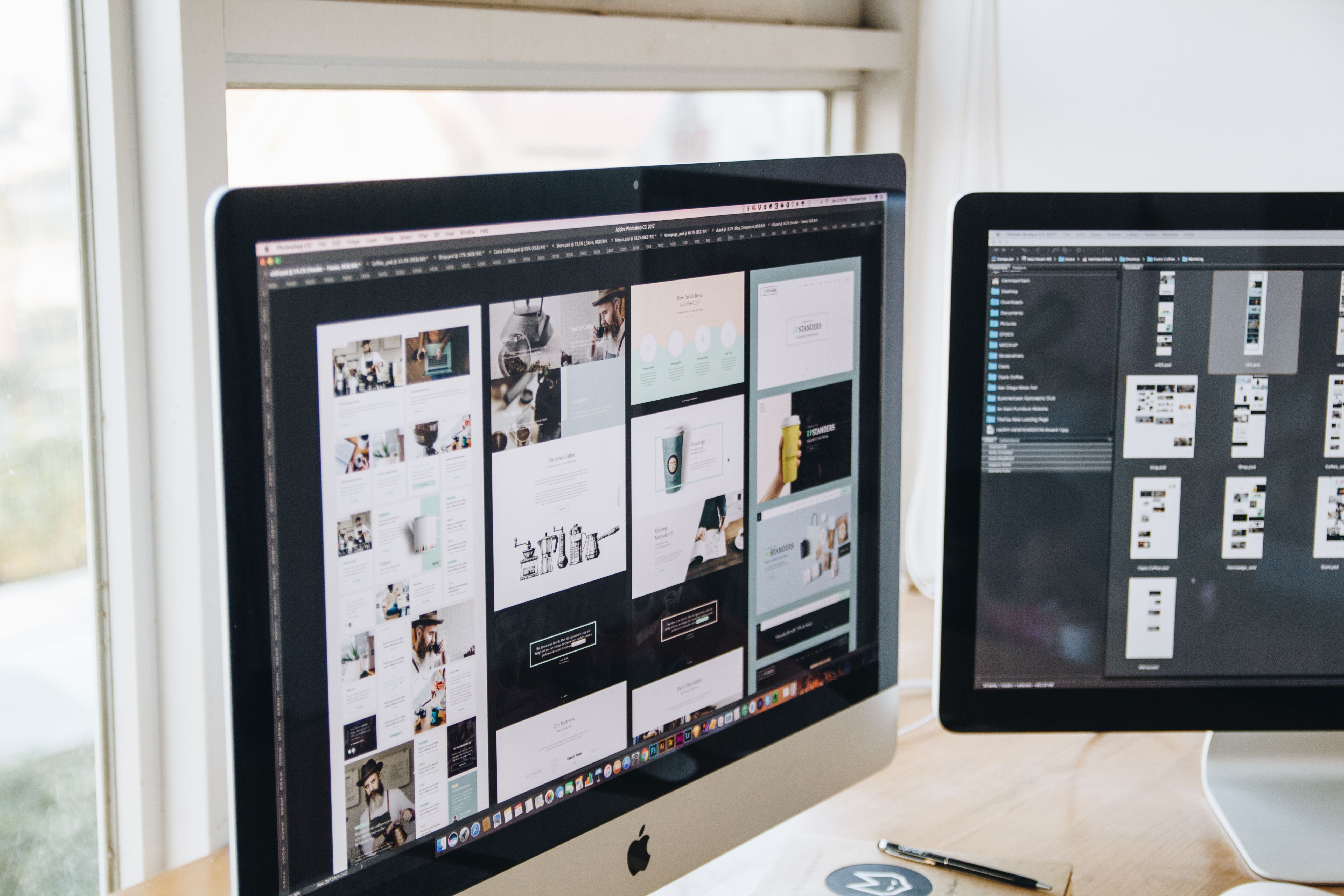
Planning a website redesign is not only about refreshing colours, fonts or layouts. It is also a chance to improve how people find, use and trust your site. When redesigns are handled well, they can support SEO-friendly website design, stronger navigation, better mobile usability and a clearer path to conversion.
The best redesigns start with a practical checklist. That means reviewing structure, content, page speed, accessibility, Core Web Vitals, UX and UI before any visual changes are made. For a wider search-led approach, it can also help to begin with a free website SEO audit so you know what to protect and what to improve during the project.
Start with goals, users and site priorities
Before changing a single page, define why the redesign is happening. Common reasons include outdated design, poor mobile performance, weak lead generation, confusing navigation or a content structure that no longer matches the business. Clear goals help the team make better design choices and avoid changes that look modern but reduce usability.
Think about the primary users as well. A business website may need to build trust and explain services clearly. An ecommerce site may need cleaner product pages, better filters and stronger calls to action. A blog or consultant site may need simpler reading layouts and stronger internal linking. The right redesign plan starts with the user journey, not just the homepage.
Review site structure, content layout and internal linking
A strong website structure helps visitors and search engines understand what the site is about. During a redesign, map the main sections of the site, such as home, service pages, product pages, case studies, blog content and contact pages. Check whether the current structure is logical and whether important pages are too deep in the navigation.
Page layout also matters. Headings should guide the reader, content blocks should be easy to scan and important actions should be visible without forcing people to hunt for them. Service pages, for example, often work better when they explain the offer, show benefits, answer common objections and include a clear next step. Internal linking should connect related pages naturally, helping users move between relevant content and strengthening crawlability.
If you are redesigning with content at scale, a planning document can help you decide what stays, what is rewritten and what is removed. This is also a good time to make sure key commercial pages are not buried beneath low-value content.
Design for mobile-first and responsive behaviour
Mobile-first design means planning the experience for smaller screens first, then scaling up. This approach usually leads to simpler layouts, clearer spacing and better tap targets. It also helps teams focus on what matters most on each page, rather than adding unnecessary elements that create clutter.
Responsive web design ensures the layout adapts smoothly across phones, tablets and desktops. Menus should be easy to open and close, text should remain readable without zooming and forms should be short enough to complete comfortably on mobile. Ecommerce websites should pay close attention to product galleries, filters, checkout steps and trust signals on smaller screens.
Google’s design learning resources are useful for teams who want a practical refresher on responsive and user-centred web design principles.
Improve UX, UI and conversion-focused page design
Good UX makes the site easy to use. Good UI makes it feel clear and consistent. During a redesign, review buttons, spacing, typography, contrast, forms and content hierarchy. The goal is not just to make the site attractive, but to reduce friction and help visitors understand what to do next.
Conversion-focused design works best when the page supports user intent. A service page might need proof points, FAQs and a booking button. A product page may need images, specifications, stock information and delivery details. A landing page should focus on one offer and avoid unnecessary distractions. Results will depend on traffic quality, offer strength, trust signals, copy, design quality and testing, so it is sensible to treat conversion as an ongoing process rather than a one-time design decision.
Backlink Works often covers the relationship between design, content and search visibility because a redesign affects more than appearance; it can influence how people move through the site and how easily pages are discovered.
Check website speed, Core Web Vitals and technical SEO basics
Website performance should be part of the redesign plan from the beginning. Large images, heavy scripts, poor hosting choices and complex page builders can slow pages down. This matters because speed affects user experience, mobile usability and how smoothly content loads.
Core Web Vitals are not the only performance signals that matter, but they are a useful reminder to build pages that feel fast and stable. Keep layouts lightweight, compress images, reduce unnecessary plugins and test key templates such as the homepage, service pages and product pages. WordPress website design, in particular, benefits from careful theme and plugin choices because too many add-ons can make maintenance and performance harder.
Use tools such as PageSpeed Insights to identify layout shifts, slow loading elements and other issues that may affect the experience after launch.
Plan redirects, accessibility and launch checks carefully
A redesign can change URLs, headings, image files and page templates. That means it needs a launch plan, not just a design handover. Before going live, list any pages that are moving and create redirects where needed so users and search engines can reach the correct destination. Also check that forms, navigation links and key buttons work on desktop and mobile.
Accessibility should be part of the checklist as well. Make sure text has good contrast, images have meaningful alt text where appropriate, headings follow a logical order and interactive elements can be used with a keyboard. Accessible design is not just a compliance issue; it also improves usability for more visitors.
Useful launch checks include testing menus, confirming analytics tags, reviewing page titles and meta descriptions, checking 404 pages and validating important template elements such as contact forms, product links and booking flows.
Common redesign mistakes to avoid
One common mistake is redesigning for style before structure. Another is changing URLs without redirects, which can break existing links and confuse users. Teams also sometimes replace clear navigation with visually clever menus that are harder to use.
Other issues include hiding important content behind tabs without need, adding too many animations, using weak contrast or copying competitor layouts without considering audience needs. A successful redesign should make the site easier to understand, easier to use and easier to maintain.
If you need a broader starting point for your redesign brief, the Backlink Works website is a useful place to explore SEO education and digital marketing topics that can inform planning.
Conclusion
Website redesign planning works best when it balances design, SEO and usability from the start. A practical checklist helps you protect what already performs well while improving structure, mobile experience, speed, accessibility and content clarity. Whether you are redesigning a WordPress site, an ecommerce store or a business website, the aim is the same: create a site that is easier to use, easier to understand and better prepared for search visibility and growth.
Frequently Asked Questions
Should SEO be considered before or after a website redesign?
SEO should be considered before redesign work begins. That helps you protect important pages, maintain structure and plan redirects properly.
What matters most in an SEO-friendly website redesign?
The most important factors are mobile usability, page speed, clear content structure, internal linking, accessibility and strong page templates.
How do I know if my redesign is conversion-focused?
A conversion-focused design makes the next step obvious, reduces friction and supports user intent with clear messaging, trust signals and simple forms.
Do I need to redesign every page at once?
Not always. Some sites benefit from redesigning key pages first, such as the homepage, service pages, product pages or landing pages.
- Sponsored Ad -





