
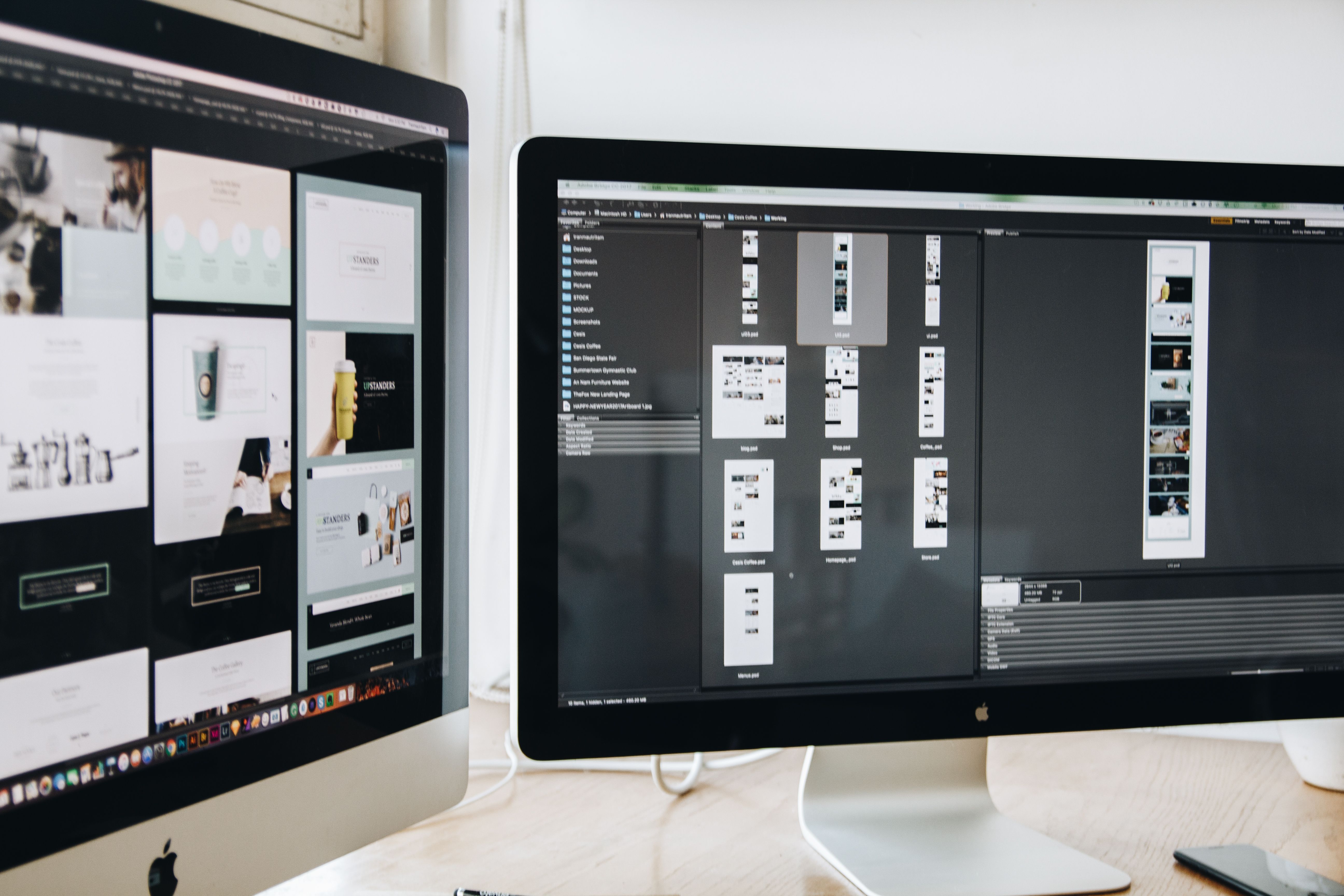
Redesigning a website is not only about giving it a newer look. A good redesign should improve how visitors find information, move through pages, and take the next step. For search visibility, it should also support crawlability, mobile usability, content structure, speed, and accessibility.
That is why an SEO-friendly website redesign strategy needs to balance design, user experience, and technical performance. When the structure is clear and the layout matches user intent, both people and search engines can understand the site more easily.
What an SEO-friendly redesign strategy really means
An SEO-friendly website redesign is a planned update to a site’s layout, navigation, templates, and content structure without losing the elements that help it perform in search. It is not just a visual refresh. It is a way to improve how pages are organised, how quickly they load, and how well users can complete tasks.
This matters for business websites, ecommerce stores, service pages, and WordPress websites alike. A redesign should support the way visitors search, browse, compare, and act. That usually means clearer page hierarchy, better internal linking, more readable content blocks, and responsive design that works well on all screen sizes.
Start with user intent, not just visual trends
Before changing colours, fonts, or page templates, review what users actually need from the site. A homepage, service page, product page, or landing page should answer a specific question or help a visitor take a clear action. If the design looks modern but hides essential information, it can weaken usability and reduce trust.
Think about the main paths people follow. A local service business may need prominent service pages, contact details, trust signals, and simple calls to action. An ecommerce brand may need strong product filtering, category navigation, and easy access to product details. A blog or publisher may need topic hubs, related content, and clear reading flow.
Useful redesigns are built around tasks, not decoration. This is where UX and UI work together: UX shapes the journey, while UI makes that journey easy to understand and use.
Build a structure that helps search engines and visitors
Website structure is one of the most important parts of a redesign. A logical hierarchy helps search engines crawl the site and helps users move between related pages without confusion. If a site grows over time without structure, it can become difficult to navigate and harder to maintain.
Keep the main navigation focused on the most important areas. Group related pages into clear categories and avoid burying key content too deeply. Service websites often work well with a simple structure such as Home, Services, About, Case Studies, Blog, and Contact. Ecommerce sites usually need clear product categories, filters, and paths back to broader collections.
Internal links should support this structure. For example, a service overview page can link to individual service pages, and those service pages can link to related articles or FAQs. If you want to review the broader SEO side of site improvements, a free website SEO audit can help identify structural issues before a redesign goes live.
Design for mobile-first and responsive behaviour
Mobile-first design is essential because many visitors will first experience your website on a phone. That means menus, buttons, text sizes, spacing, and forms should work well on smaller screens before being adapted for desktop. Responsive web design should not simply shrink a desktop page; it should reflow content into a format that is easy to use.
Large images, overloaded navigation, and crowded layouts often create friction on mobile devices. Keep key actions visible, use short form fields, and make tappable areas large enough to use comfortably. Avoid hiding important information behind interactions that are difficult to trigger on touchscreens.
On mobile, page layout matters as much as design style. Content should appear in a sensible order, with the most important message first. This is especially important on landing pages and product pages, where clarity can influence whether visitors continue browsing or leave.
Improve speed and Core Web Vitals during the redesign
Website performance should be part of the redesign process from the beginning. Heavy images, too many scripts, and unnecessary design features can slow down pages and affect Core Web Vitals. A faster site usually creates a better experience, particularly on mobile connections.
Design and development choices both matter here. Compress images, use appropriate file formats, reduce unnecessary plugins, and avoid layouts that shift unexpectedly as content loads. If the site runs on WordPress, choose a well-built theme and keep page builders and plugins under control.
Google’s guidance on performance and usability is a useful reference point, and its own PageSpeed Insights tool can help identify areas that may need attention. The goal is not to chase a perfect score, but to remove the issues that create friction for real users.
Create layouts that support clarity and conversion
Conversion-focused design is about helping visitors understand what the page is for and what to do next. That may mean booking a consultation, requesting a quote, adding a product to basket, or reading another article. The result depends on traffic quality, offer strength, trust signals, page clarity, copy, and testing.
Good content layout makes this easier. Use headings, short paragraphs, and visual spacing to separate ideas. Place primary calls to action where they feel natural in the journey. Keep forms short where possible, and make sure product pages or service pages answer practical questions such as features, benefits, pricing cues, delivery, availability, or next steps.
Trust also plays a part. Clear contact details, professional imagery, accessible design, and honest information all help visitors feel more confident. A redesigned page should not force people to guess what happens after they click.
Check accessibility, content flow, and launch readiness
Accessibility is not a separate extra; it is part of good website design. Clear contrast, readable type, logical heading order, descriptive link text, and keyboard-friendly navigation all improve usability for more people. These choices also help search engines better interpret the page structure.
Before launch, review content flow page by page. Ask whether the layout makes sense without extra explanation, whether images add value, and whether important content is easy to scan. If something is essential for SEO or sales, it should not be hidden in a confusing accordion or placed too far below the fold without a reason.
It is also wise to test forms, navigation, redirects, and analytics tracking before the new design goes live. For teams working in WordPress, design tools such as WordPress documentation can be helpful when checking templates, editor behaviour, and site settings.
Common redesign mistakes to avoid
One common mistake is changing URLs, removing pages, or rewriting navigation without a redirect plan. Another is focusing on visual style while ignoring crawlability, internal links, and page speed. Some redesigns also become too minimal, leaving visitors without enough detail to make decisions.
Avoid making pages harder to scan with large blocks of text, unclear labels, or weak hierarchy. Do not copy a competitor’s layout without considering your own audience and content needs. The best redesigns are based on user research, site data, and business goals, not on trends alone.
Conclusion
A strong website redesign strategy brings SEO and UX together. It creates a structure that is easy to crawl, simple to navigate, and comfortable to use on mobile and desktop devices. It also supports faster pages, clearer content, and a better journey from entry page to conversion point.
Whether you are redesigning a business website, ecommerce store, or service-led site, the best results usually come from planning structure before styling, prioritising speed and mobile usability, and testing real user paths before launch. Backlink Works publishes practical guidance for website growth and online visibility, and a redesign is one of the best moments to apply that thinking.
Frequently Asked Questions
What is the main goal of an SEO-friendly website redesign?
The goal is to improve usability, structure, speed, and crawlability without harming existing search visibility.
Should a redesign always change the whole website structure?
Not always. Sometimes small structural updates, better navigation, and improved page layouts are enough.
How does mobile-first design affect SEO and UX?
It helps ensure pages work well on phones, where many visitors first interact with a site, which supports usability and search performance.
What should be checked before launching a redesigned website?
Check redirects, page speed, navigation, mobile layouts, forms, accessibility, and analytics tracking before going live.
- Sponsored Ad -





