
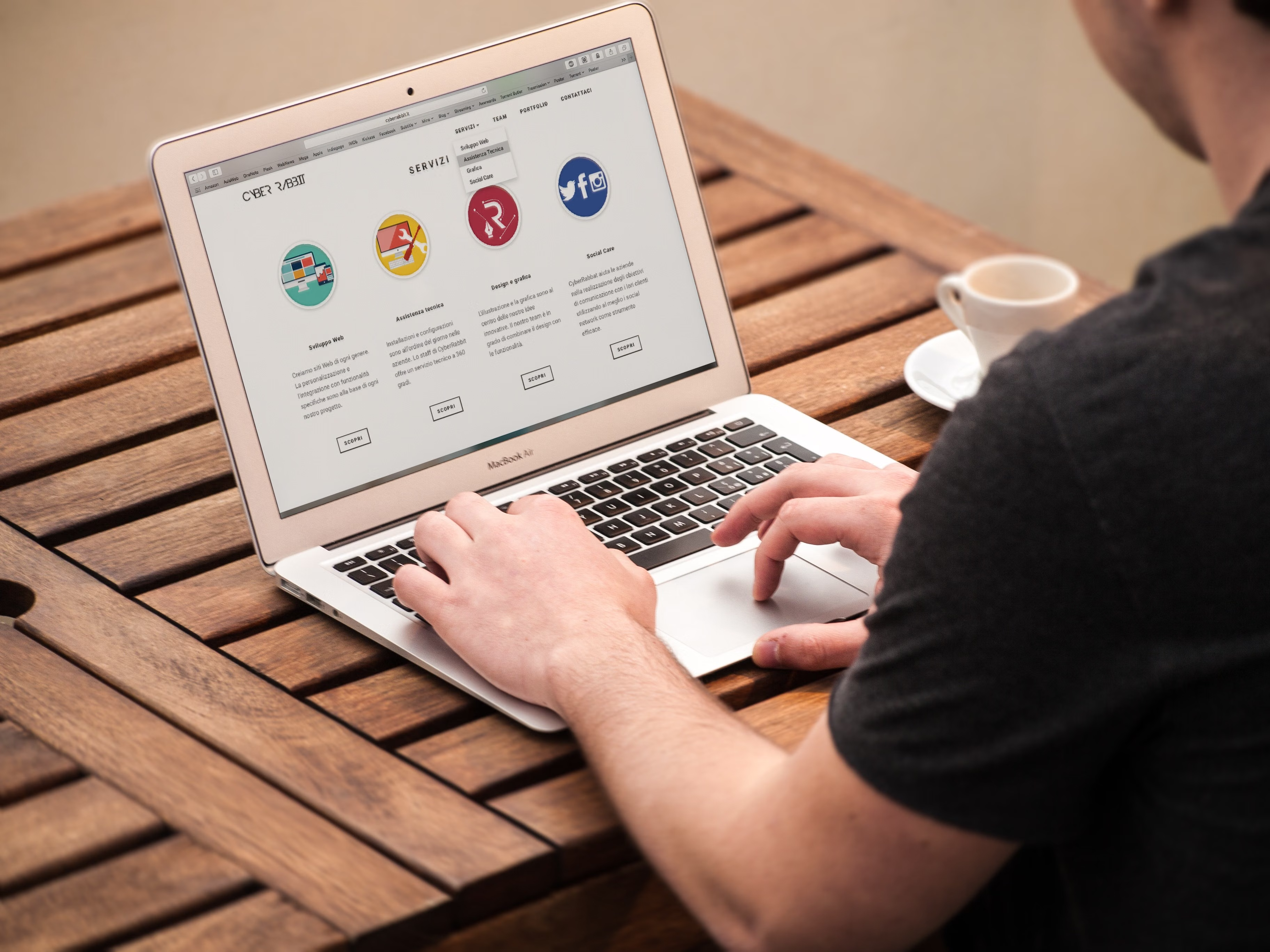
WordPress On-Page SEO Checklist: A Practical Beginner Guide starts with a simple idea: make each page clear for people and understandable for search engines. That means organising content, metadata, links, and technical settings so your site can be crawled, indexed, and navigated without unnecessary friction.
WordPress gives you a strong base, but SEO still depends on how your site is set up and maintained. A plugin can help with titles, sitemaps, canonicals, and other essentials, yet it cannot replace useful content, sensible site structure, fast pages, or ongoing checks.
Set up WordPress SEO before optimising pages
Begin with the foundations. Check that your site is publicly visible, your preferred domain version is consistent, and your permalinks are readable. In WordPress, permalinks are the URL structure for posts and pages, and a clear structure helps both users and crawlers understand what a page is about. The WordPress documentation for permalink settings explains the core options.
If you use an SEO plugin such as Yoast SEO, Rank Math, All in One SEO, or SEOPress, install only one primary plugin that manages the same core functions. Multiple full SEO plugins can create duplicate metadata, conflicting canonicals, or duplicate schema. Choose based on your site type, workflow, budget, and technical comfort, not because a plugin score looks better.
Before changing SEO settings, back up the site and confirm that your theme or page builder is not already generating titles, descriptions, or structured data in a way that could overlap with the plugin.
Check each page’s on-page essentials
On-page SEO is the work you do on the page itself. Each important page should have one clear purpose, a descriptive title tag, and a meta description that accurately summarises the content. Title tags influence how a page is presented in search results, while meta descriptions can support click-through by setting expectations. They do not guarantee rankings.
Use headings to create a logical structure. A page usually needs one main heading and supporting subheadings that reflect the content naturally. Avoid repeating the same phrase in every heading or forcing exact-match keywords where they do not fit. Search engines and readers both respond better to pages that answer a real search intent clearly.
Content quality matters more than any plugin score. SEO plugins often provide readability or optimisation guidance, but those scores are only writing aids. Review whether the page answers the query completely, includes useful examples, and avoids unnecessary duplication with other pages on your site.
Manage internal links, images, and canonical URLs
Internal links help visitors move between related pages and help crawlers discover content. Use descriptive anchor text that tells readers where the link goes. For example, a blog post about technical SEO might link naturally to a page on checking website SEO issues with a free audit if that genuinely supports the topic. Avoid automated internal-link tools that add too many repetitive links.
Images also need attention. Give files descriptive names, use alternative text where the image adds meaning, and compress images so they are suitable for the page layout. Alternative text should describe the image, not act as a keyword dump. Decorative images may not need descriptive alt text at all.
Canonical URLs tell search engines which version of a page is preferred when similar URLs exist. A canonical tag is a signal, not a command, and it can be overridden by other signals. Check the rendered page source after publishing, especially if your theme, SEO plugin, or custom code may also output canonicals.
Cover technical SEO basics: crawlability, sitemaps, robots, and redirects
Crawling is when search engines discover pages; indexing is when they decide whether a page should be stored and shown in search. A page can be crawlable without being indexed, so do not assume that visibility in one area means visibility everywhere. Google’s overview of crawling and indexing is a useful official reference for these concepts.
XML sitemaps help search engines find preferred URLs more efficiently. WordPress core or an SEO plugin may generate one, but a sitemap does not guarantee indexing. Include useful, canonical pages only, and avoid loading it with redirects, noindex pages, thin archives, or staging URLs.
Robots.txt controls crawler access, but it does not directly remove a page from search results. If a page needs to disappear, consider the full picture: internal links, canonical tags, noindex directives, and whether the page should be redirected or kept live. Test any robots change carefully, because blocking a page can also stop crawlers seeing a noindex tag.
Redirects are important after URL changes. Use a permanent redirect for a page that has moved permanently, and map each old URL to the closest relevant replacement. Avoid redirect chains, loops, and mass-redirecting deleted content to the homepage. Broken internal links and badly planned redirects can waste crawl effort and frustrate users.
Think about speed, mobile usability, and special site types
Core Web Vitals are user-experience metrics that include Largest Contentful Paint, Interaction to Next Paint, and Cumulative Layout Shift. They do not replace content quality, but they do reflect how quickly a page becomes usable and how stable it feels. Speed issues may come from hosting, large images, page builders, fonts, scripts, or too many plugins.
Test performance changes on a staging site where possible, and compare results carefully because different tools can report different measurements. If you use caching or optimisation plugins, avoid stacking multiple tools that do the same job. Not every website needs aggressive optimisation, and not every score should be chased at the expense of design, accessibility, or tracking.
For WooCommerce SEO, keep product pages focused on product intent, optimise category pages where helpful, and be careful with filtered URLs and faceted navigation. Product schema, stock handling, internal links, and image quality can all matter, but cart and checkout functions should remain reliable. For local SEO, make business details, service pages, and contact information consistent and genuinely useful. For multilingual sites, use accurate translations, sensible URL structure, and carefully planned canonical and language signals.
Review analytics, Search Console, and security after changes
After making SEO updates, monitor performance in Google Search Console and Google Analytics 4. These tools measure different things: Search Console focuses on search performance and indexing-related signals, while Analytics focuses on site behaviour and conversions. Use them together, but do not treat clicks, impressions, sessions, and rankings as the same metric.
Search Console can help you spot crawl issues, indexing exclusions, and structured data problems, but it does not guarantee inclusion in search results. A URL inspection can be informative, yet discovery, crawling, indexing, and ranking are separate stages. If you change titles, permalinks, themes, or plugins, review affected pages over time rather than expecting instant results.
Security also affects SEO maintenance. Malware, hacked redirects, and spam pages can damage trust and create indexing issues. Keep WordPress core, themes, and plugins updated, use strong passwords, limit access where appropriate, and back up regularly. If you are planning a wider site review, a structured content and link check can be part of a broader website growth and backlink strategy process alongside on-page work.
Conclusion
A practical WordPress SEO checklist is less about tricks and more about consistency. Make each page useful, technically accessible, and easy to navigate. Check titles, descriptions, URLs, internal links, images, canonicals, sitemaps, redirects, and performance, then keep reviewing them as the site grows. The strongest results usually come from a good setup, useful content, and ongoing maintenance rather than one-time plugin changes.
For teams that want a broader picture of content, links, and technical issues, a WordPress SEO education and audit resource can support planning alongside your own testing and review process.
Frequently Asked Questions
Do I need an SEO plugin for WordPress?
Not every site needs one, but many site owners find an SEO plugin helpful for titles, meta descriptions, sitemaps, and basic guidance. Use one primary plugin only, and choose it based on your workflow and technical needs.
Does a green SEO score mean my page will rank better?
No. Plugin scores are writing and configuration aids, not search-engine ranking guarantees. They can help you catch missing basics, but content quality and technical health still matter most.
Should I index every category and tag archive?
No. Index only archives that add genuine value for users and searchers. Thin or repetitive archives can create duplication without improving discovery.
What should I check after changing permalinks or migrating a site?
Review redirects, canonicals, internal links, XML sitemaps, robots settings, and Search Console reports. Also check that important pages still load correctly and that old URLs point to relevant replacements.
- Sponsored Ad -





