
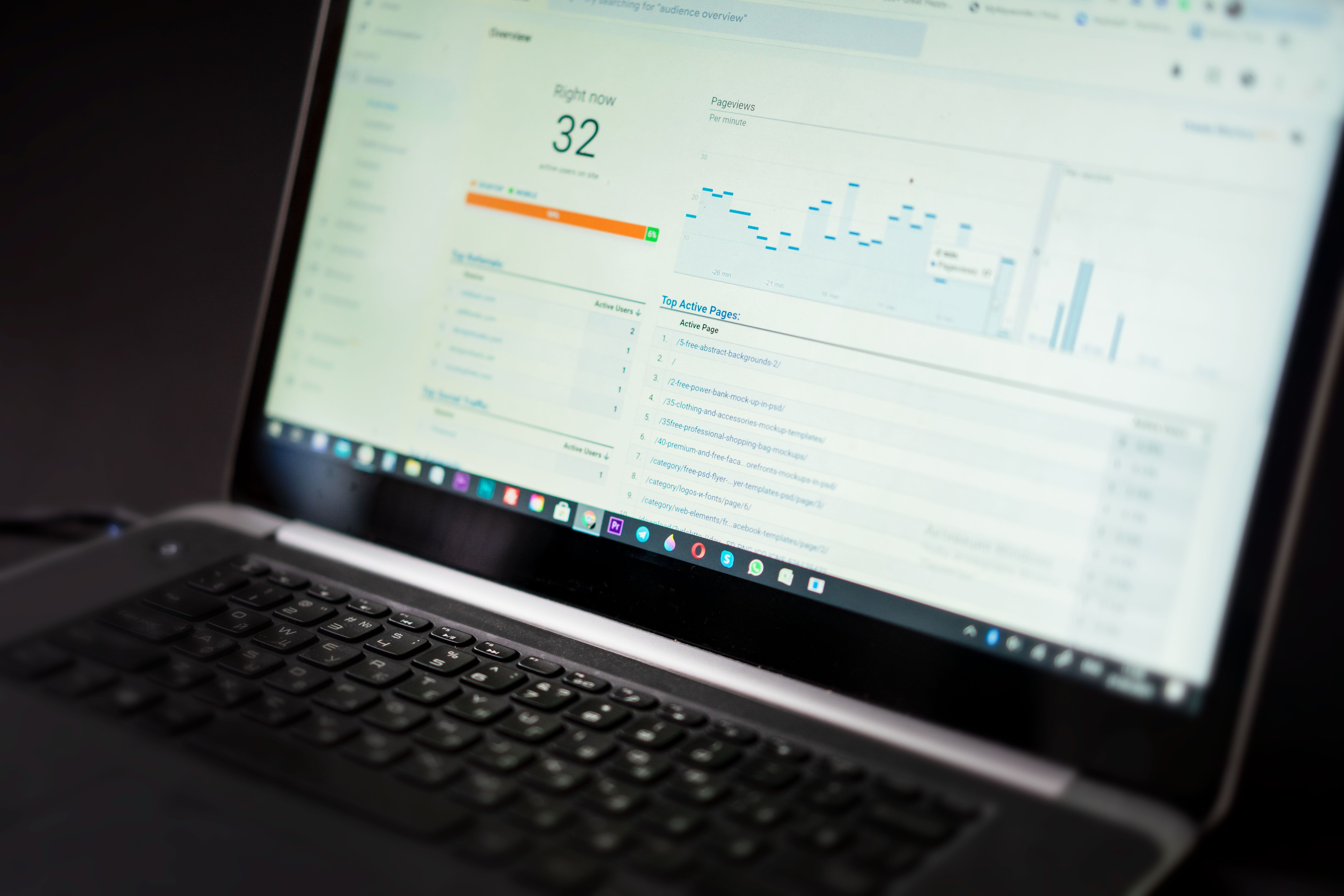
WordPress On-Page SEO Checklist: Titles, Meta Descriptions & URLs starts with getting the basics right on each page. That means choosing a clear page purpose, writing a useful title tag, crafting a sensible meta description, and making sure the URL structure supports both users and search engines.
These elements sit within a wider WordPress SEO setup that also includes content quality, internal linking, crawlability, indexing, and technical maintenance. A good checklist helps you make practical changes without relying on plugins alone or chasing scores that do not guarantee visibility.
Start with page purpose and search intent
Before editing titles or permalinks, decide what the page is actually for. A blog post, product page, service page, category archive, and location page all serve different search intent. If the page purpose is unclear, the title and URL are likely to be vague or duplicated.
For WordPress SEO, each important page should answer one clear need. A post about WordPress security should not be optimised like a local landing page, and a product page should not read like a general blog article. This simple planning step reduces overlap and makes on-page optimisation easier to manage later.
If you are still shaping your content approach, it can help to align it with broader SEO education and backlink strategy resources such as a free website SEO audit, especially when you want a structured view of content gaps, metadata issues, and internal linking opportunities.
Write title tags that describe the page accurately
The title tag is one of the most important on-page signals because it appears in search results and browser tabs. A good title tag should describe the page clearly, match search intent, and set realistic expectations. It should not be written only for a plugin score or stuffed with repeated phrases.
Keep titles readable and specific. For example, “WordPress Permalinks: Best Practices for SEO-Friendly URLs” is clearer than a generic title like “SEO Tips for WordPress”. The second version gives users and search engines less context.
WordPress SEO plugins such as Yoast SEO, Rank Math, All in One SEO, and SEOPress can help you manage title templates and page-level titles, but the plugin does not decide whether the title is strong. The final choice still depends on content quality, audience needs, and how the page fits into your site structure.
Practical title tag checklist
Check that each important page has one unique title tag, the topic is specific, and the wording matches the actual content. Avoid duplicating the same title across several posts or product pages. If a page targets a branded query, include the brand naturally rather than forcing it into every title.
Use meta descriptions as a concise summary
Meta descriptions are short page summaries that may appear under the title in search results. They do not directly guarantee rankings, but they can influence how well a result communicates relevance to a searcher. That makes them useful for clarifying the page value.
Write meta descriptions in plain language and keep them closely related to the visible content. A good description usually explains what the page covers, who it is for, or what problem it solves. For ecommerce pages, that may mean highlighting product details or category benefits. For informational content, it may mean summarising the answer or approach.
Avoid repeating the title tag word for word. Also avoid vague marketing phrases that say little about the page itself. If you use a plugin to manage descriptions, treat its field as a writing aid, not an automatic optimisation tool. Search engines may rewrite snippets when they think another text better matches the query.
Structure URLs for clarity and crawlability
Clean URLs make a site easier to navigate and can help both users and crawlers understand where a page fits. In WordPress, permalinks can usually be adjusted in the settings area, but changes should be made carefully because URL changes can affect internal links, canonicals, redirects, and indexing.
Prefer short, descriptive URLs that reflect the page topic. Keep them consistent across your site where possible. For instance, a URL based on the article topic is usually easier to maintain than one filled with dates, numbers, or unnecessary words.
If you change permalink settings, back up the site first and check whether old URLs need permanent redirects. The official WordPress guidance on the Permalinks settings screen is a useful reference before making structural changes.
URL mistakes to avoid
Do not create multiple versions of the same page with slightly different URL formats. Avoid redirecting every removed page to the homepage, since that usually weakens relevance. Also avoid changing URLs without checking menus, internal links, XML sitemaps, and canonical tags.
Support metadata with technical SEO basics
Titles, descriptions, and URLs work best when the technical foundation is sound. Search engines need to crawl pages, understand their purpose, and decide whether to index them. Crawling means a search engine can access the page; indexing means it may store the page for possible search display. One does not automatically lead to the other.
Check your XML sitemap, robots.txt rules, canonical URLs, and redirect setup before and after changes. XML sitemaps help discovery of preferred URLs, but they do not force indexing. Robots.txt controls crawler access, but it is not a removal tool for already indexed pages. Canonical tags are signals about the preferred version of similar pages, not absolute instructions.
Google Search Console can help you review discovered URLs, coverage, and indexing signals, although report names and interfaces can change over time. The Google Search documentation on crawling and indexing is a reliable starting point for understanding these relationships.
When WordPress plugins help, and when they do not
SEO plugins can support titles, meta descriptions, canonicals, sitemaps, and social metadata, depending on the tool and your configuration. They are useful for managing metadata at scale, but they do not replace editorial judgement, technical maintenance, or original content.
Usually, one primary SEO plugin is enough. Running multiple full SEO plugins can cause duplicate metadata, conflicting canonicals, repeated schema, or sitemap overlap. If you switch plugins, review the rendered page source after migration and test the site in Search Console.
Apply the checklist to content, links, and media
On-page SEO extends beyond metadata. Use descriptive headings, write content that answers the query properly, and add internal links where they genuinely help the reader continue. Internal links assist users and crawlers in finding related pages, and natural anchor text gives better context than repeated keyword phrases.
Image SEO also matters. Use meaningful filenames, relevant alt text, and compressed images that load efficiently. Alternative text should describe the image for accessibility first; it should not be used as a place to force keywords. For ecommerce and content-heavy sites, image dimensions, responsive delivery, and modern file formats can also affect performance and usability.
Website speed and Core Web Vitals should be considered alongside metadata. Hosting, caching, page builders, scripts, fonts, and large media files can affect user experience. If you are checking performance, do not chase a single score at the expense of functionality or accessibility. For deeper technical work, a structured backlink building process can sit alongside on-page improvements as part of a broader visibility strategy, rather than replacing them.
Conclusion
A practical WordPress on-page SEO checklist starts with clear titles, accurate meta descriptions, and sensible URLs, then expands into content quality, internal linking, technical SEO, and ongoing maintenance. The safest approach is to make one change at a time, test it, and confirm that it fits the site’s structure and goals.
Whether you manage a blog, business website, WooCommerce store, or multilingual site, the best results come from balancing user needs with clean technical setup. If your pages are important to the business, keep reviewing metadata, redirects, indexing signals, and site health as part of routine SEO maintenance rather than treating on-page work as a one-time task.
Frequently Asked Questions
Do meta descriptions directly improve rankings?
No. Meta descriptions do not directly guarantee better rankings, but they can help explain the page more clearly in search results and may support click-through behaviour.
Should I include the exact keyword in every title tag?
Not necessarily. The title should match the page topic and search intent naturally. Exact-match wording can be useful when it reads well, but forcing it into every title can make titles awkward or repetitive.
How often should I change WordPress URLs?
Only when there is a clear reason, such as a site restructure or permalink clean-up. Frequent URL changes can create redirect work, broken links, and indexing confusion.
Can one SEO plugin handle titles, descriptions, and sitemaps?
Yes, many SEO plugins can manage those basics. The key is to use one primary SEO plugin, configure it carefully, and check that its settings do not conflict with your theme or other plugins.
- Sponsored Ad -





