
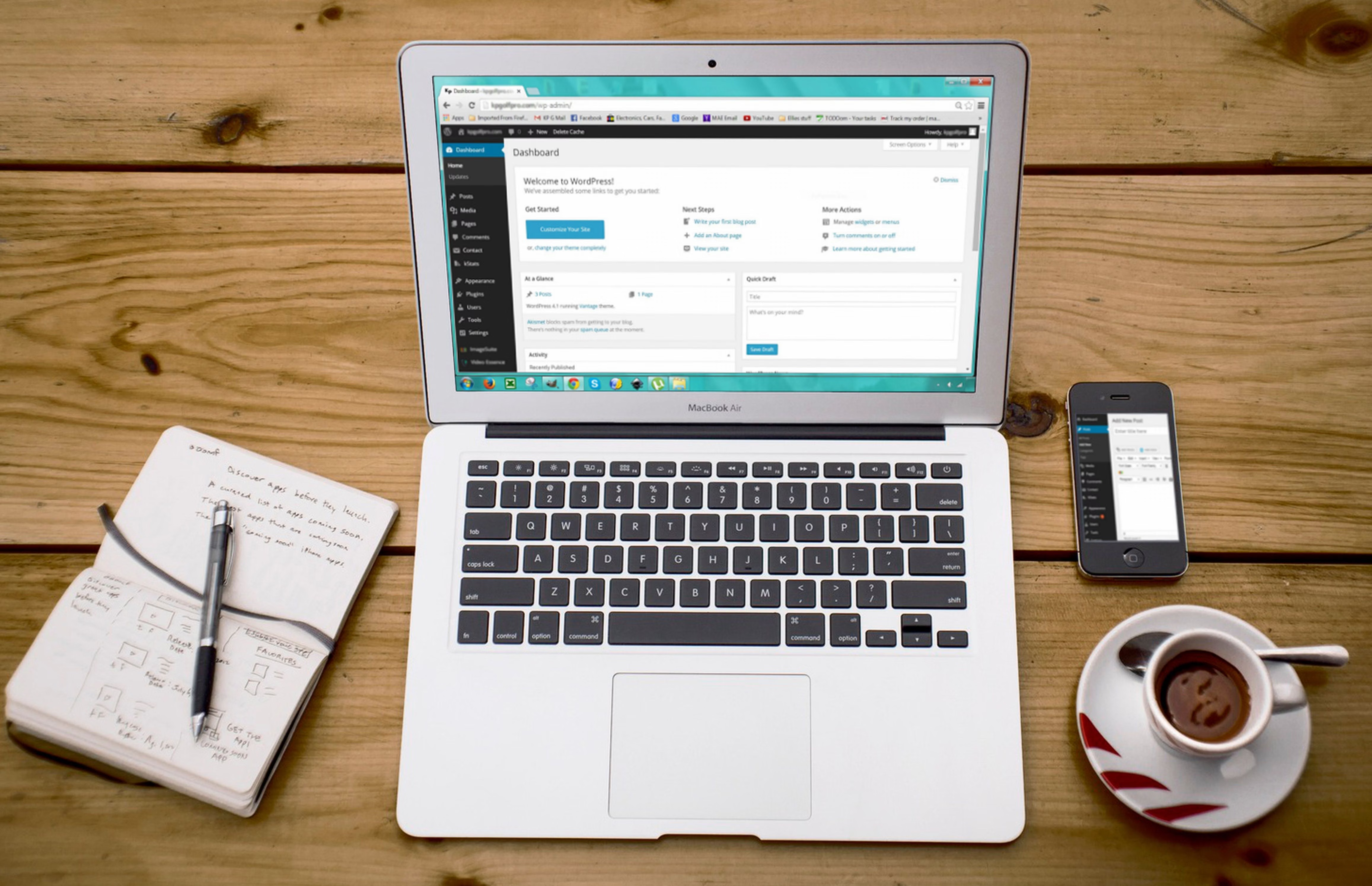
WordPress SEO Checklist: Fix Indexing, Crawlability, and Canonicals is best approached as a technical and editorial review rather than a quick plugin install. If search engines cannot crawl the right URLs, understand which version of a page is preferred, or reach your key content efficiently, even strong content can be harder to discover.
This checklist focuses on the practical foundations that shape WordPress search visibility: setup, metadata, internal links, sitemaps, robots controls, redirects, canonical URLs, and page quality. It is also useful for WooCommerce stores, publishers, local businesses, and multilingual sites that need a clean structure and careful maintenance.
Start with the WordPress SEO setup
Before changing anything, check how WordPress is currently configured. In the Reading and Permalinks settings, confirm that your site is using a sensible URL structure and that the site is not accidentally discouraging search engines from indexing important pages. If you have recently migrated, redesigned, or changed themes, review the live site separately from any staging copy to make sure test settings are not still active.
A single primary SEO plugin can help manage titles, meta descriptions, sitemaps, and canonical tags, but it should support your workflow rather than replace it. Whether you use Yoast SEO, Rank Math, All in One SEO, or SEOPress, compare the plugin’s options with your site type, technical needs, and editing process before enabling every feature. For core WordPress behaviour and maintenance guidance, the official WordPress documentation is a sensible reference point.
For websites with multiple authors, product pages, or custom post types, decide which content types should be indexable and which should be kept out of search. Categories and tags can be useful, but thin archives or overlapping taxonomy pages can create repetitive signals if they are left unchecked.
Check indexing, crawlability, and sitemap signals
Crawling means search engines can request a page; indexing means they may store and show that page in results. A page can be crawlable but still not indexed if it is duplicate, low value, blocked by a directive, or considered a less useful version of another URL. That is why the most useful checklist combines access, content quality, and duplication checks.
Review your XML sitemap and include only preferred URLs that are intended to be indexable. WordPress core or an SEO plugin may generate a sitemap, but adding every archive, parameter URL, or redirected page is rarely helpful. Search engines use sitemaps as discovery hints, not guarantees. The Google Search documentation on XML sitemaps explains that they help discovery, but do not force indexing.
Google Search Console is useful for checking whether pages are discovered, crawled, canonicalised, or excluded for a technical reason. The URL Inspection tool can show how Google sees a page, but it does not promise inclusion in search results. If important pages are missing, look at internal links, server responses, canonicals, robots rules, and duplication before changing anything else. You can also pair Search Console data with Google Analytics 4 to see how organic landing pages behave after changes.
Use robots.txt, meta robots, and canonicals carefully
Robots.txt controls crawler access; it does not remove a URL from the index on its own. That makes it useful for avoiding waste on low-value paths, but risky if you block pages that still need to be seen for noindex directives, canonical signals, or link discovery. Before editing robots.txt, back up the site and test the change in a controlled way.
Canonical URLs help indicate the preferred version when similar pages exist, such as product variants, filter combinations, print versions, or duplicate category paths. A canonical tag is a signal, not a command. It works best when the preferred URL is indexable, returns a 200 status, and is consistent with your internal links and sitemap. Avoid pointing canonicals to unrelated pages, redirecting URLs, or pages blocked from indexing.
If a theme, plugin, or custom code adds its own canonical tag, check the rendered page source rather than relying only on the plugin interface. Duplicate or conflicting canonicals can appear when multiple tools manage the same output. The same caution applies to meta robots tags: use noindex where appropriate, but do not treat it as a universal fix for duplication without reviewing internal linking, sitemap inclusion, and page purpose.
Audit titles, content, internal links, and media
On-page SEO still matters because search engines and users rely on clear page signals. Title tags should describe the page accurately and match search intent, while meta descriptions should support the snippet rather than act as a ranking shortcut. Headings should structure the page logically, not force keywords into every line. SEO plugin readability scores can be a writing aid, but they are not a substitute for editorial judgement.
Internal links help both visitors and crawlers find related pages. Use descriptive anchor text, link naturally within relevant copy, and make sure orphan pages are connected through contextual links rather than left hidden in a large list. Menus, breadcrumbs, category pages, and related content sections can all support discovery when used thoughtfully.
Image SEO also supports usability and crawl efficiency. Use descriptive filenames, appropriate alt text, sensible dimensions, compression, and responsive delivery. Alt text should describe the image for accessibility; it should not be used as a place to stuff extra terms. If images are central to your content, a separate image sitemap can also help discovery, but it should still point to useful and reachable assets.
Handle redirects, broken links, performance, and special site types
Redirects are essential after URL changes, but they need careful planning. Use permanent redirects for moved content and temporary redirects only when the move is short term. Map each old URL to the closest relevant replacement rather than sending everything to the homepage. Redirect chains and loops waste crawl paths and can create frustrating user journeys. If a redirect plugin is used, make sure it is not conflicting with server-level rules.
Broken internal links should be fixed as part of a regular audit because they interrupt navigation and make crawl paths less efficient. Broken external links are mainly a user experience issue, though they can still signal neglected content. After changing permalinks, themes, or page structures, re-check menus, canonical tags, XML sitemaps, and important destination pages.
Performance also affects how comfortably people use the site. Core Web Vitals focus on Largest Contentful Paint, Interaction to Next Paint, and Cumulative Layout Shift. These measurements are influenced by hosting, caching, images, fonts, JavaScript, CSS, and page builders. For deeper performance guidance, the web.dev overview of Core Web Vitals is a useful reference. Do not chase a perfect score at the expense of design, accessibility, or security.
For WooCommerce, review product pages, category pages, filters, and variations carefully because faceted navigation can create many crawlable combinations. For local SEO, make sure location pages, contact details, and business information are genuinely useful and consistent. For multilingual sites, language targeting, translated content quality, and hreflang need to be planned together, not added as an afterthought. If you are dealing with a migration or redesign, preserve valuable content and metadata, test redirects, verify canonicals, and monitor Search Console after launch.
Use an SEO audit as an ongoing maintenance process
A WordPress SEO audit is most valuable when it checks both technical and content issues together. Start with a crawl of important URLs, then compare that list with your XML sitemap, Search Console coverage, and analytics landing pages. Look for pages that are blocked, duplicated, thin, redirected, or missing from internal navigation. Then review titles, descriptions, headings, images, and schema for accuracy and consistency.
It also helps to review security and site health. Malware, hacked redirects, spam content, and downtime can harm user trust and disrupt crawling, so keep WordPress, themes, and plugins updated, use strong passwords, and maintain backups. If you want a structured place to begin, a free website SEO audit checklist can help you organise the review process without treating any single score as the final word.
Backlink Works also covers broader SEO education and link-building topics, which can be useful once your WordPress foundations are in place and you are ready to improve authority in a sustainable way.
Conclusion
WordPress SEO works best when indexing, crawlability, canonicals, content quality, and technical maintenance are handled together. No plugin or single setting can solve every issue, and no score guarantees search visibility. The strongest approach is to make sure each page has a clear purpose, a clean URL, a correct canonical, useful internal links, and a site structure that search engines and users can navigate easily.
Keep checking Search Console, analytics, and your site’s technical setup after updates, redesigns, plugin changes, or content launches. Small, consistent improvements are usually more reliable than major changes made without testing.
Frequently Asked Questions
What is the difference between crawlability and indexing?
Crawlability means search engines can access a page. Indexing means they may store it and show it in search results. A page can be crawlable without being indexed.
Should I noindex tag archives, categories, and tags in WordPress?
Not always. Some archives are useful for navigation and discovery, while others are thin or repetitive. Decide based on their value to users, search intent, and how they fit into your site structure.
Do canonical tags always stop duplicate pages from being indexed?
No. Canonicals are signals that help search engines choose a preferred version, but they do not guarantee a specific outcome. They work best when the preferred page is accessible, consistent, and internally linked.
Can an SEO plugin fix WordPress indexing problems on its own?
No. An SEO plugin can help manage technical signals, but indexing also depends on content quality, server responses, internal links, duplication, robots settings, and overall site maintenance.
- Sponsored Ad -





