
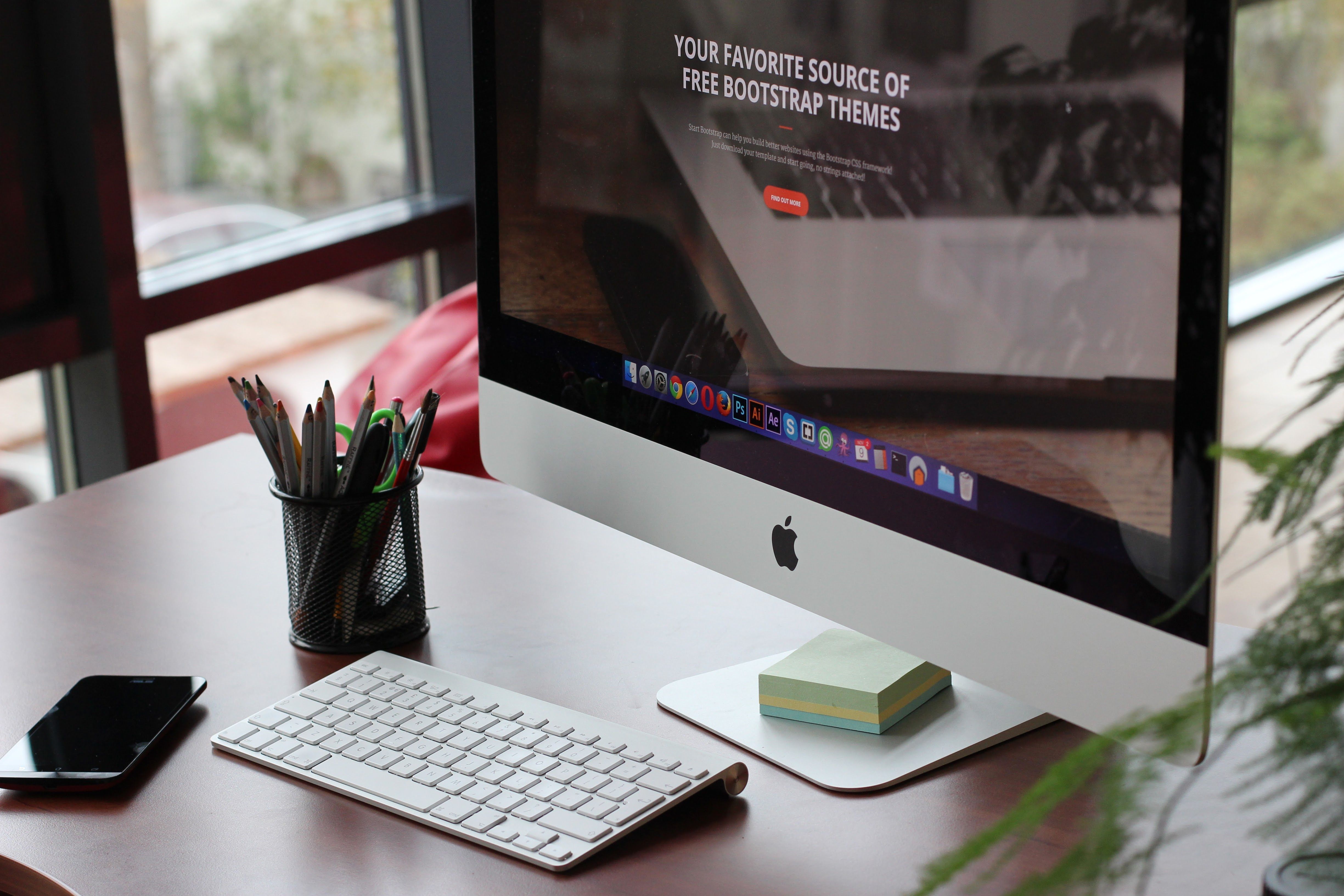
Setting up WordPress SEO properly is less about chasing quick wins and more about building a site that search engines and people can understand. In WordPress SEO Setup: A Practical Beginner Guide for Better Visibility, the aim is to make your content easier to crawl, index, and navigate while avoiding common technical mistakes that can hold a site back.
WordPress gives you a strong starting point, but it still needs careful configuration. Themes, plugins, hosting, content structure, and page speed all play a role, so the best setup depends on your site type, budget, and technical comfort rather than a one-size-fits-all formula.
Start with the basics: structure, search intent, and content focus
Before changing plugins or technical settings, define what each page should do. A blog post, service page, product page, category archive, and contact page all serve different purposes. If you make every page target the same subject, you can create duplication and weaken topical clarity.
Good keyword research helps you understand search intent, which is the reason behind a search. For example, someone searching for “WordPress SEO setup” may want a beginner checklist, while someone searching for “WooCommerce product SEO” may want product page advice. Match the page to the query rather than forcing one page to cover everything.
As you draft content, focus on helpful explanations, natural wording, and clear headings. Title tags should accurately describe the page and reflect the main topic. Meta descriptions do not guarantee rankings, but they can help users understand what the page offers before clicking.
Choose one primary SEO plugin and use it carefully
Most WordPress sites need only one main SEO plugin. Popular options include Yoast SEO, Rank Math, All in One SEO, and SEOPress. These tools can help you manage title tags, meta descriptions, XML sitemaps, schema markup, and some indexation settings, but they are guidance tools rather than ranking shortcuts.
The right choice depends on your workflow, technical needs, and support expectations. A blogger may want straightforward editing controls, while an agency or ecommerce store may need more structured options for large-scale content. Check compatibility with your theme, page builder, cache setup, and any custom code before installing anything new.
Do not run several full SEO plugins together if they duplicate the same core features. That can create conflicting canonicals, duplicate metadata, sitemap issues, or repeated schema. If you change SEO plugins, back up the site first and review titles, descriptions, robots settings, schema output, and redirects afterwards.
What to check after installing or changing a plugin
Review the rendered page source, not just the plugin panel, to confirm what is actually output on the page. Check that only the preferred pages are indexable, that canonical URLs point to the right version, and that your sitemap includes useful, canonical URLs rather than low-value duplicates.
Get the technical foundations right
Technical SEO helps search engines crawl and understand your site. Crawling means discovering pages; indexing means storing those pages in a search engine’s database. A page can be crawlable but still not indexed, especially if it is thin, duplicated, blocked, noindexed, or poorly linked.
Use permalinks that are simple and descriptive, and avoid changing them without a clear plan. If you need to edit URLs, set up permanent redirects from the old location to the closest relevant new page. Avoid redirect chains, redirect loops, and sending many old URLs to the homepage, as that often creates a poor user experience.
Robots.txt controls crawler access, but it does not directly remove a page from search results. If you need to keep something out of the index, think carefully about noindex directives, canonicals, internal links, and sitemap inclusion rather than relying on robots.txt alone. For WordPress site owners, the official WordPress Permalinks settings guide is a useful reference when planning URL changes.
Sitemaps, canonicals, and crawlability
XML sitemaps help search engines discover preferred URLs, but they do not guarantee indexing. Include pages that you want to be found, and exclude redirects, error pages, staging URLs, and other low-value or duplicate locations unless there is a clear reason to keep them.
Canonical tags help indicate the preferred version of a page when similar URLs exist. They are signals, not absolute commands, so they should align with internal links, redirects, and sitemap entries. Using consistent protocol and hostname versions also reduces confusion.
Improve on-page SEO and page experience
On-page SEO is about making a page clear and useful. Write headings that describe sections naturally, use internal links where they help readers, and keep each page focused on one main purpose. A well-structured page is easier for visitors to scan and easier for search engines to interpret.
Internal linking is especially important in WordPress because it helps users and crawlers discover related pages. Use descriptive anchor text that explains the destination, and connect related articles, product pages, categories, and service pages where it makes sense. Menus, breadcrumbs, category archives, and related-post sections can all support discovery, but they should not replace proper contextual links.
Image SEO also matters. Use descriptive filenames, sensible dimensions, compression, and meaningful alternative text where the image adds information. Decorative images do not always need descriptive alt text. If you use WordPress images heavily, the WordPress guidance on site optimisation and performance basics is a practical place to review performance-minded choices.
Core Web Vitals are user experience metrics that look at loading, responsiveness, and layout stability. In simple terms, Largest Contentful Paint measures loading of the main content, Interaction to Next Paint reflects responsiveness, and Cumulative Layout Shift measures visual movement during loading. Improve these by reviewing hosting, theme code, image delivery, scripts, fonts, and caching rather than assuming an SEO plugin can fix everything.
Handle special cases: WooCommerce, local, multilingual, and migrations
WordPress SEO becomes more complex on ecommerce, local, and multilingual sites. WooCommerce product pages should have clear titles, useful descriptions, original product information, and sensible category structure. Faceted navigation can create many URL combinations, so think carefully about which filtered pages should be crawlable or indexable.
For local SEO, make sure your contact details, service areas, and location pages are accurate and genuinely useful. Avoid creating thin city pages that differ only by place name. If your business has multiple branches, each location should have distinct, helpful content and consistent business information.
For multilingual sites, translated pages should be reviewed by humans where quality matters. Hreflang can help indicate language and regional versions, but it is not a ranking guarantee. Choose a structure that suits your site and manage canonicals carefully so that translated pages can be indexed appropriately when intended.
If you are migrating a site, redesigning, changing themes, or moving to HTTPS, create a full backup, map old URLs to the best new equivalents, test redirects, and check sitemap, canonical, and noindex settings after launch. Temporary ranking or traffic fluctuations can happen, so monitor the site rather than making rushed changes. Backlink Works offers a free website SEO audit that can help you spot technical gaps before or after a migration.
Track progress, troubleshoot issues, and keep auditing
Google Search Console and Google Analytics 4 serve different purposes. Search Console helps you understand search performance, crawling, and indexing signals, while GA4 focuses on user behaviour and conversions. Do not treat clicks, impressions, sessions, and rankings as the same thing.
Use Search Console to inspect important URLs, review sitemap status, and look for coverage or enhancement issues, but remember that the URL Inspection tool does not guarantee inclusion in search results. If a page is not performing as expected, check for technical blocks, poor internal linking, duplicate content, weak search intent match, or slow performance before changing lots of settings.
WordPress security is part of SEO maintenance too. Malware, injected spam, hacked redirects, and downtime can damage trust and visibility. Keep WordPress core, themes, and plugins updated, use strong passwords, limit access where appropriate, and back up regularly. If you need a broader safety check, the official WordPress hardening guide is a reliable starting point.
Conclusion
A practical WordPress SEO setup is built on clear content, careful technical configuration, and steady maintenance. The goal is not to optimise for plugin scores, but to make your site easier to understand, easier to use, and easier to trust.
Start with one primary SEO plugin, review your structure, improve page-level content, and monitor technical health over time. If you keep crawlability, indexing, speed, and usability in view, your WordPress site has a much stronger foundation for long-term visibility.
Frequently Asked Questions
Do I need an SEO plugin for WordPress?
Not every site needs one, but many benefit from having a single primary SEO plugin to manage titles, meta descriptions, sitemaps, and related settings more consistently.
Will an XML sitemap make my pages index automatically?
No. A sitemap helps discovery, but indexing still depends on crawlability, content quality, internal links, canonicals, and other site signals.
Should I noindex categories and tags?
Only if they do not provide real value. Useful archives can support navigation and discovery, but thin or repetitive archives may be better left out of search results.
How often should I audit WordPress SEO?
Run a basic audit regularly and after major changes such as plugin updates, redesigns, migrations, or URL changes. That helps you catch issues before they build up.
- Sponsored Ad -





