
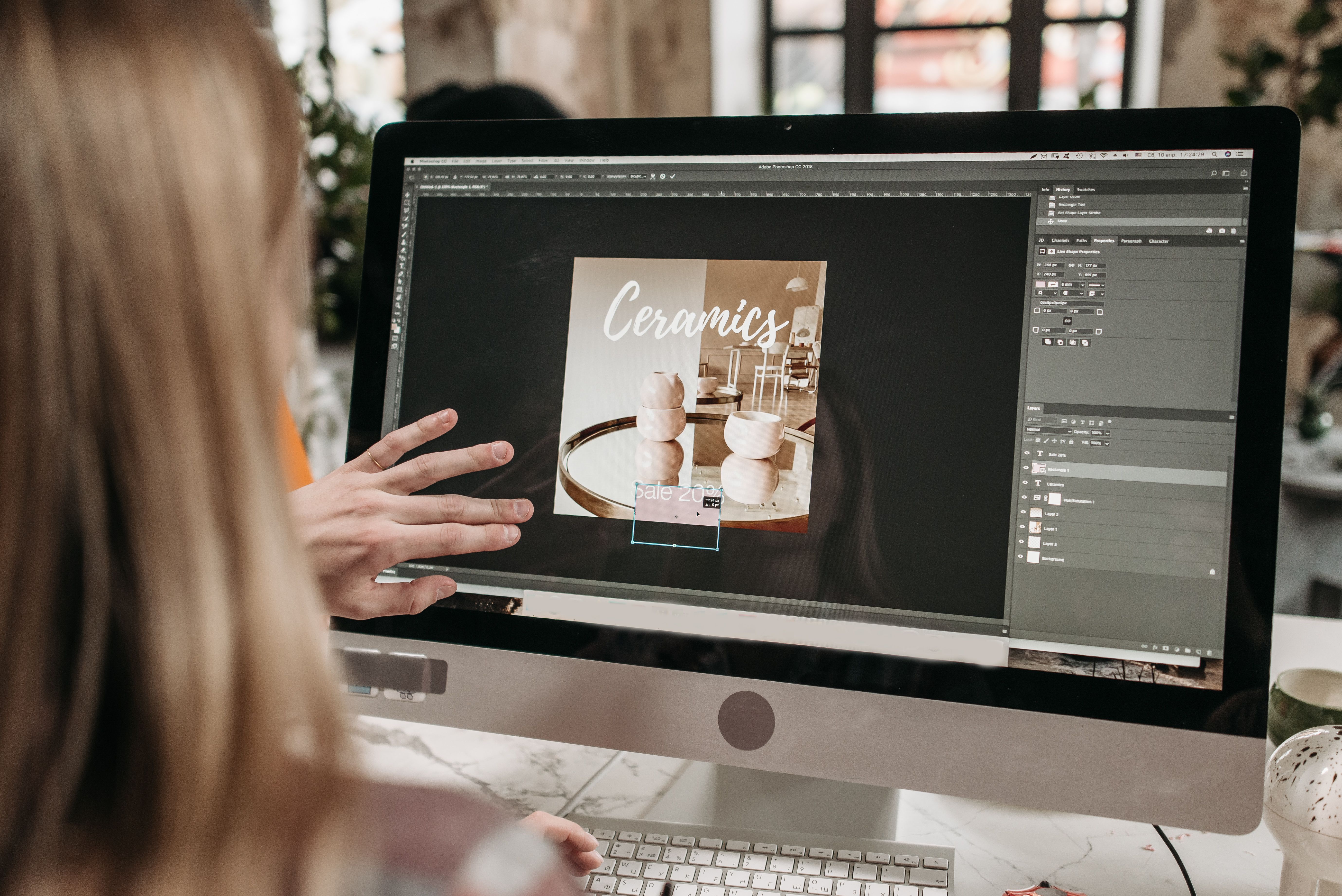
WordPress UX design is more than making a site look polished. For SEO-friendly websites, it also shapes how easily people and search engines can move through your content, understand your offers, and take action.
When done well, UX supports crawlability, mobile usability, site speed, accessibility, and clearer content structure. That can improve engagement and make it easier for visitors to find what they need, whether they are reading a blog post, browsing a service page, or comparing products.
What WordPress UX Design Means for SEO
User experience, or UX, is the way a visitor experiences your website. In WordPress, that includes the theme, navigation, page templates, typography, spacing, content hierarchy, calls to action, and the way pages behave on different devices.
For SEO-friendly website design, UX matters because search engines aim to surface pages that are useful and easy to use. A clear structure, sensible internal linking, and fast-loading pages help both people and crawlers. Good UX does not replace SEO work, but it supports it by reducing friction.
On a business site, for example, a visitor should quickly understand what the company does, who it helps, and how to get in touch. On an ecommerce site, product pages should make pricing, delivery details, stock status, and key product information easy to scan. On a blog, headings and summaries should help readers find the section they need without effort.
Start with a Responsive, Mobile-First Structure
Most WordPress websites are viewed on phones as well as desktops, so mobile-first design is a practical starting point. That means designing the most important parts of each page for smaller screens first, then enhancing the layout for larger ones.
A responsive WordPress theme should adapt the layout without hiding essential content or making users pinch and zoom. Buttons should be large enough to tap comfortably. Text should be readable without zooming. Menus should be simple, and forms should be short and easy to complete on mobile.
If your site has a service page, make sure the headline, value proposition, trust signals, and contact options appear near the top on mobile. For product pages, key details such as price, variants, and purchase actions should be visible without endless scrolling. Mobile-first design is not just a visual preference; it is part of website performance and accessibility.
Use Clear Page Layout and Content Hierarchy
Visitors scan web pages before they read them. That is why layout and hierarchy are central to UX design. A well-structured WordPress page helps people understand what matters first and what comes next.
Use one clear topic per page, supported by headings, short paragraphs, and helpful supporting sections. Keep the most important content near the top, especially on landing pages and service pages. Use subheadings to break up complex information into manageable sections.
For SEO-friendly content layout, align design with intent. A blog article may need a concise intro, a table of contents, and practical how-to sections. A homepage may need a short explanation of the business, key services, proof points, and a clear call to action. An ecommerce category page may benefit from short introductory copy above the product grid and filters that are easy to use.
When users can skim and find answers quickly, they are more likely to stay engaged. That does not guarantee conversions, but it does create a better environment for them.
Build Navigation That Supports Search and Usability
Navigation is one of the most important parts of website design. If visitors cannot find what they need, they often leave before exploring more pages. Search engines also rely on internal links and site structure to understand relationships between pages.
Keep top-level navigation focused on the pages that matter most, such as services, products, pricing, about, blog, and contact. Avoid overloading the menu with too many items. For larger websites, use logical categories and consider breadcrumb navigation where it helps users orient themselves.
Internal linking should feel natural and useful. Link from blog posts to relevant service pages, from service pages to case studies or FAQs, and from product pages to related products or guides. This helps users move deeper into the site and supports crawlability.
If you are reviewing an existing WordPress site, a free website SEO audit can help identify structural issues such as weak internal linking, poor page depth, or unclear navigation.
Prioritise Speed, Core Web Vitals, and Accessibility
Website speed is part of UX and SEO because slow pages can frustrate users and make important content harder to access. In WordPress, speed is often influenced by theme quality, image size, plugin overload, hosting, and how assets load.
Core Web Vitals are useful indicators of how a page feels in practice. They focus on loading, interactivity, and visual stability. You do not need to chase scores blindly, but you should use them as a guide when improving real user experience. Google’s PageSpeed Insights is a practical place to review performance issues.
Accessibility also matters. Use sufficient colour contrast, readable font sizes, descriptive link text, and form labels that make sense. Images should have appropriate alt text where needed. Headings should follow a logical order. These choices help users with different needs, and they also improve overall content clarity.
Simple performance habits make a difference: compress images, limit unnecessary plugins, use caching where appropriate, and avoid heavy page elements that push important content down the page.
Design for Conversions Without Hurting UX
Conversion-focused design should make it easy for users to take the next step, whether that is booking a call, making an enquiry, joining a mailing list, or buying a product. But strong UX is not about forcing action. It is about removing confusion.
Use clear calls to action that match the page intent. A service page might invite users to request a quote. A product page may need a simple add-to-cart button and supporting reassurance such as returns information or shipping details. A landing page should keep one primary goal and avoid too many competing links.
Trust signals matter as well. These may include client logos, testimonials, certifications, contact information, policy links, and transparent pricing where suitable. They should be genuine and easy to verify, not exaggerated or misleading.
For WordPress business websites and ecommerce sites, the best design often combines clarity, speed, and a calm path to action. If you are building with content and link strategy in mind, Backlink Works can be a useful reference point for broader SEO education and website growth guidance.
A Practical WordPress UX Checklist
Use this checklist when reviewing a WordPress site:
1. Is the main message clear within the first screen on mobile?
2. Can users find important pages in one or two clicks?
3. Are headings, buttons, and forms easy to read and use?
4. Do images and plugins support speed rather than slow the site down?
5. Are service pages, product pages, and blog content structured for scanning?
6. Do links help users move naturally between related pages?
These checks are not a guarantee of rankings or sales, but they help create a stronger foundation for search visibility and usability.
Conclusion
WordPress UX design is a core part of SEO-friendly website design. It brings together responsive layouts, mobile usability, page speed, accessibility, content structure, navigation, and conversion-focused thinking.
When a website is easy to understand and use, visitors can reach the right information faster. That supports better engagement, clearer communication, and a stronger overall website experience. For most businesses, the goal is not just to look good, but to help each page do its job well.
Frequently Asked Questions
What is the difference between UX design and UI design in WordPress?
UX focuses on how the site works and feels to use. UI focuses on the visual interface, such as buttons, spacing, colours, and layout styling.
How does WordPress design affect SEO?
Design affects SEO through mobile usability, page speed, internal linking, accessibility, and how clearly content is structured for users and search engines.
What is most important for an SEO-friendly WordPress homepage?
The homepage should explain what the business does, who it serves, and where users should go next. Clear navigation and a strong content hierarchy are key.
Should every WordPress page be designed the same way?
No. Service pages, product pages, landing pages, and blog posts have different goals, so their layouts should match user intent and page purpose.
- Sponsored Ad -





