
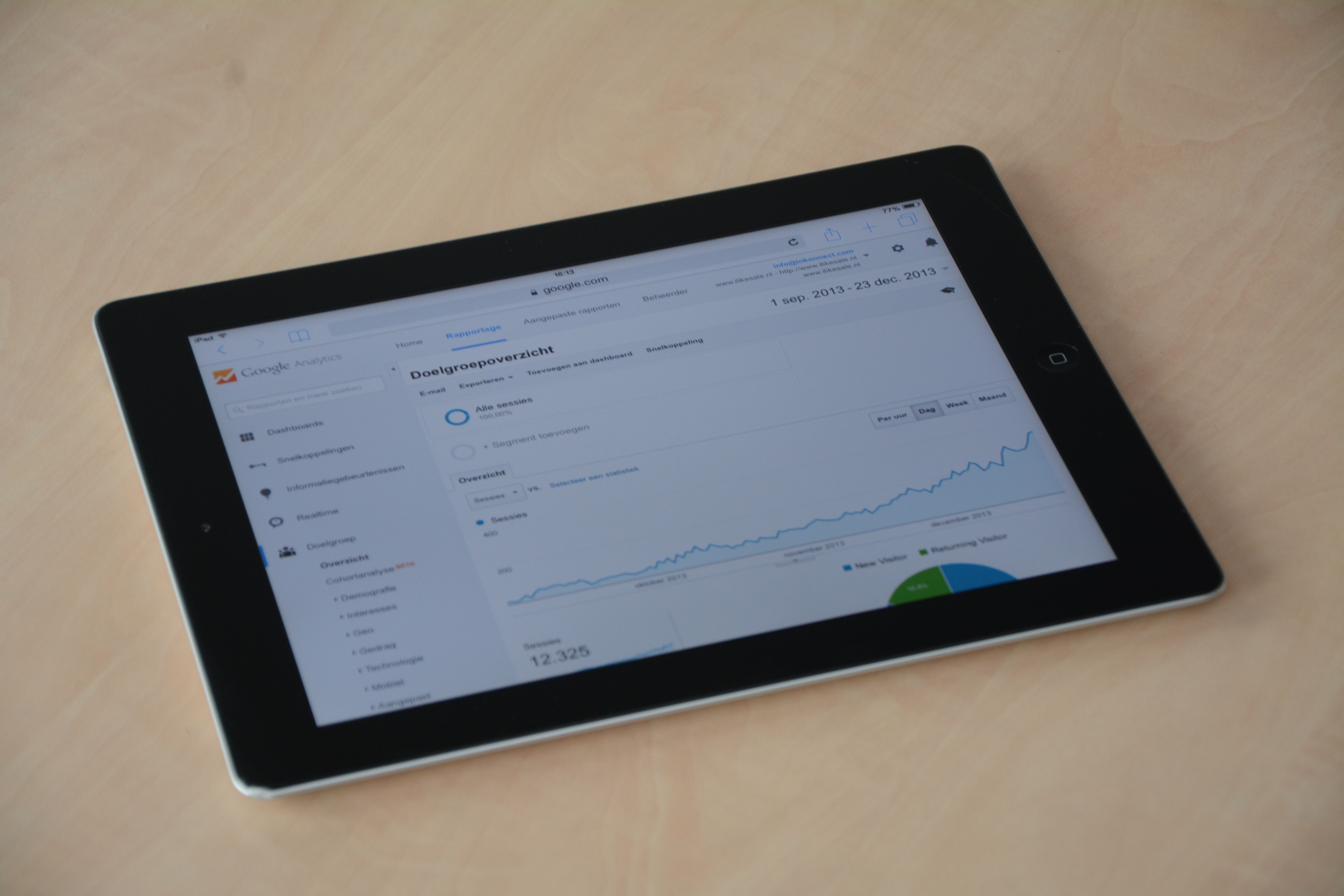
When people compare XML Sitemap Checker with Google Search Console, they are often comparing two very different parts of the SEO workflow. One tool focuses on whether your sitemap file is structured and accessible. The other gives a wider view of how Google sees your site in search.
For website owners, bloggers, ecommerce teams, and SEO professionals, the real question is not which tool is more important, but what each one can tell you. Used well, both can support technical SEO, indexing checks, and better search visibility decisions.
What an XML Sitemap Checker is used for
An XML sitemap checker is usually a specialist tool that helps you inspect a sitemap file for basic technical issues. It can help you confirm that the file exists, is readable, and includes the URLs you expect. Some tools also highlight formatting problems, broken entries, or URLs that should not be there.
This matters because a sitemap is a discovery aid, not a ranking signal on its own. It can help search engines find important pages, especially on larger sites, new sites, ecommerce stores with many product pages, or WordPress sites with frequent updates.
If you are checking a sitemap, look for practical issues such as:
- Missing key pages
- Old or removed URLs still listed
- Wrong canonical versions included
- Non-indexable pages appearing in the file
- Formatting errors that could affect crawling
What Google Search Console tells you that a sitemap checker does not
Google Search Console is a broader free SEO tool from Google that shows how your site performs in Google Search and how Googlebot interacts with your pages. It is not just a sitemap validator. It provides indexing reports, performance data, page indexing issues, manual action notices, mobile usability insights, and more.
For SEO audits, Search Console is often more valuable because it connects technical data with search performance. It can show whether pages are indexed, which queries bring clicks, and where technical problems may be limiting visibility.
For official access to the platform, use Google Search Console.
The main differences to compare
When deciding between the two, compare them by purpose rather than popularity. They serve different jobs in an SEO process.
Scope
An XML sitemap checker is narrow and focused. Google Search Console is broad and covers technical SEO, indexing, and search performance.
Data source
A sitemap checker reads the sitemap file itself. Search Console uses Google’s view of your site, so it reflects how Google has crawled or interpreted pages.
Best use case
A sitemap checker is useful before launch, after site migrations, or when you want to validate sitemap accuracy. Search Console is better for ongoing monitoring, troubleshooting indexing, and measuring search visibility.
Depth of reporting
Search Console gives more context, such as which pages are indexed and how they perform in search. A sitemap checker usually offers limited diagnostic information but can be quicker for a single technical check.
Workflow fit
SEO teams often use a sitemap checker during technical audits, alongside website crawler tools, robots.txt checks, and schema markup tools. Search Console is more often part of the day-to-day reporting stack with Google Analytics 4, rank tracking tools, and SEO reporting tools.
How to use both tools together
The most practical approach is to use them in sequence. Start with the sitemap checker to make sure the file is correct. Then use Search Console to see whether Google is actually discovering, crawling, and indexing the URLs that matter.
For example, if a product category page is in your sitemap but remains unindexed, Search Console can help you explore whether the issue is duplication, noindex tags, poor internal linking, or weak crawl signals. The sitemap checker alone would not tell you that.
This combination is also helpful for content optimisation. If a blog post is published and added to the sitemap, Search Console can show whether it starts receiving impressions. That does not guarantee performance, but it does help you make better SEO decisions.
What to check before choosing a tool
Free SEO tools are often enough for basic sitemap checks, but they can have limits. When choosing between a simple checker and Search Console, consider the following:
- Website size: small blogs may only need basic checks, while large ecommerce sites need broader monitoring
- Skill level: beginners may prefer simple validation, while SEO professionals usually need more diagnostic data
- Reporting needs: agencies and consultants often need exportable reports and trend analysis
- Platform: WordPress, Shopify, and custom sites may handle sitemaps differently
- Goal: auditing, troubleshooting, indexing, or performance tracking
For a wider technical review, a free website SEO audit can help you spot issues beyond the sitemap itself, such as indexability, metadata, links, and page structure. You can review one here: free website SEO audit.
Common mistakes and best practices
One common mistake is assuming that a valid sitemap means a site is SEO-ready. In reality, the sitemap is only one signal. Pages still need proper internal links, clean crawl paths, useful content, and good technical implementation.
Another mistake is checking Search Console only when something breaks. It works best as an ongoing monitoring tool, especially after site changes, content launches, template updates, or migrations.
Best practice is to keep your sitemap aligned with your indexable pages, exclude low-value URLs, and review Search Console regularly for indexing and performance changes. If you manage link building or broader SEO campaigns, Backlink Works can sit alongside these checks as part of a wider workflow, but it should never replace technical validation or content quality.
Conclusion
XML Sitemap Checker and Google Search Console are not competing tools in the same sense. The sitemap checker helps you validate the file. Search Console helps you understand how Google sees the site and how that affects search visibility.
If your goal is better SEO audits, cleaner indexing, and more informed optimisation decisions, use both tools together. A sitemap checker can catch structural issues early, while Search Console gives the ongoing evidence you need to refine technical SEO, content, and site performance over time.
Frequently Asked Questions
Do I need both an XML sitemap checker and Google Search Console?
Yes, in most cases. The sitemap checker validates the file, while Search Console shows how Google is handling your pages.
Can a valid sitemap improve rankings?
Not directly. A sitemap can help search engines discover pages, but rankings still depend on content quality, technical setup, relevance, and user experience.
Is Google Search Console enough for sitemap checks?
It is useful, but not always enough. A dedicated checker can help you inspect the sitemap file itself more directly.
What should small websites use first?
Start with Google Search Console and a basic sitemap checker. That gives you a practical foundation without adding unnecessary complexity.
- Sponsored Ad -





